
WayMoreIcons
I don't know my version or loader
WayMoreIcons
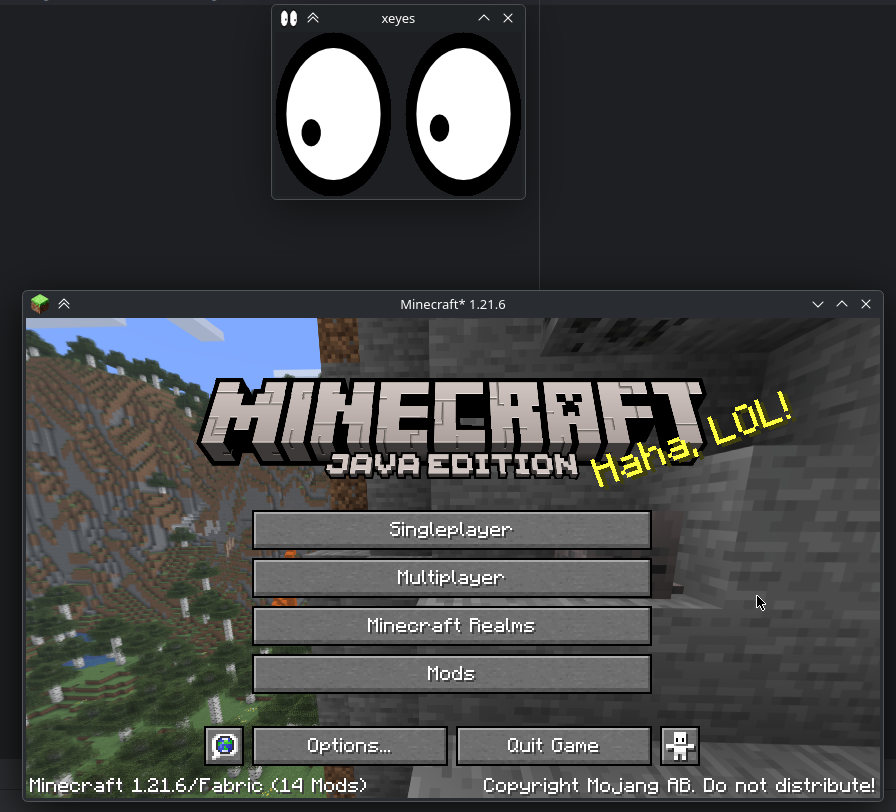
Simple mod that adds support for setting the window icon when running under Wayland.
Note
Icon assets were retrieved from the following sources:
https://mcasset.cloud/1.21.6/assets/icons/
https://mcasset.cloud/1.17.1/assets/icons/
License
Copyright (c) 2025 blucobalt luke@blucobalt.dev
This program is free software: you can redistribute it and/or modify it under the terms of the GNU Lesser General Public License as published by the Free Software Foundation, either version 3 of the License, or (at your option) any later version.
This program is distributed in the hope that it will be useful, but WITHOUT ANY WARRANTY; without even the implied warranty of MERCHANTABILITY or FITNESS FOR A PARTICULAR PURPOSE. See the GNU General Public License for more details.
You should have received a copy of the GNU Lesser General Public License and a copy of GNU General Public License along with this program. If not, see http://www.gnu.org/licenses/ You should have received a copy of the GNU Lesser General Public License along with realmsfix. If not, see http://www.gnu.org/licenses/.
Modpacks / etc
Feel free to use this mod in any way, as long as you give credit and follow the license above. This could mean linking to the Modrinth page, or something among those lines.
Or don't! You have free will. (But I would appreciate it if you did.)
- Edition: Minecraft Java
- File type: .jar
- Minecraft versions listed: 1.20.5, 1.20.6, 1.21
- How to install: Install the matching mod loader (Forge, Fabric or NeoForge) for your Minecraft version. → Download the .jar. → Put it in the .minecraft/mods folder and launch that loader profile.
- Where to get it: Opens on Modrinth — not every file is mirrored on our own servers.
Install steps are the general flow for this file type — How to install Minecraft Java mods & modpacks walks through it step by step.
- Ships as waymoreicons-1.1.0.jar — drop this file into the mods folder
- Download size: 99 KB
- Download link checked 31 Aug 2026 — working
These come from our own check of the pack file, not from the source page.