
Loot Aura
Stop losing your stuff.
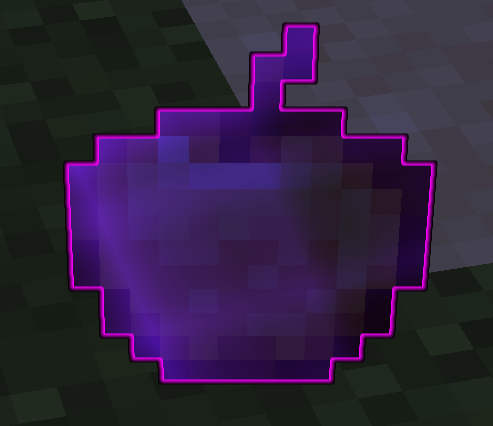
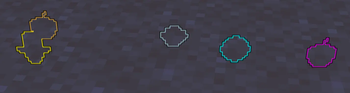
Loot Aura is a simple client-side mod that outlines dropped items so you can actually see them. Useful for finding Totems, Pearls, or that one piece of gear you dropped in the tall grass.

Features
- Custom Colors: Set any color for any item.
- In-Game Config: Press H to open the menu. No need to restart the game.
- Defaults: Comes set up for Totems (Gold), Golden Apples (Yellow), and Ender Pearls (Cyan).
- Lightweight: It's just a renderer tweak, so it won't lag your game.
Installation
- Drop the
.jarinto yourmodsfolder. - Make sure you have Fabric API.
- (Optional) Install Mod Menu if you want to access the settings from the pause screen.
Config
Default keybind is H. You can change the highlighted items and their colors directly in the menu.
Author: Samuzx
Quick facts
- Edition: Minecraft Java
- File type: .jar
- Minecraft versions listed: 1.21.8, 1.21.9, 1.21.10
- How to install: Install the matching mod loader (Forge, Fabric or NeoForge) for your Minecraft version. → Download the .jar. → Put it in the .minecraft/mods folder and launch that loader profile.
- Where to get it: Opens on Modrinth — not every file is mirrored on our own servers.
Install steps are the general flow for this file type — How to install Minecraft Java mods & modpacks walks through it step by step.
Verified by MCModsHub
- Ships as loot-aura-1.0.0.jar — drop this file into the mods folder
- Download size: 26 KB
- Download link checked 31 Aug 2026 — working
These come from our own check of the pack file, not from the source page.