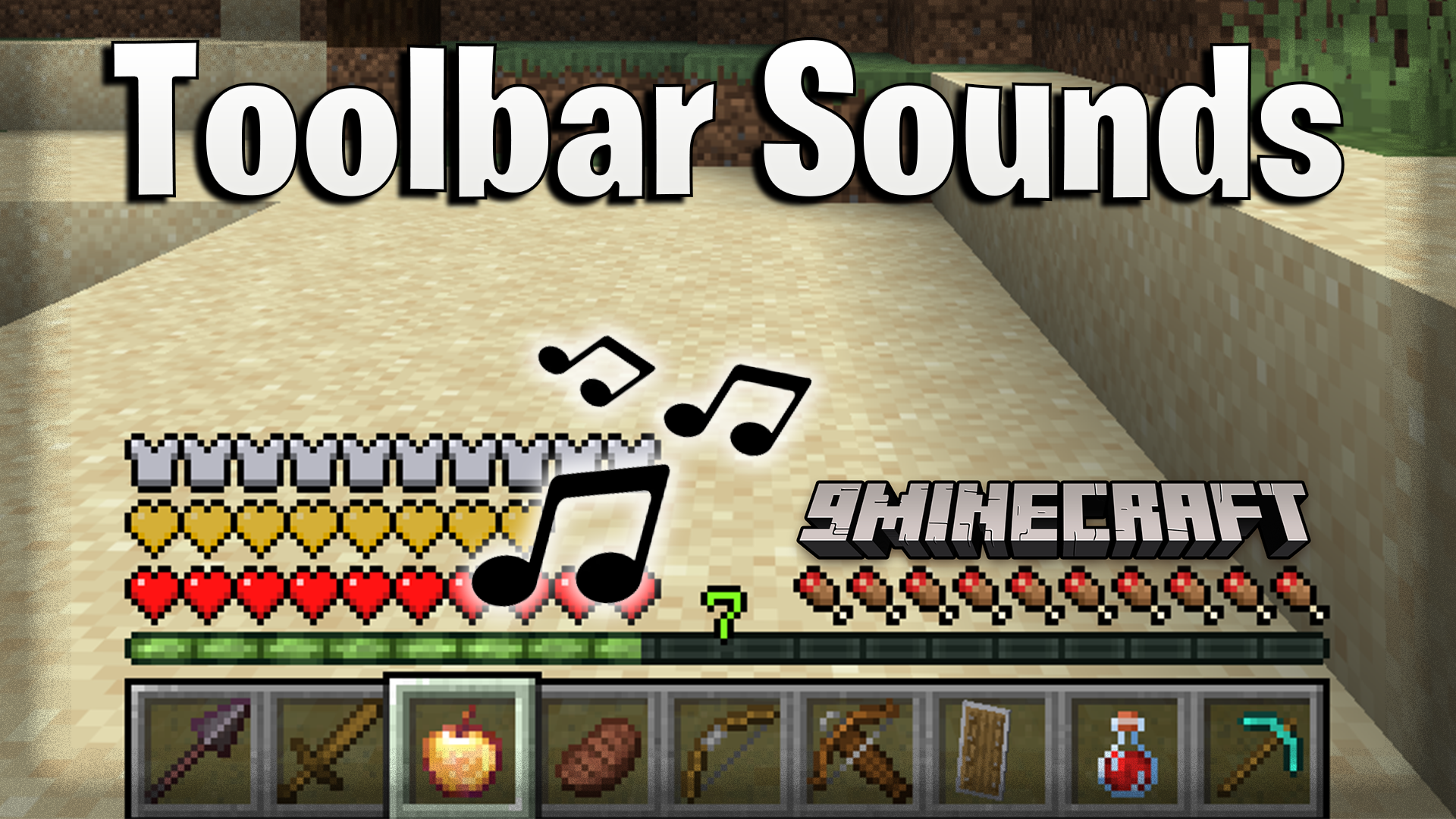
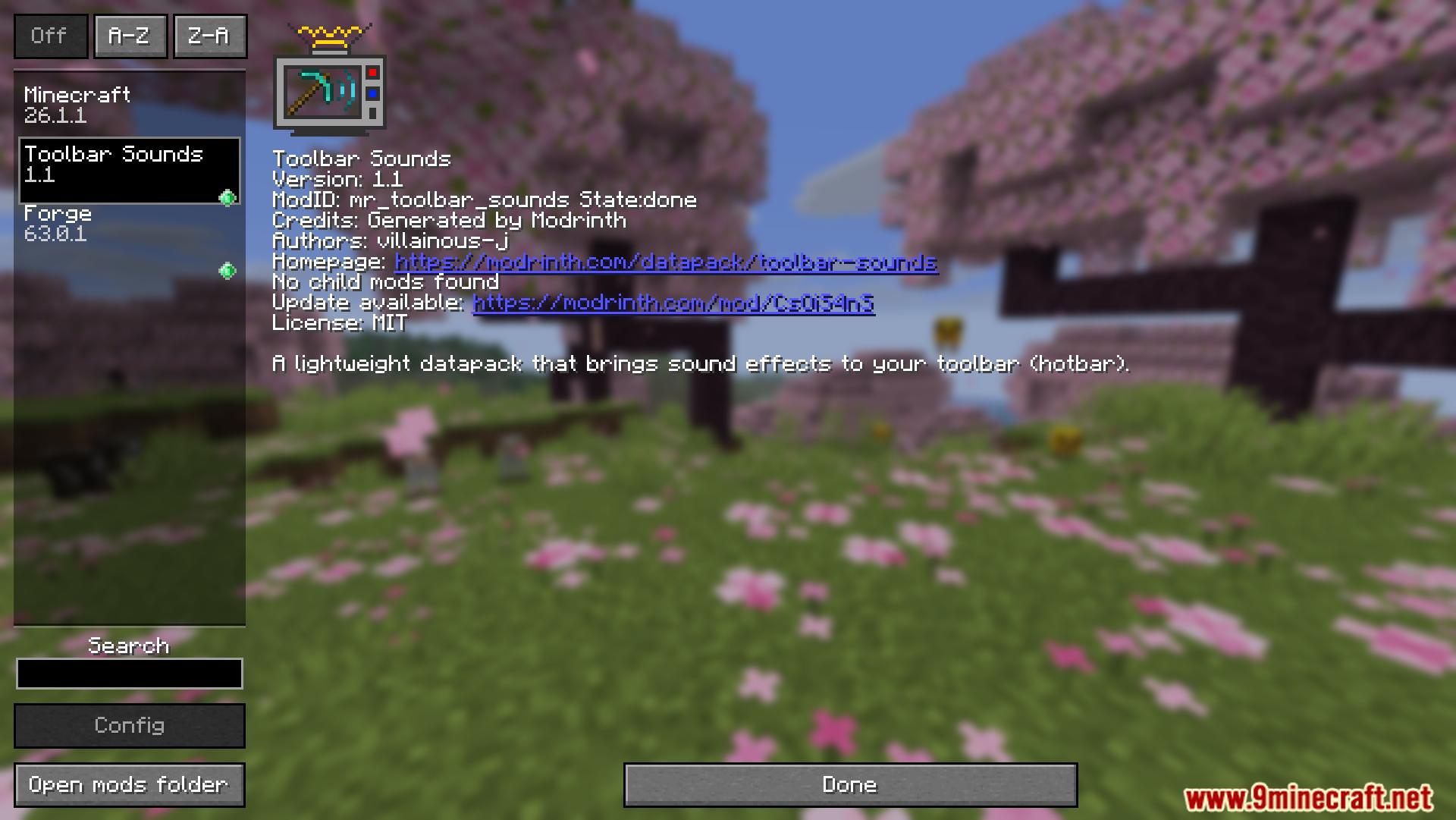
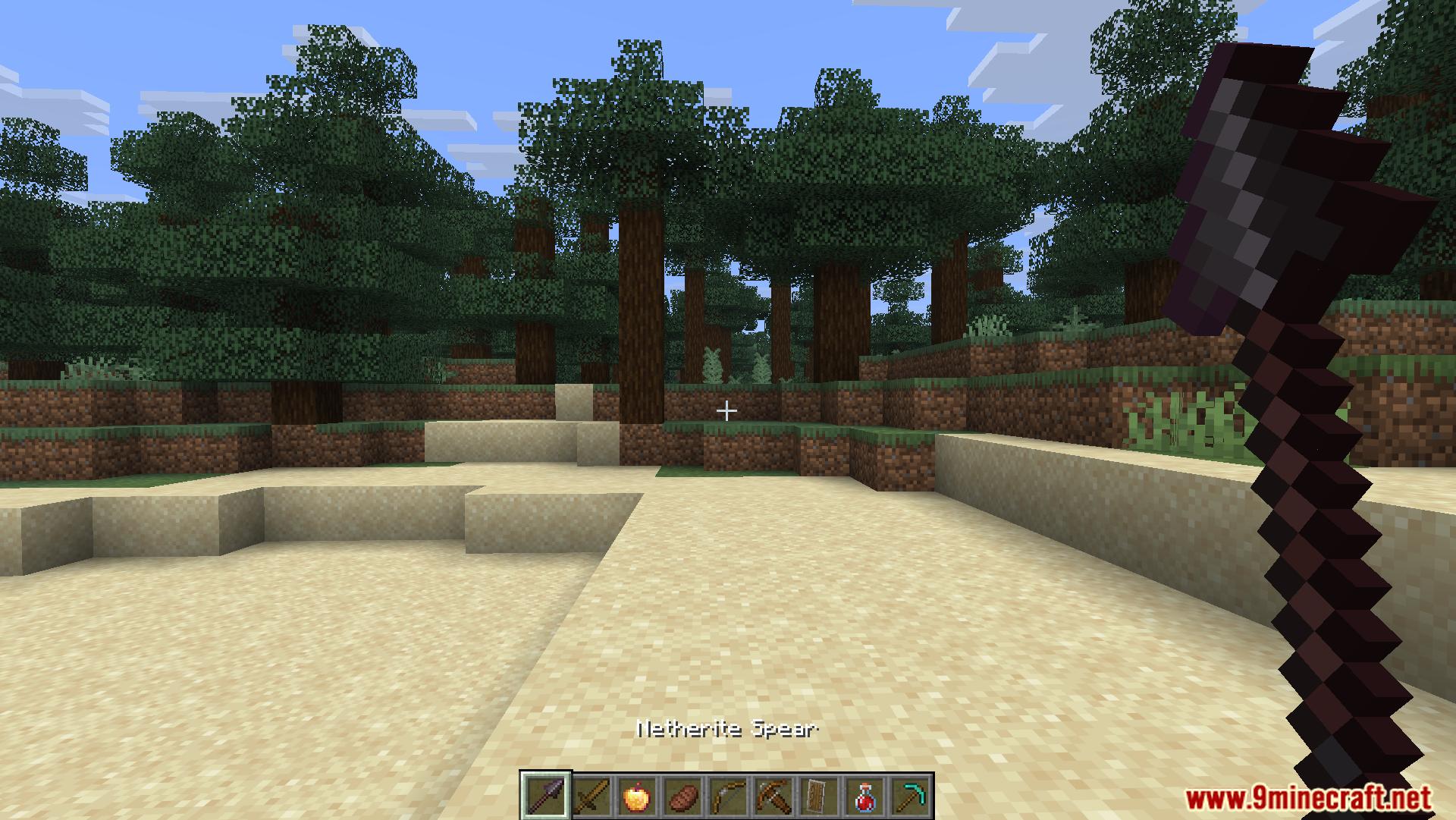
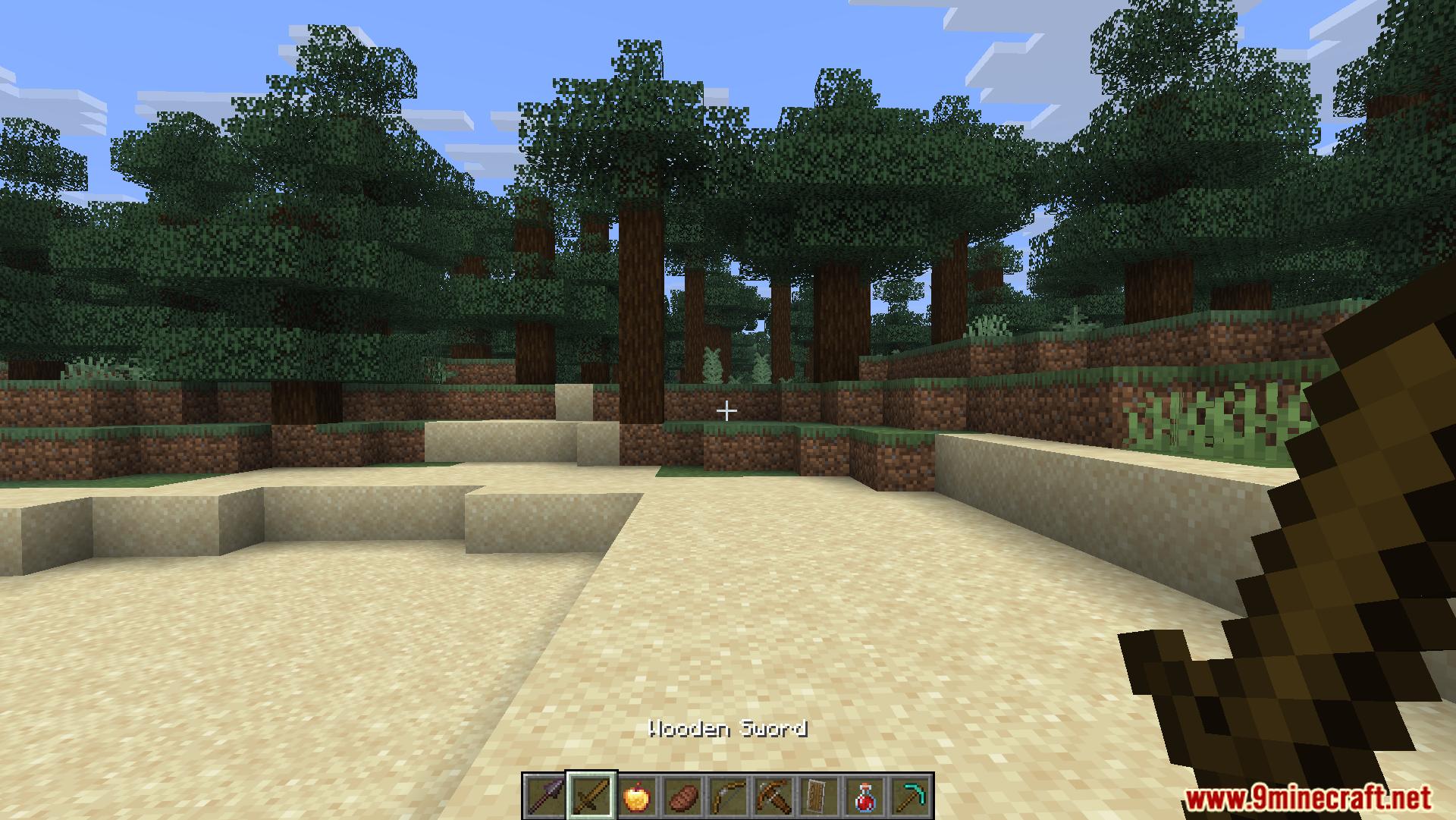
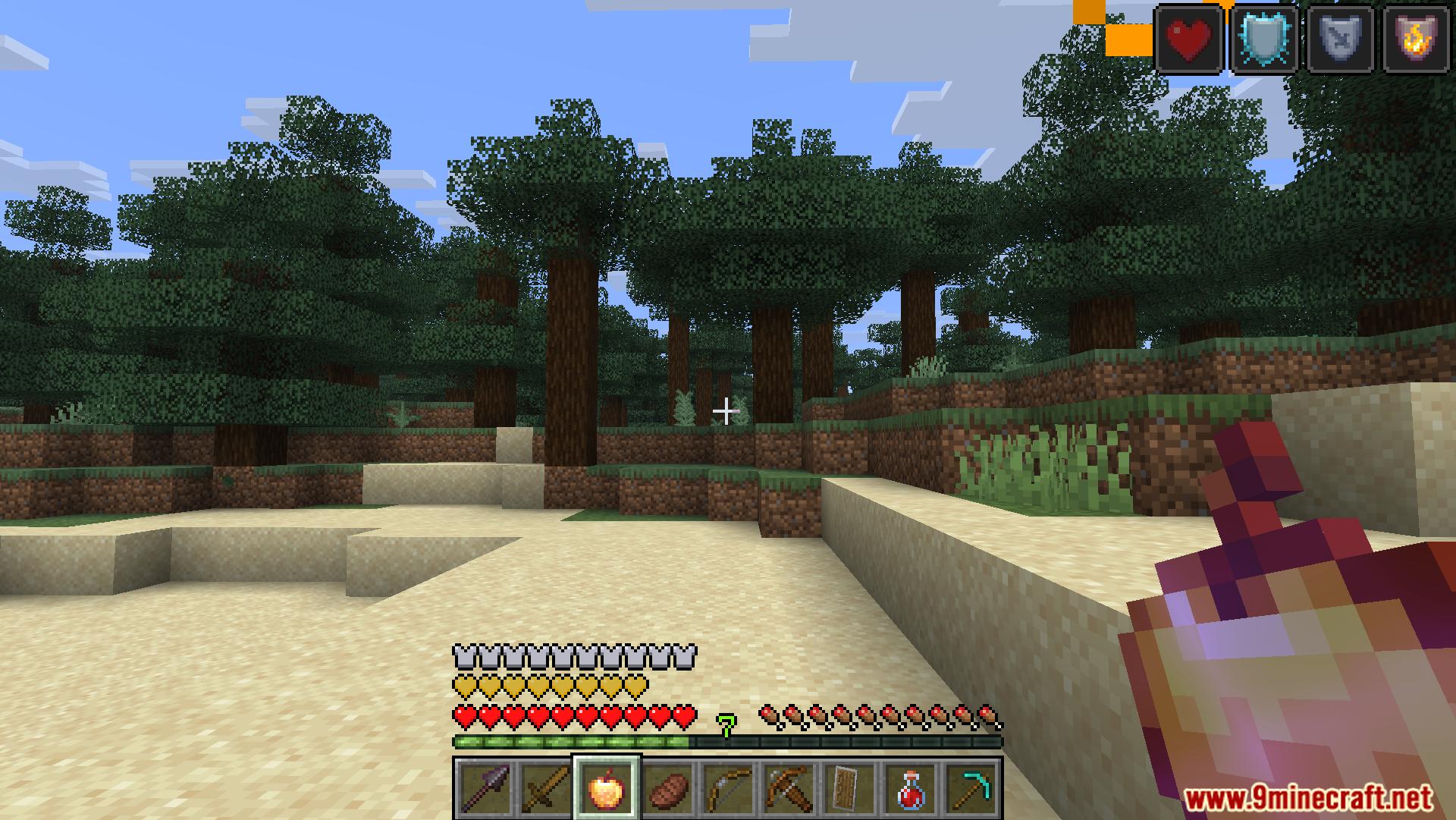
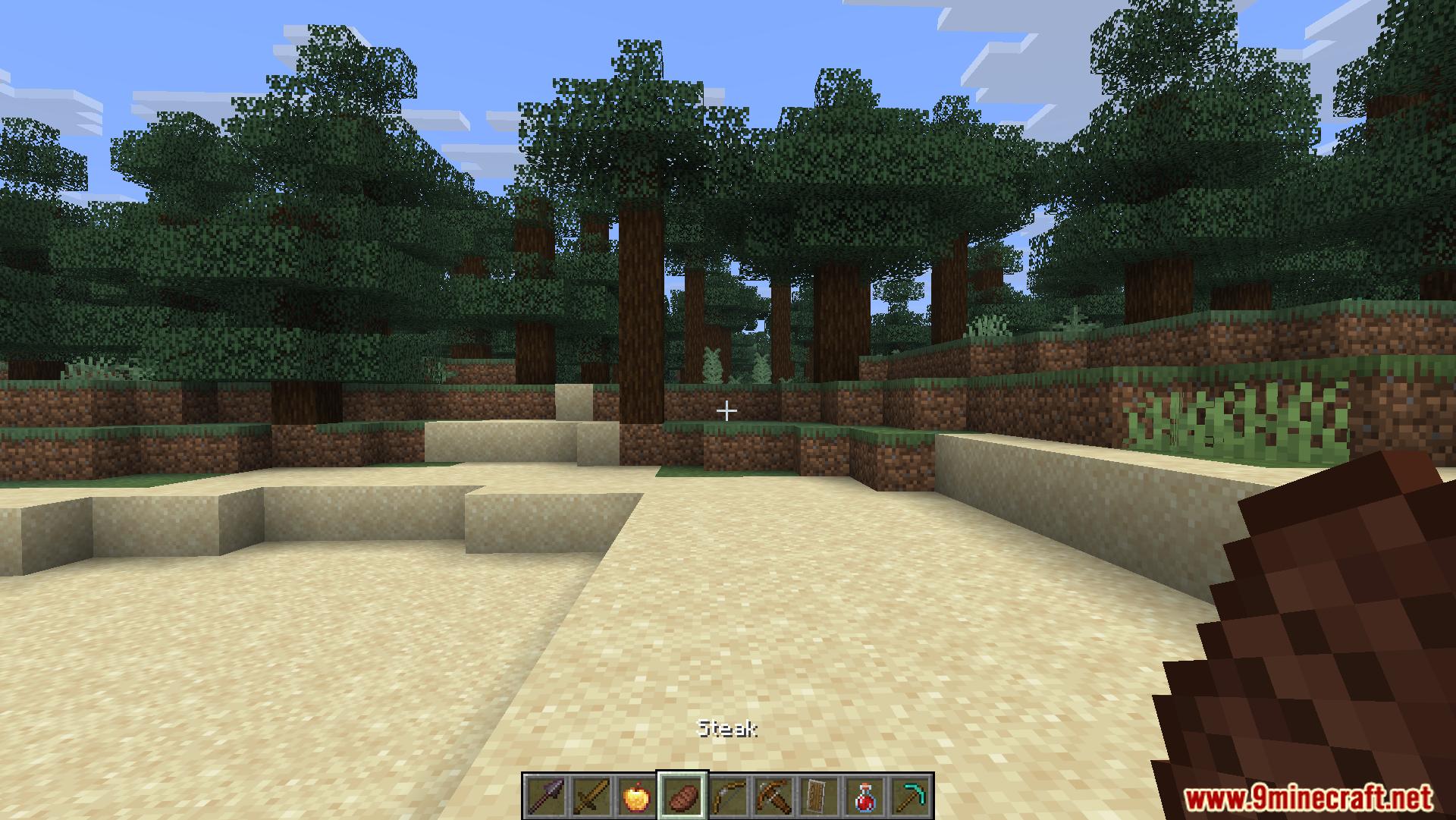
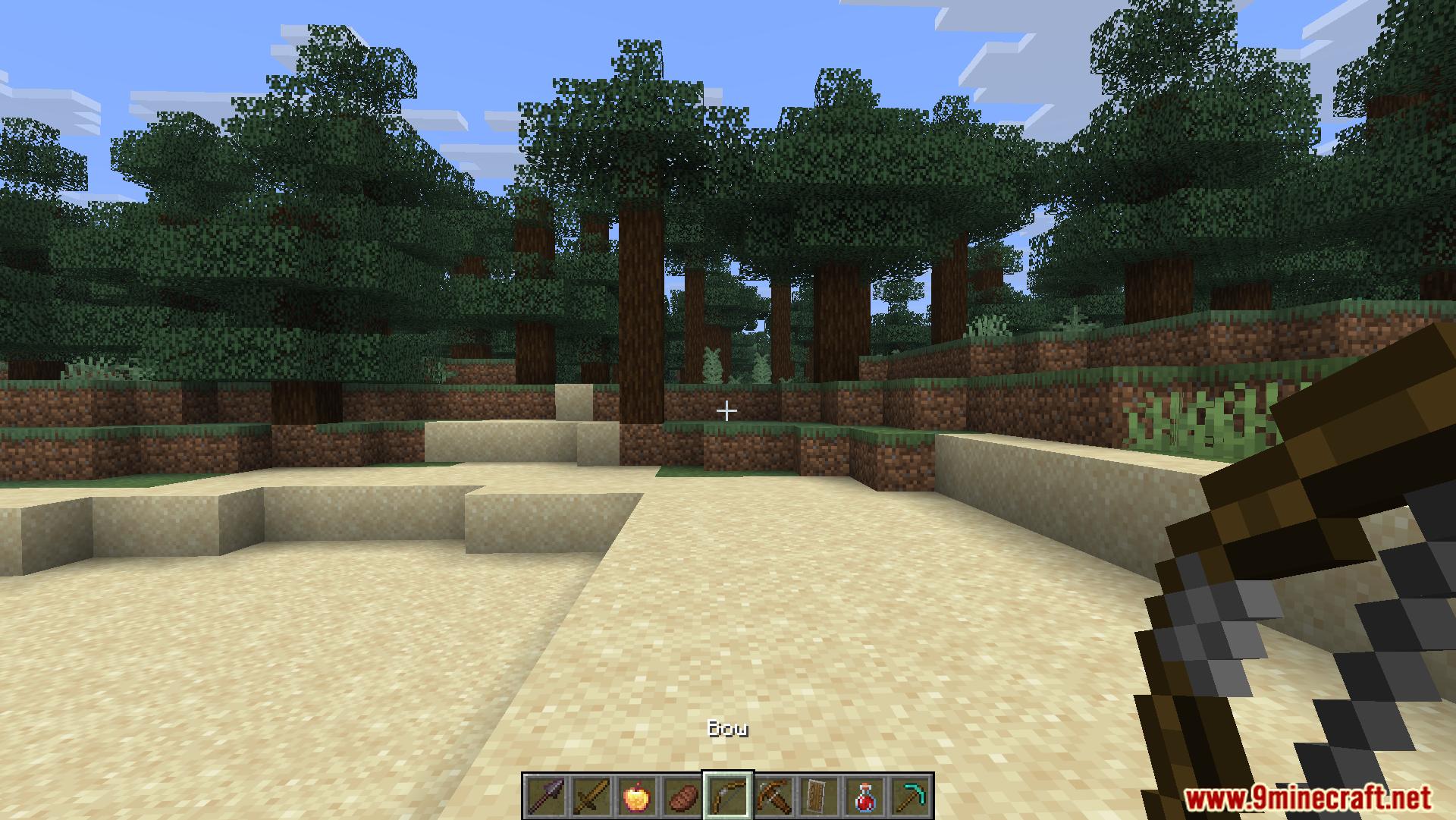
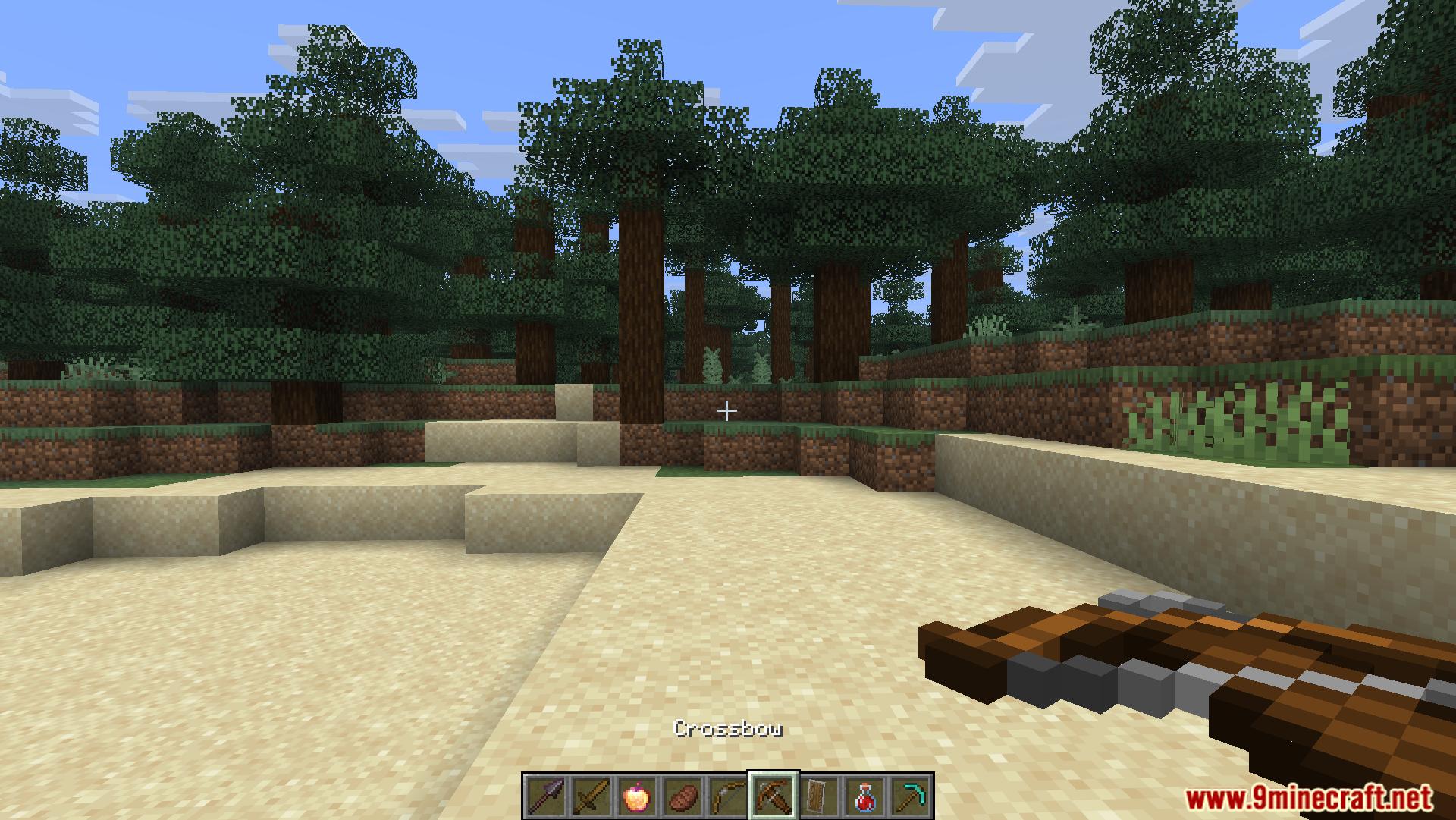
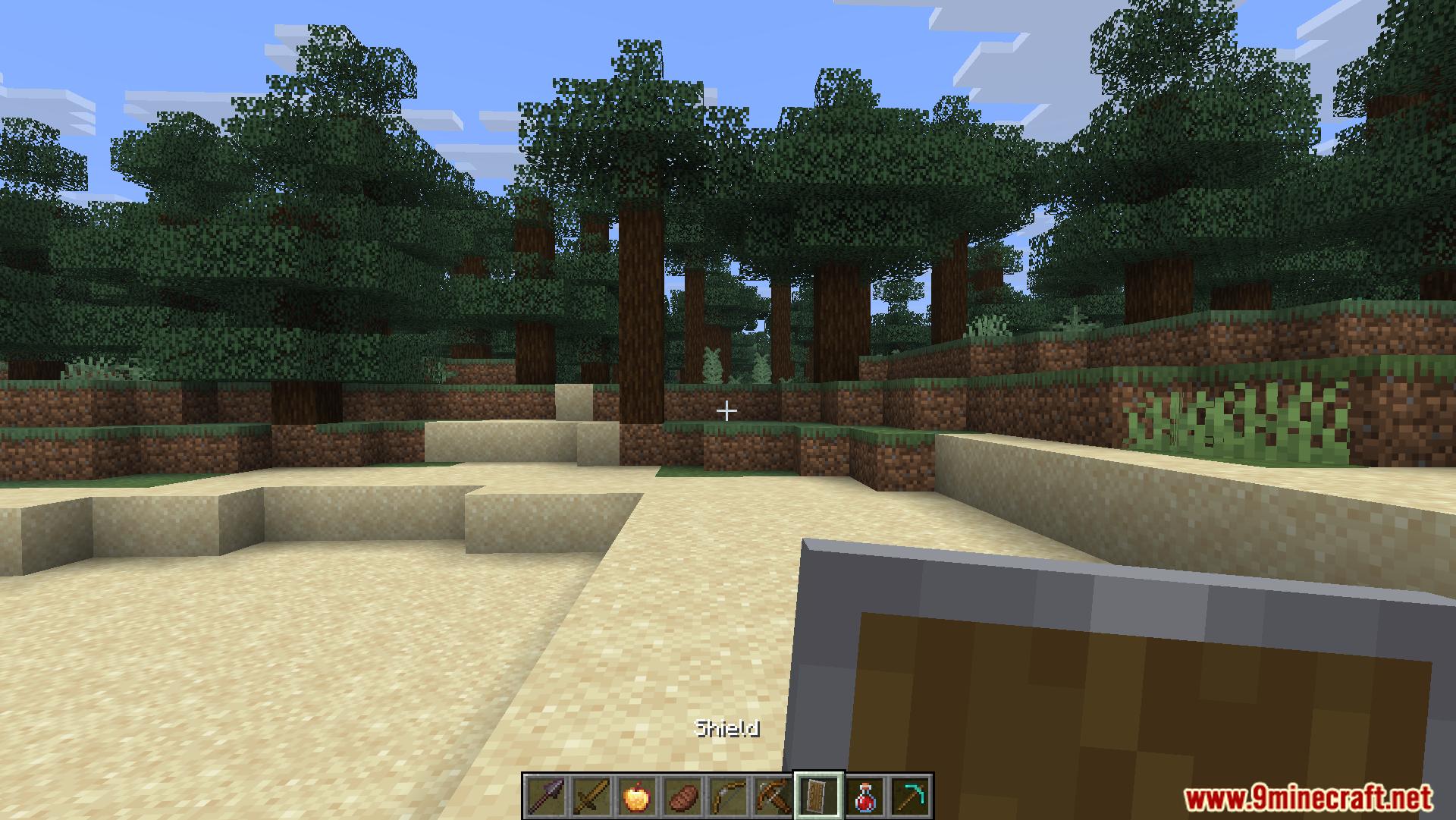
Toolbar Sounds Mod adds audio effects to your hotbar. It plays short sounds when you switch between different items. You will hear different noises based on what you hold in your hand.
Features:
- Item Category Sounds: You hear specific noises for different groups of items.
- Blunt Weapons: Plays a sound for wooden and stone swords.
- Sharp Swords: Has a different sound for sharp metal swords.
- Ranged Weapons: Gives sounds to bows and crossbows.
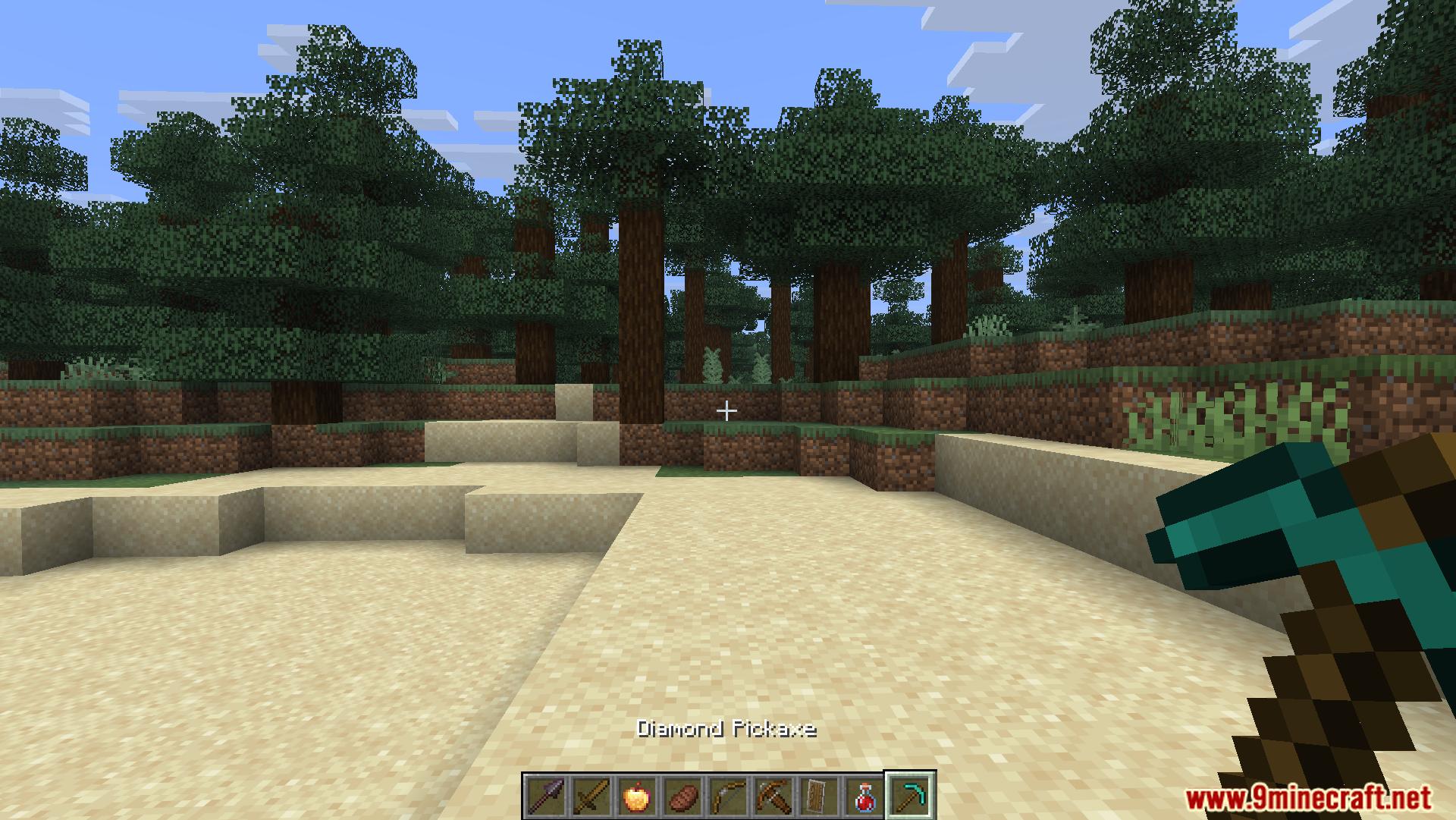
- Tools: Plays an effect when you hold axes, hoes, pickaxes, or shovels.
- Defensive Items: Adds a noise when you switch to a shield.
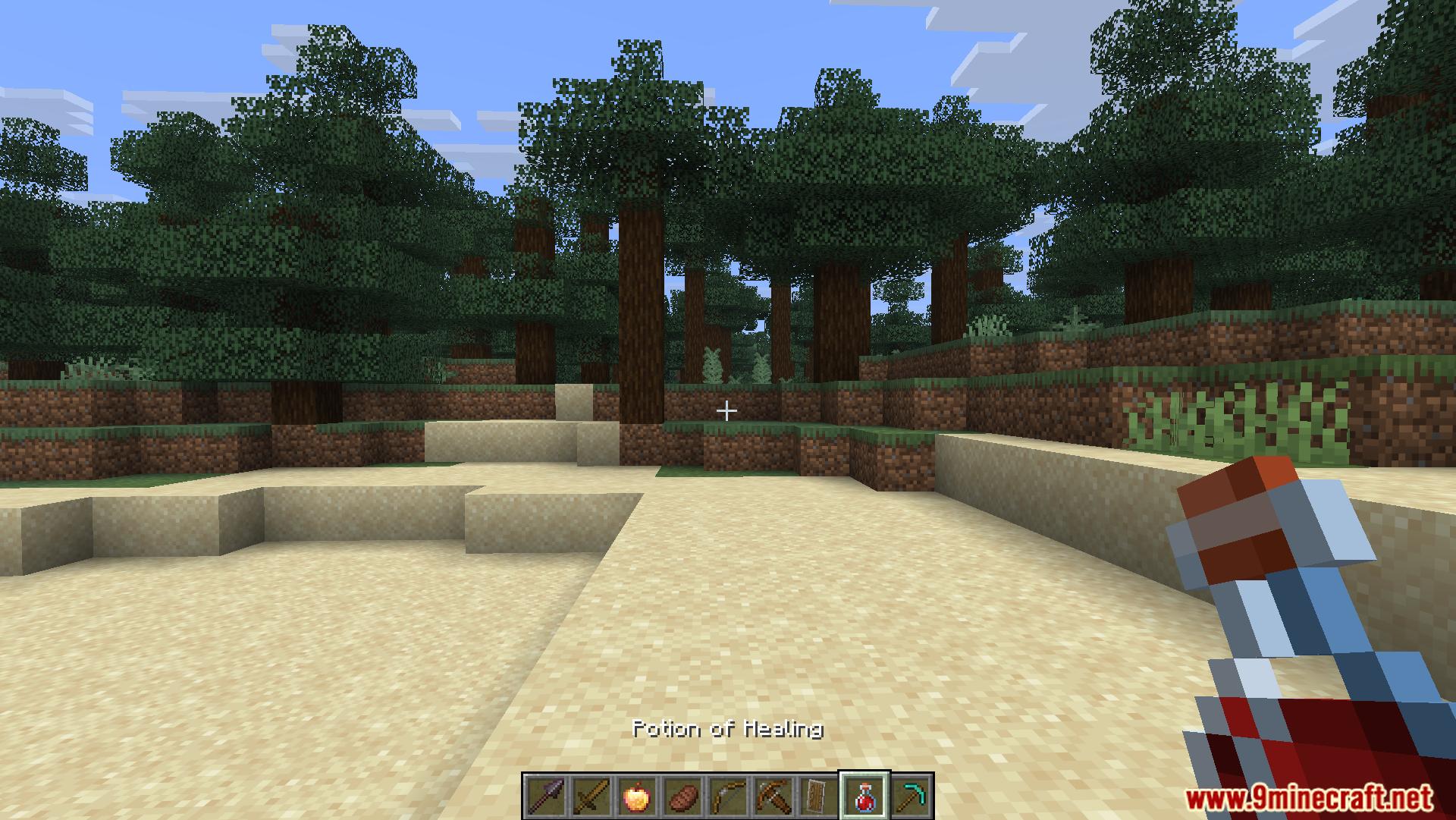
- Magic Items: Plays a sound when you select a potion.
- Multiplayer: Works when you play alone or with other people.
Commands:
- Remove mod data:
/function toolbar_sounds:uninstallclears the schedules and scoreboards from your world.
Screenshots:
Toolbar Sounds Mod Download Links
Quick facts
- Edition: Minecraft Java
- File type: .jar
- Minecraft version listed: 1.20.1
- How to install: Install the matching mod loader (Forge, Fabric or NeoForge) for your Minecraft version. → Download the .jar. → Put it in the .minecraft/mods folder and launch that loader profile.
- Where to get it: Opens on the file's original source — not every file is mirrored on our own servers.
Install steps are the general flow for this file type — How to install Minecraft Java mods & modpacks walks through it step by step.
Toolbar Sounds Mod (26.2, 1.20.1) – Adds Sounds To Your Hotbar is a free Minecraft Java mod. Compatible with Minecraft 1.20.1. Download it and open it directly in the game.