
ModsJava
MinecartSpeedDisplay
Java mod listed for Minecraft 1.21. Downloads from the MC Java Mods app on Android.
⬇ Download on Modrinth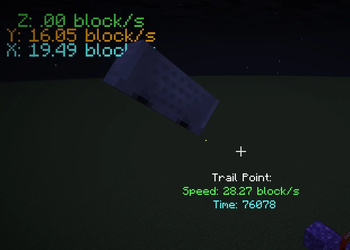
MinecartSpeedDisplay





Functions and Features
Hot Keys
- Toggle : Turn on or off the mod (Default:
P) - Track Start : Start to track a minecart. Aim the minecart with the crosshair to choose the minecart to track. (Default:
\) - Track Stop : Stop tracking the minecart. (Default:
[) - Clear Track Points : Clear all the track points.
Display
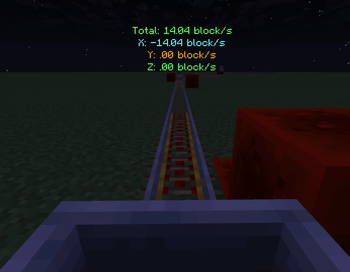
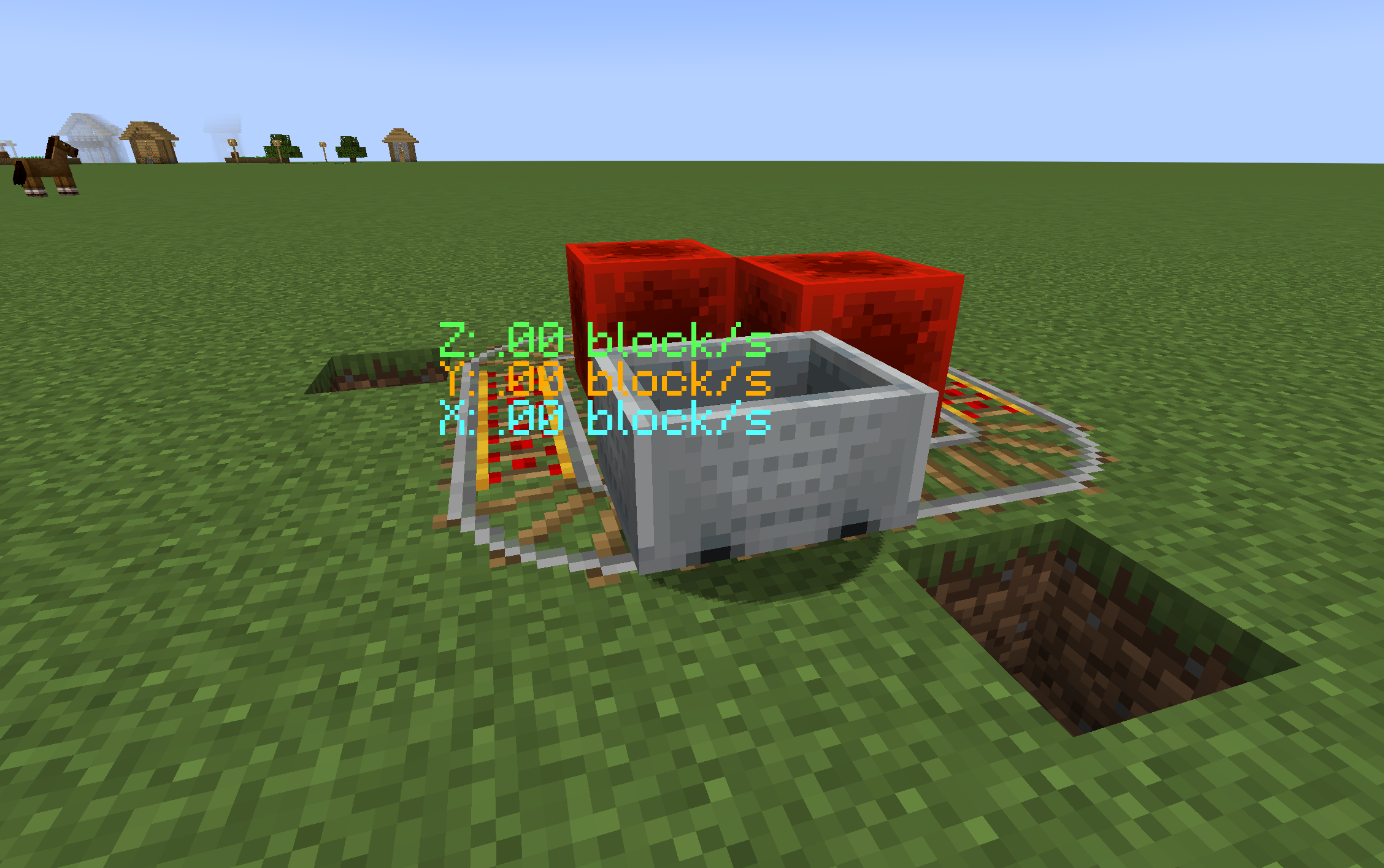
The mod will display the speed of the minecart and track the speed of the minecart during the minecart is moving.


Maximum number of tracking points: 1000 Tracking point recording rate: 1 point per 2Tick The tracking feature is only available in 1.21.11 (mod version 0.2).
Why make it?
Mojang made a number of changes to the snapshot version 24w33a (including changes for minecarts). The mod will help players know the speed of the minecart and design machines.
Future plans
- The mod will continue to provide support for new mc versions(not snapshots).
- The mod will not have support for the Forge loader.
Requirements
| Item | Version |
|---|---|
| Minecarft | 1.21.1 1.21.4 1.21.11 |
| Fabric | 0.16+ |
| Fabric API | Recommand for latest version |
Acknowledgement
Quick facts
- Edition: Minecraft Java
- File type: .jar
- Minecraft version listed: 1.21.11
- How to install: Install the matching mod loader (Forge, Fabric or NeoForge) for your Minecraft version. → Download the .jar. → Put it in the .minecraft/mods folder and launch that loader profile.
- Where to get it: Opens on Modrinth — not every file is mirrored on our own servers.
Install steps are the general flow for this file type — How to install Minecraft Java mods & modpacks walks through it step by step.
File checked by MCModsHub
- Ships as MinecartSpeedDisplay-0.2.jar — drop this file into the mods folder
- Download size: 103 KB
- Download link checked 12 Oct 2026 — working
These come from our own check of the pack file, not from the source page.