
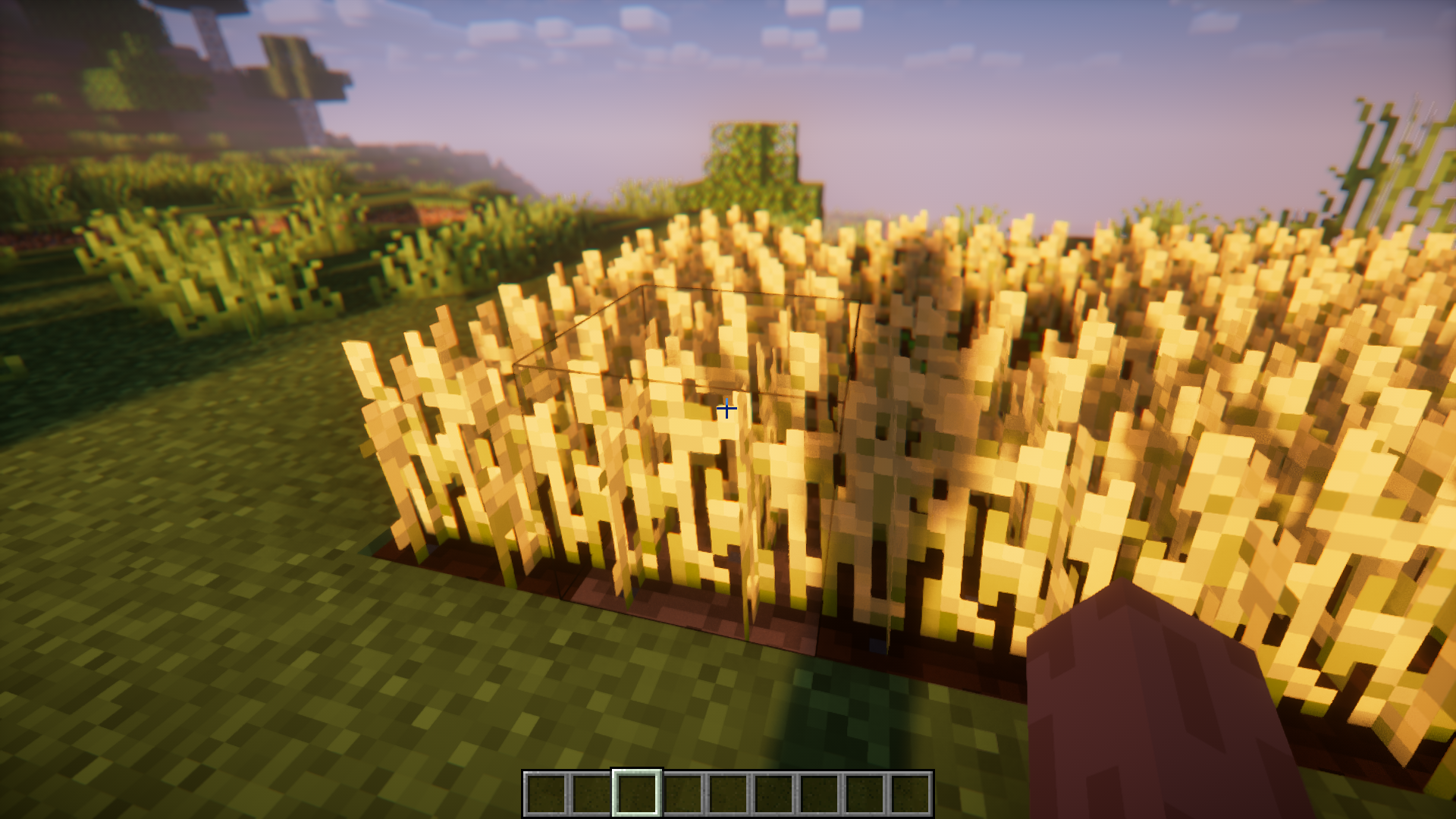
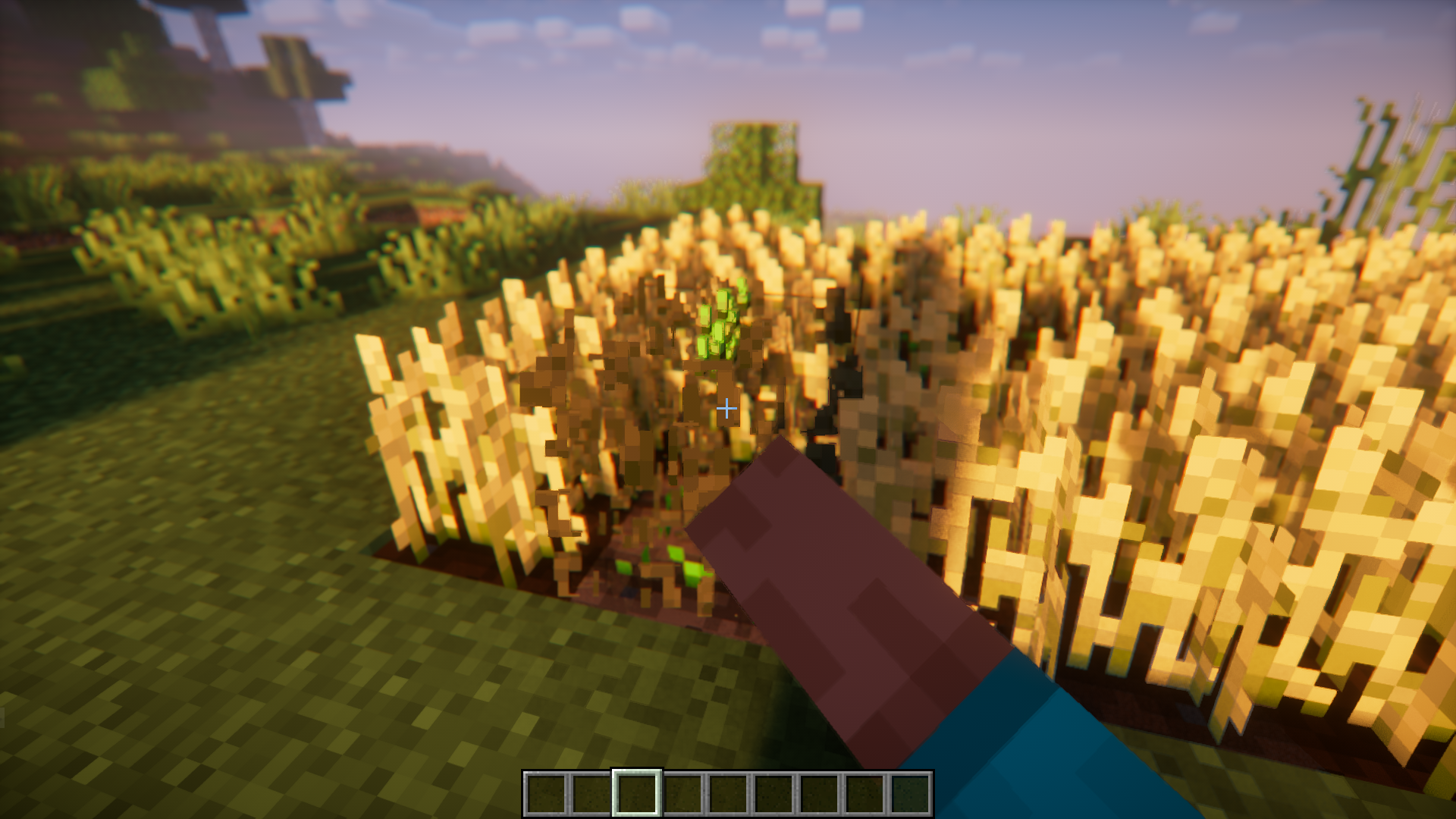
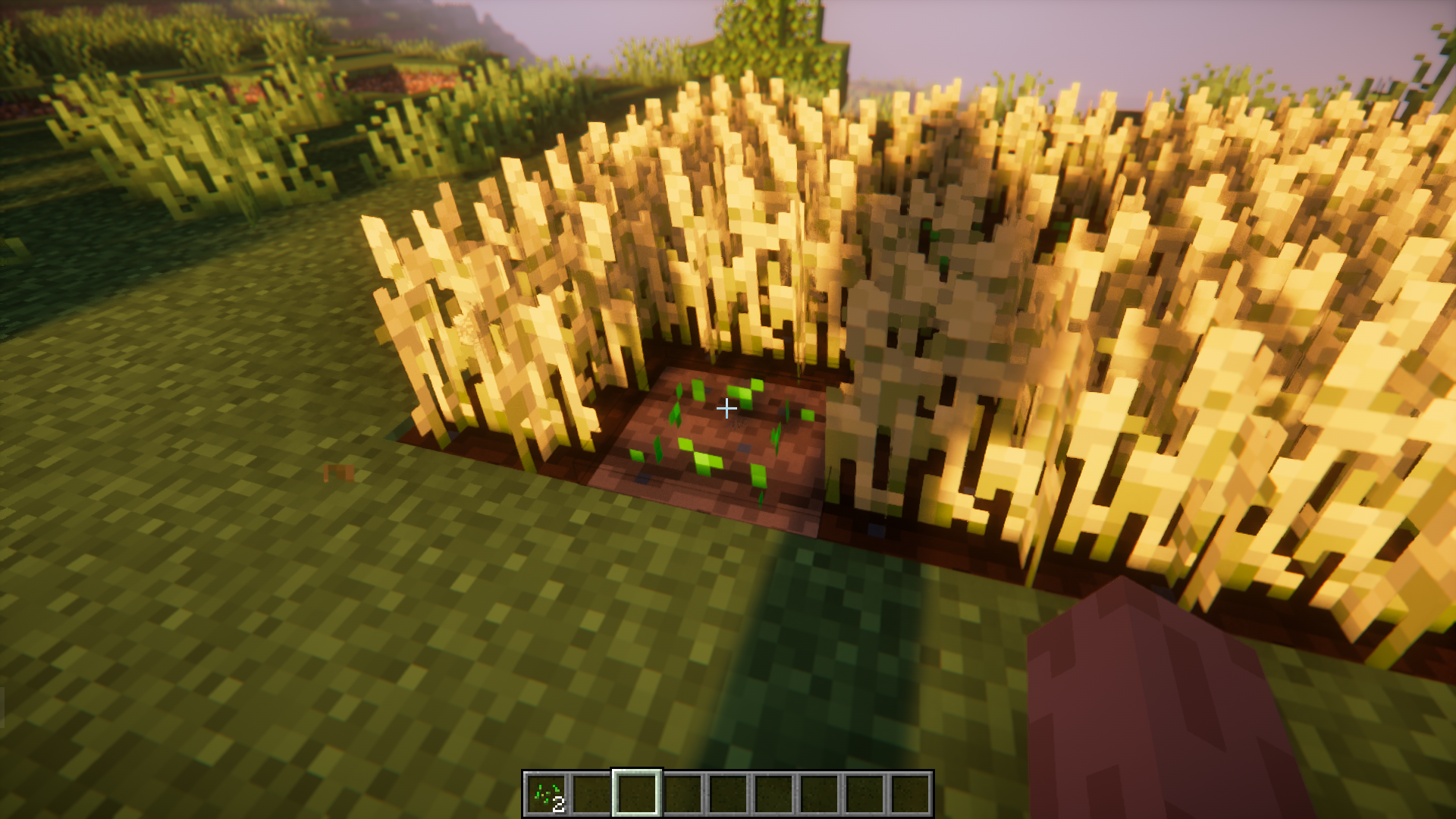
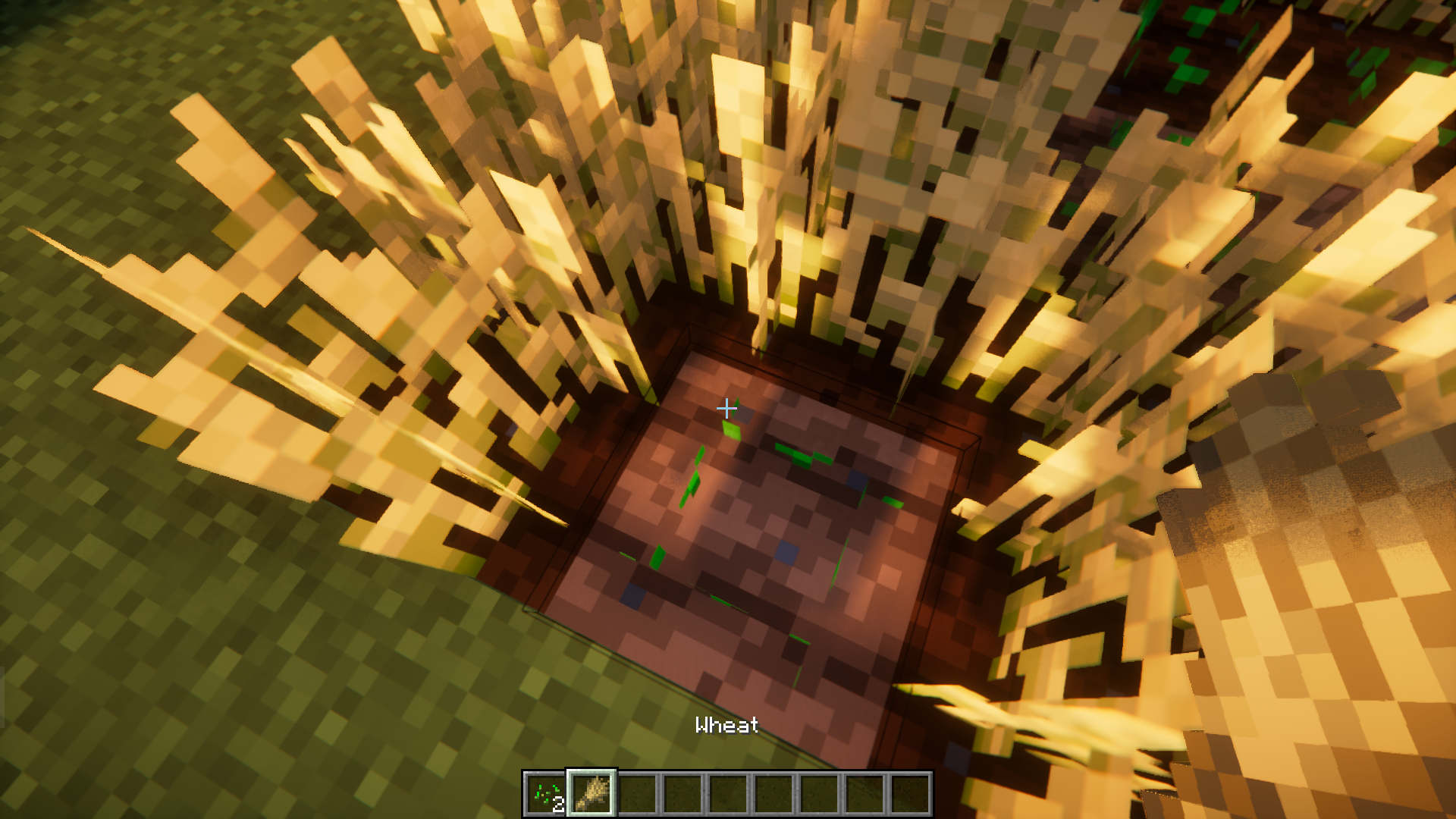
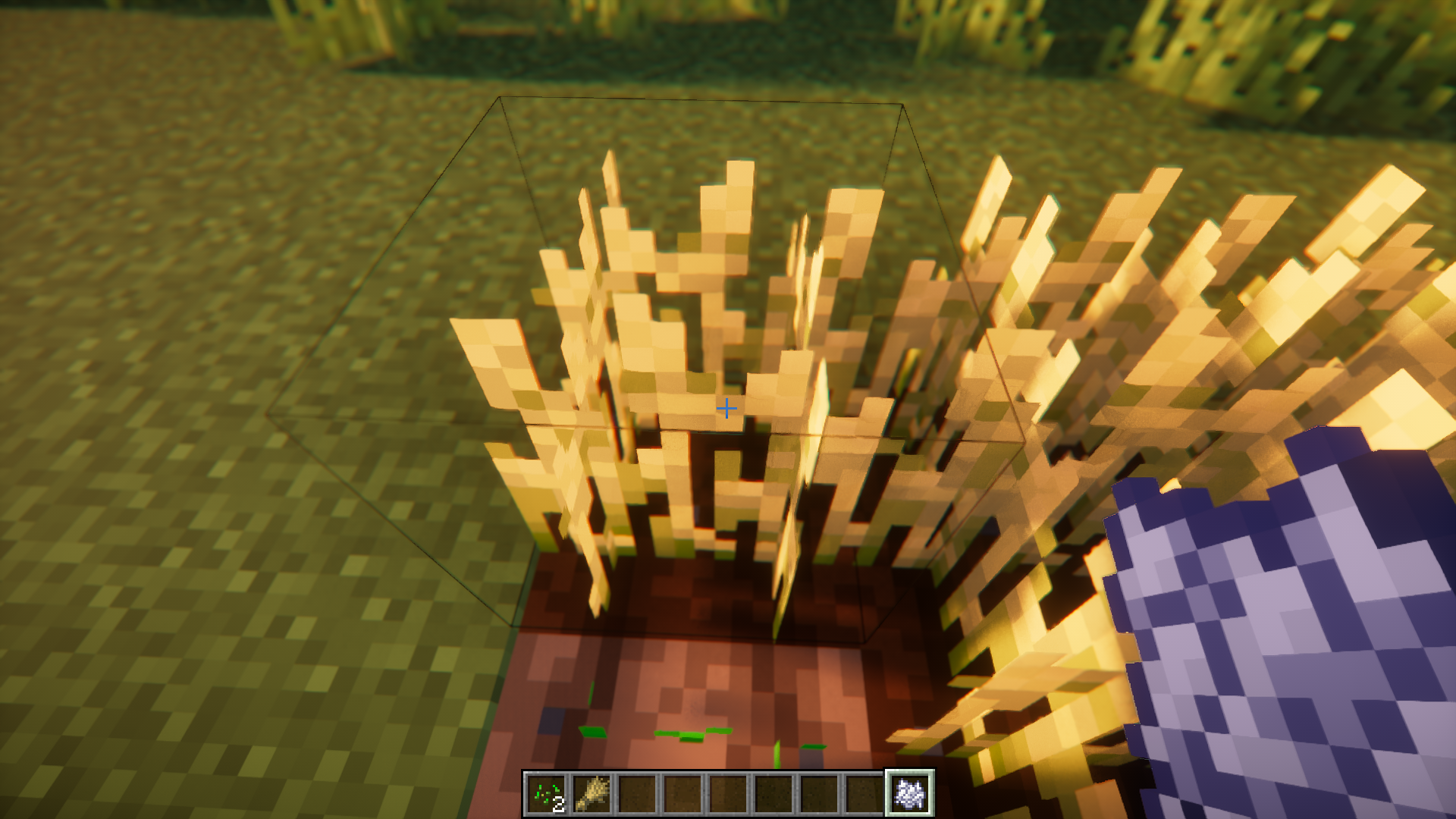
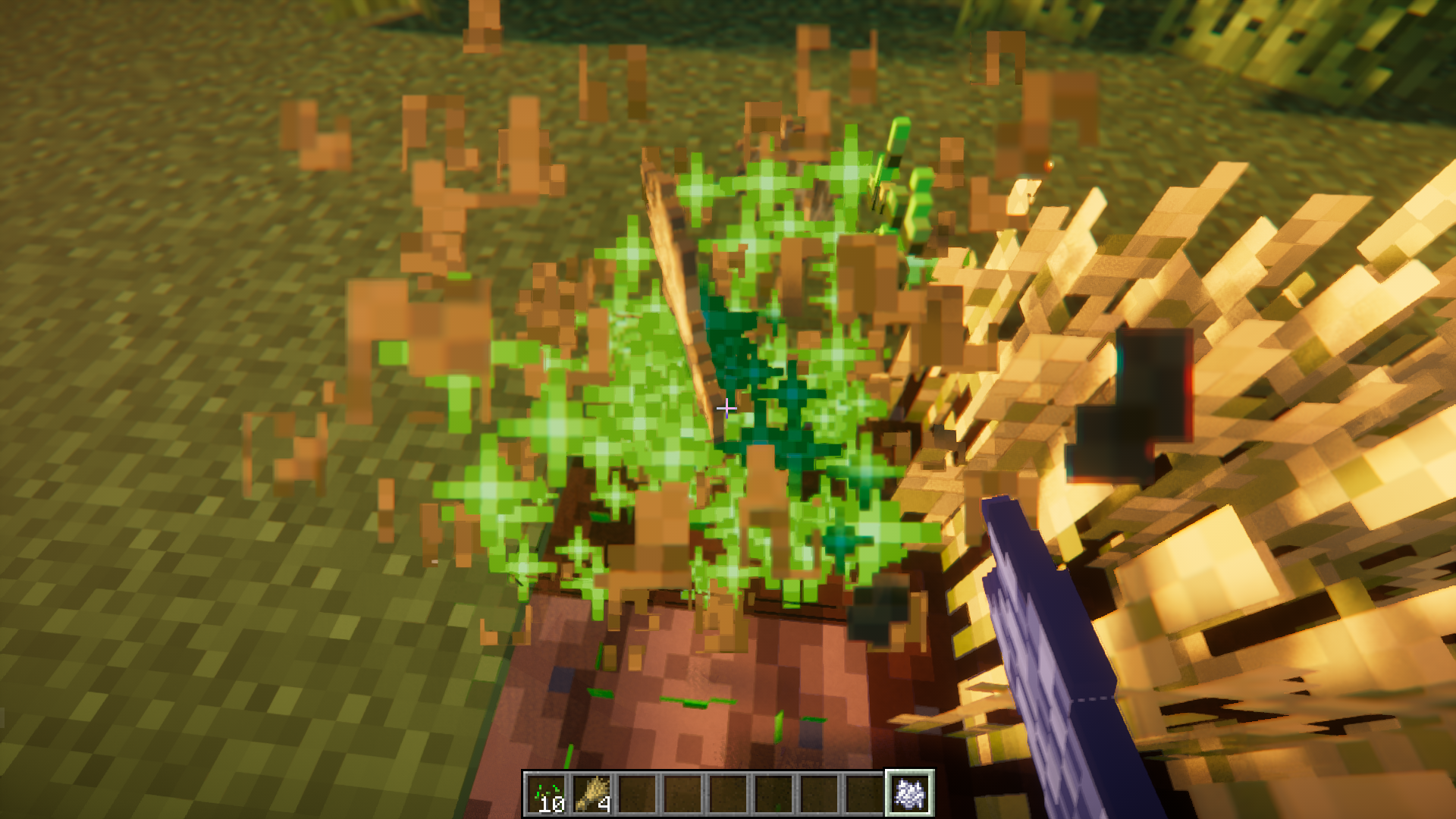
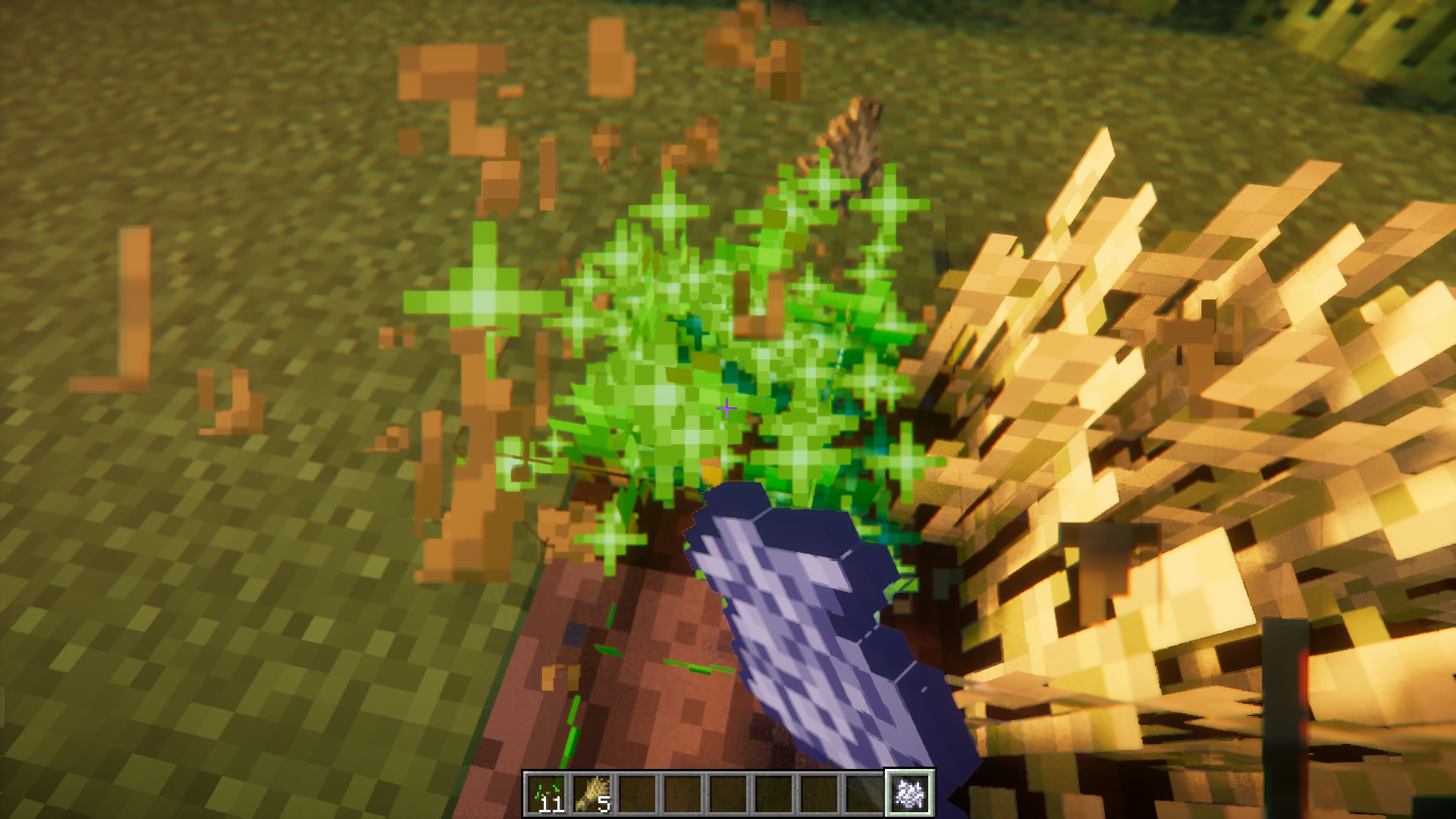
Using bonemeal to manually grow and harvest crops can be a headache at times. You have to keep clicking on the crop until it fully grows, then you have to left click to bread it, and then pick seeds from your hotbar and right click again to plant them, and then switch back to bonemeal to continue. The need to switch between right and left clicks makes this task very tiresome. But not anymore, Simply Harvesting Mod is here with the perfect solution. This mod makes it so that you can right click on a fully grown crop to break it, instead of left click. And breaking a crop this way will automatically plant a seed in its place. You don’t even need to be holding seeds in your hand for this to work. The lack of need for a left click allows you to grow, harvest and replant the crops simply by holding the right mouse button with some bonemeal in your hand.
Features:
- Right click on a crop to harvest and plant a seed in its place automatically.
- Does not require seeds in your inventory for auto planting.
- Allows for AFK bonemeal farming of crops.
Screenshots:
Simply Harvesting Mod Download Links
- Edition: Minecraft Java
- File type: .jar
- Minecraft version listed: 1.20.1
- How to install: Install the matching mod loader (Forge, Fabric or NeoForge) for your Minecraft version. → Download the .jar. → Put it in the .minecraft/mods folder and launch that loader profile.
- Where to get it: In MC Java Mods, or directly above on this page.
Install steps are the general flow for this file type — How to install Minecraft Java mods & modpacks walks through it step by step.
- Downloads as 27634.mcaddon
- Download size: 51 KB
- Download link checked 24 Sept 2026 — working
- Mirrored on our own servers — the download does not depend on the original host
These come from our own check of the pack file, not from the source page.