
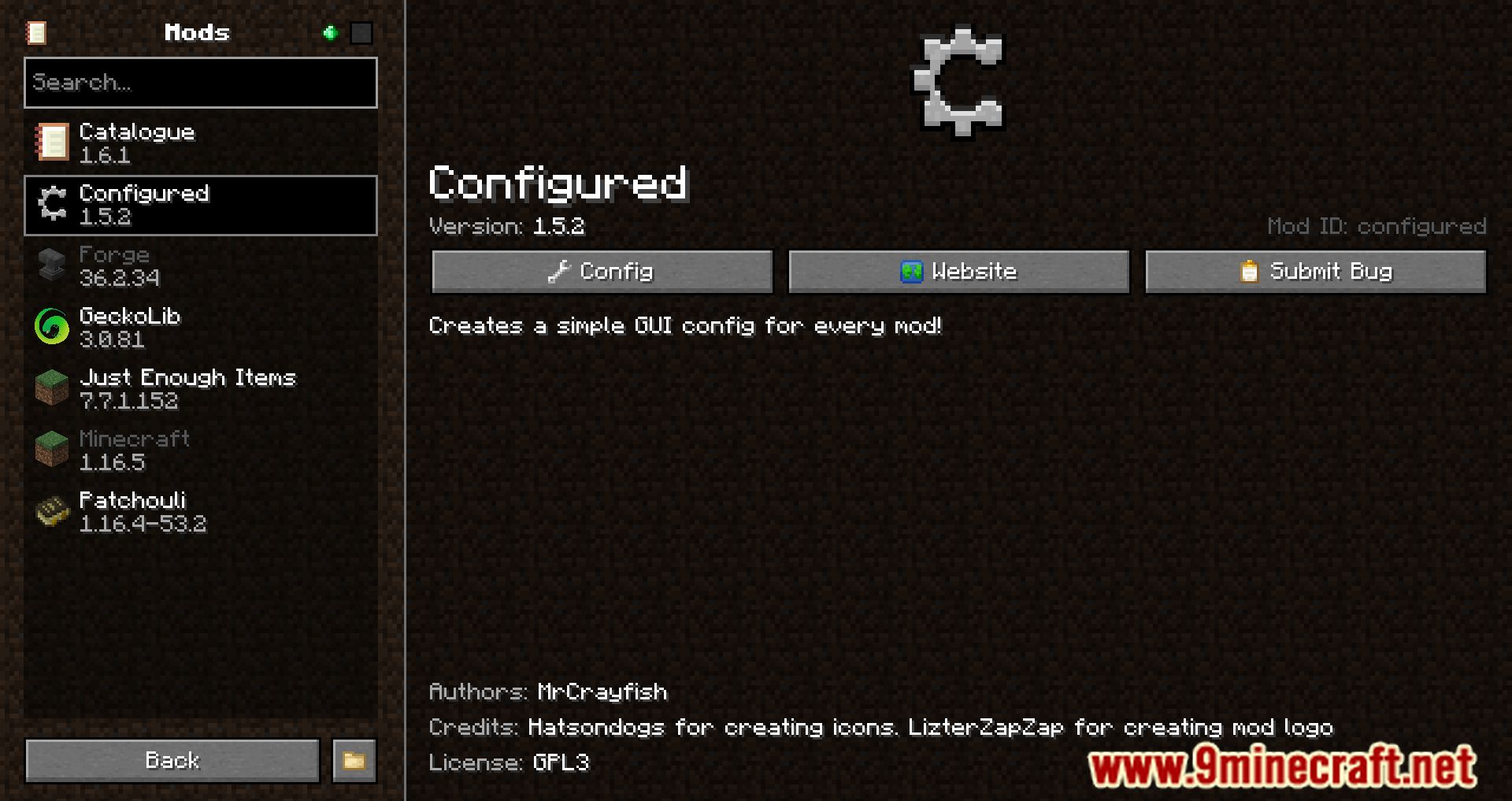
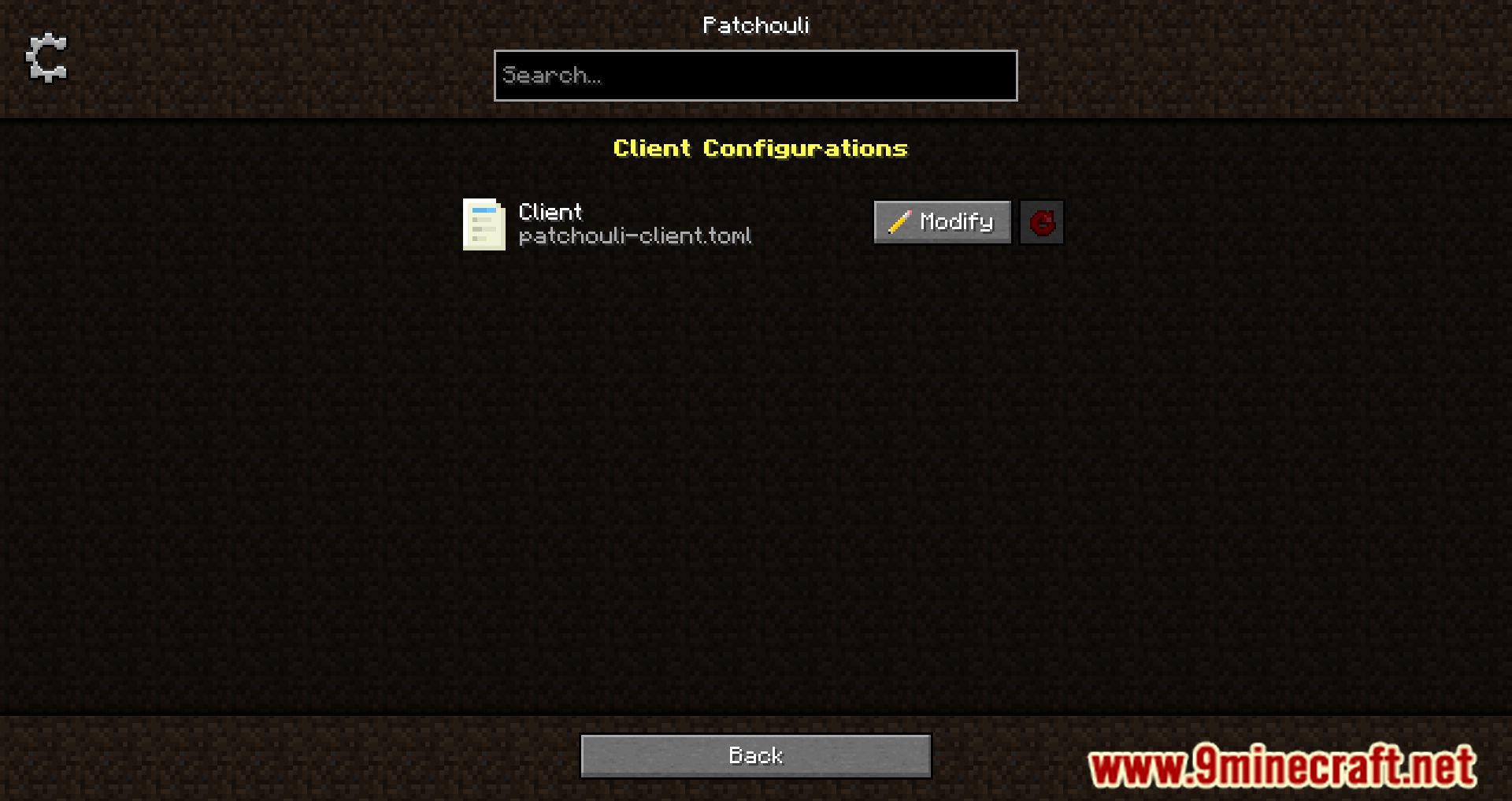
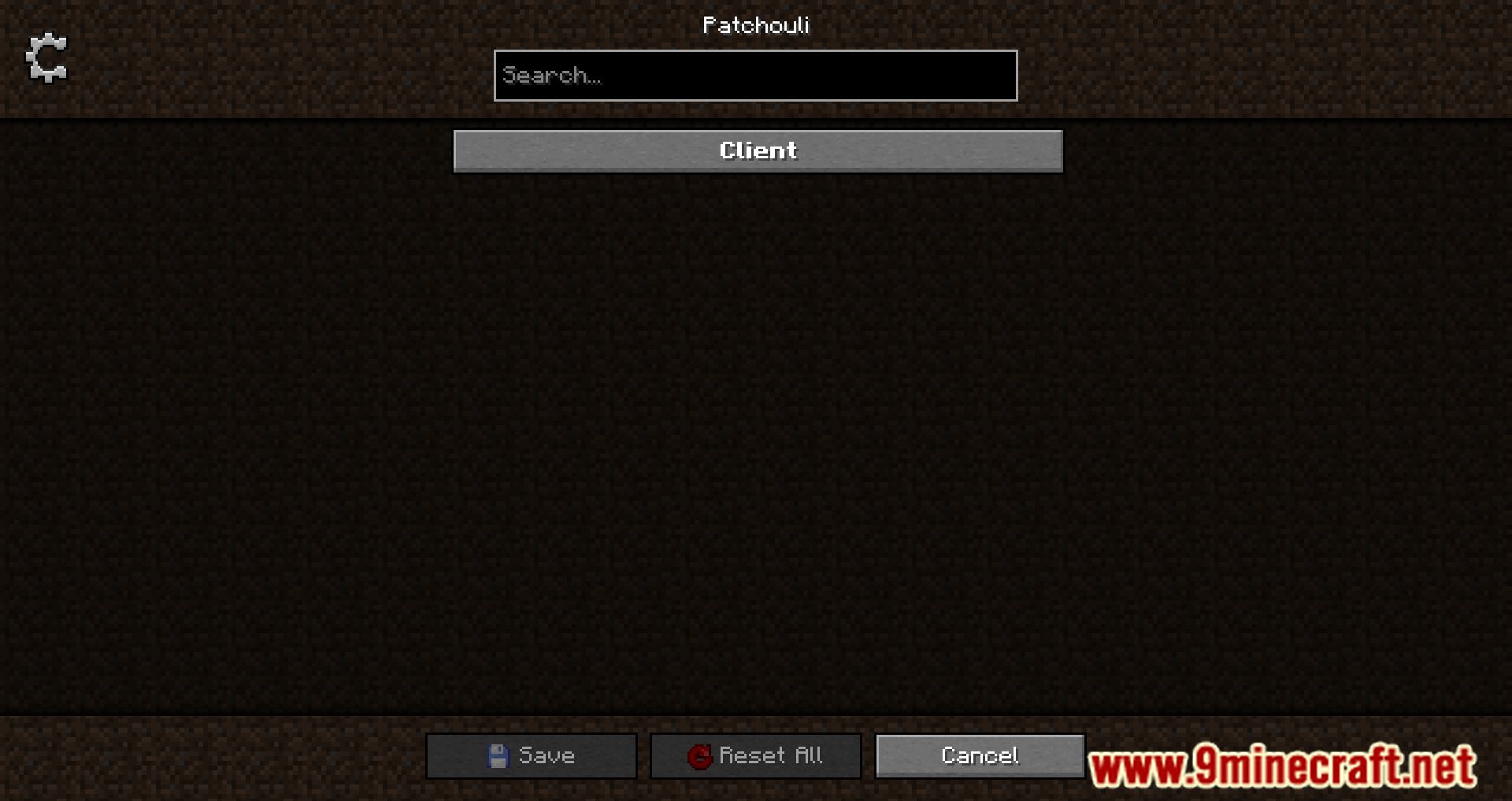
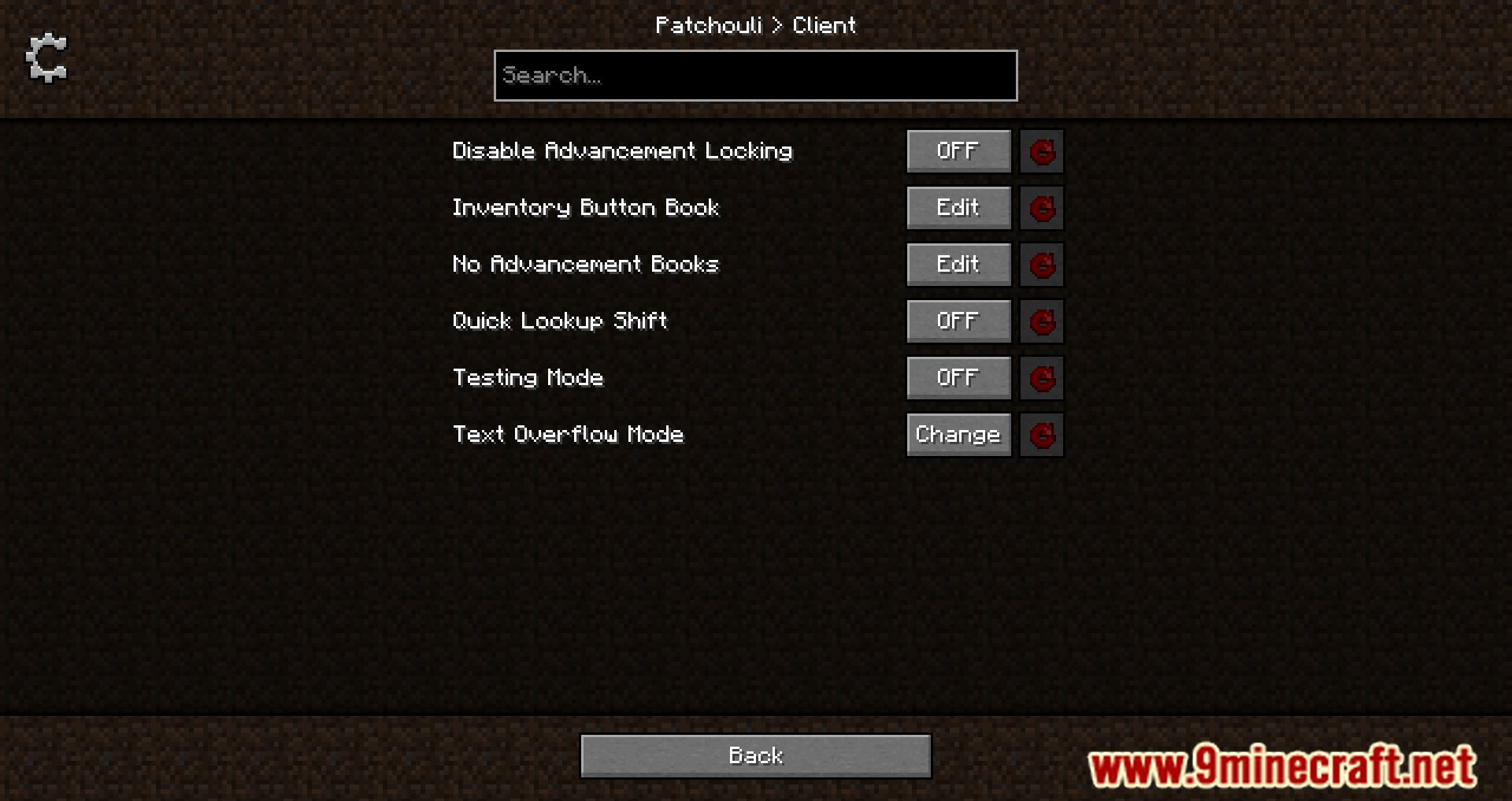
Configured Mod is a technical mod designed to simplify changing the settings of other mods. If a mod supports Configured, you can adjust its settings in a special mods menu found in the game’s main menu, which is easier and more convenient than searching for and editing config files. Initially, similar functionality was available in Forge itself, but this feature is no longer being developed. The author (by the way, MrCrayfish) decided to recreate this functionality, and he has done a good job, as the mod has already been downloaded many times.
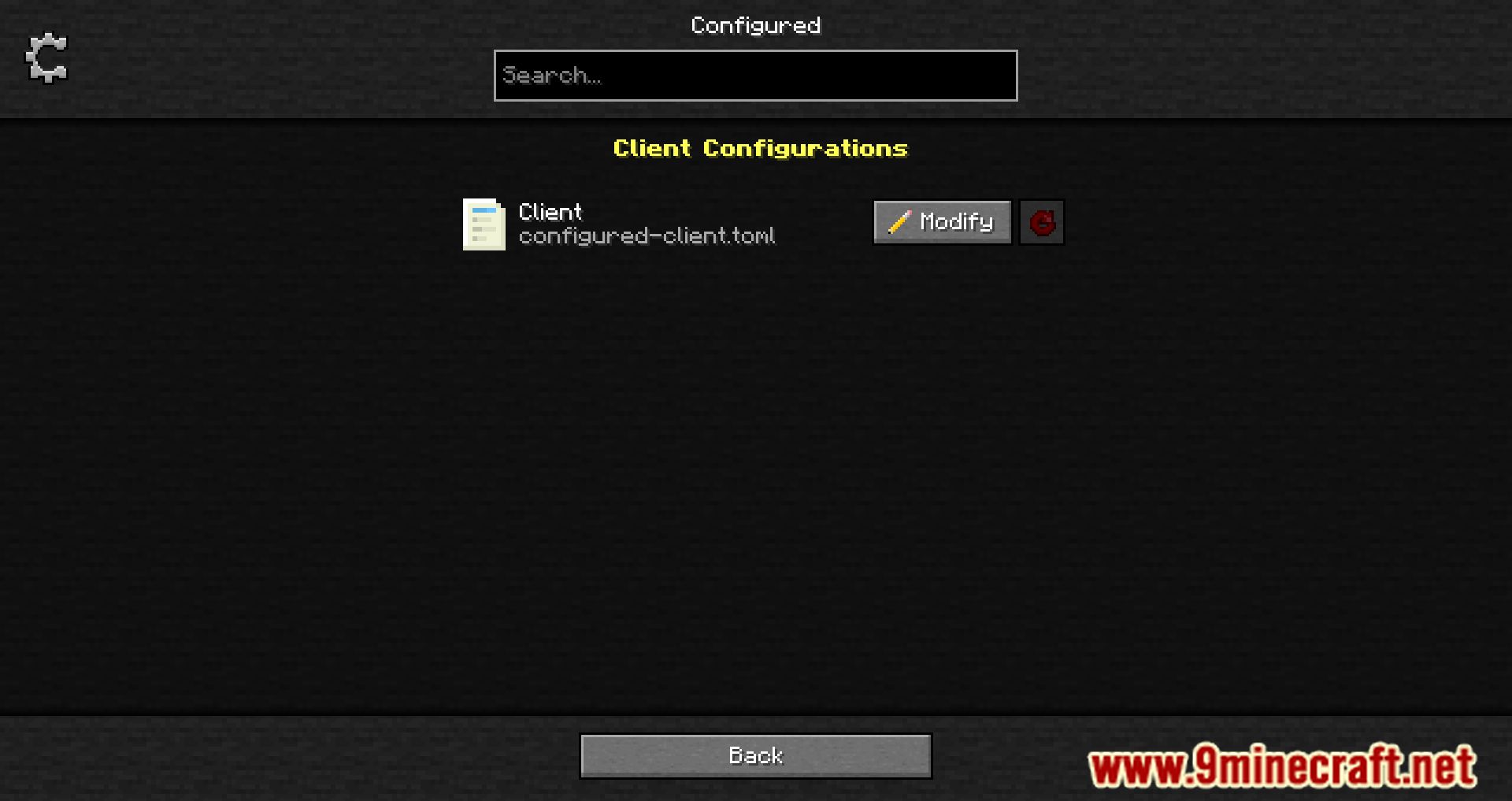
You can find the mod settings on the page: main game menu —> mods —> settings.
Features:
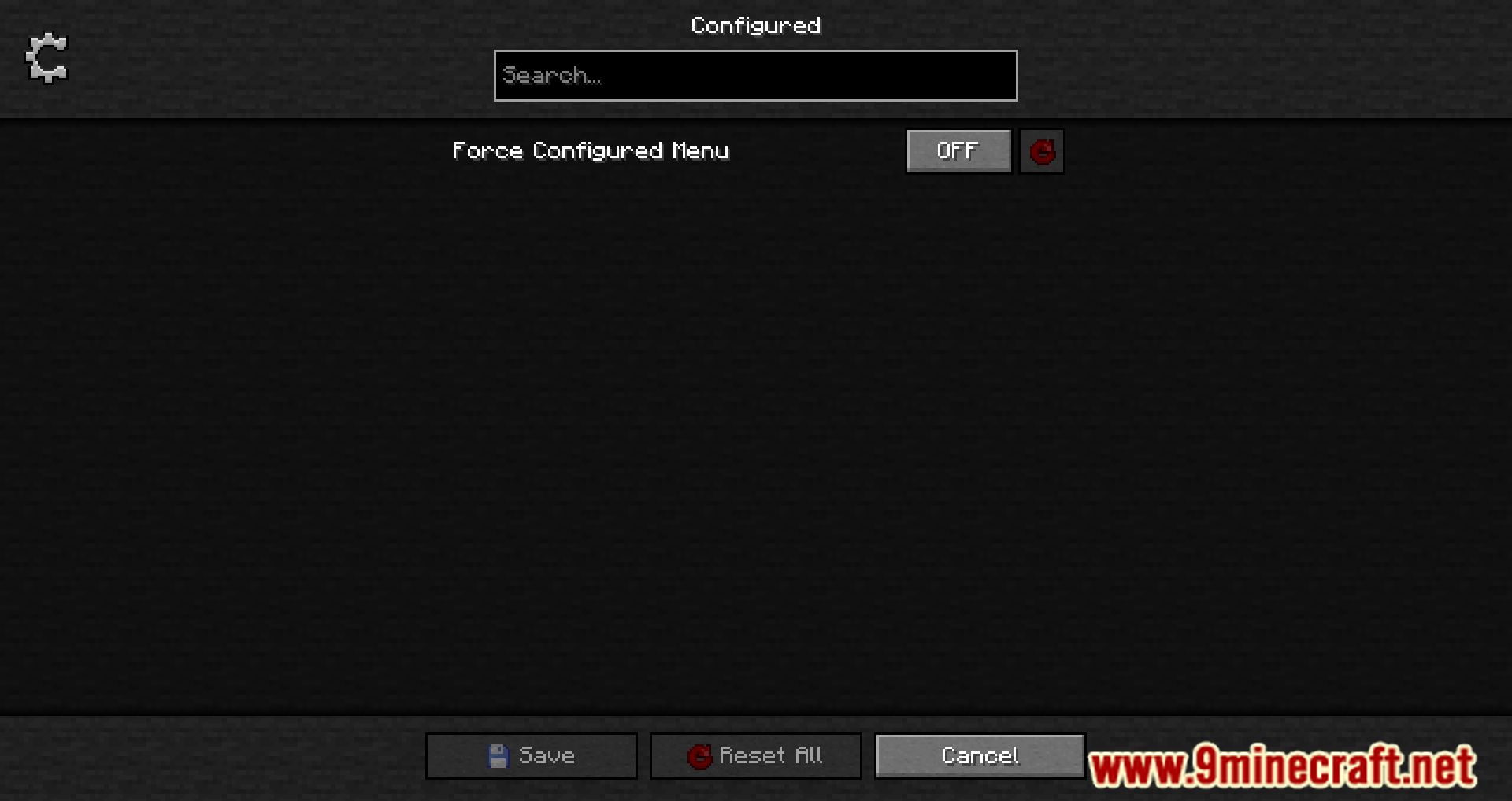
- It allows players to edit mod settings directly within the game, eliminating the need to manually search for and modify config files.
- The mod automatically supports any mod that uses compatible configuration systems, making it versatile and easy to integrate.
- It features a beautifully designed graphical user interface (GUI) that enhances the user experience.
- Adds a new keybinding to open the mod list directly from in-game without requiring additional mods.
- Developers can set custom background textures for the configuration menu.
Screenshots:
Configured Mod Download Links
- Edition: Minecraft Java
- File type: .jar
- Minecraft version listed: 1.20.1
- How to install: Install the matching mod loader (Forge, Fabric or NeoForge) for your Minecraft version. → Download the .jar. → Put it in the .minecraft/mods folder and launch that loader profile.
- Where to get it: In MC Java Mods, or directly above on this page.
Install steps are the general flow for this file type — How to install Minecraft Java mods & modpacks walks through it step by step.
- Downloads as 27637.mcaddon
- Download size: 402 KB
- Download link checked 22 Sept 2026 — working
- Mirrored on our own servers — the download does not depend on the original host
These come from our own check of the pack file, not from the source page.