
Larger Advancement Tab
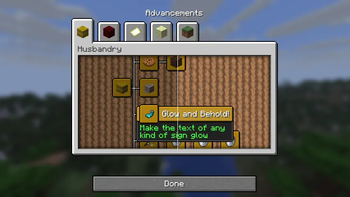
Fabric mod that adds a setting to increase the size of the advancements tab.
Settings Tab

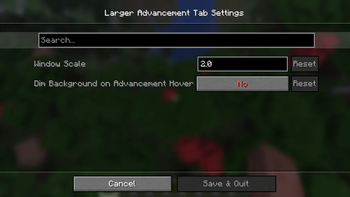
Window Scale
Scales the width and height by x, mod's default is 2, vanilla default is 1. Extreme values may have unexpected results.
Dim Background on Advancement Hover
Adds an option to disable the background dimming when hovering over an advancement icon. By default, vanilla dims background

Examples
*All example screenshots come from a 2560x1440 display with a gui scale of 2.
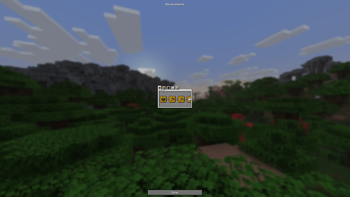
0.5 Scale

You can make it smaller if you'd like, although I do not see why you would do this.
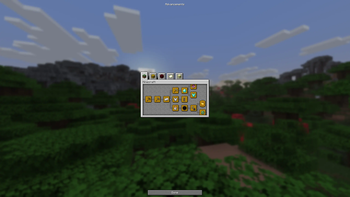
1.0 Scale

Vanilla's default size.
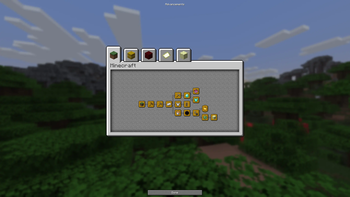
2.0 Scale

Mod's default size.
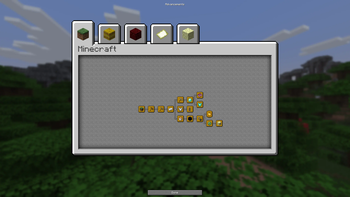
3.0 Scale

- Edition: Minecraft Java
- File type: .jar
- Minecraft version listed: 1.21.11
- How to install: Install the matching mod loader (Forge, Fabric or NeoForge) for your Minecraft version. → Download the .jar. → Put it in the .minecraft/mods folder and launch that loader profile.
- Where to get it: Opens on Modrinth — not every file is mirrored on our own servers.
Install steps are the general flow for this file type — How to install Minecraft Java mods & modpacks walks through it step by step.
- Ships as largeradvancementtab-1.21.11-0.1.jar — drop this file into the mods folder
- Download size: 39 KB
- Download link checked 21 Sept 2026 — working
These come from our own check of the pack file, not from the source page.