
NBT Data Exporter
I don't know my version or loader
NBT Data Exporter
Introduction
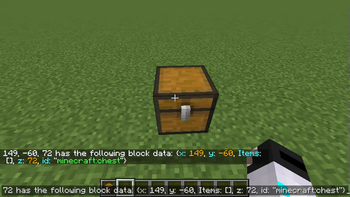
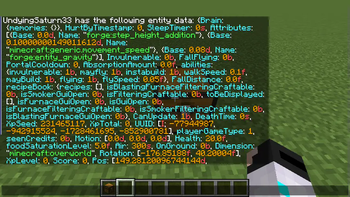
As one of the most common commands, /data get command can read off the NBT data from the targeted block position or entity to the executor.
However, the NBT data cannot be exported to the clipboard/file automatically. This mod aims to solve the problem.
Usage
After installing the mod, there will be two more game rules.
They can be set to true on the world creation interface or using the commands /gamerule exportToClipboard true and /gamerule exportToFile true.
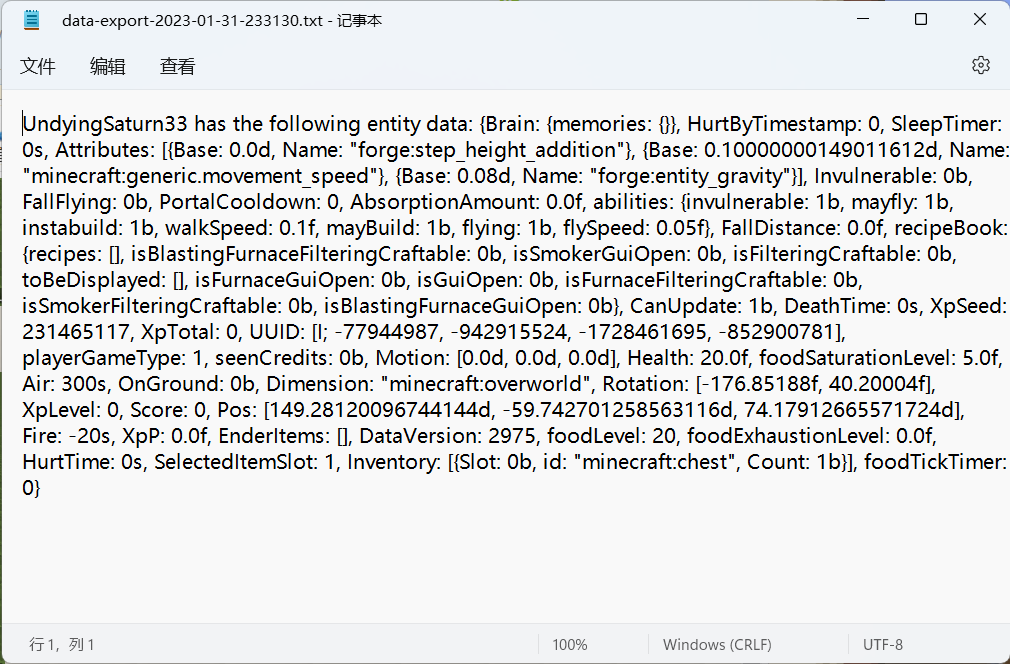
Then, when the player enters the /data get command, the NBT data will be exported to the clipboard or file, according to the game rules. The exported file is in the folder .minecraft/export, named the time when the command is executed.
External Links
- Github (also the issue tracker): https://github.com/QWERTY770/DataExporter
- MCMOD: https://www.mcmod.cn/class/9061.html
- MCBBS: https://www.mcbbs.net/thread-1424236-1-1.html
The mod was made on Lxazl5770's commission.
Temporarily, the mod does not support Fabric, but it is welcomed for other developers to port the mod to Fabric/Quilt.
- Edition: Minecraft Java
- File type: .jar
- Minecraft versions listed: 1.20, 1.20.1
- How to install: Install the matching mod loader (Forge, Fabric or NeoForge) for your Minecraft version. → Download the .jar. → Put it in the .minecraft/mods folder and launch that loader profile.
- Where to get it: Opens on Modrinth — not every file is mirrored on our own servers.
Install steps are the general flow for this file type — How to install Minecraft Java mods & modpacks walks through it step by step.
- Ships as NBTDataExporter-1.20.x-1.0.0-beta.jar — drop this file into the mods folder
- Download size: 10 KB
- Download link checked 21 Sept 2026 — working
These come from our own check of the pack file, not from the source page.