
Aged Crops
Java mod listed for Minecraft 26.x. Downloads from the MC Java Mods app on Android.
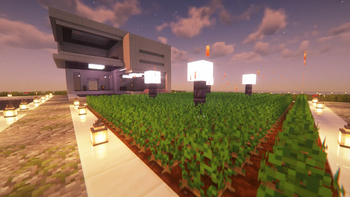
Aged Crops adds subtle particle effects to fully grown crops, bringing your Minecraft farms to life with visual charm.
⬇ Download on Modrinth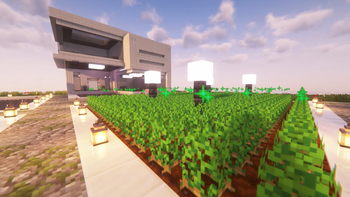
Aged Crops
enhances your farming experience by adding elegant particle effects to fully grown crops, making your fields feel alive and visually dynamic without altering core gameplay.
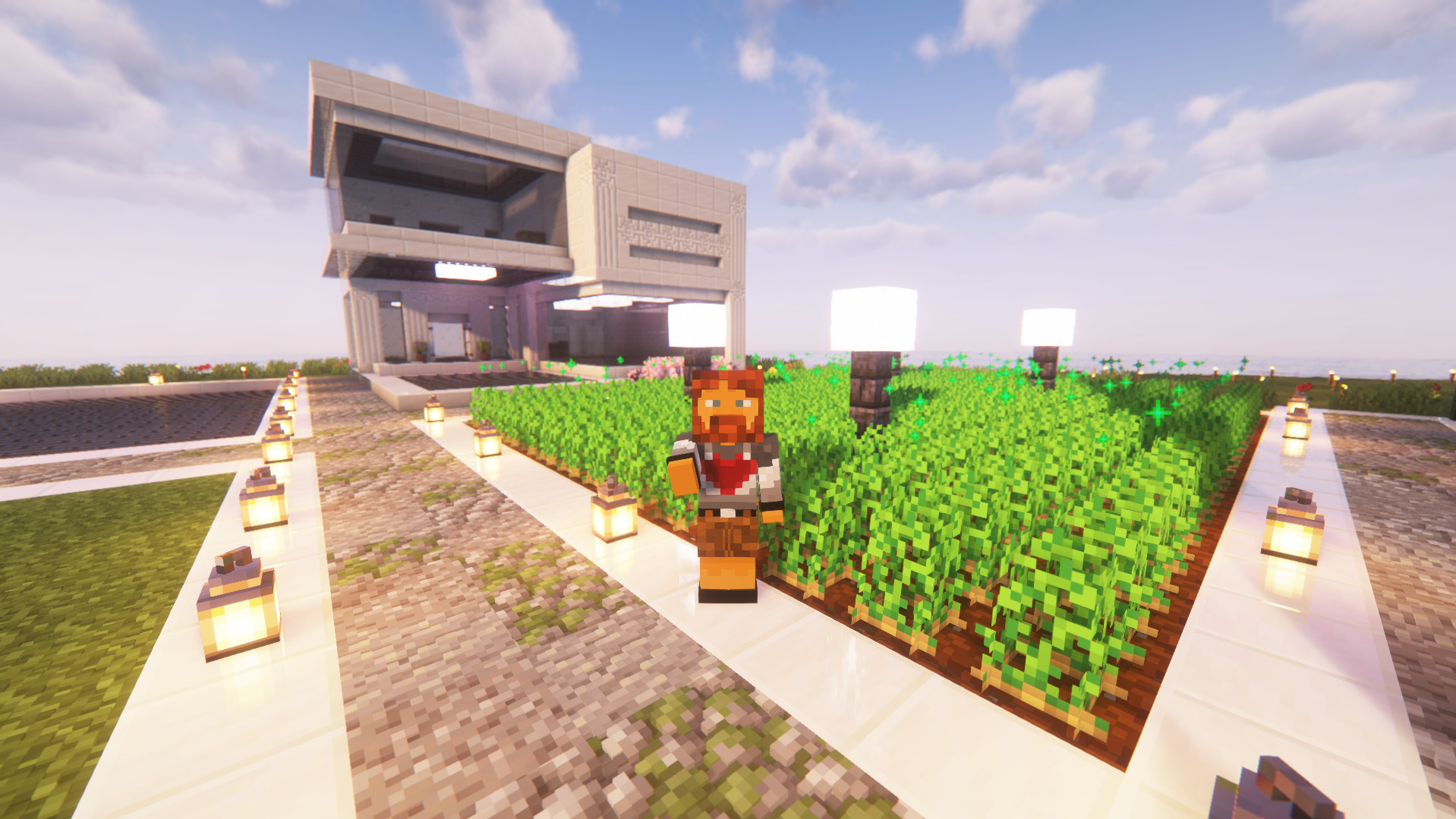
Sparkling effects for ripe crops, bringing farms to life!
Features
• ✨ Crop Particle Effects – Adds dynamic particles to fully grown crops.
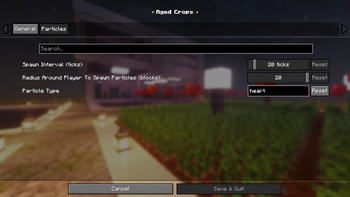
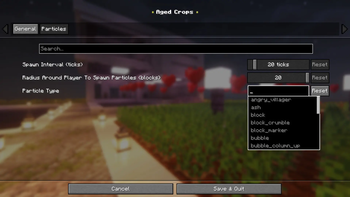
• 🎨 Customizable Particle Types – Choose from any Minecraft particle.
• ⏱️ Adjustable Spawn Interval – Control how often particles appear.
• 📏 Configurable Radius – Set how far around you particles spawn.
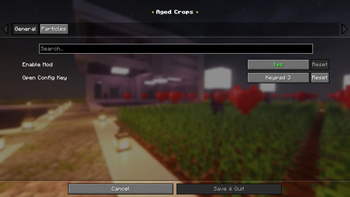
• 🎮 In-Game Config Menu – Change settings instantly with a keybind.
• 🔄 Automatic Crop Texture Scanning – Ensures accurate particle placement.
- Edition: Minecraft Java
- File type: .jar
- Minecraft version listed: 26.1.2
- How to install: Install the matching mod loader (Forge, Fabric or NeoForge) for your Minecraft version. → Download the .jar. → Put it in the .minecraft/mods folder and launch that loader profile.
- Where to get it: Opens on Modrinth — not every file is mirrored on our own servers.
Install steps are the general flow for this file type — How to install Minecraft Java mods & modpacks walks through it step by step.
- Ships as agedcrops-2.0.1.jar — drop this file into the mods folder
- Download size: 1.0 MB
- Download link checked 12 Oct 2026 — working
These come from our own check of the pack file, not from the source page.