
English | 简体中文
ChromaticityBlock
This mod adds chromaticity block, whose rendering is not affected by lighting, making it particularly suitable for convenient chromaticity cutouts.
Supported minecraft versions: 1.12.2-forge,1.16.5-fabric,1.20.4-fabric,1.20.5-fabric,1.20.6-fabric,1.21-fabric
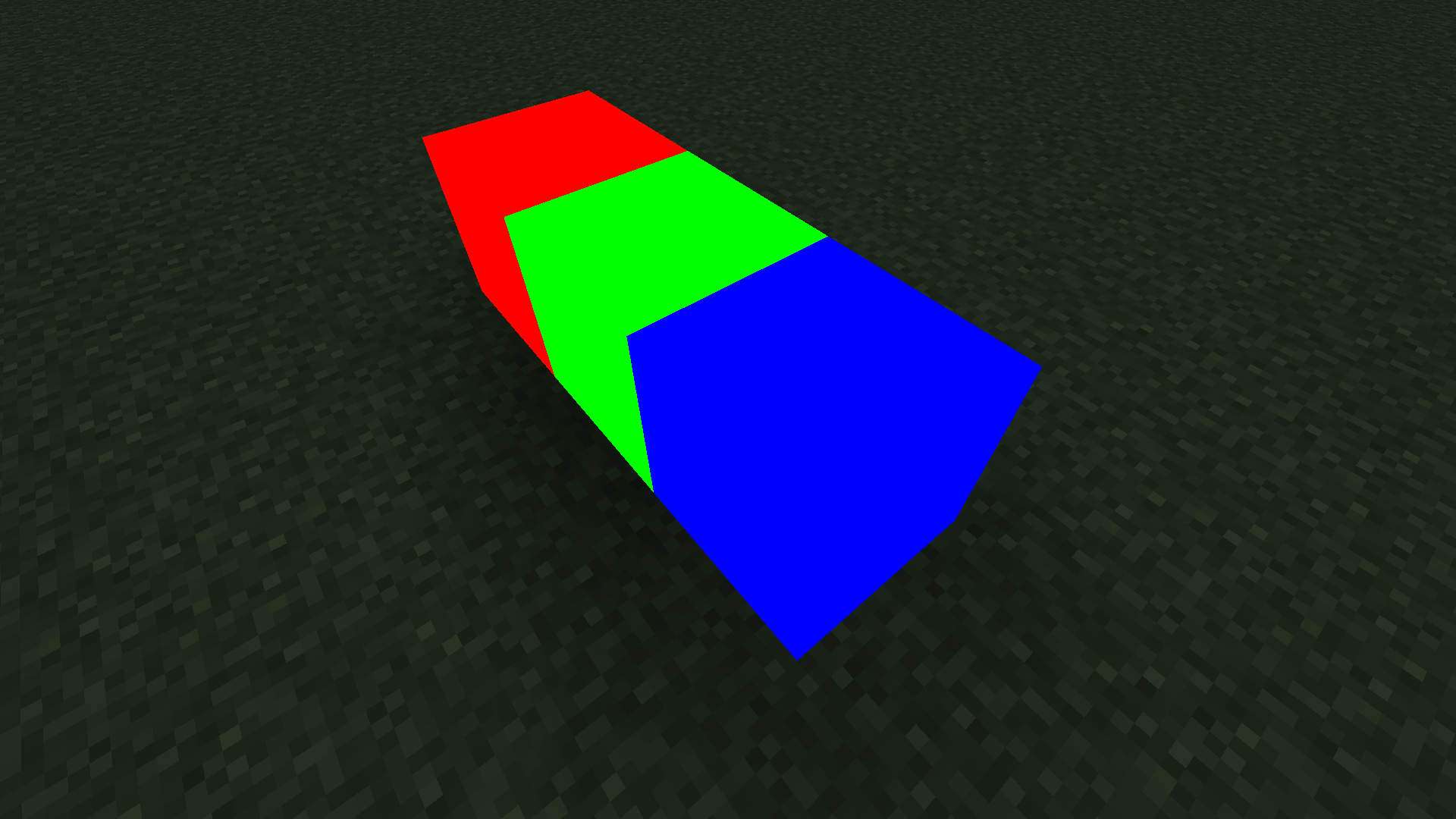
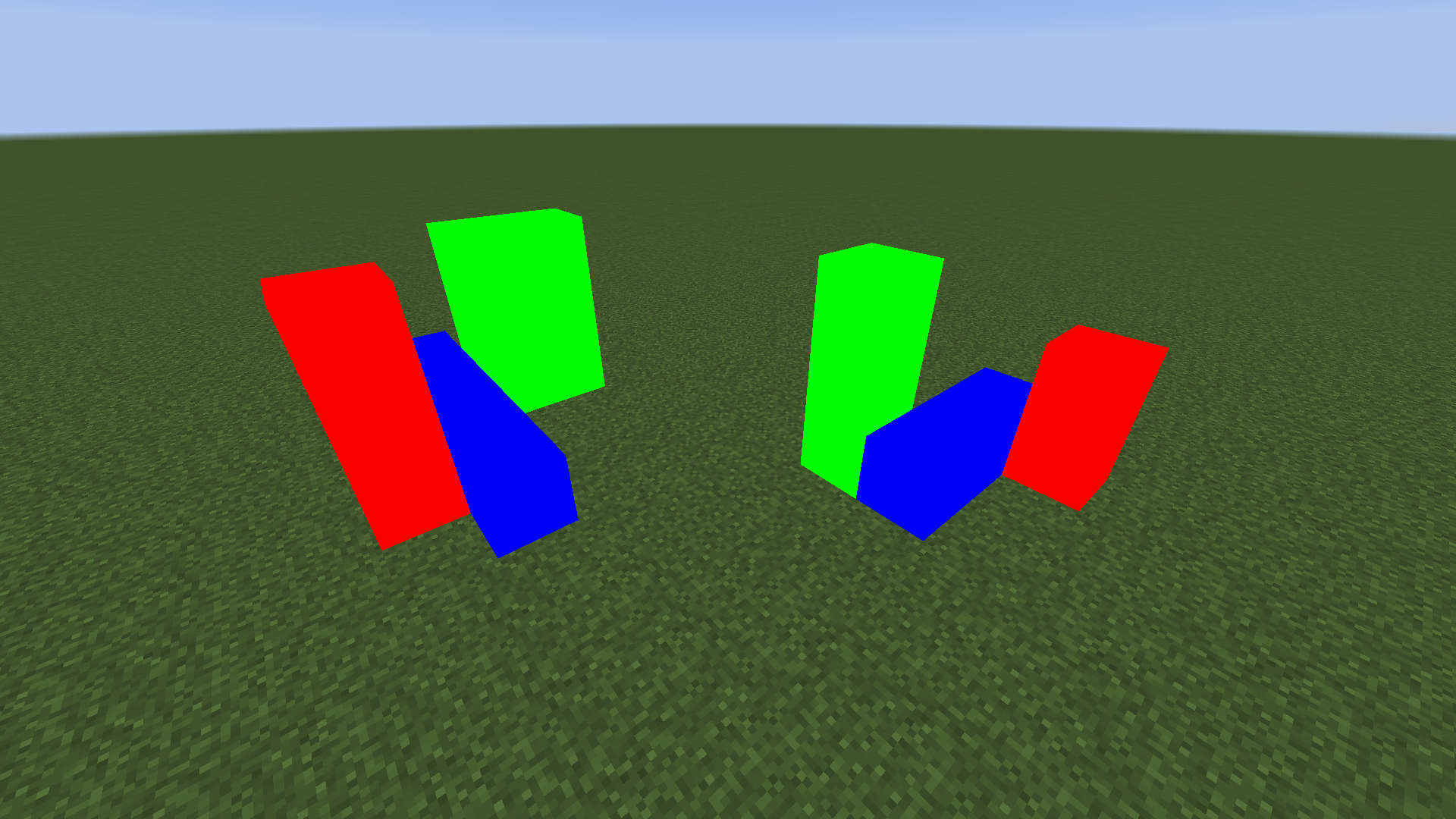
How to Use
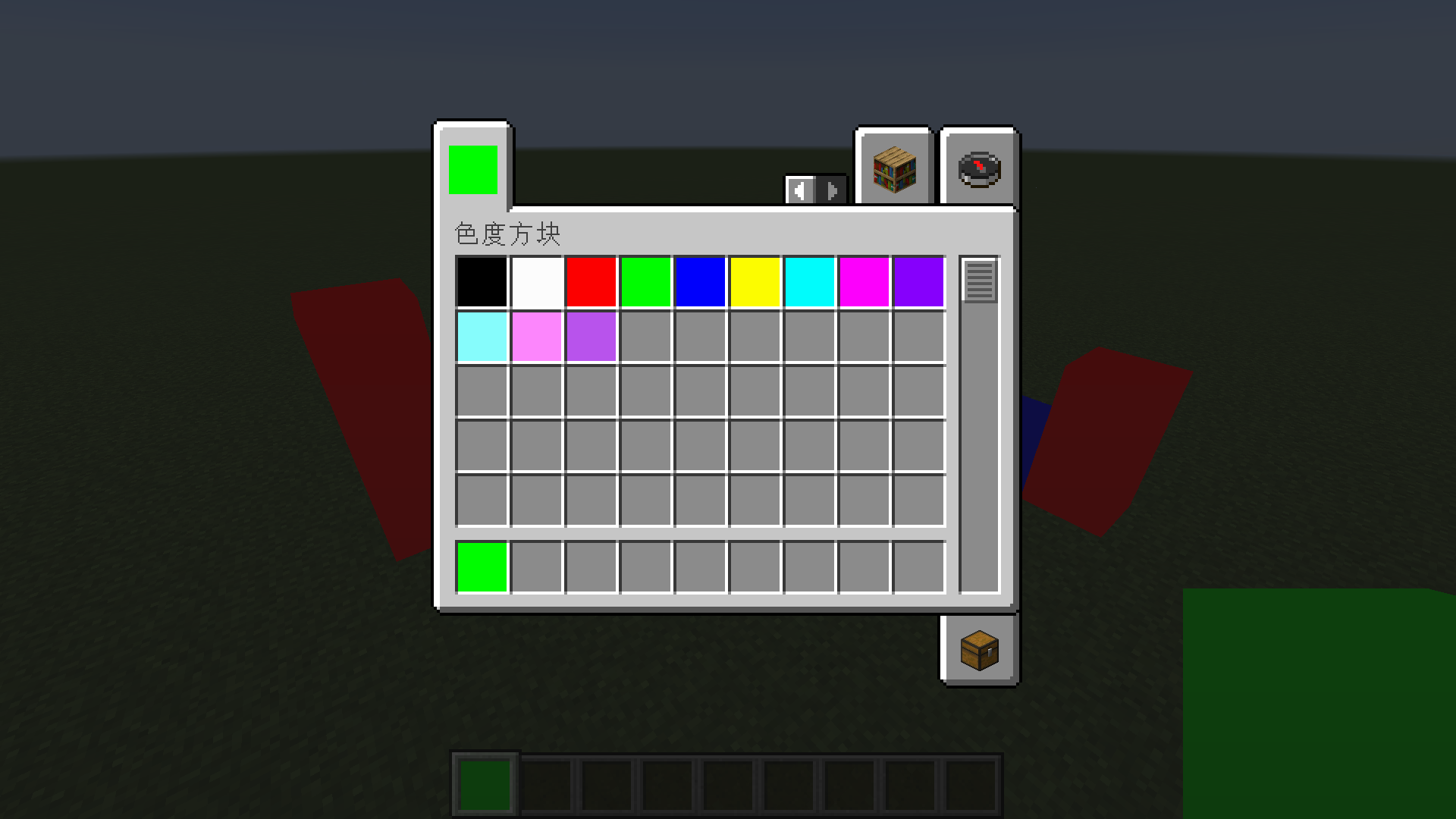
Method One: Use the common colors built into the creative mode item bar directly.
Method Two: Obtain chromaticity blocks of any color by adding them through NBT.
Commands to Get Chromaticity Blocks of Any Color
The common colors built into the creative mode item bar should generally meet your needs. If you want to customize colors, you will need to use commands to get chromaticity blocks of any color.
Before MC 1.13 Version
give @s chromaticityblock:chromaticity_block 1 0 {"BlockEntityTag":{"color":-1}}
setblock ~ ~ ~ chromaticityblock:chromaticity_block 0 normal {"color":-1}
After MC 1.13 Version
give @s chromaticityblock:chromaticity_block{"BlockEntityTag":{"color":-1}}
setblock ~ ~ ~ chromaticityblock:chromaticity_block{"color":-1}
Color Parameter
The color of the chromaticity block is determined by color NBT.
Any color can be obtained by mixing red, green, and blue, so to confirm a color, you only need four argb parameters, which are alpha, red, green, and blue.
For example, the hexadecimal color value FF4488CC contains four argb parameters. FF is alpha, 44 is red, 88 is green, CC is blue, and the range of these four parameters is 0-255 (corresponding to hexadecimal 0-FF).
It should be noted that although alpha can be stored in the number, there is actually no transparency effect in this mod.
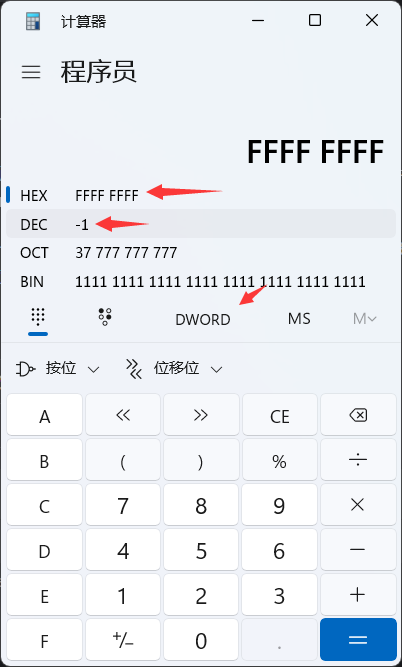
Unfortunately, integers in NBT cannot be input in HEX, so you need to convert to DEC.
You can use the calculator that comes with Windows to complete this conversion. Use the programmer mode, set the mode to DWORLD, enter the value in HEX, and you can see this value in DEC.
compatibility
1.12.2 - forge - Optifine
Not fully compatible. Optifine can be added, but this mod not compatible with any shader. If you try to use a shader, chromaticity block will have serious rendering errors.
1.16.5 - fabric - Sodium - Iris
Compatibility. Although using shader may have some minor issues, there are no serious rendering errors. Here are some common shadow effects:
- Sildurs_v1.26
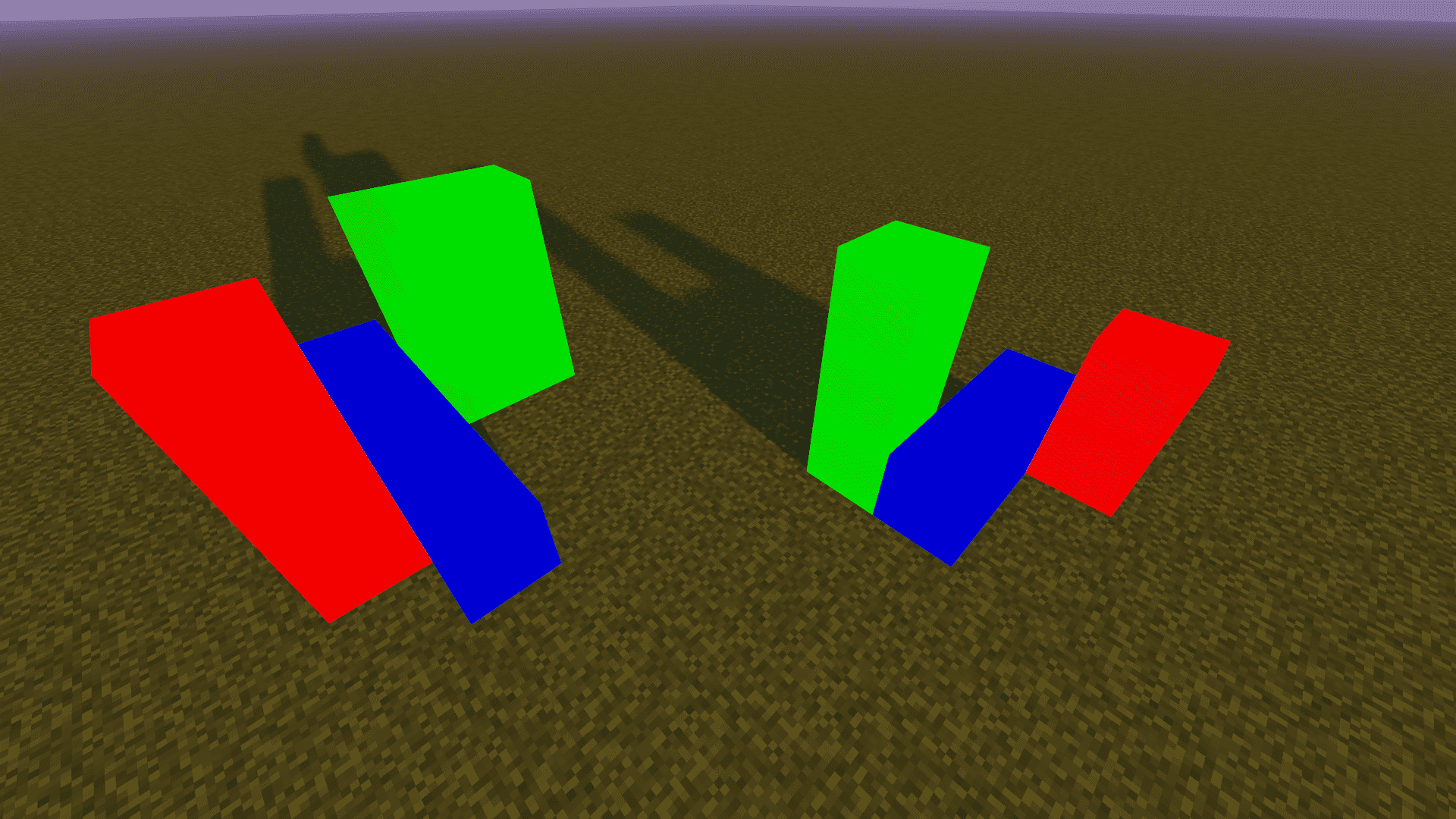
- BSL_v8.2.08
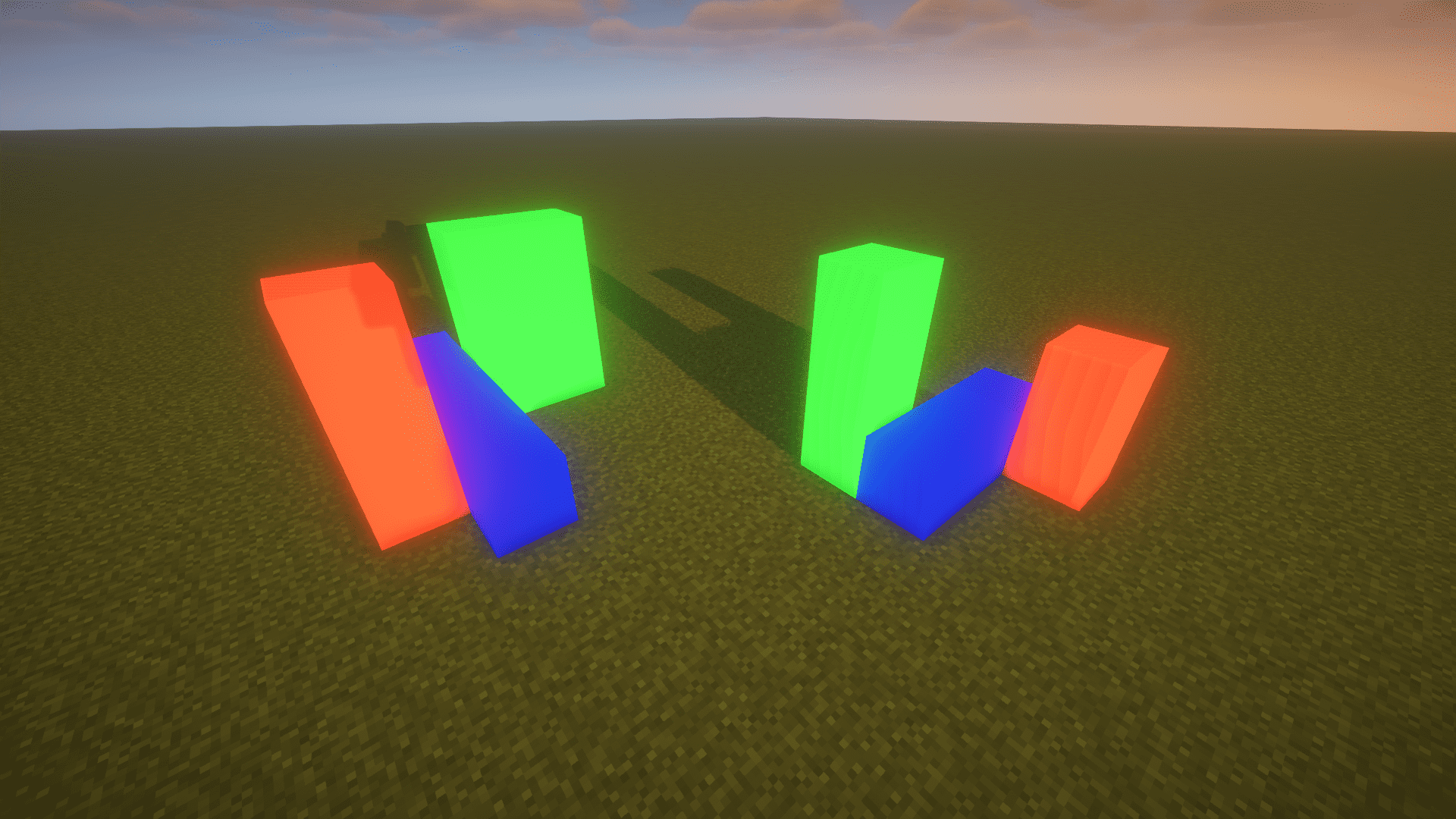
- ComplementaryShaders_v4.4
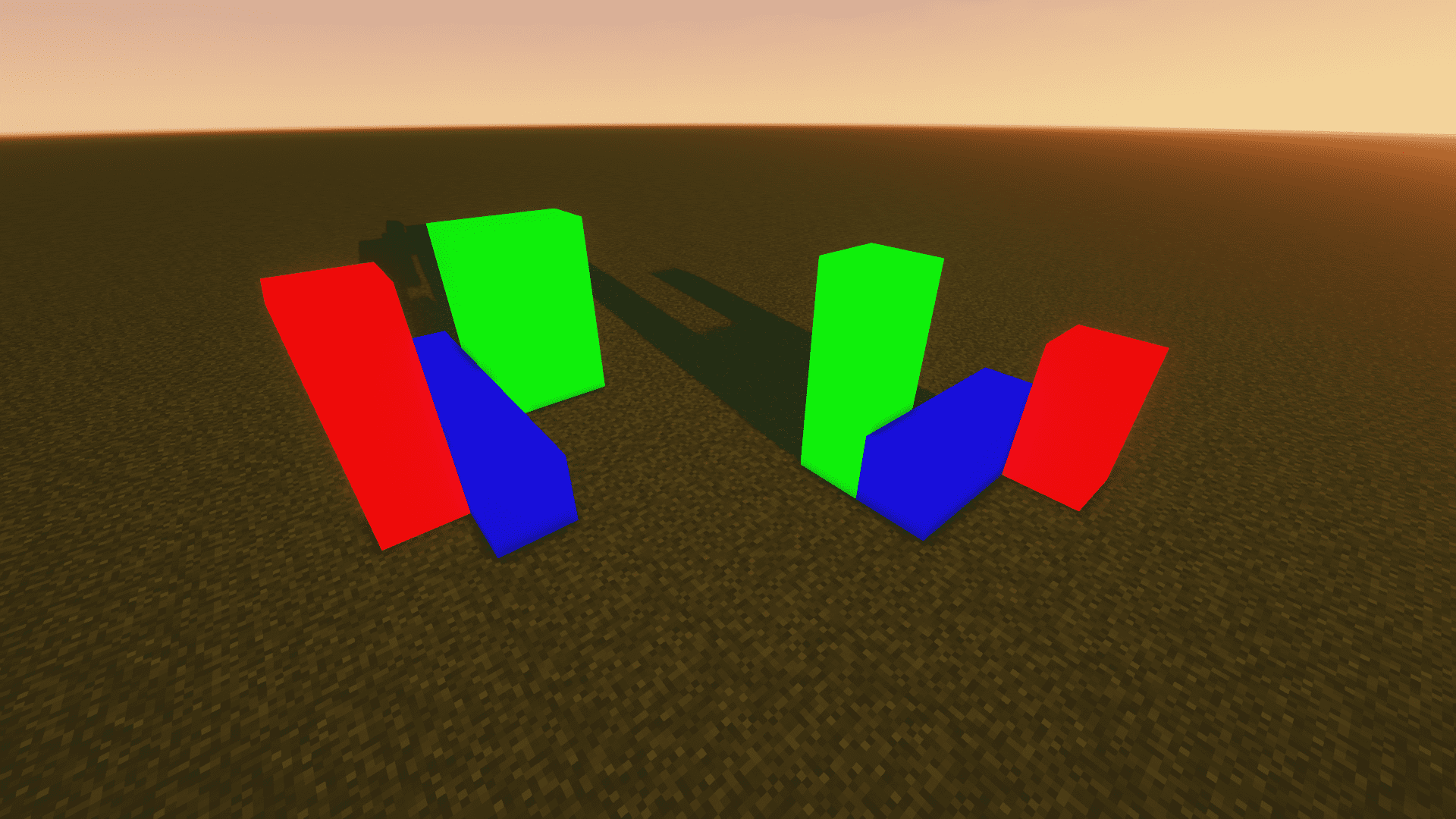
1.20.4 - fabric - Sodium - Iris
same as 1.16.5 - fabric - Sodium - Iris
About
Author: Yancey
QQ: 1709185482
Email: 1709185482@qq.com
GitHub:
https://github.com/Yancey2023/ChromaticityBlock
https://github.com/Yancey2023/ChromaticityBlock-forge
- Edition: Minecraft Java
- File type: .jar
- Minecraft version listed: 1.21
- How to install: Install the matching mod loader (Forge, Fabric or NeoForge) for your Minecraft version. → Download the .jar. → Put it in the .minecraft/mods folder and launch that loader profile.
- Where to get it: Opens on Modrinth — not every file is mirrored on our own servers.
Install steps are the general flow for this file type — How to install Minecraft Java mods & modpacks walks through it step by step.
- Ships as ChromaticityBlock-1.21-1.1-fabric.jar — drop this file into the mods folder
- Download size: 165 KB
- Download link checked 31 Aug 2026 — working
These come from our own check of the pack file, not from the source page.