ModsJava
Quickskin Mod (1.21.11, 1.20.1) – Toggle Skin Settings Using Keybinds
Java mod listed for Minecraft 1.20–1.21. Download on the author's site.
⬇ Download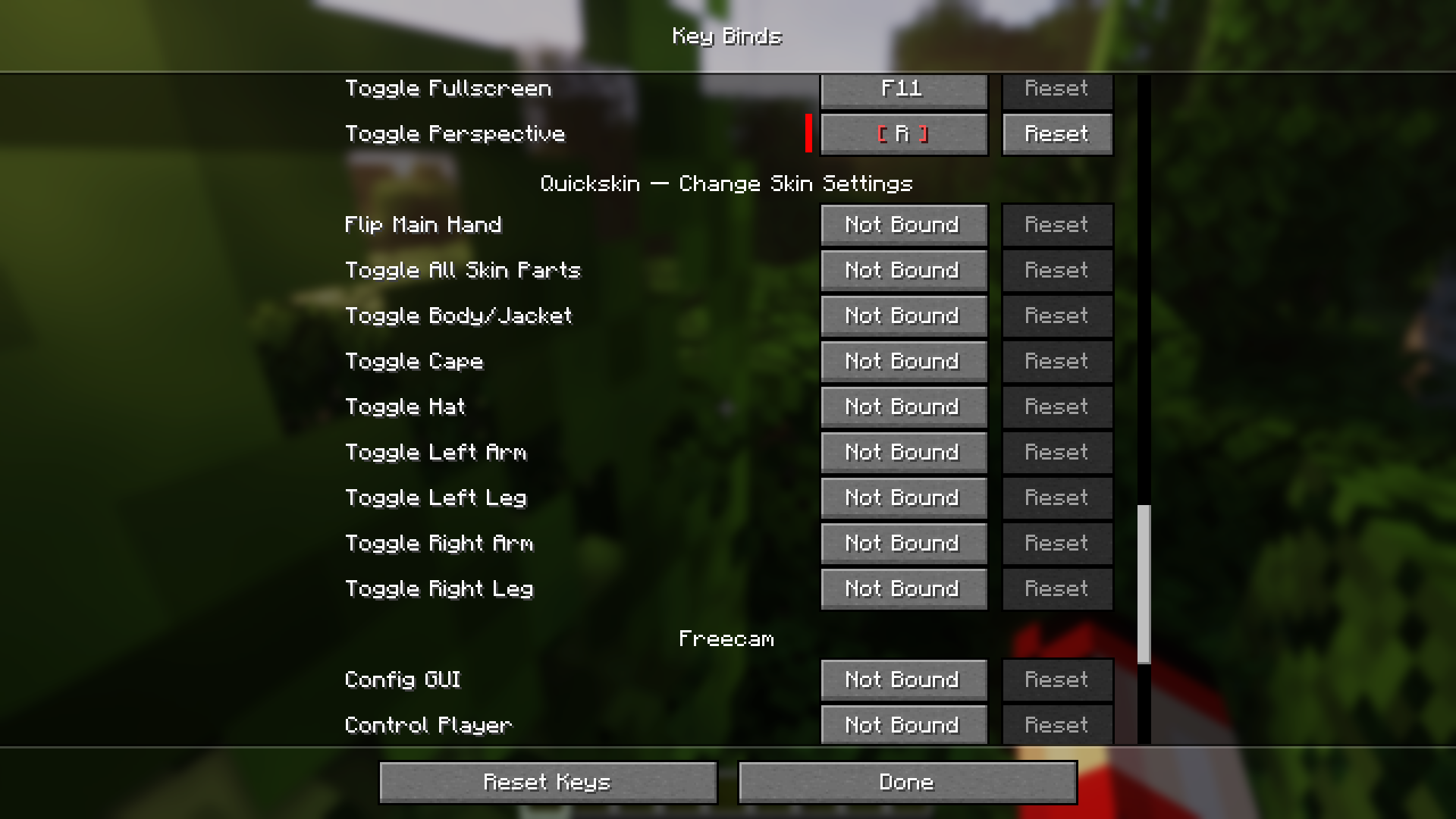




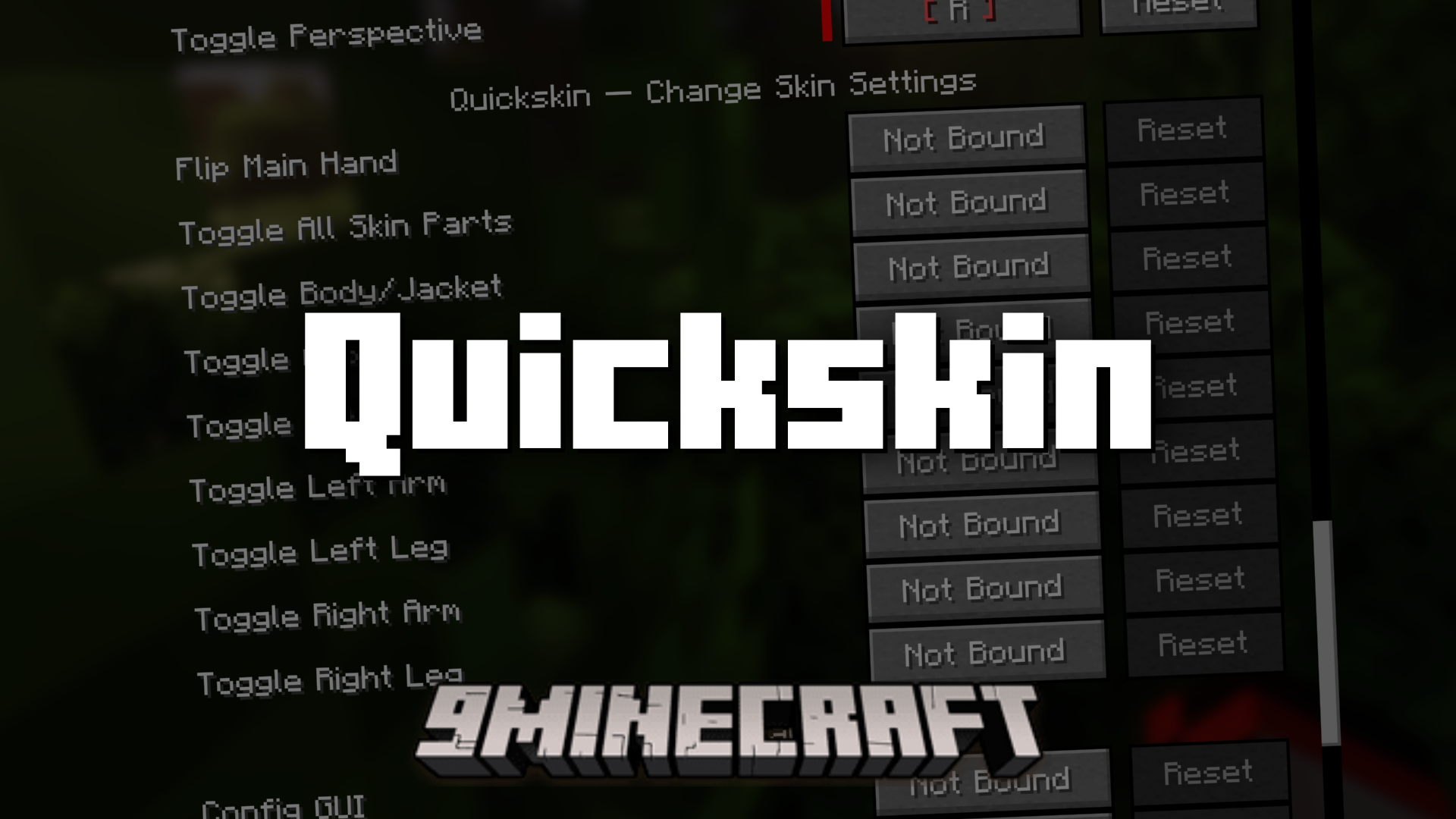
Quickskin Mod is a simple, light-weight utility mod that allows you to configure your player skin settings using certain keybinds. You can flip hand positions and toggle skin parts using keybinds. By accessing the keybinds settings, you can set keybinds for many of the player skin settings like flipping the main hand, left/right leg, left/right arm, etc.
Features:
- Toggle skin settings using keybinds.
- Set keybinds for different skin parts.
- Flip the main hand, left/right leg, left/right arm, etc.
Screenshots:
Quickskin Mod Download Links
Quick facts
- Edition: Minecraft Java
- File type: .jar
- Minecraft versions listed: 1.21.11, 1.20.1
- How to install: Install the matching mod loader (Forge, Fabric or NeoForge) for your Minecraft version. → Download the .jar. → Put it in the .minecraft/mods folder and launch that loader profile.
- Where to get it: Opens on the file's original source — not every file is mirrored on our own servers.
Install steps are the general flow for this file type — How to install Minecraft Java mods & modpacks walks through it step by step.
Quickskin Mod (1.21.11, 1.20.1) – Toggle Skin Settings Using Keybinds is a free Minecraft Java mod. Compatible with Minecraft 1.21.11, 1.20.1. Download it and open it directly in the game.