
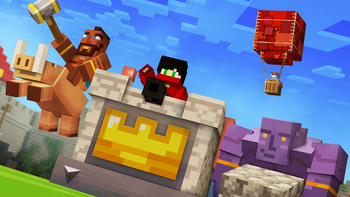
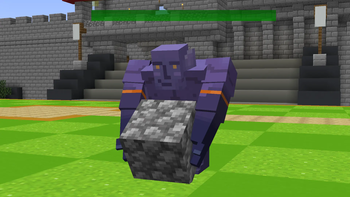
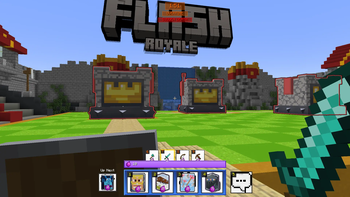
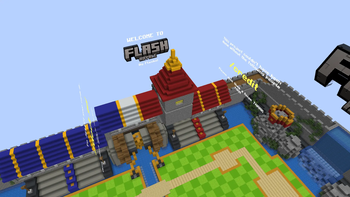
I Coded Clash Royale Into Minecraft
How To Set Up (As A Mod):
- Download the Clash Royale mod. The mod also requires Geckolib, Asteorbar, RemoveHud, and Essentials Mod
- Once your game has launched with the mods, go to singleplayer world. If the Clash Royale Arena Map isnt pre installed, you can download the world from HERE, and load it up
- Once you've joined the world, invite your friend (using essentials) and have fun!
Commands:
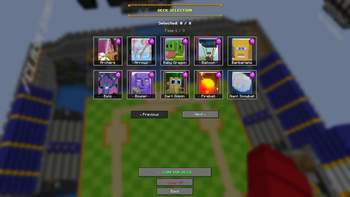
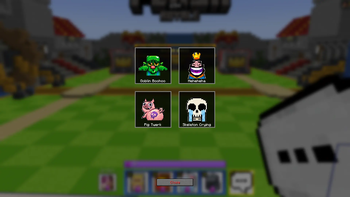
- You can do /deck gui to select your deck
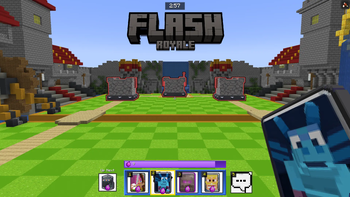
- To start the game, you do /clash start
- If you need to end the game, you can /clash stop
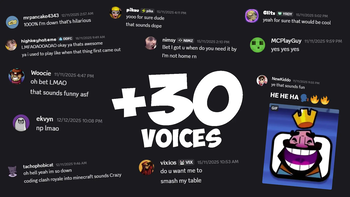
- You can do /credit to see all the people involved and made this possible, along with all the YouTubers who voiced a character.
Notes:
- THERE ARE BUGS!!! THIS IS EARLY ACCESS / BETA. If you find anything, it would be greatly appreciated if you let me know in my Discord in the support ticket channel, and I'll get to it straight away!
- If the world doesn't force show up in your singleplayer worlds, feel free to download the 1v1 Map HERE
- The owner of the world is always on the blue team
Set it up in ONE Minute! (Using Modpacks)
Quick facts
- Edition: Minecraft Java
- File type: .jar
- Minecraft version listed: 1.21
- How to install: Install the matching mod loader (Forge, Fabric or NeoForge) for your Minecraft version. → Download the .jar. → Put it in the .minecraft/mods folder and launch that loader profile.
- Where to get it: Opens on Modrinth — not every file is mirrored on our own servers.
Install steps are the general flow for this file type — How to install Minecraft Java mods & modpacks walks through it step by step.
Verified by MCModsHub
- Ships as flashroyale-1.0-SNAPSHOT.jar — drop this file into the mods folder
- Download size: 23.1 MB
- Download link checked 31 Aug 2026 — working
These come from our own check of the pack file, not from the source page.