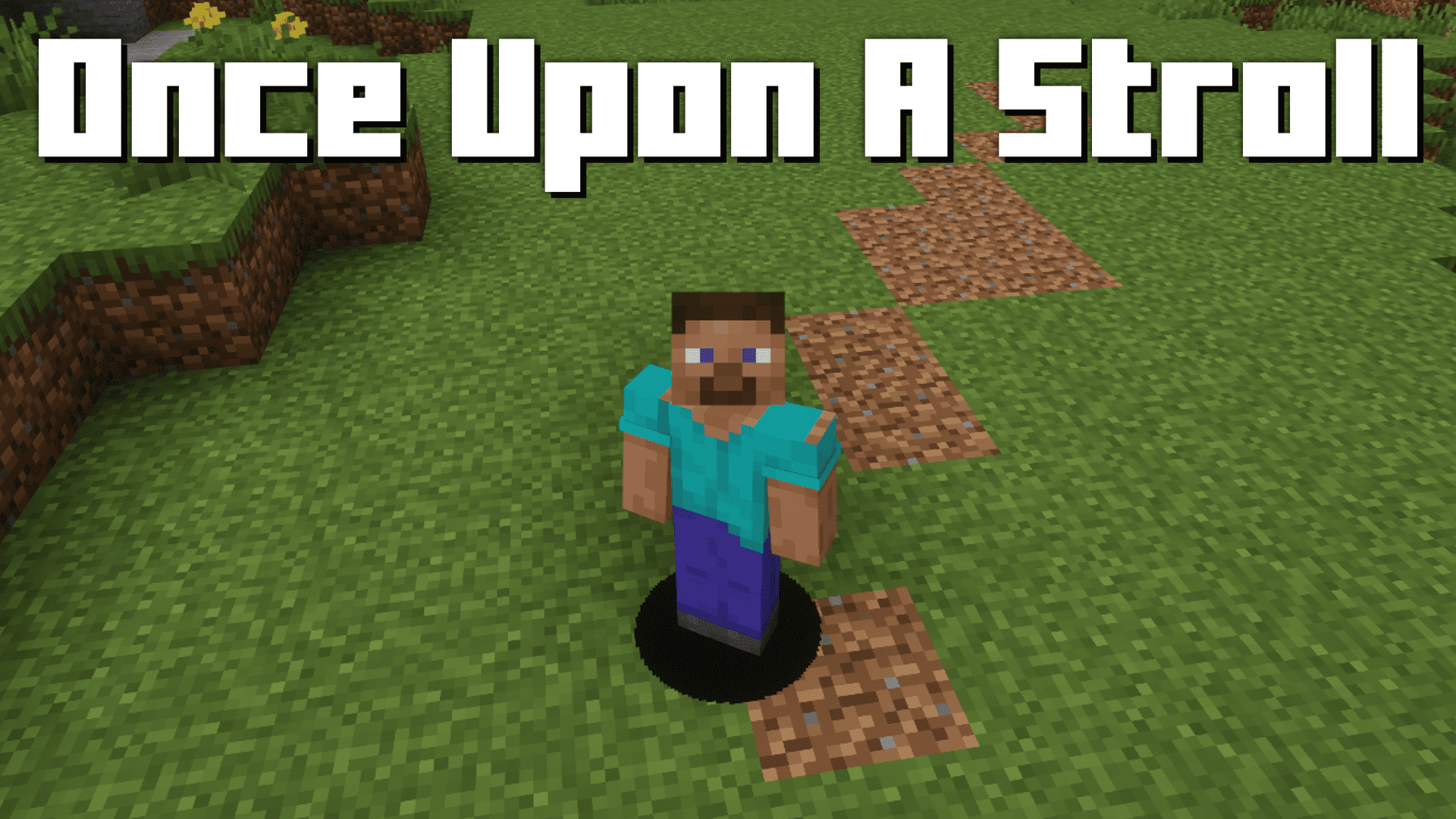
Once Upon A Stroll Mod (1.21.1, 1.20.1) – Decaying Pathways
Java mod listed for Minecraft 1.20–1.21. Downloads from the MC Java Mods app on Android.
⬇ Download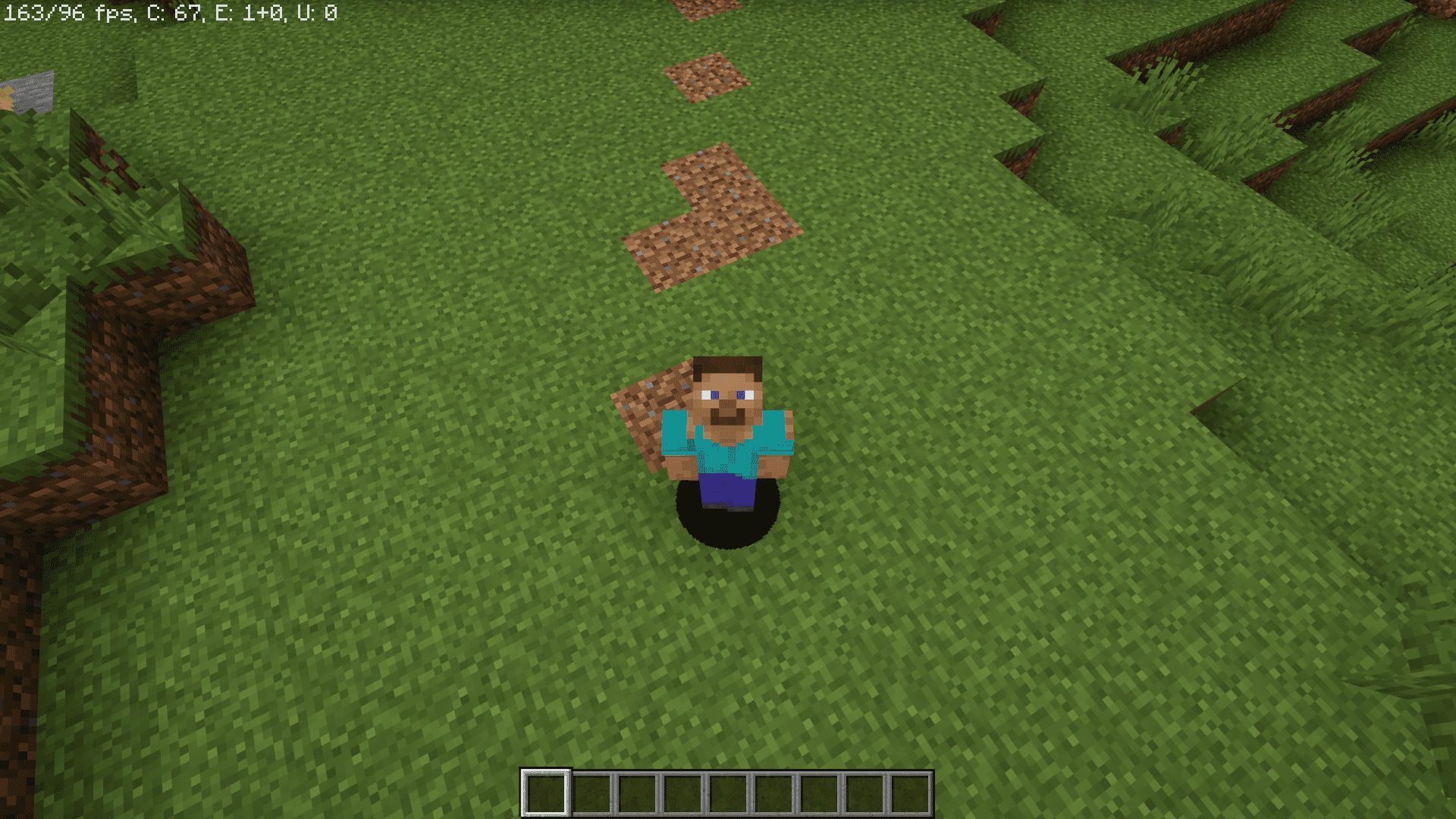
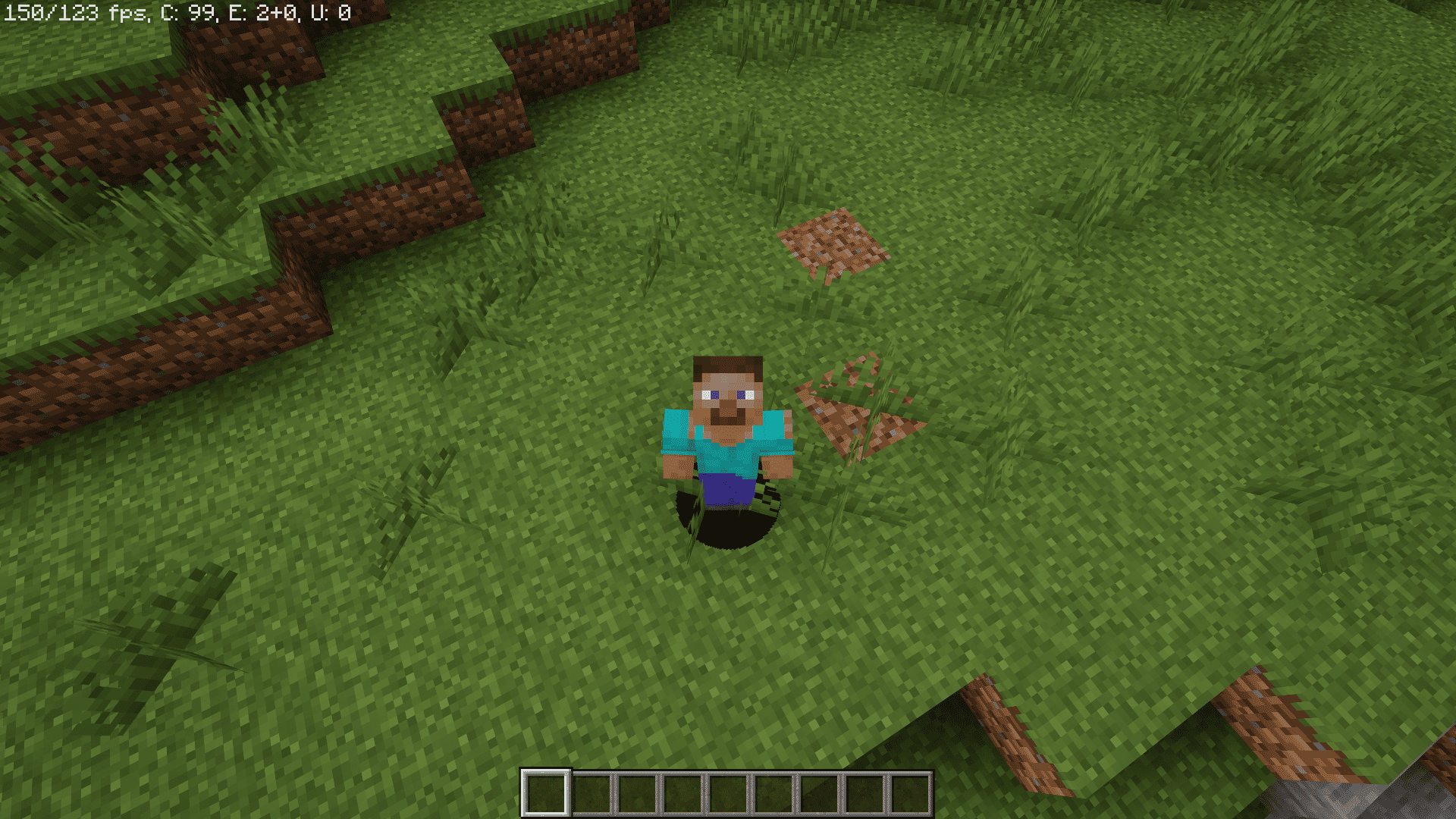
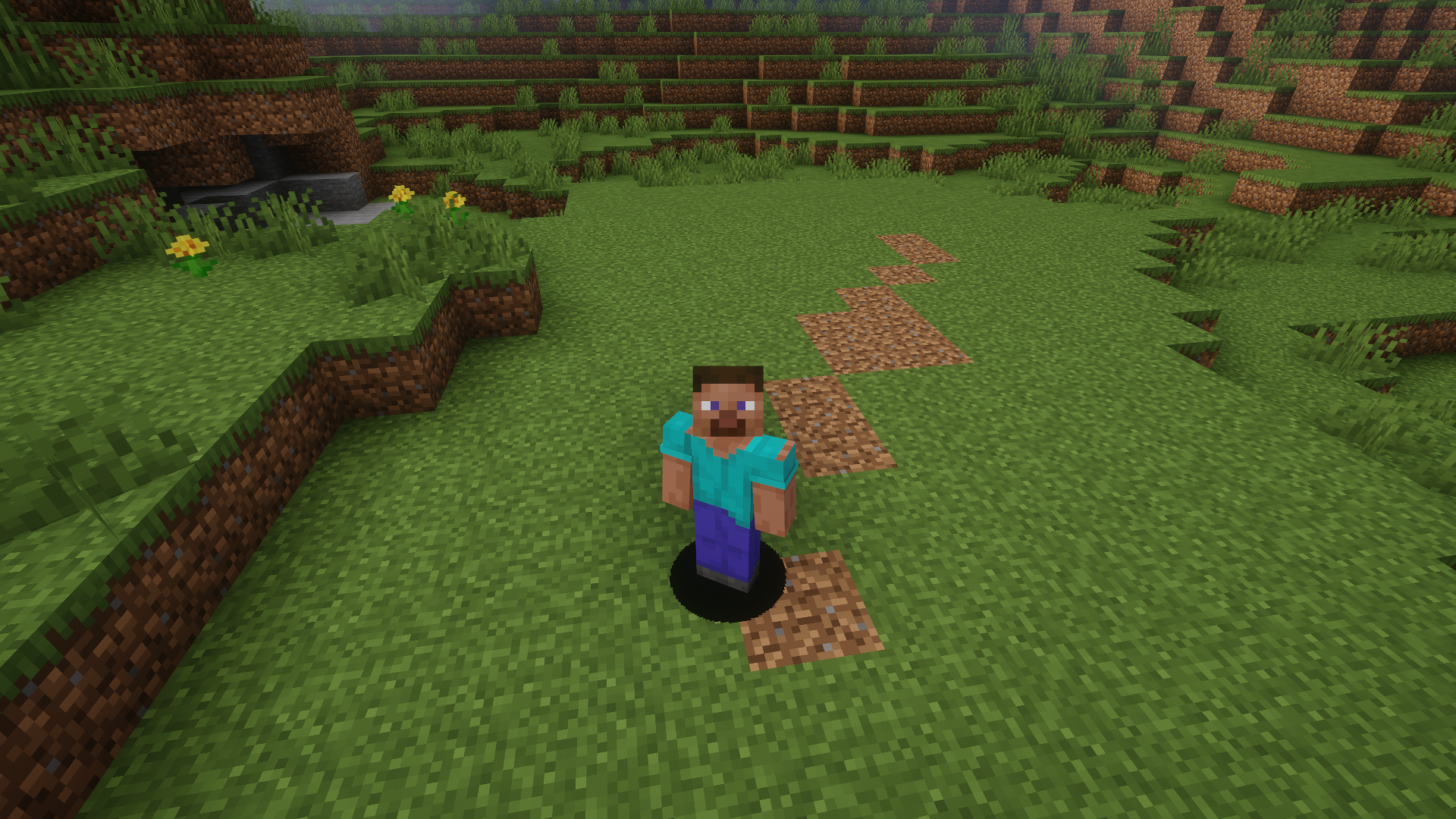
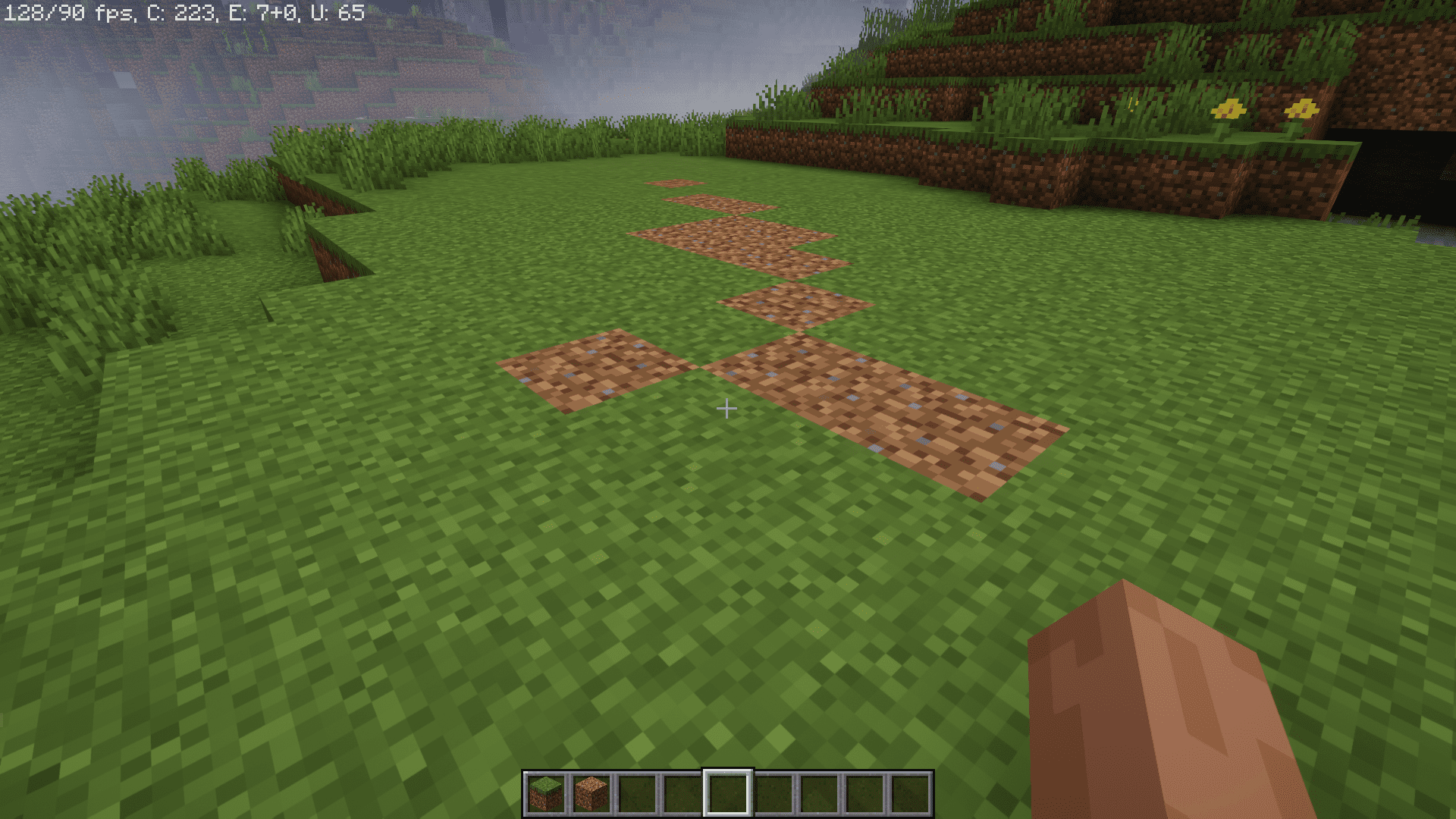
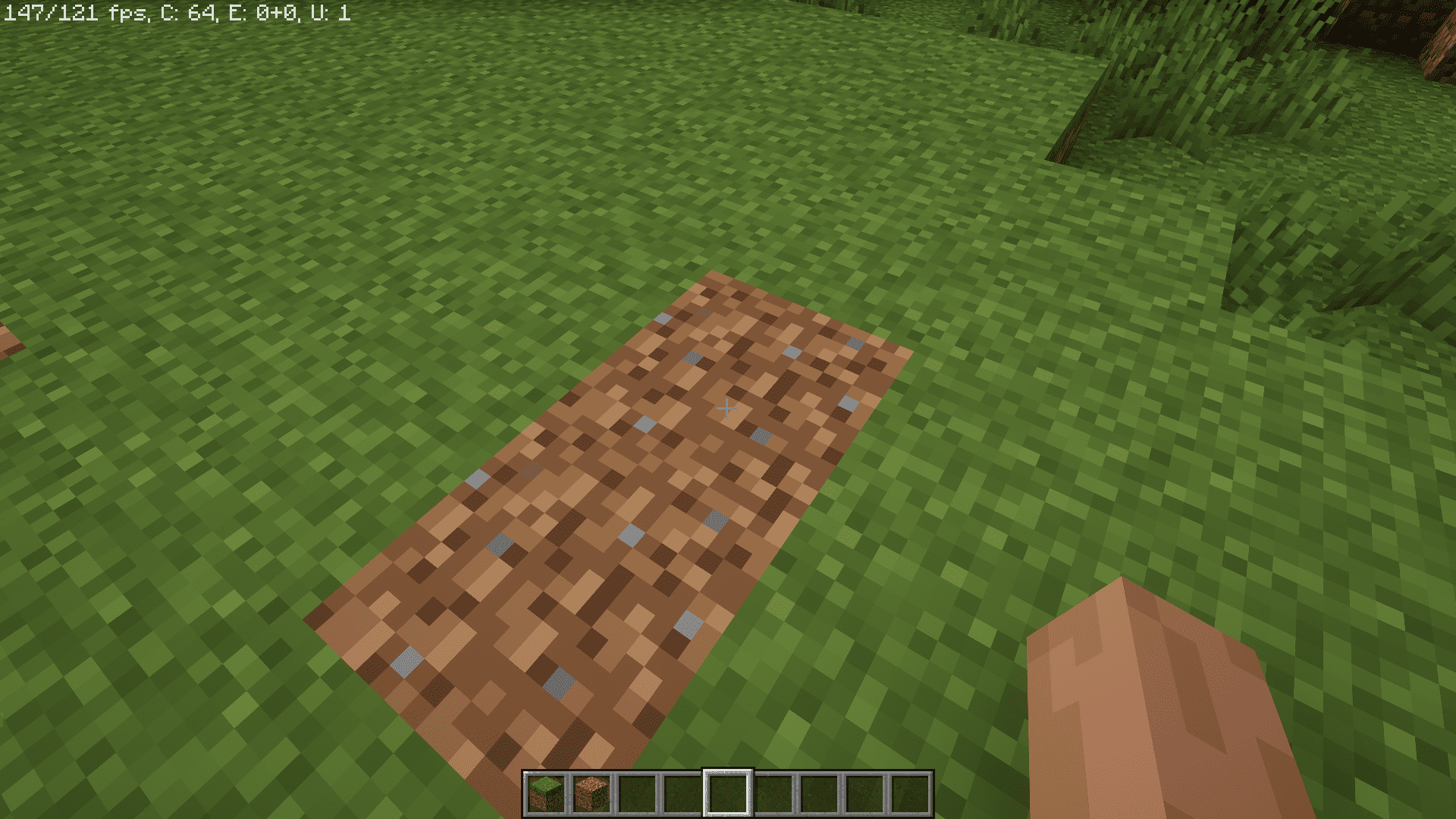
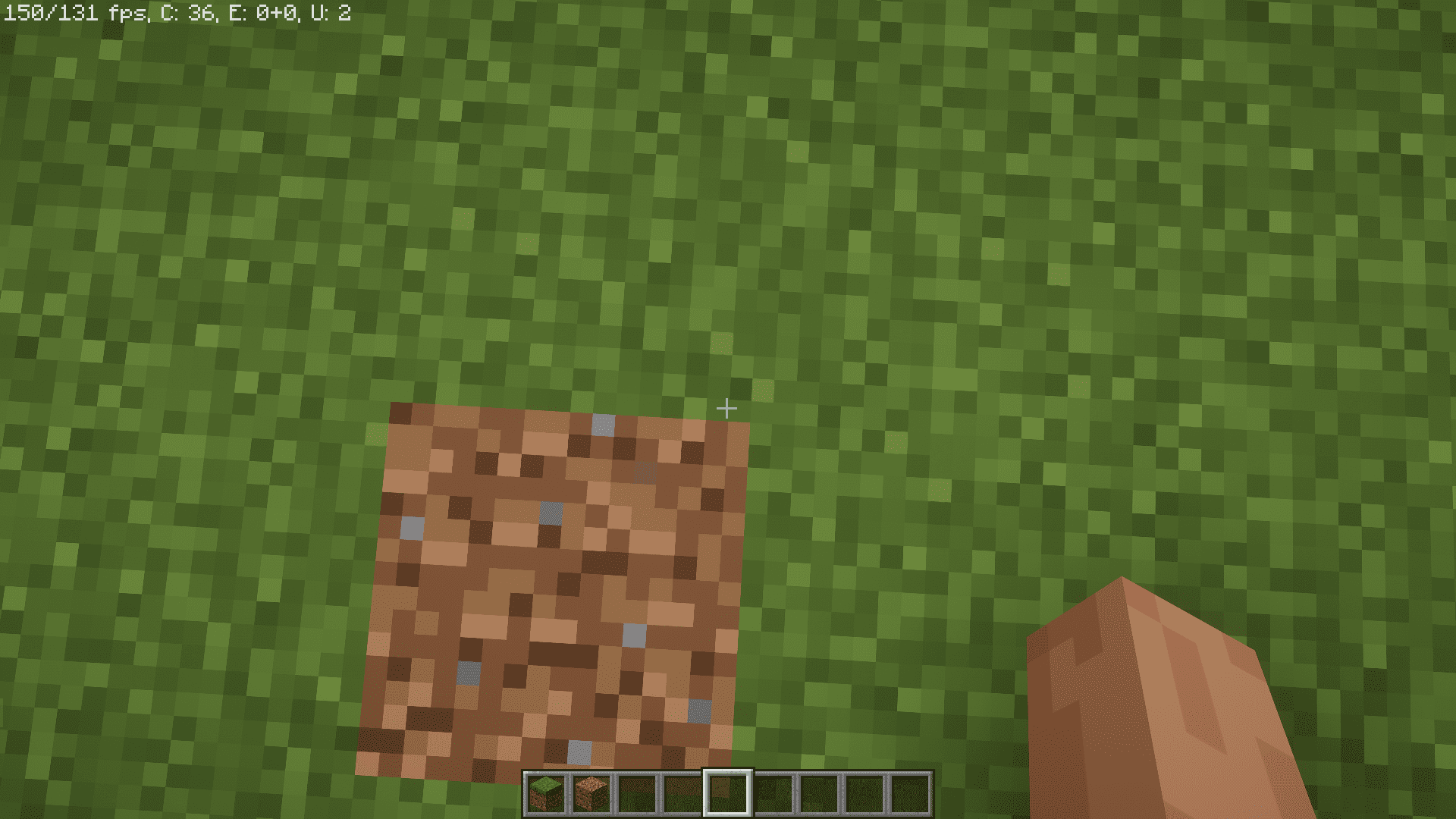
Some Minecraft players crave realism. They install high end shaders, high resolution texture packs and realistic mods that will make their game as close to reality as possible. Once Upon A Stroll Mod adds a simple feature that will make your game slightly more realistic. This mod makes it so that the grass blocks below your feet will randomly convert into dirt when you step on them. This tiny detail adds a train as you traverse through grass terrains. The converted dirt blocks will turn back into grass after a short period.
Features:
- Dynamic Terrain Transformation: Once Upon A Stroll introduces a captivating feature where the ground dynamically changes beneath your character’s feet as you walk, seamlessly transitioning from grass to dirt, paths, gravel, stone, and even stone bricks. This unique mod enhances the immersive experience of exploring in Minecraft.
- Customizable Pathways: The mod provides flexibility by offering default settings where paths for players are enabled while paths for mobs are disabled by default to prevent lag. Players can fine-tune their experience by adjusting the weighting range and individual weights for both players and mobs through the mod’s configuration options, allowing for a personalized gameplay experience.
- FullPaths Option: For those seeking a more permanent alteration to the terrain, Once Upon A Stroll includes a “fullPaths” option, which, when enabled, ensures that a lasting path is generated as you walk. This goes beyond the default transformation of grass to dirt, offering a visually satisfying and functional addition to the game world.
Screenshots:
Once Upon A Stroll Mod Download Links
- Edition: Minecraft Java
- File type: .jar
- Minecraft versions listed: 1.21.1, 1.20.1
- How to install: Install the matching mod loader (Forge, Fabric or NeoForge) for your Minecraft version. → Download the .jar. → Put it in the .minecraft/mods folder and launch that loader profile.
- Where to get it: In MC Java Mods, or directly above on this page.
Install steps are the general flow for this file type — How to install Minecraft Java mods & modpacks walks through it step by step.
- Downloads as 2775.mcaddon
- Download size: 19 KB
- Download link checked 25 Sept 2026 — working
- Mirrored on our own servers — the download does not depend on the original host
These come from our own check of the pack file, not from the source page.