










Picture In Picture
A minecraft mod to create picture in picture windows
About Picture In Picture
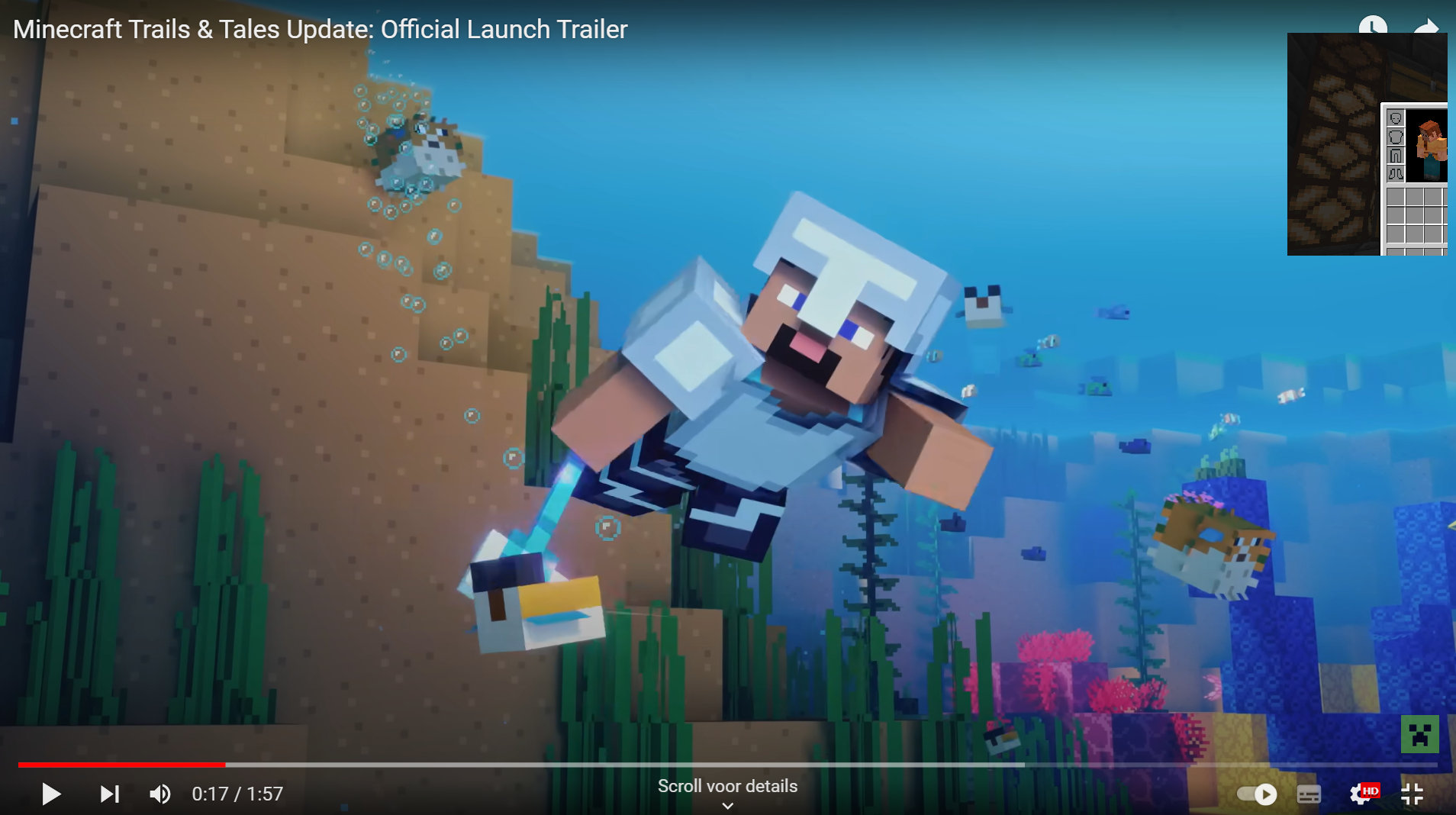
Waiting for storage to fill up, but want to do something else, just create a new window zoom in and overlay it on top of anything.
Windows can be:
Zoomed zoom in to specific things to keep an eye onFloated keep the window above all other programsDragged drag a window with your mouse around the screenResized make the window smaller while, optionally keeping the minecraft window aspect ratio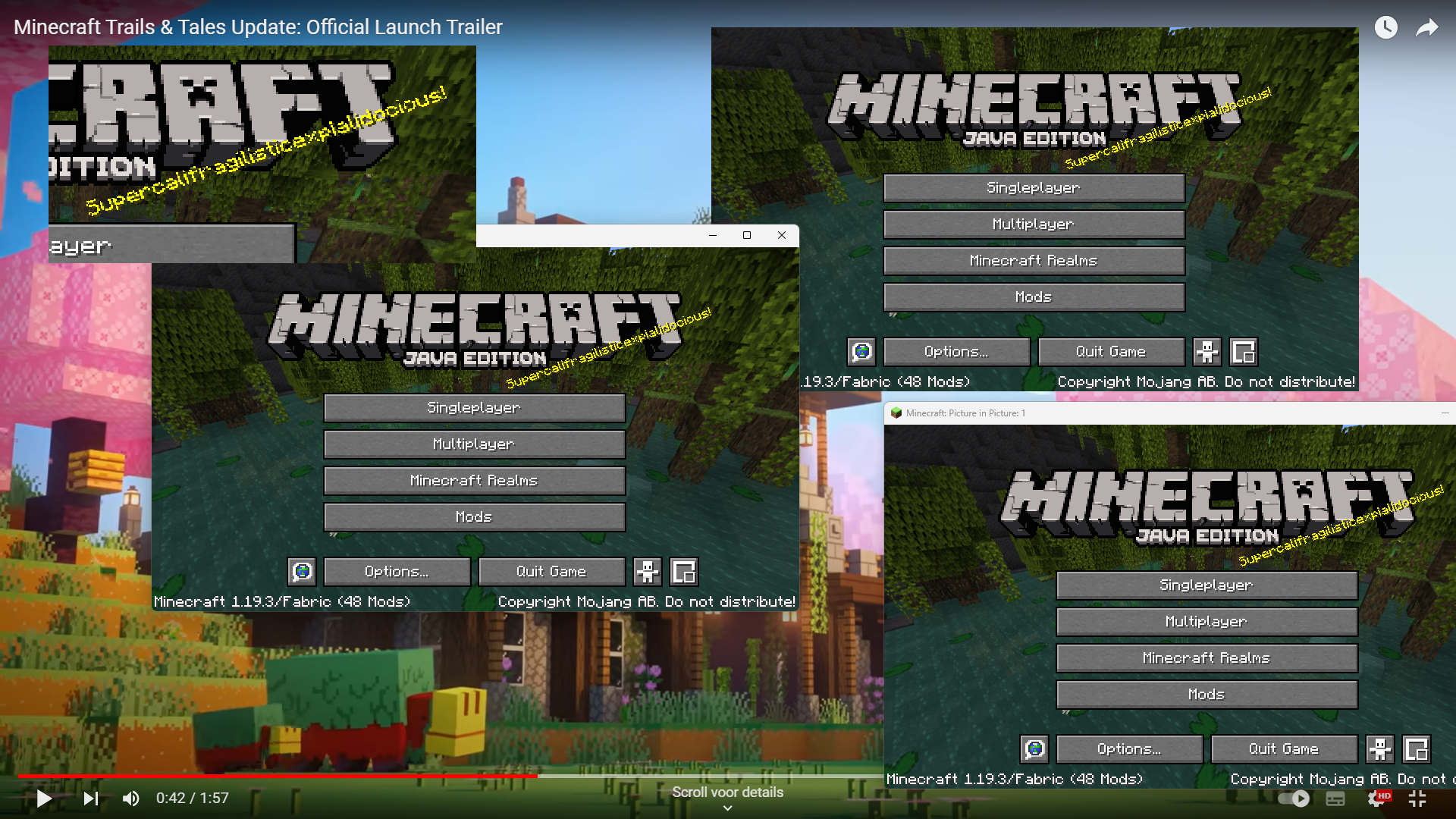
Supports

Roadmap
- Add mod menu support
- Add hide addon
- Refactor code for multiloader
- Add multiloader support
- forge
- fabric
See the open issues for a full list of proposed features (and known issues).
Contributing
Contributions are what make the open source community such an amazing place to learn, inspire, and create. My open gl experience is limited, any contributions you make are greatly appreciated.
If you have a suggestion that would make this better, please fork the repo and create a pull request. You can also simply open an issue with the tag "enhancement". Don't forget to give the project a star! Thanks again!
- Fork the Project
- Create your Feature Branch (
git checkout -b feat/AmazingFeature) - Commit your Changes (
git commit -m 'Add some AmazingFeature') - Push to the Branch (
git push origin feat/AmazingFeature) - Open a Pull Request
License
Distributed under the CC BY-NC 4.0 License. See LICENSE.txt for more information.
- Edition: Minecraft Java
- File type: .jar
- Minecraft versions listed: 1.19.3, 1.19.4
- How to install: Install the matching mod loader (Forge, Fabric or NeoForge) for your Minecraft version. → Download the .jar. → Put it in the .minecraft/mods folder and launch that loader profile.
- Where to get it: Opens on Modrinth — not every file is mirrored on our own servers.
Install steps are the general flow for this file type — How to install Minecraft Java mods & modpacks walks through it step by step.
- Ships as picture-in-picture-0.5.1.jar — drop this file into the mods folder
- Download size: 1.0 MB
- Download link checked 31 Aug 2026 — working
These come from our own check of the pack file, not from the source page.