
ModsJava
Utilitarian Mod (26.1.2, 1.20.1) – New Tools for Old Problems
Java mod listed for Minecraft 1.20. Downloads from the MC Java Mods app on Android.
⬇ Download
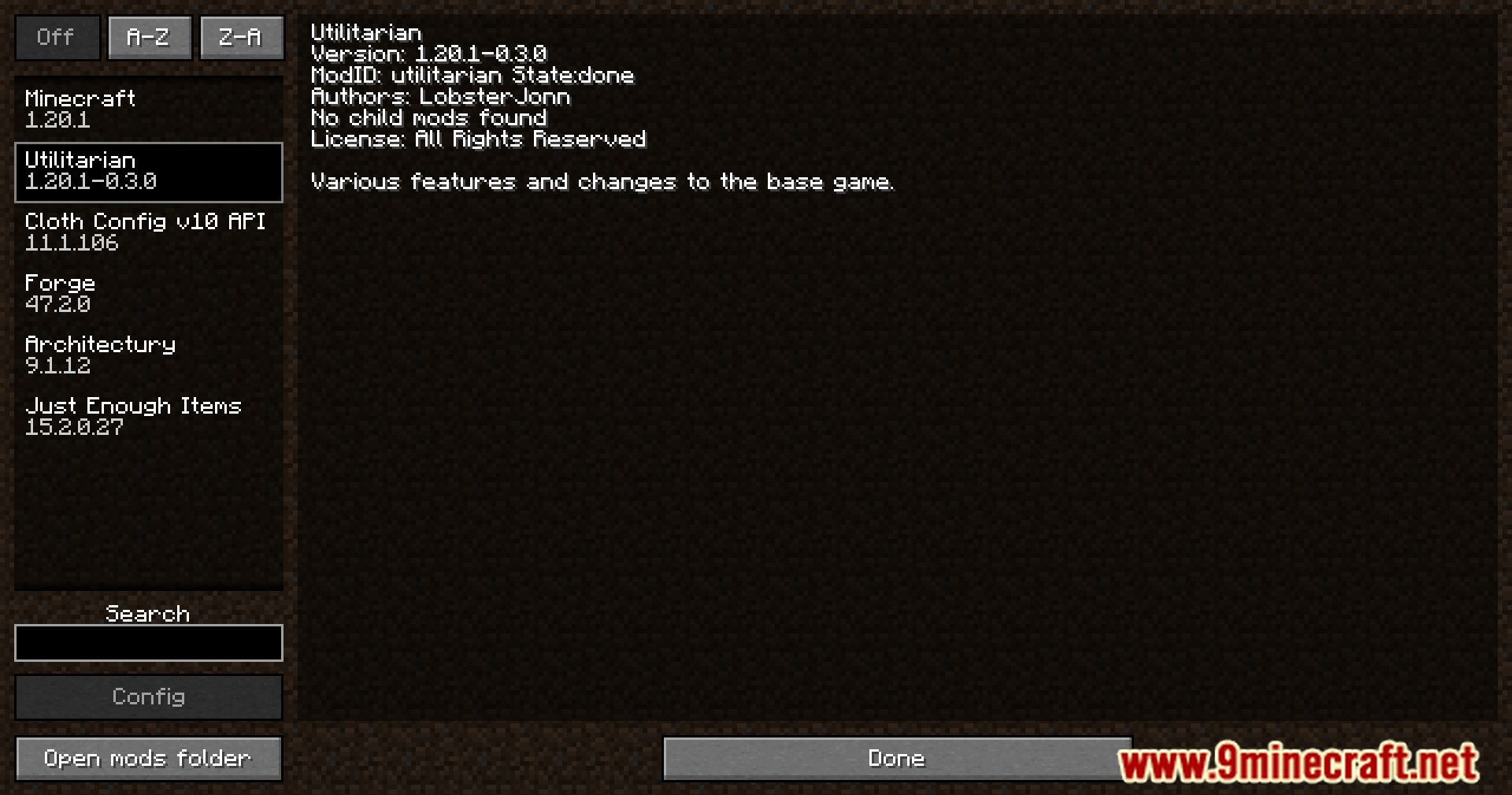

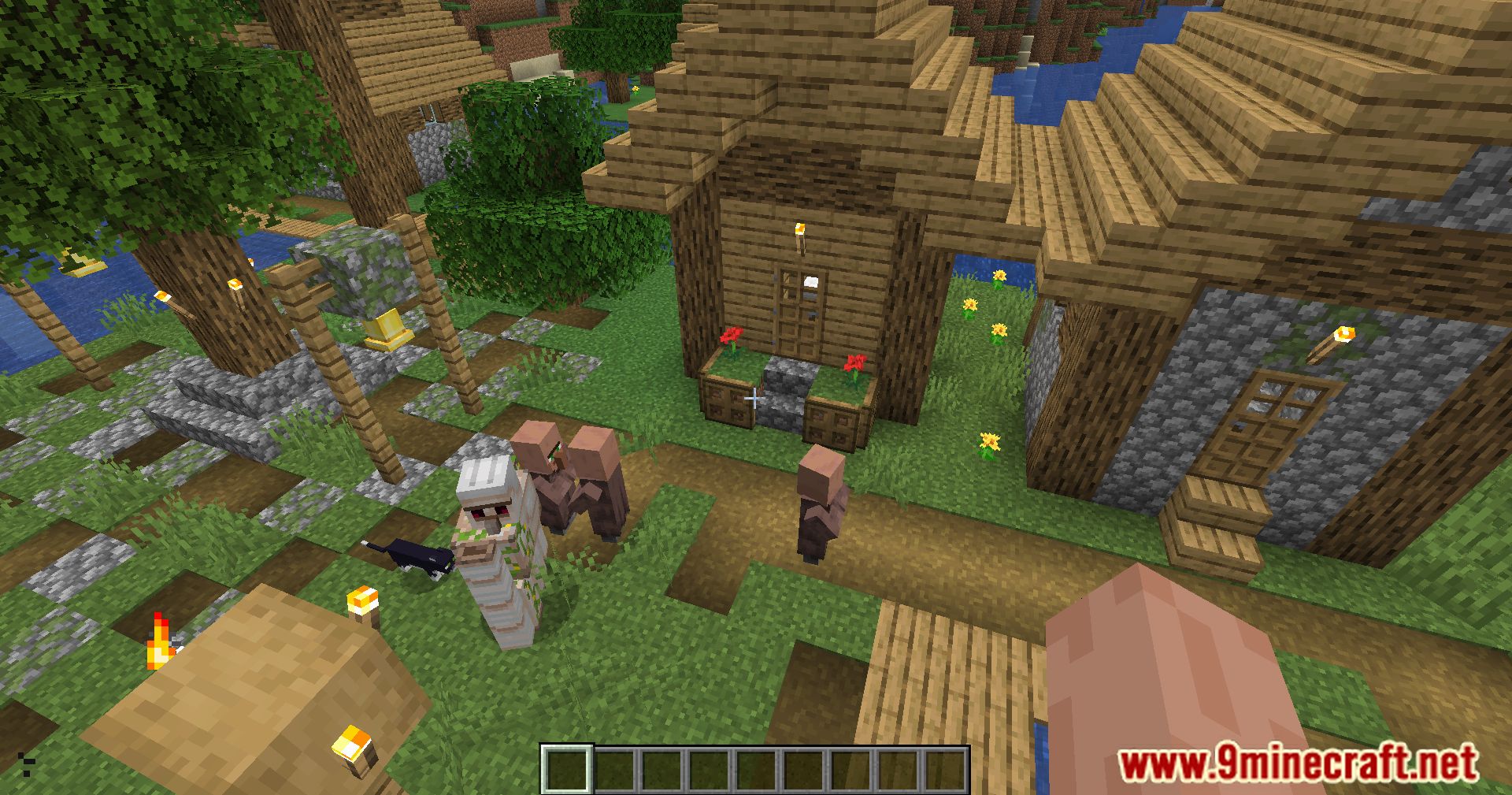
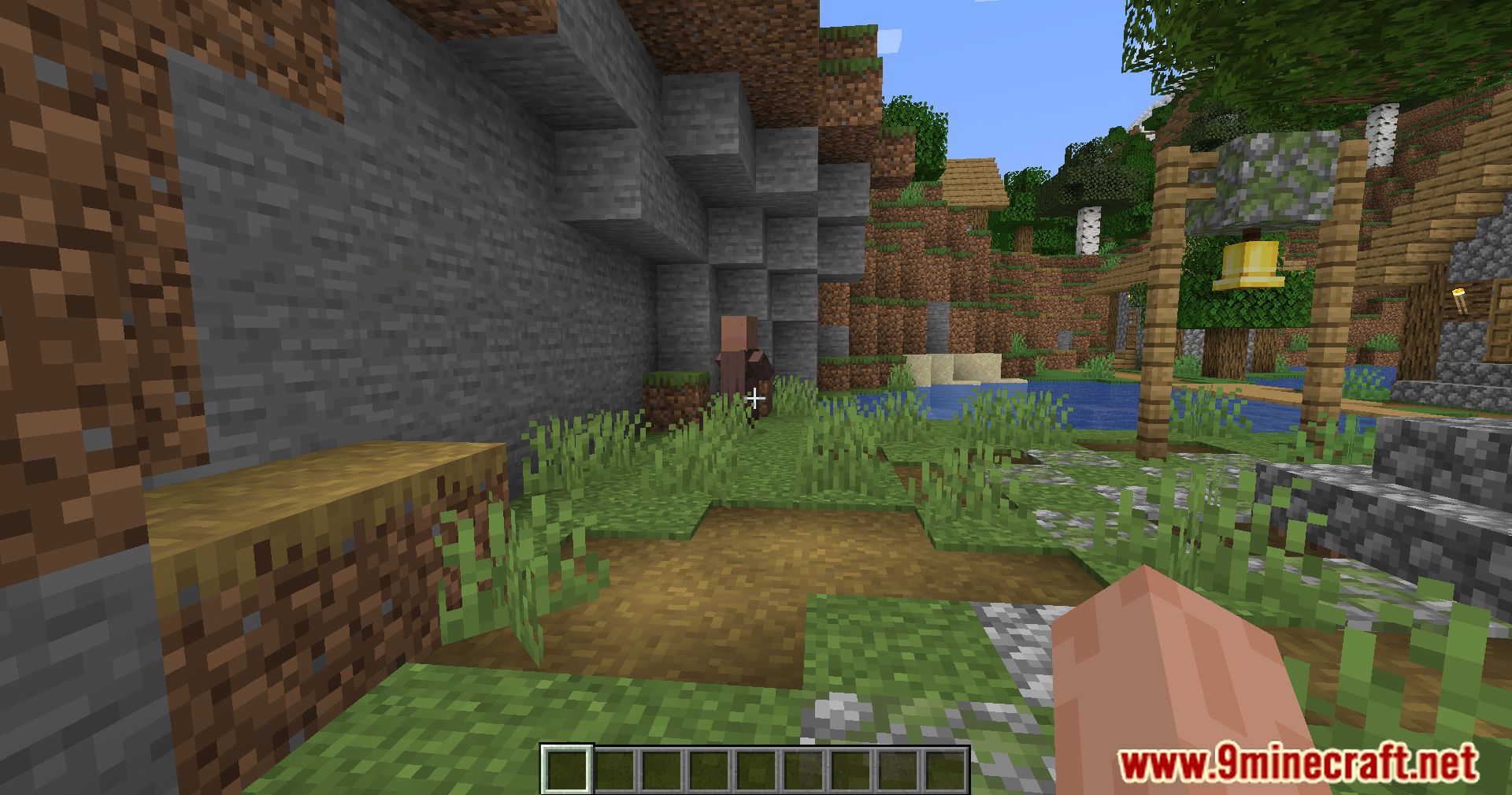
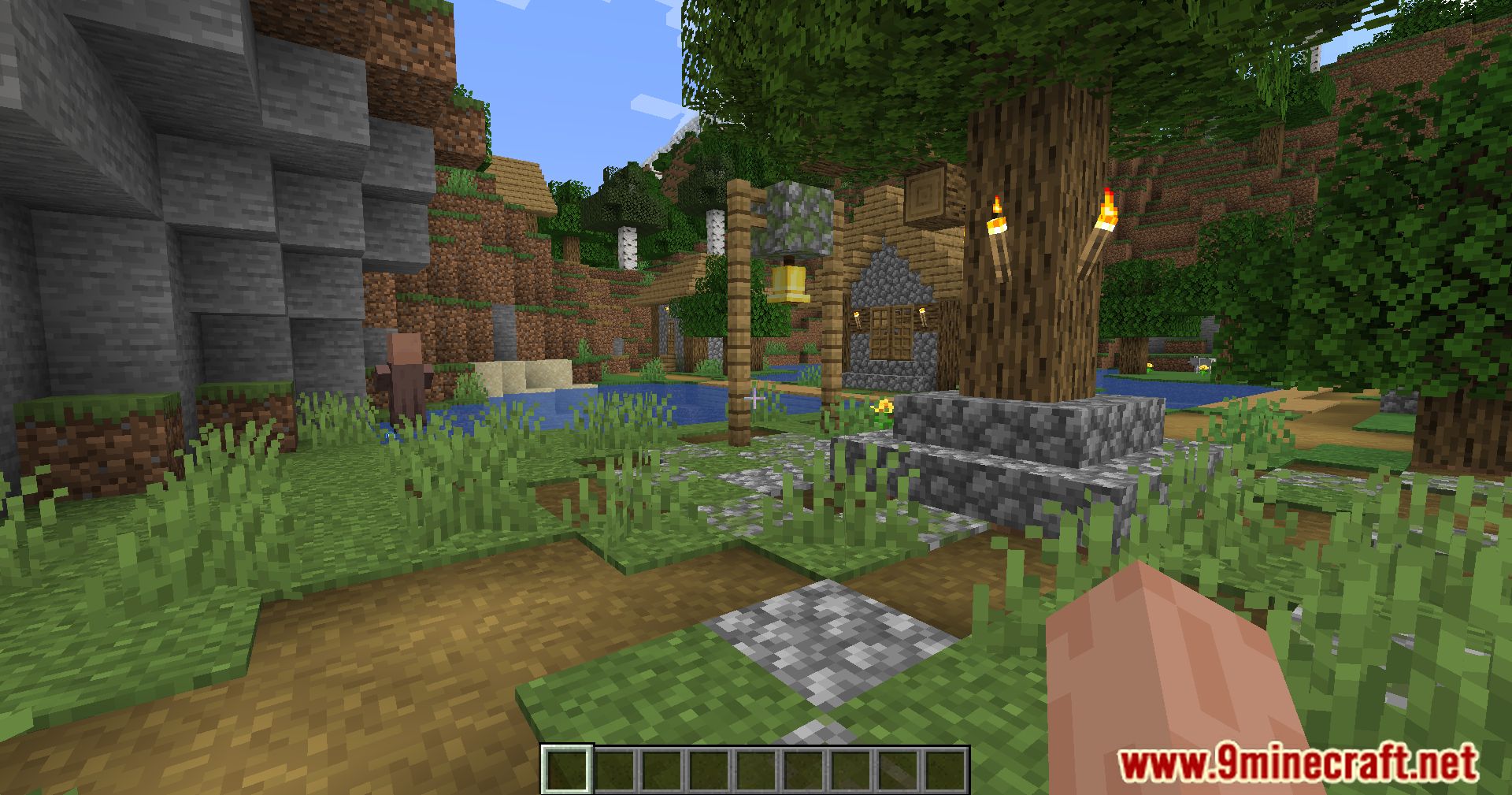
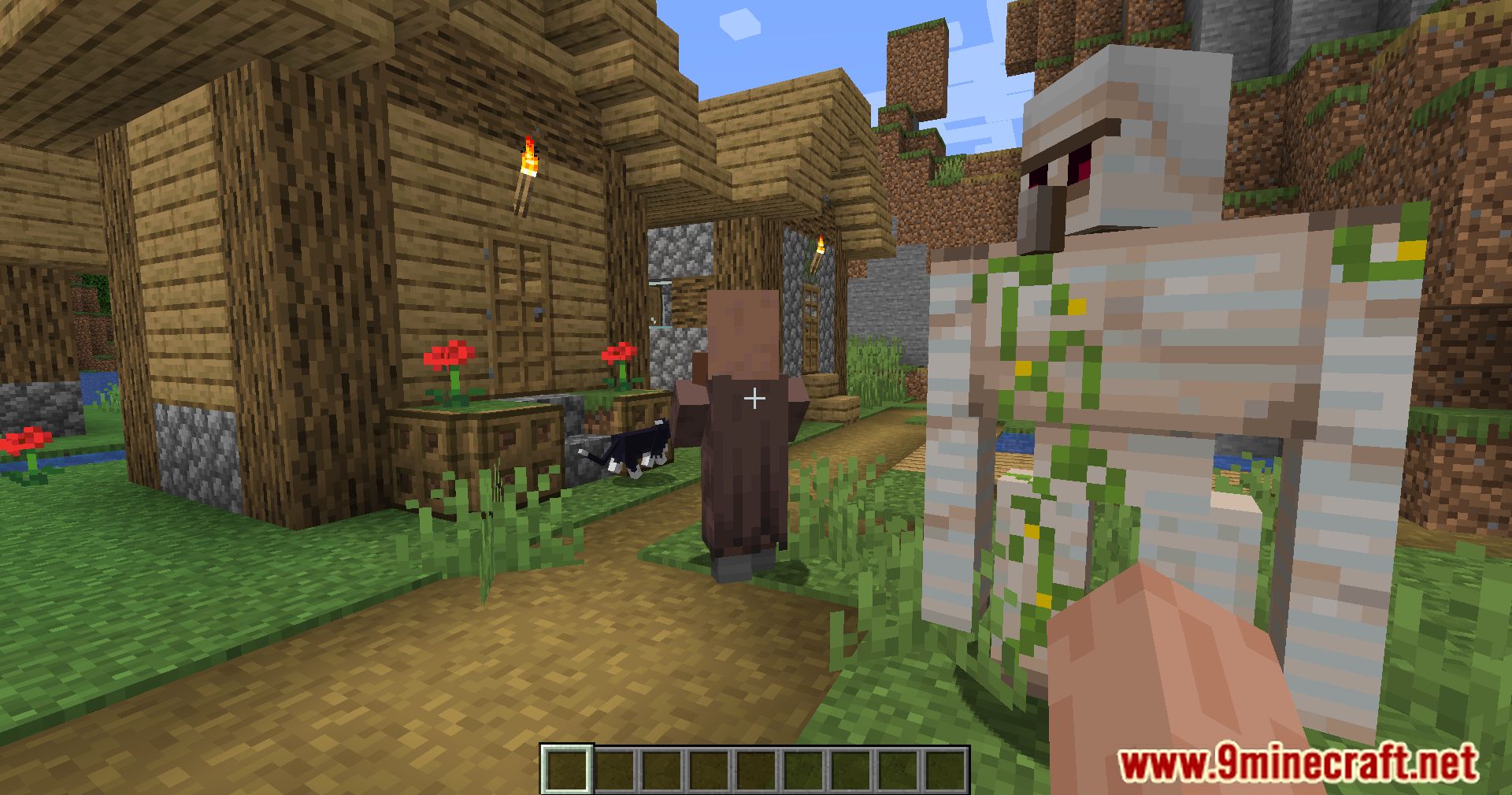

Utilitarian Mod adds many useful features to improve your Minecraft game. This mod is split into different modules, which you can turn on or off to fit your needs.
Features:
- Lets you use crying obsidian to build Nether portal frames.
- Refills your air supply when you use a wind charge underwater.
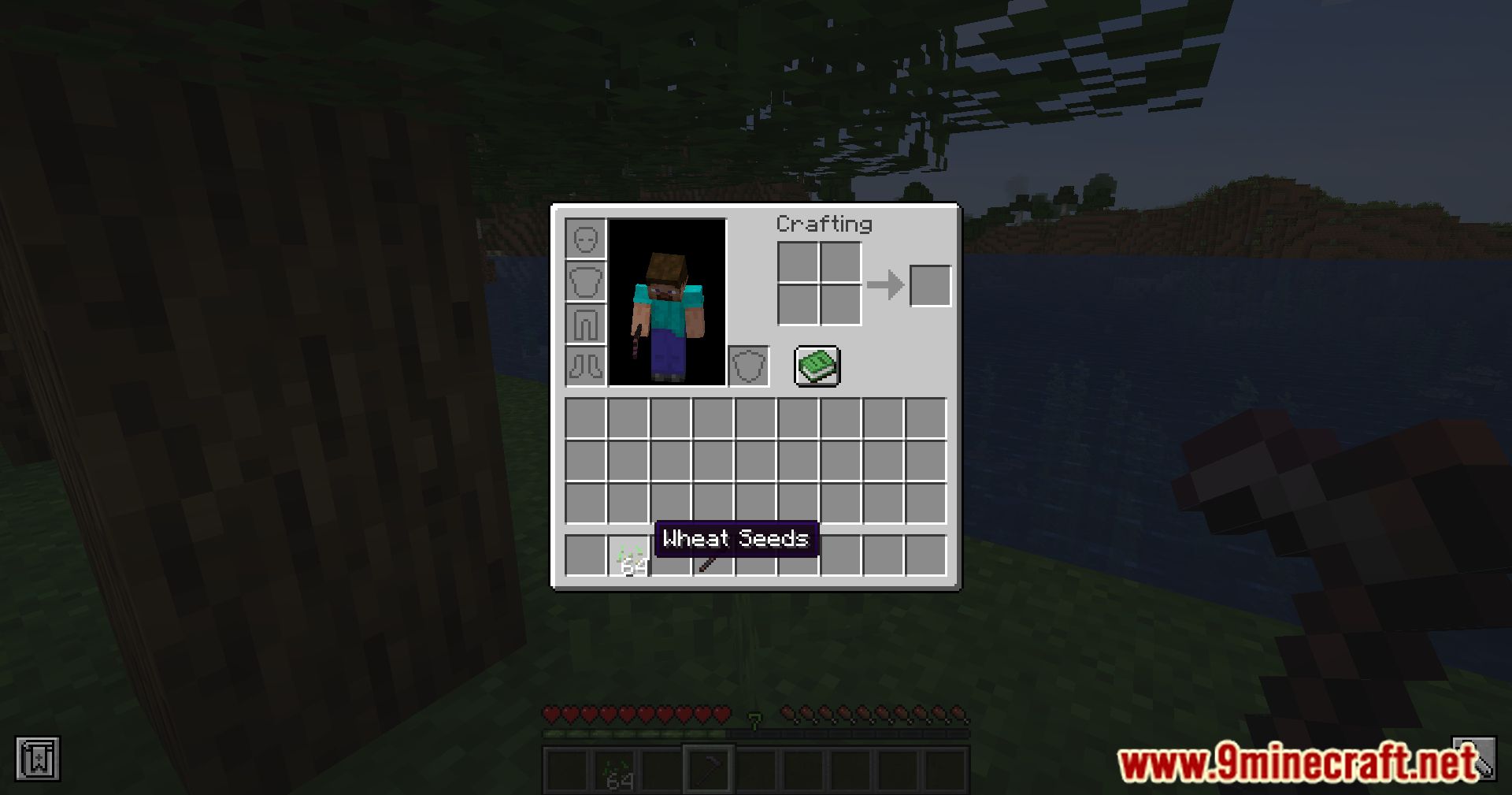
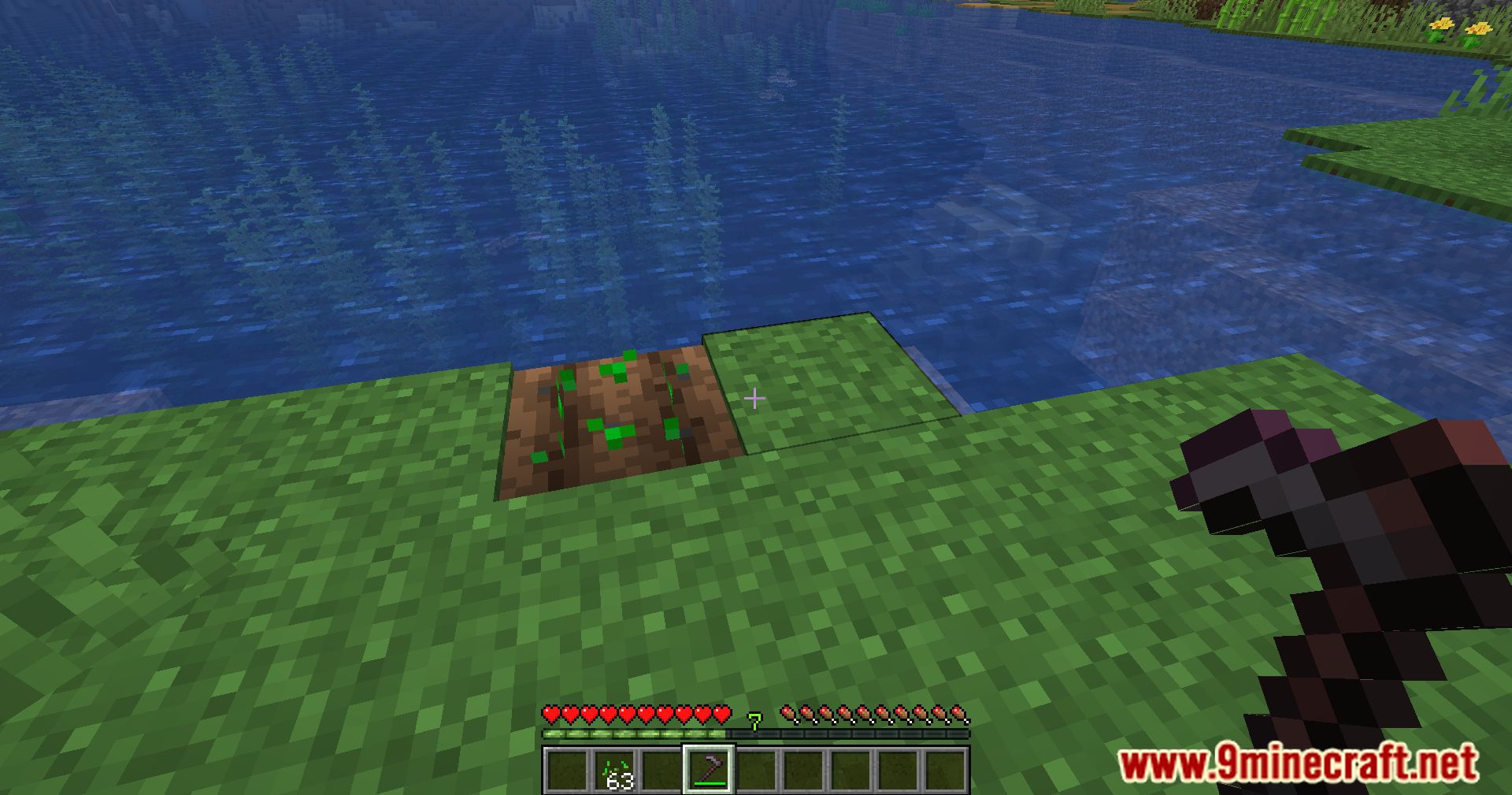
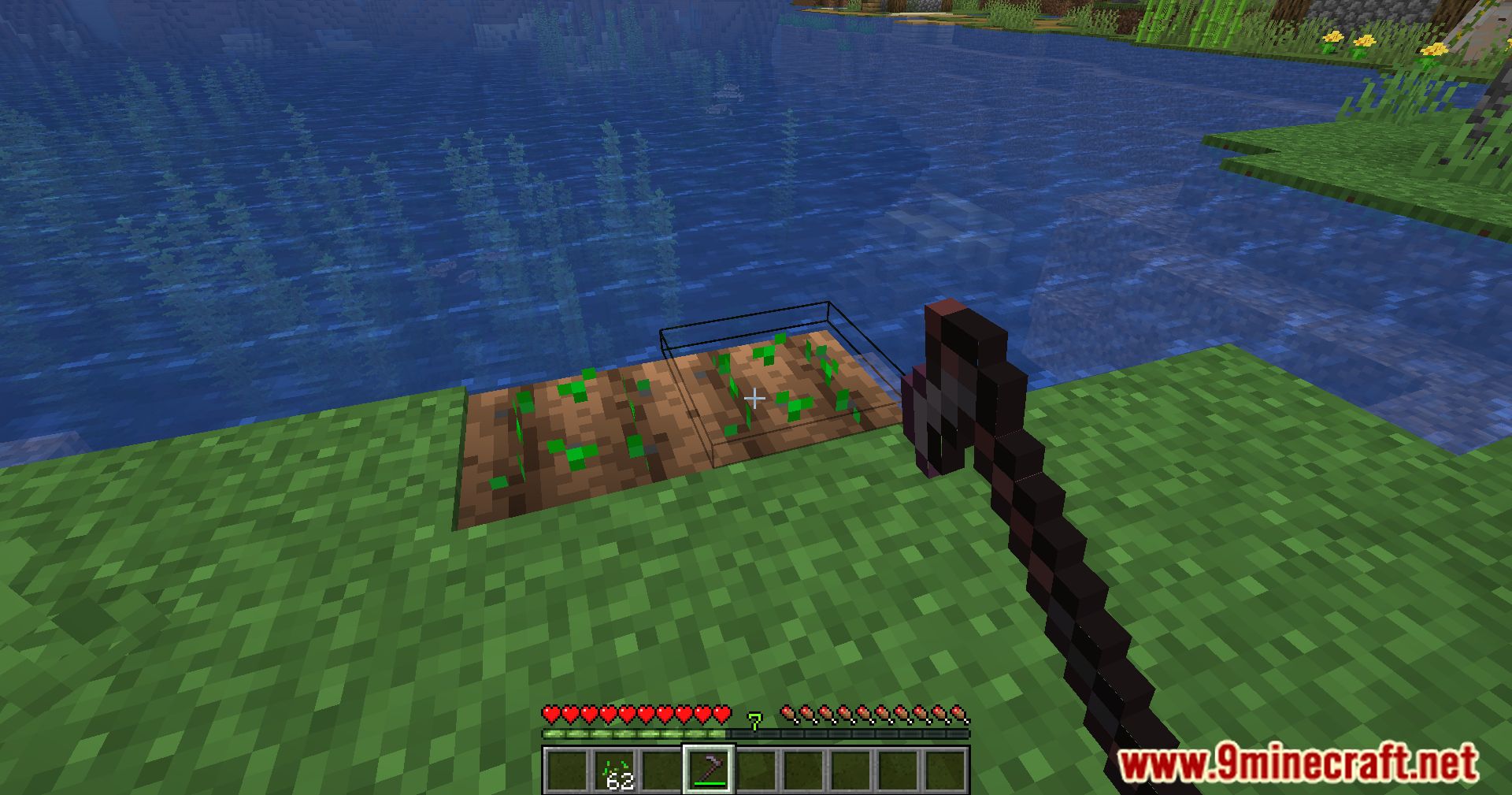
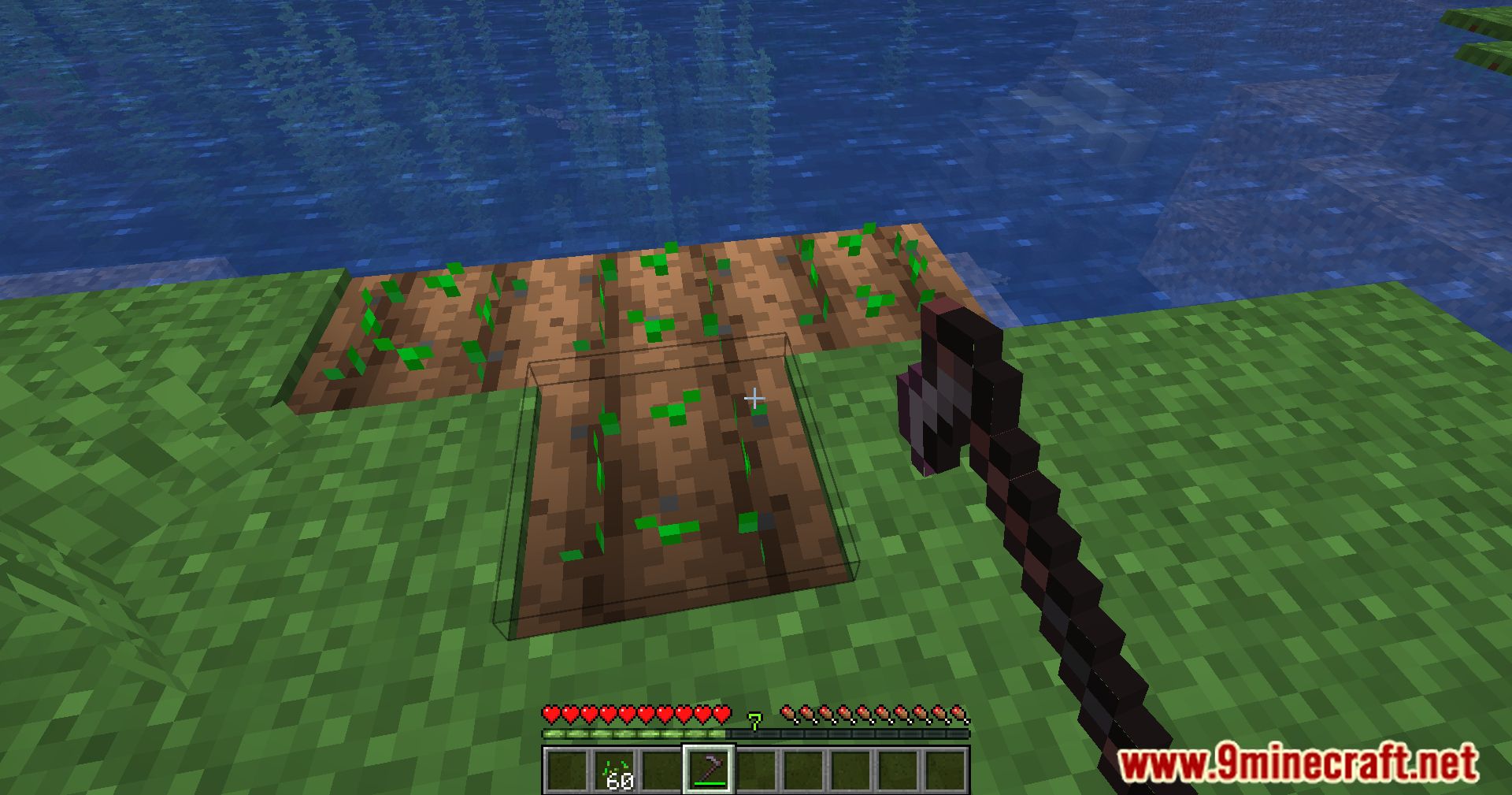
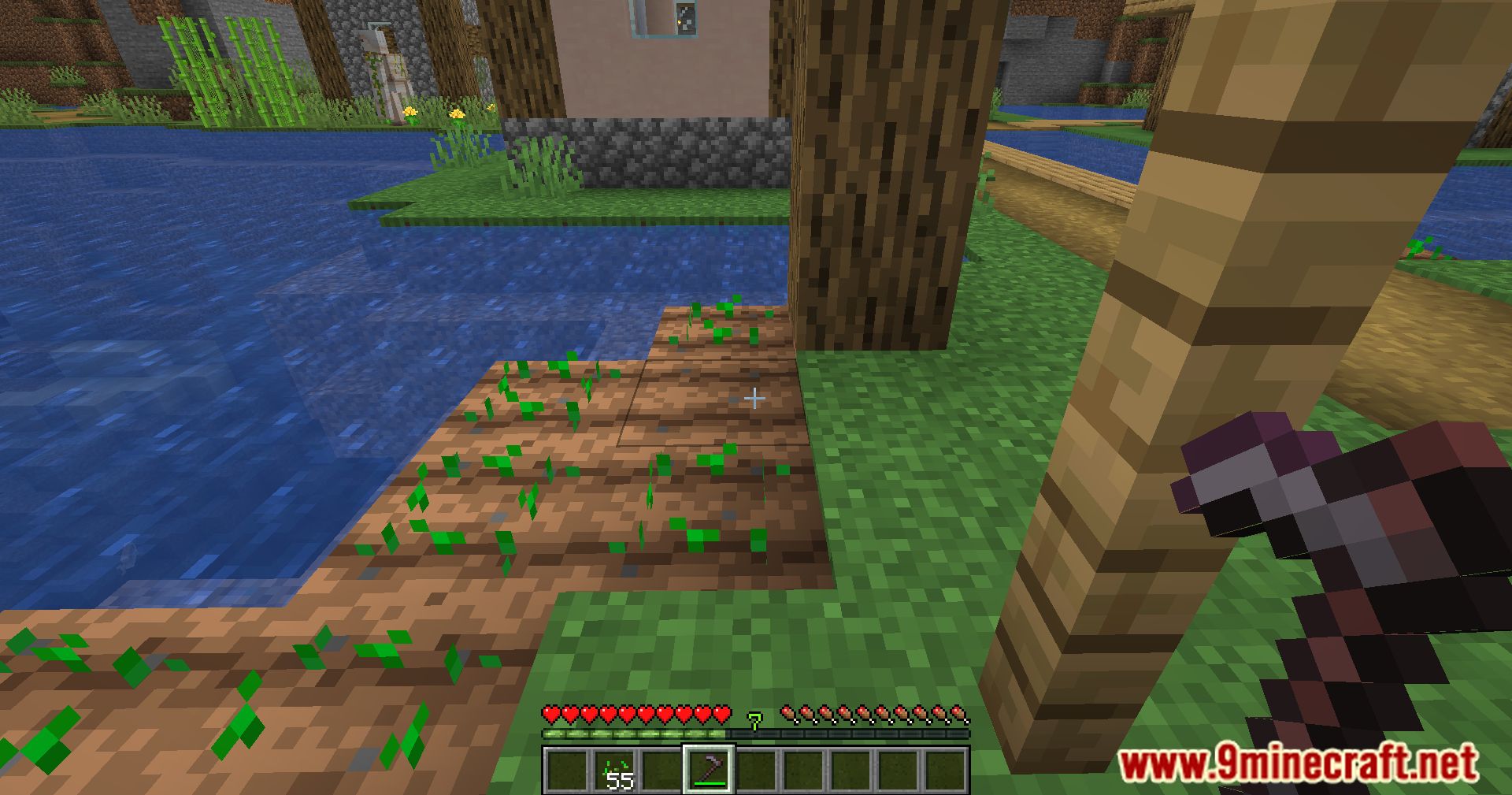
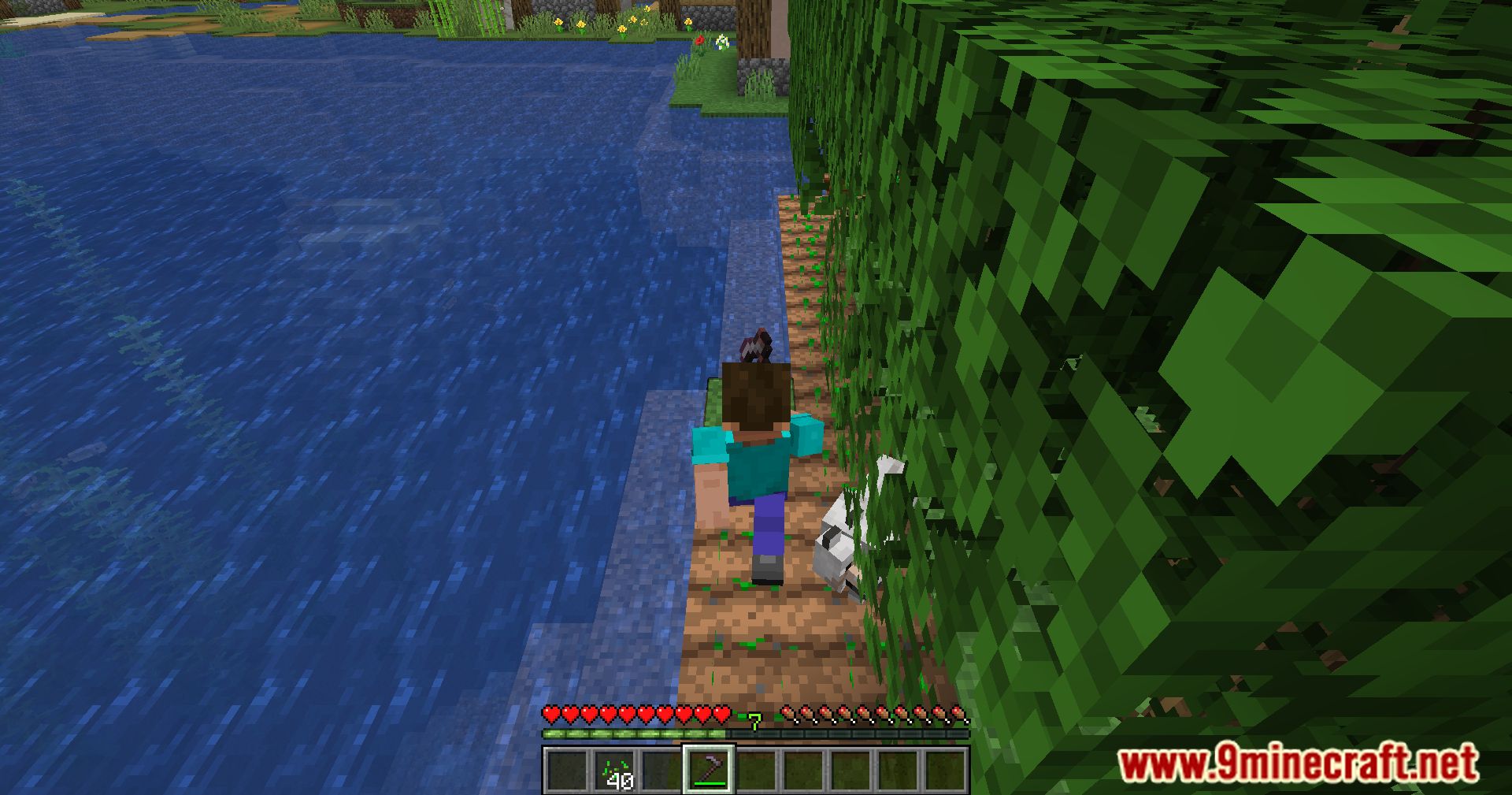
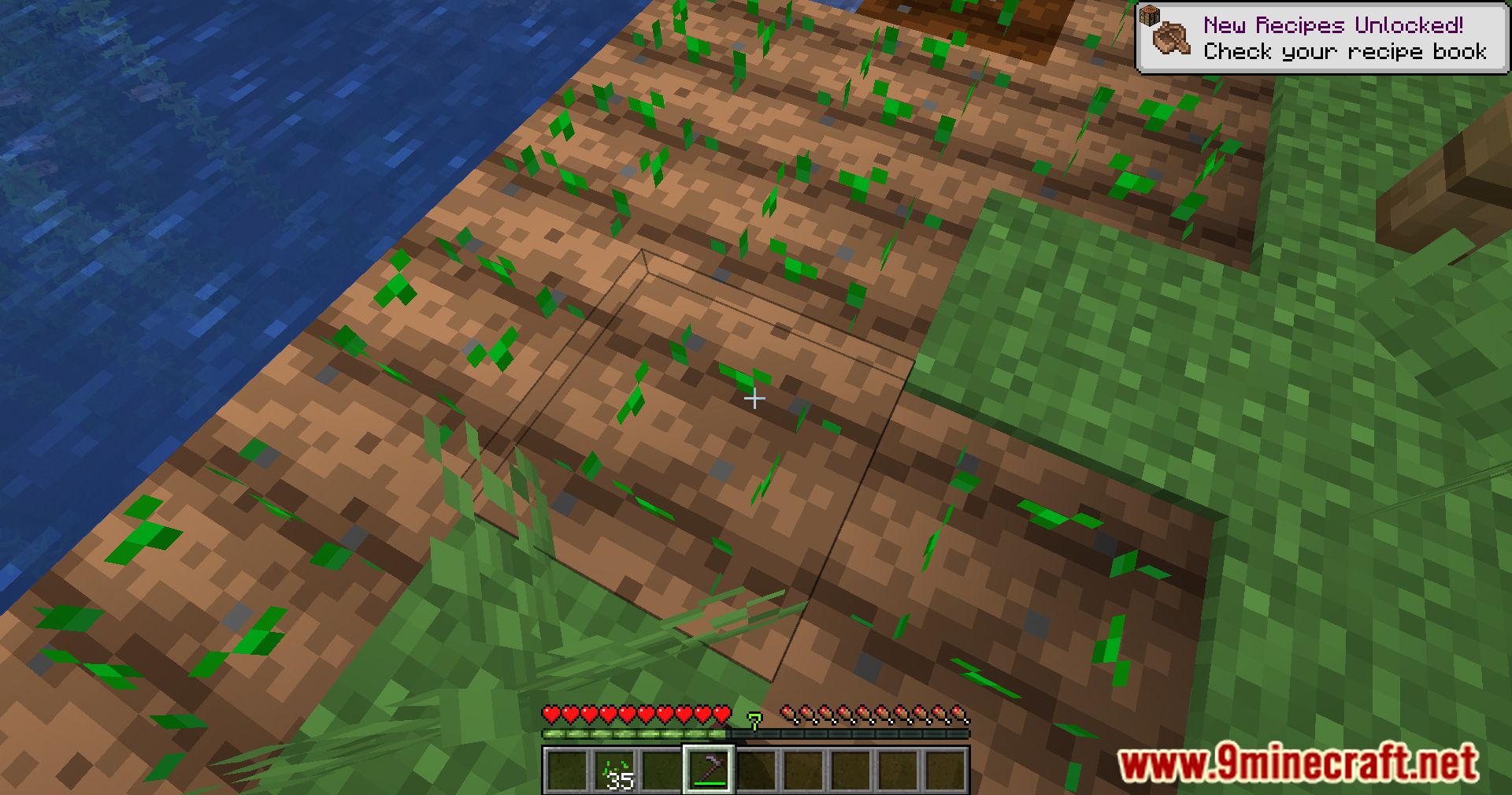
- Plant seeds at the same time you till the soil with a hoe.
- Stops farmland from being trampled when you step on it.
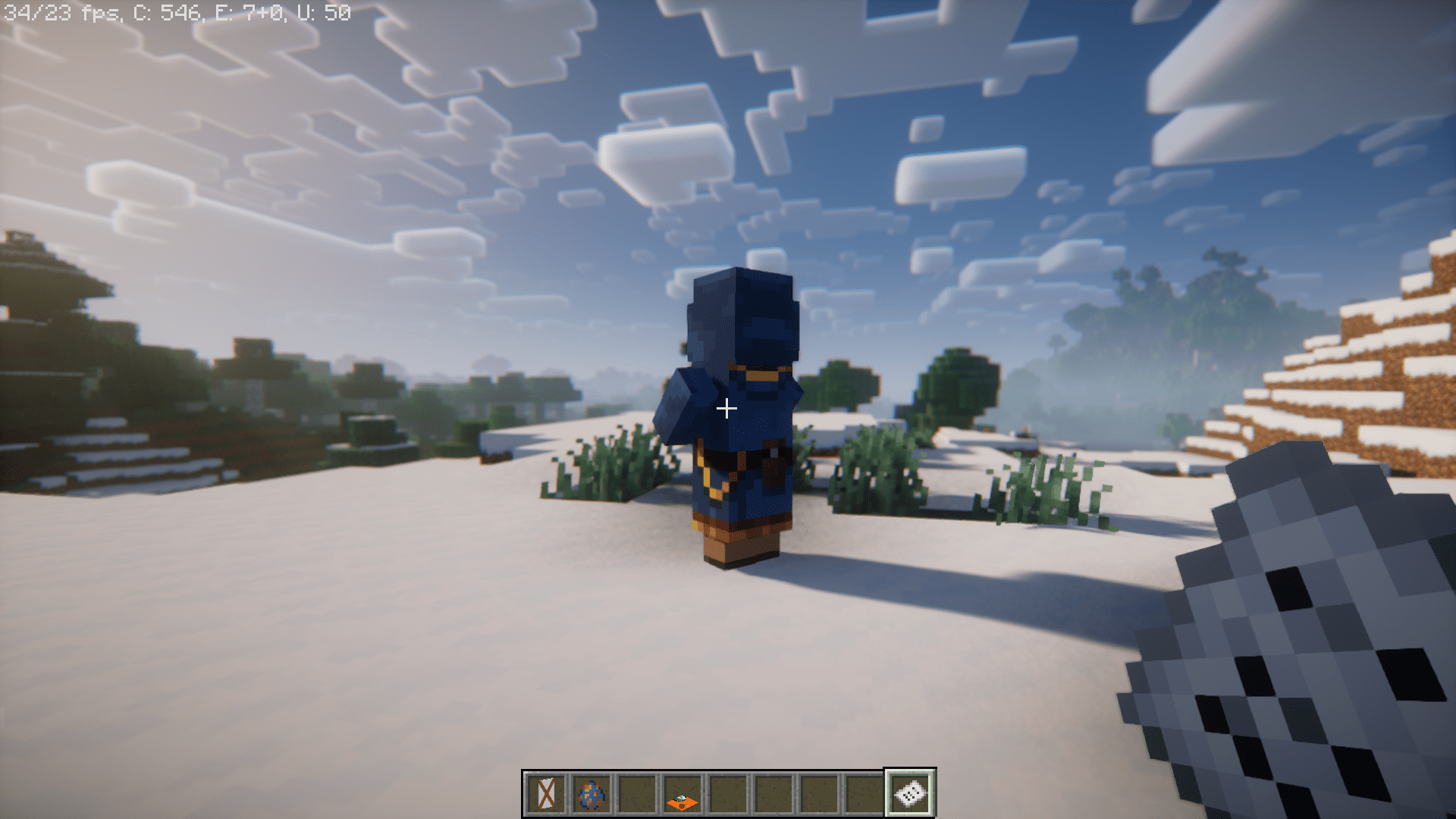
- Prevents wandering traders from spawning near your base or forces them to spawn in a specific spot.
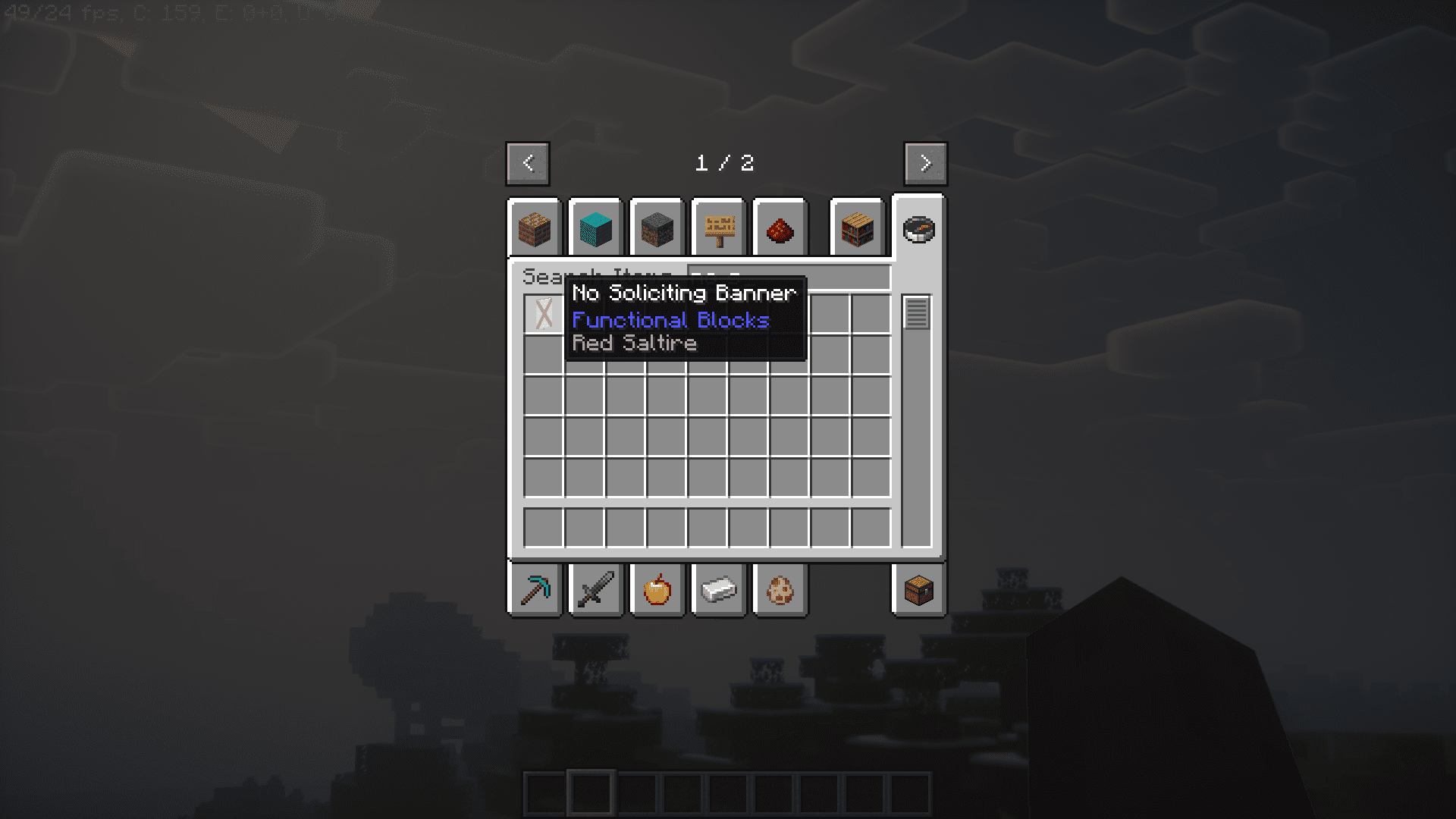
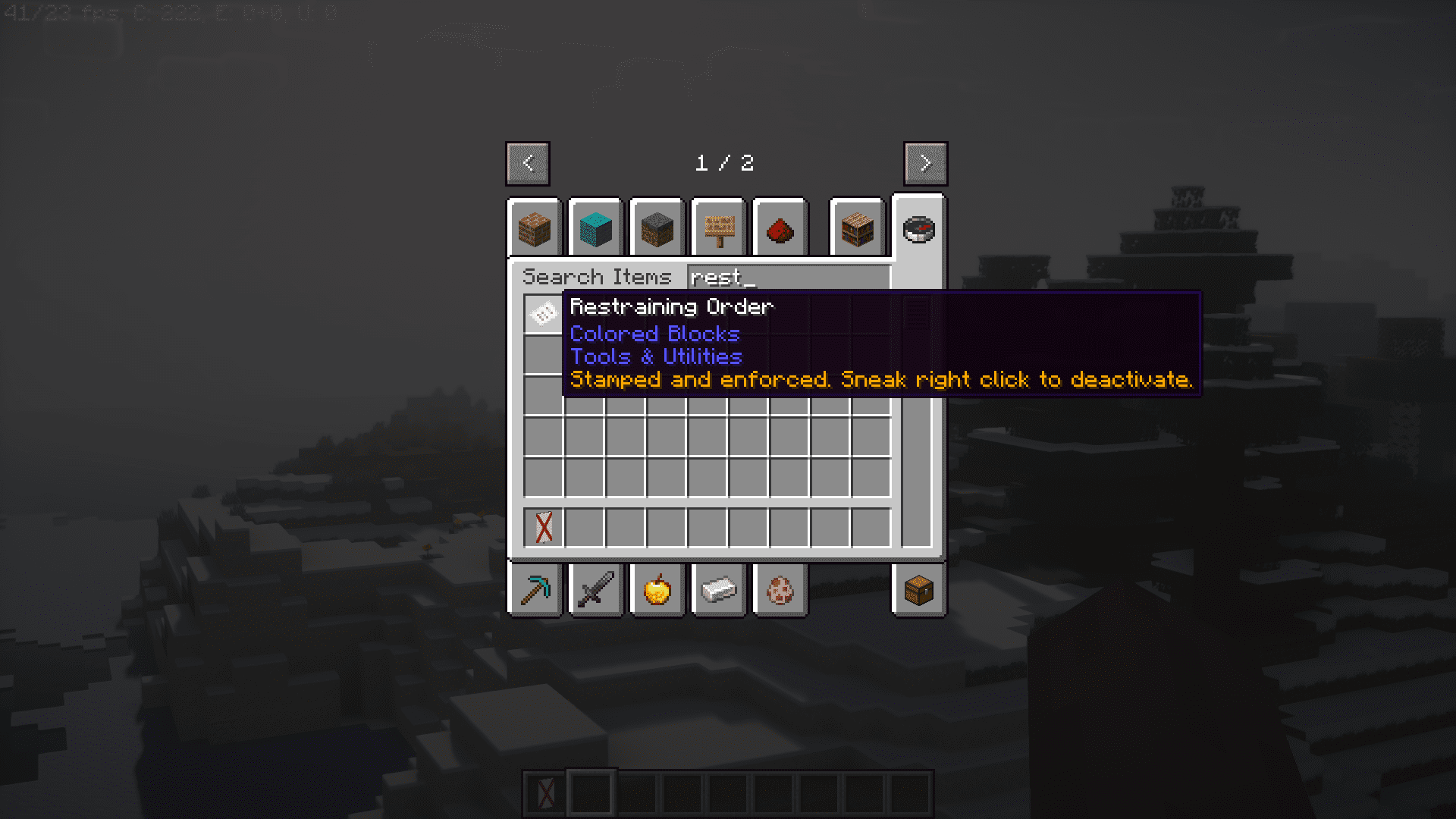
- Use a No Soliciting Banner or hold a Restraining Order to stop traders from appearing.
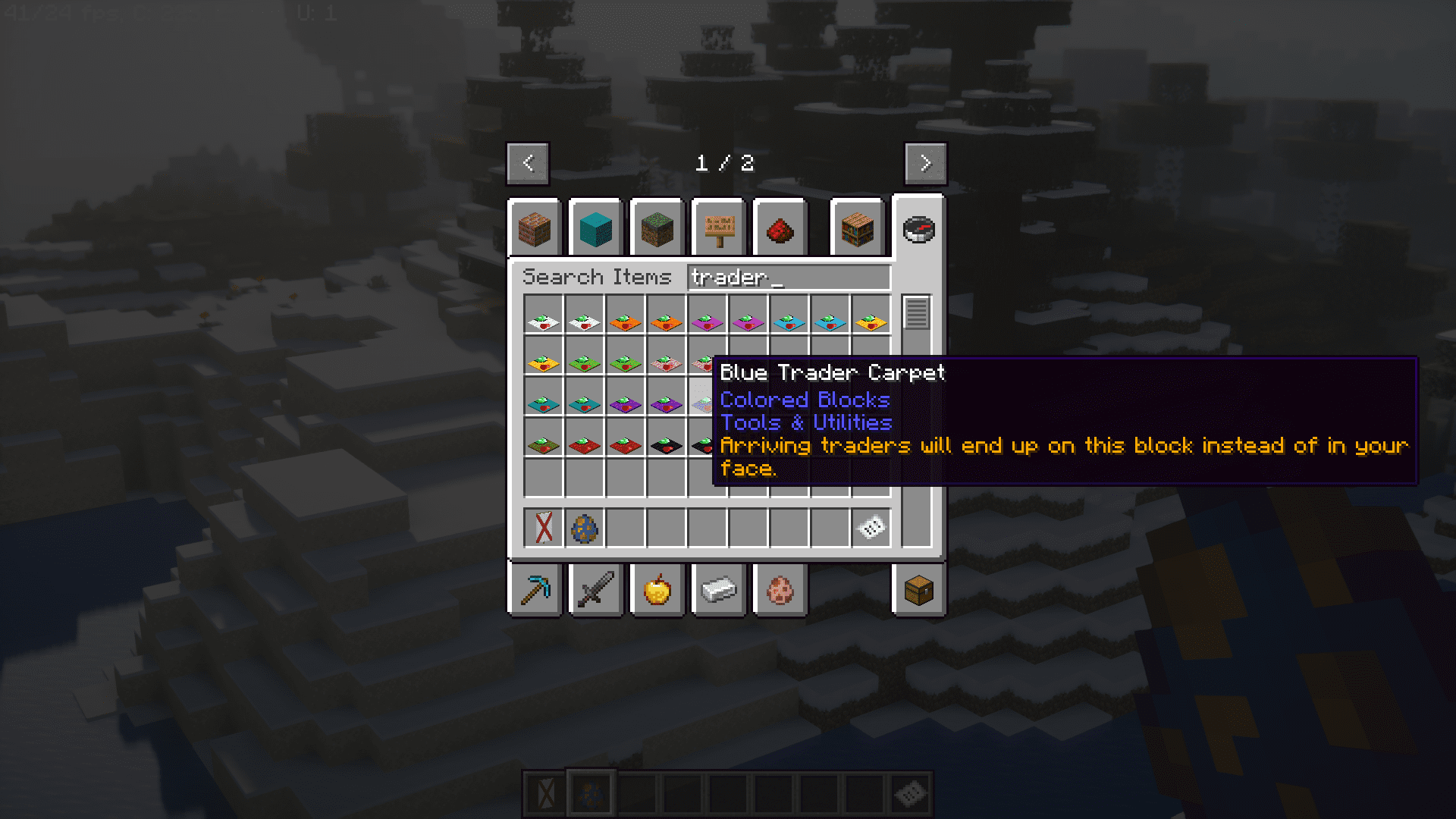
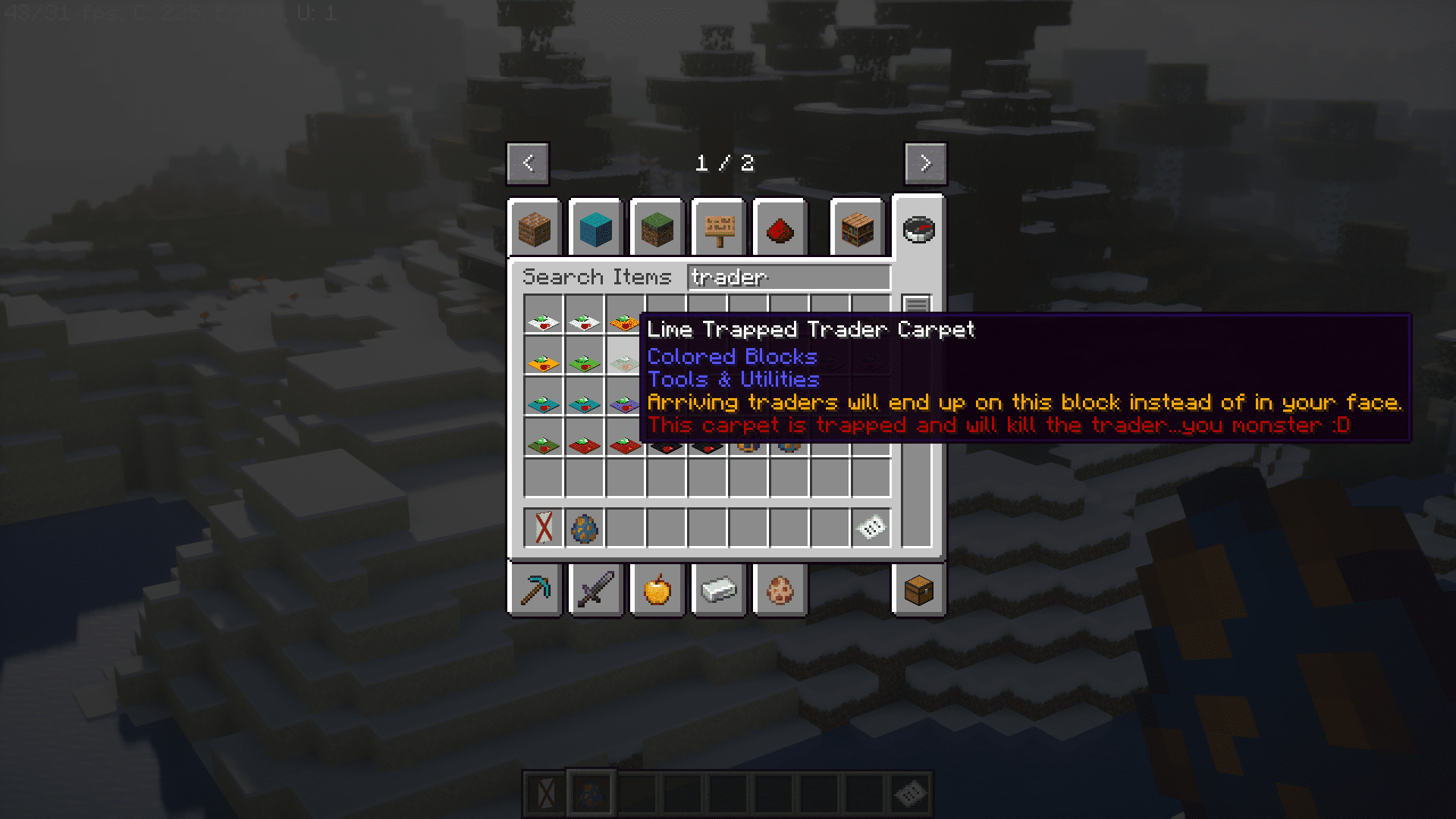
- Place Trader Carpets to control exactly where traders move to.
- Removes sleep error messages like “too far away” or “there are monsters nearby”.
- Plays a sound to let you know when the game has finished loading.
- Turn a villager into a nitwit by dropping an anvil on it, or give a nitwit a bookshelf to turn it back.
- Includes many simple recipes to make crafting easier.
Utility Blocks and Items
- Angel Block: A special block that you can place in mid-air.
- TPS Meter: Outputs a redstone signal based on the server’s performance.
- Well Behaved Dropper: Makes droppers drop items straight down instead of scattering them.
- Snad: A type of sand that makes plants grow faster, available in regular, red, and soul versions.
- Drit and Grrass: Blocks that hurt mobs and players who step on them.
- Cursed Grrass: Spawns mobs on top of it.
- Redstone Clock: A simple block that repeatedly turns a redstone signal on and off.
- Fluid Hopper: A hopper that moves fluids, taking them in from the top and pushing them out from the tip.
- Trowel: Randomly places blocks from your hotbar when you use it.
- Tiny Coal and Charcoal: Small fuel pieces that can smelt exactly one item.
- Lapis Lamp: Lights up an area without preventing mobs from spawning.
- Inverted Lamps: Lamps that stay on without needing a redstone signal.
- Pillager Outpost Claim Block: Prevents pillagers from returning to an outpost when placed.
Configuration:
- You can block certain chat messages from appearing when the game starts.
- There is a config file where you can add parts of messages, and any message containing that text will be stopped.
Screenshots:




Utilitarian Mod Download Links
Quick facts
- Edition: Minecraft Java
- File type: .jar
- Minecraft version listed: 1.20.1
- How to install: Install the matching mod loader (Forge, Fabric or NeoForge) for your Minecraft version. → Download the .jar. → Put it in the .minecraft/mods folder and launch that loader profile.
- Where to get it: In MC Java Mods, or directly above on this page.
Install steps are the general flow for this file type — How to install Minecraft Java mods & modpacks walks through it step by step.
File checked by MCModsHub
- Downloads as 27803.mcaddon
- Download size: 618 KB
- Download link checked 24 Sept 2026 — working
- Mirrored on our own servers — the download does not depend on the original host
These come from our own check of the pack file, not from the source page.