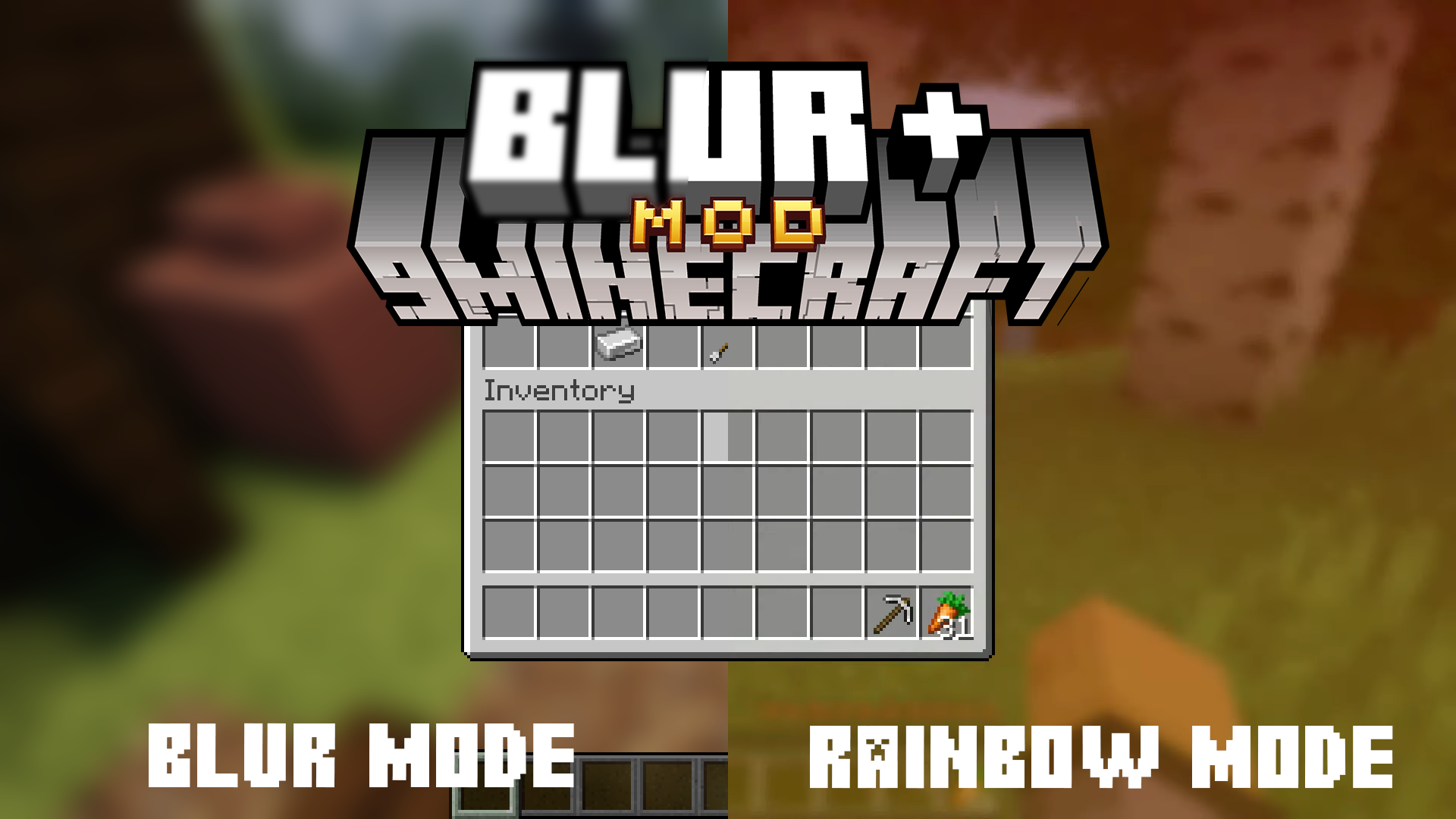
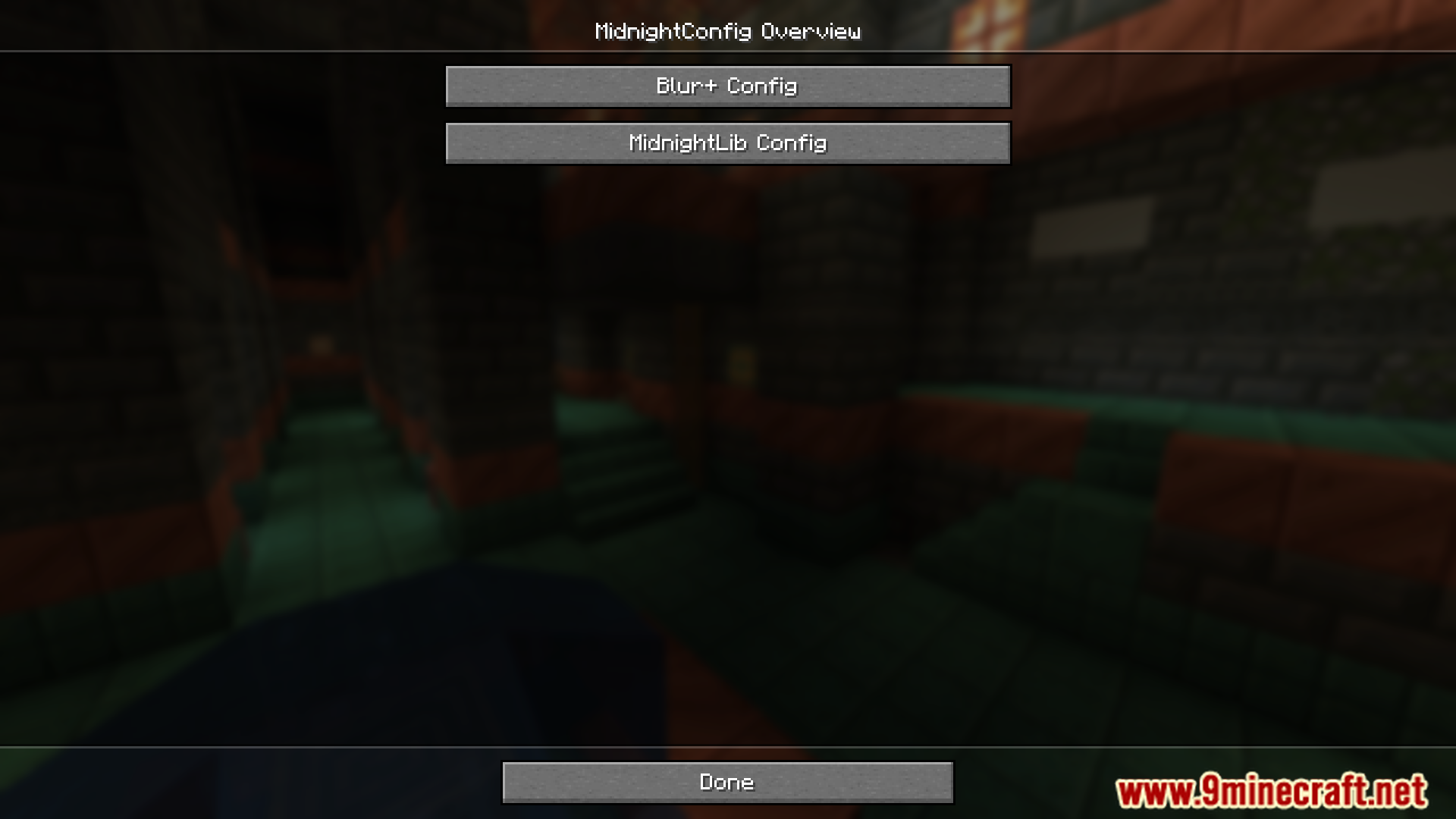
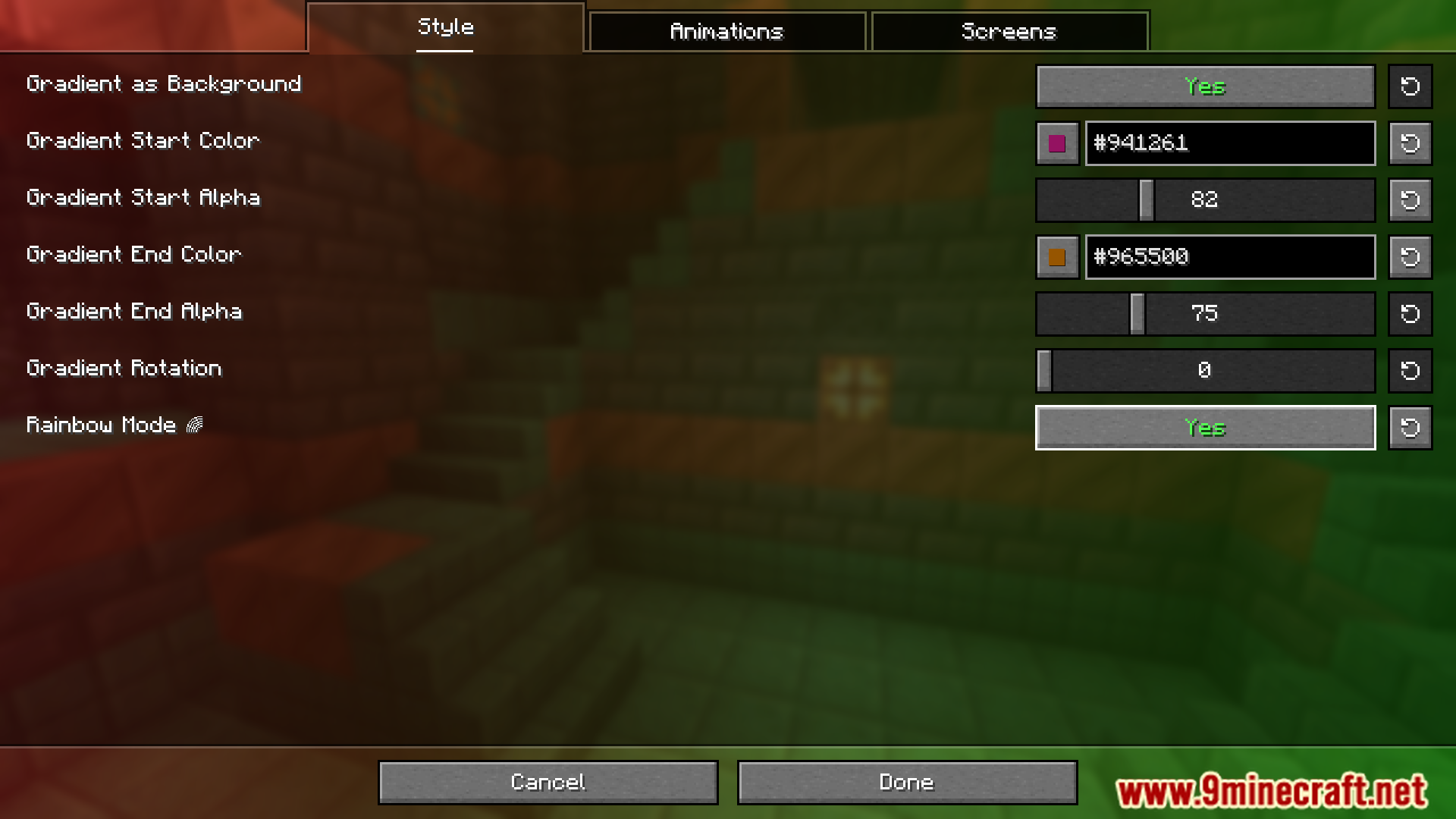
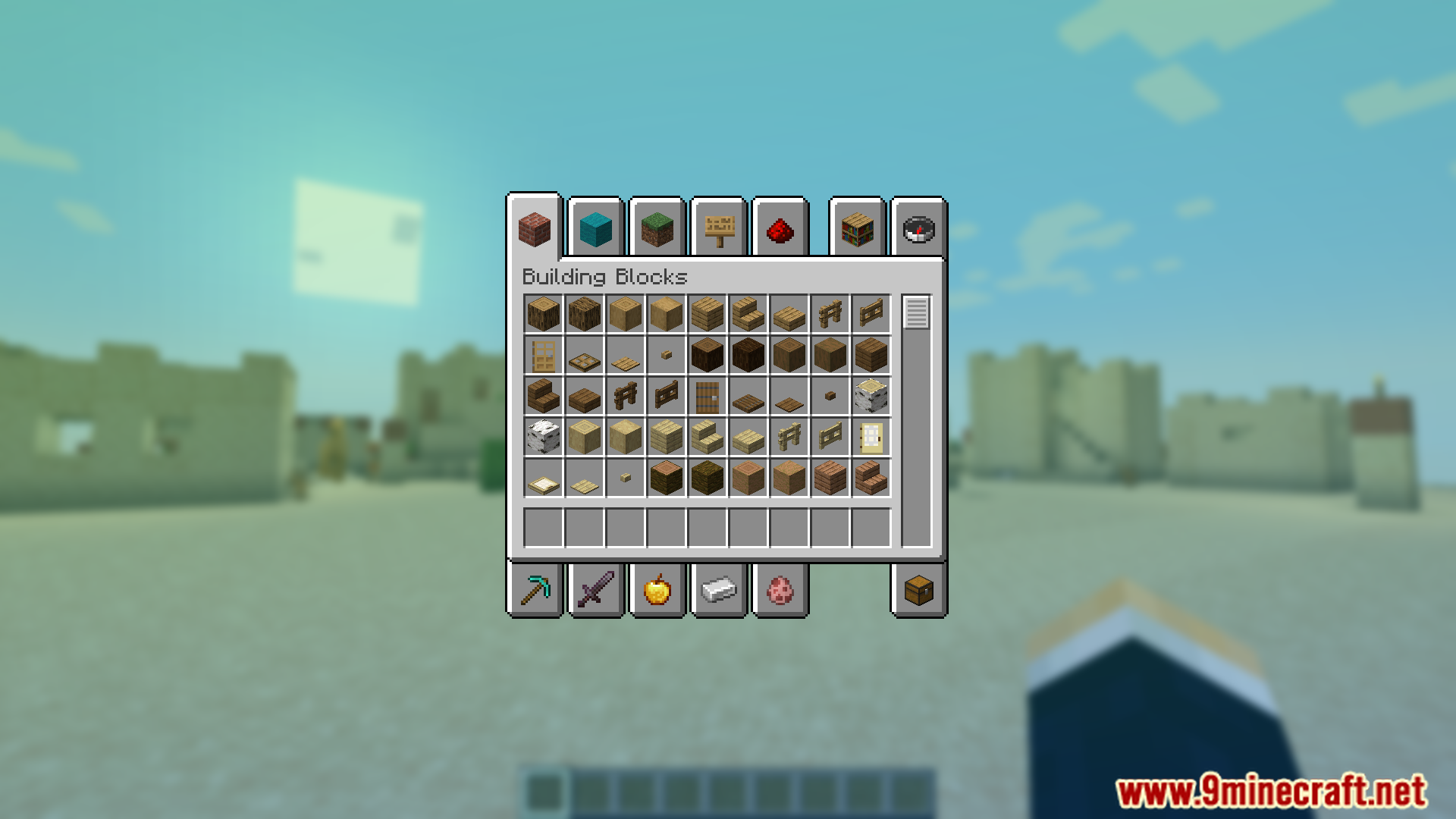
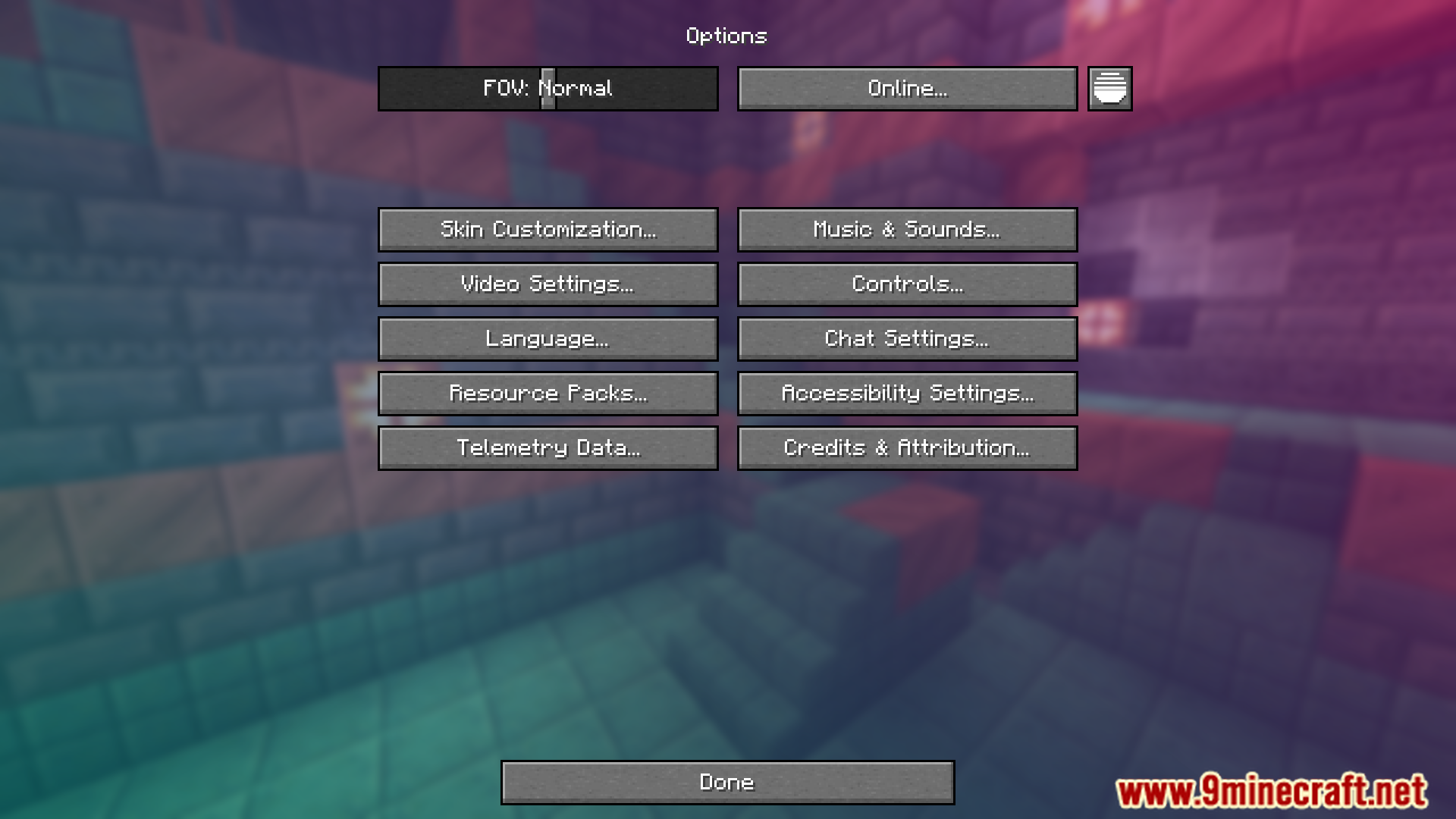
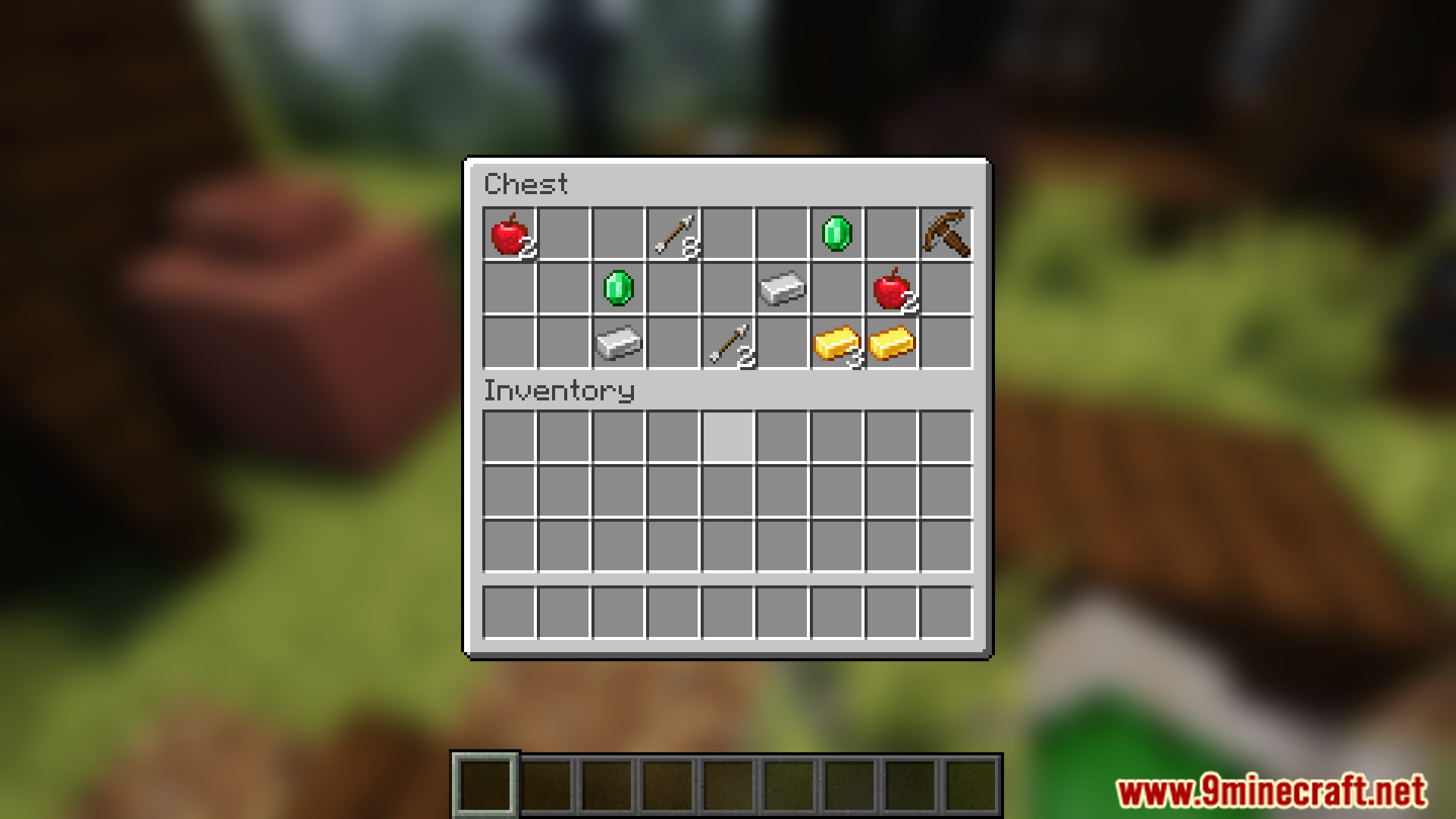
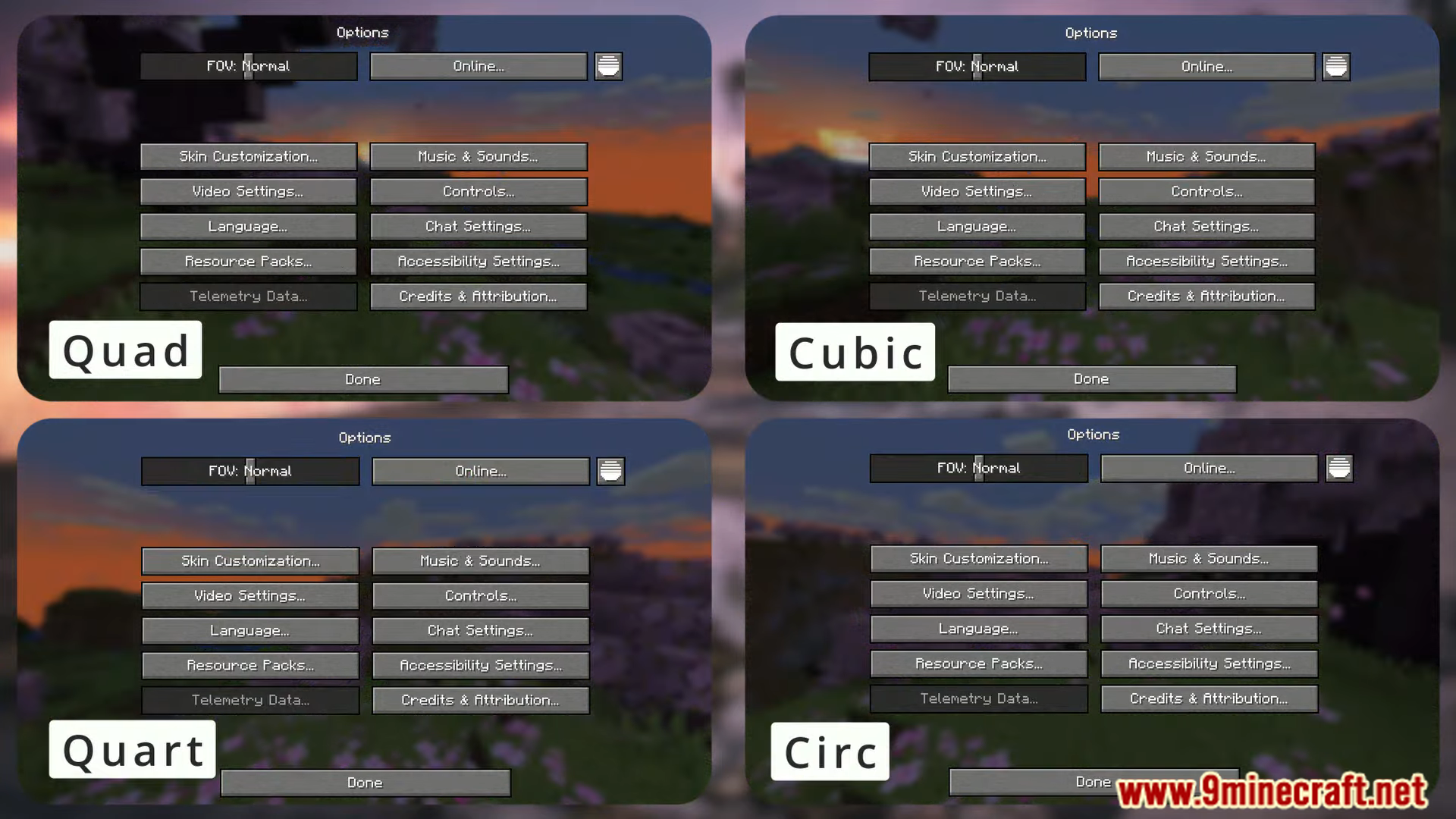
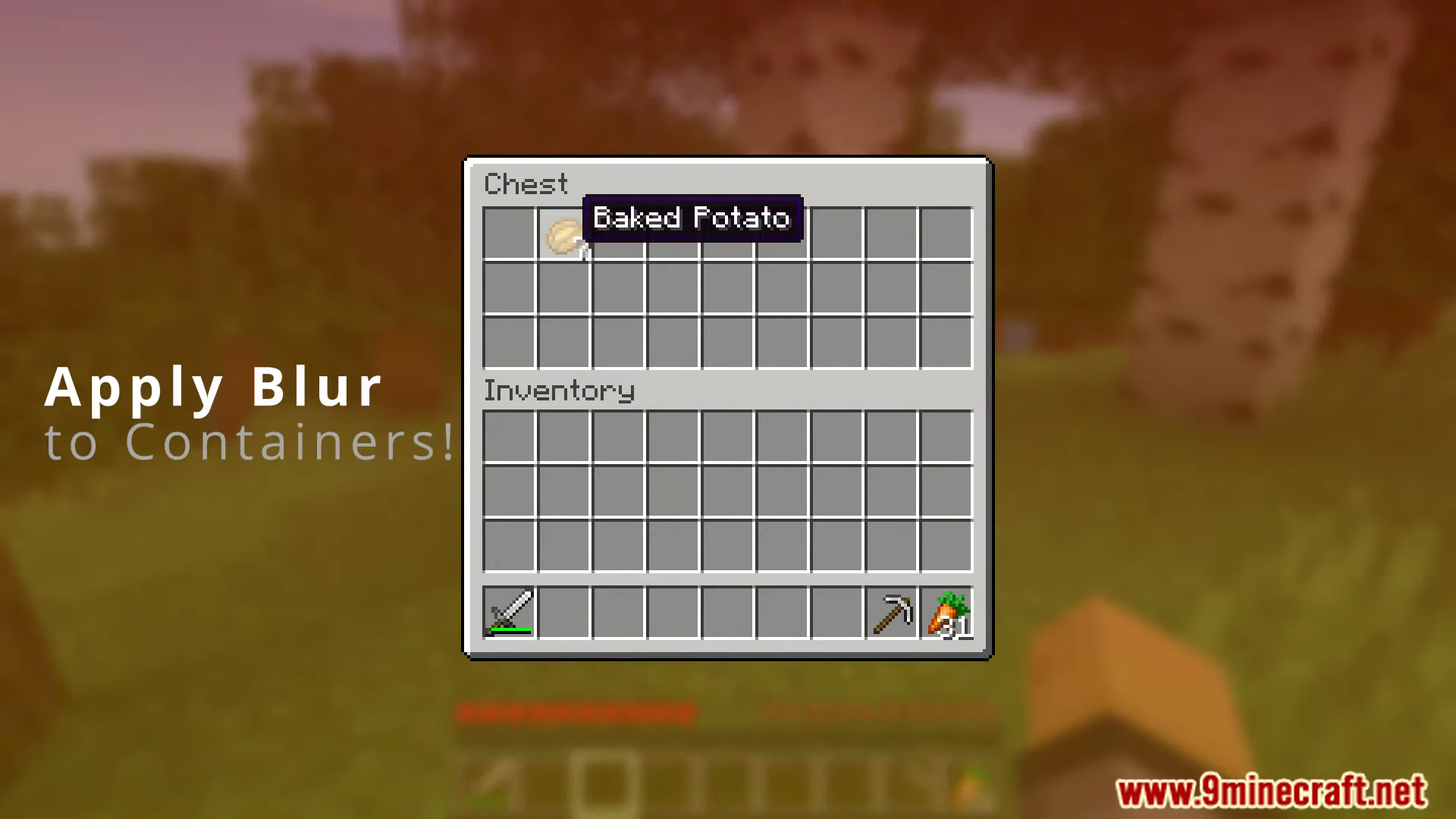
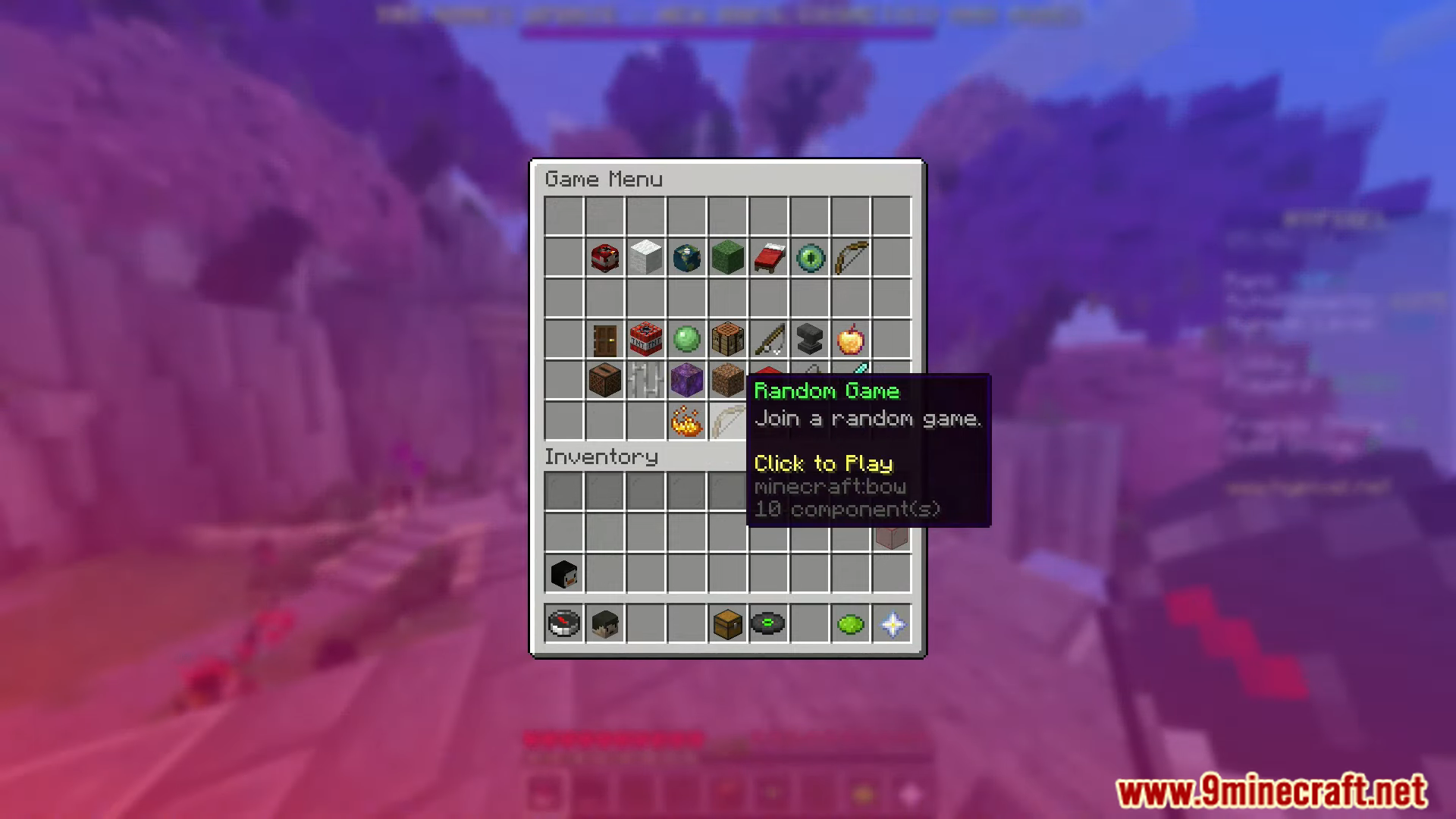
Blur Plus Mod is a simple yet visually pleasing mod that enhances Minecraft’s user interface by applying a smooth blur effect to the background of all GUI menus. This aesthetic improvement makes the interface cleaner and less distracting, helping players focus on menu elements.
Features:
- Blurred GUI Background: Adds a sleek blur effect behind menus, creating a modern and polished look.
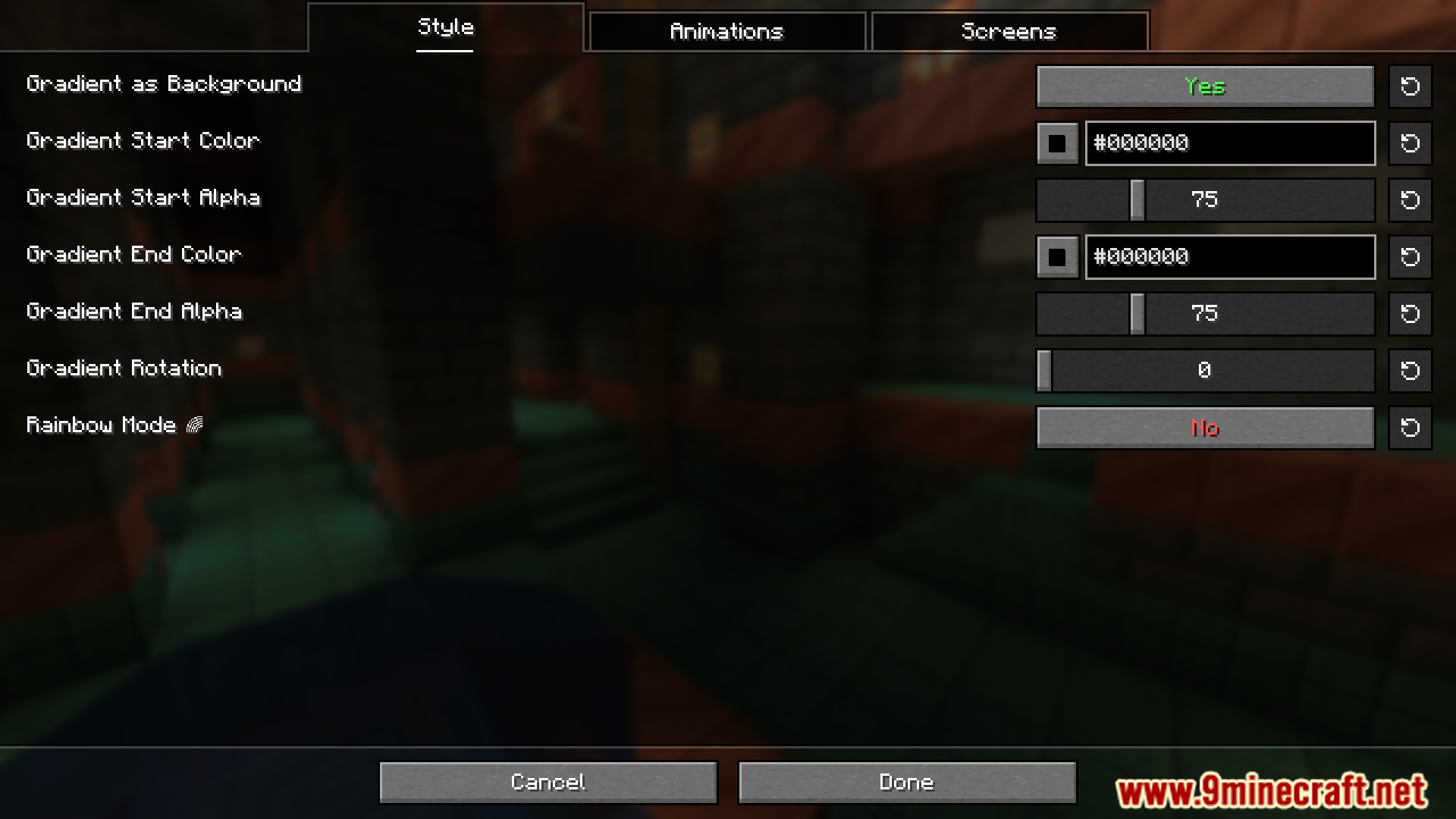
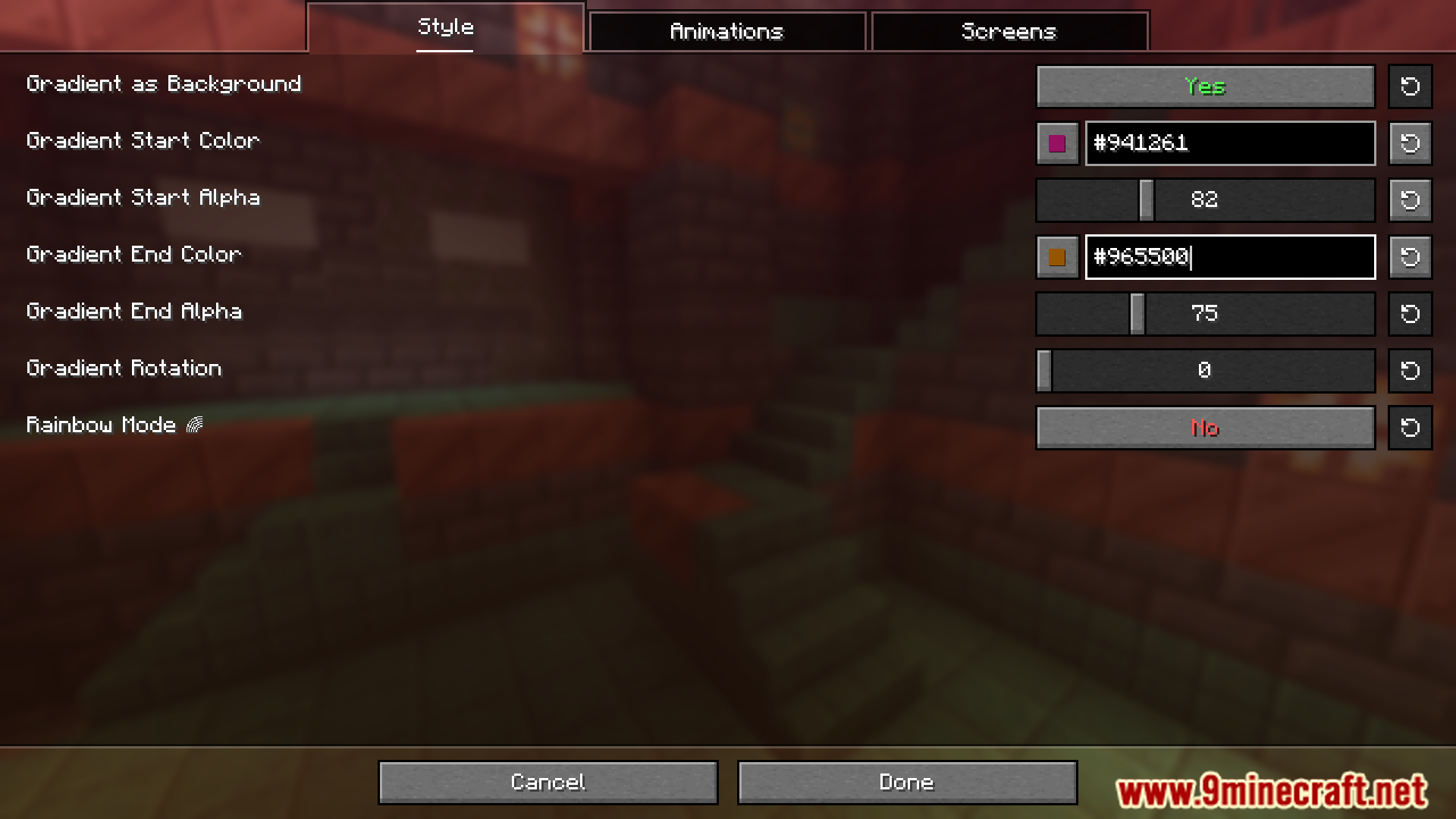
- Customizable Settings: Allows players to adjust the blur strength to suit their preferences, ensuring flexibility.
- Lightweight and Performance-Friendly: Designed to integrate without impacting performance.
Screenshots:
Blur Plus Mod Download Links
Quick facts
- Edition: Minecraft Java
- File type: .jar
- Minecraft version listed: 1.20.1
- How to install: Install the matching mod loader (Forge, Fabric or NeoForge) for your Minecraft version. → Download the .jar. → Put it in the .minecraft/mods folder and launch that loader profile.
- Where to get it: In MC Java Mods, or directly above on this page.
Install steps are the general flow for this file type — How to install Minecraft Java mods & modpacks walks through it step by step.
Verified by MCModsHub
- Downloads as 27812.mcaddon
- Download size: 205 KB
- Download link checked 22 Sept 2026 — working
- Mirrored on our own servers — the download does not depend on the original host
These come from our own check of the pack file, not from the source page.