
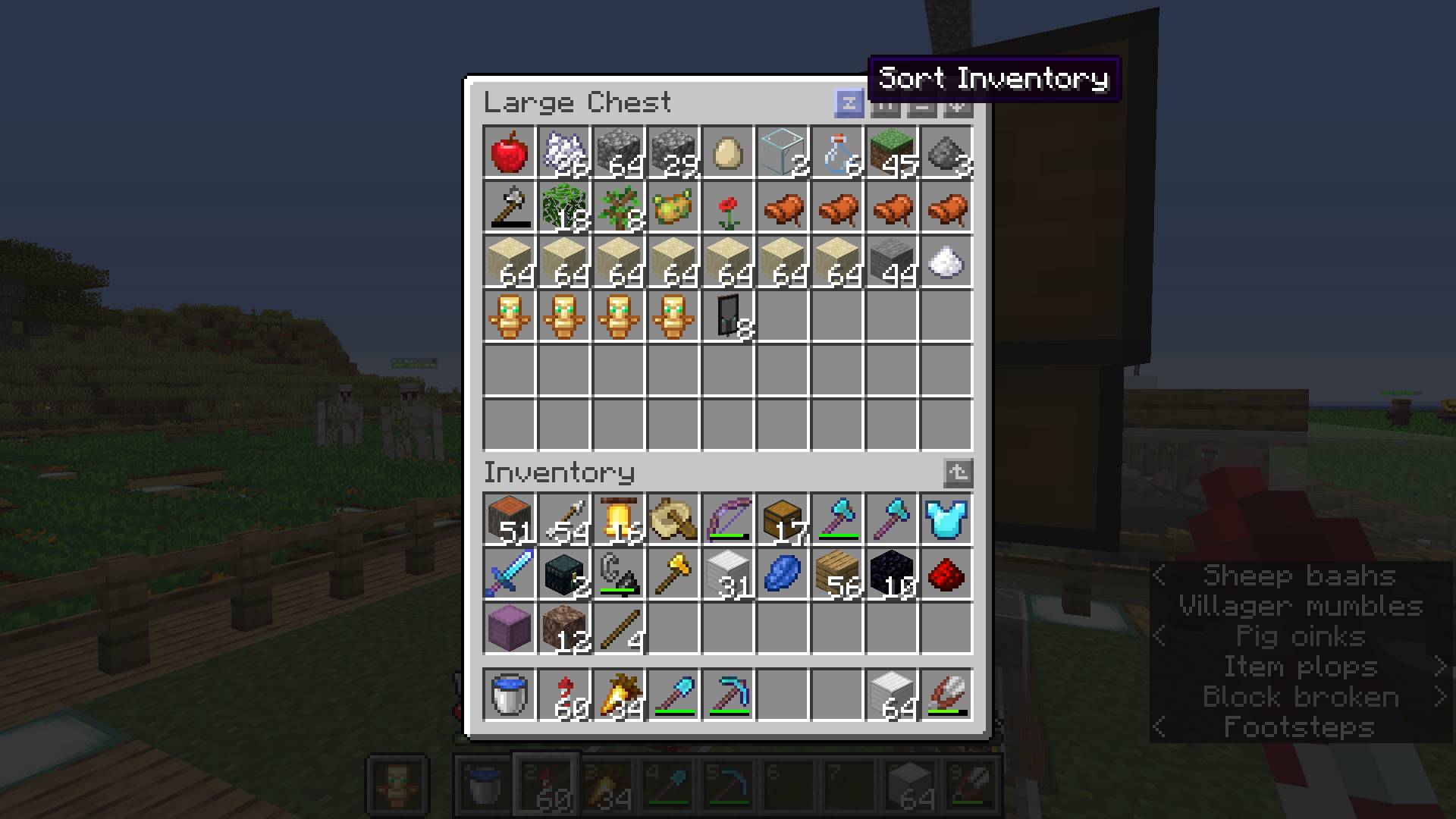
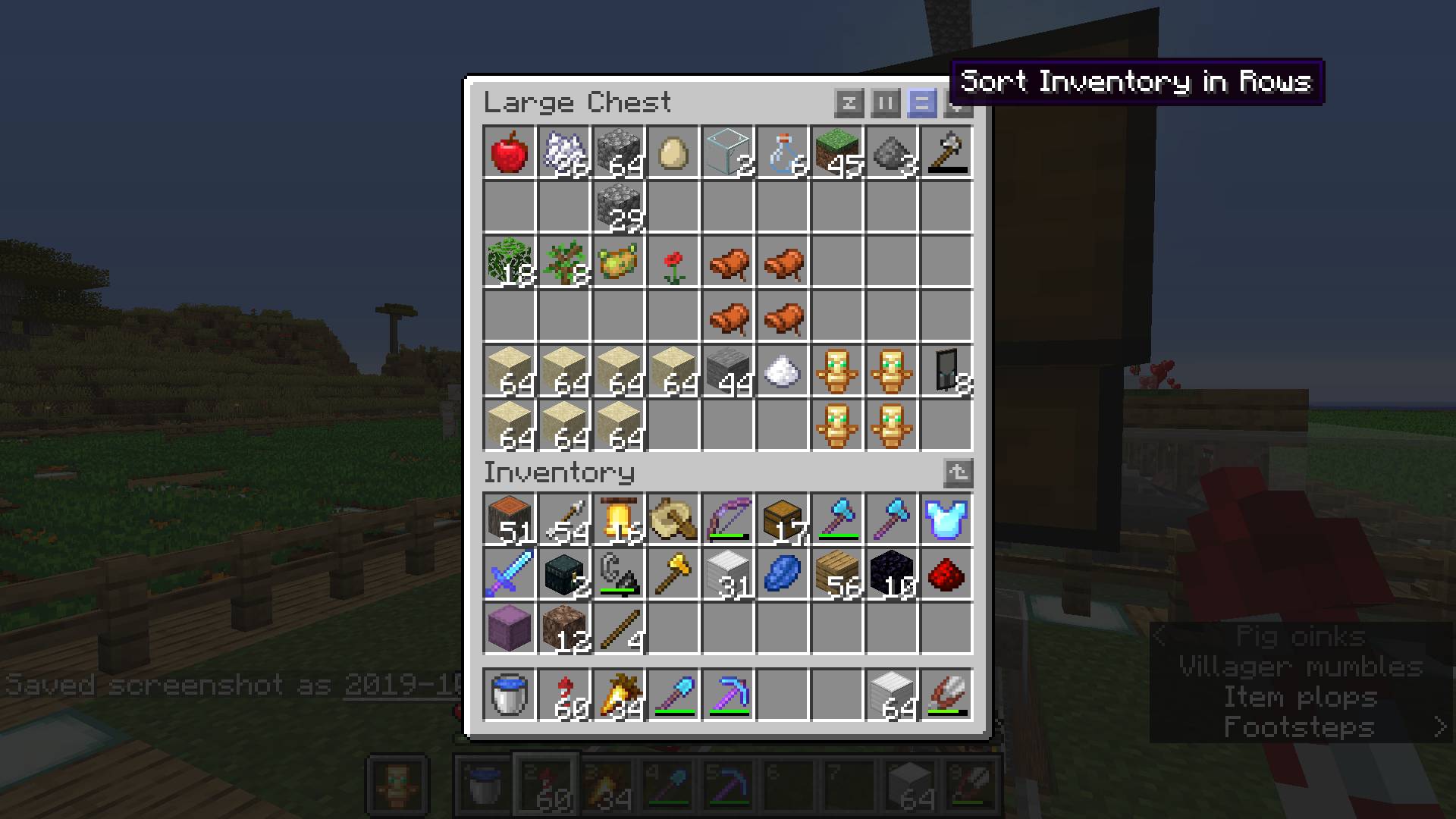
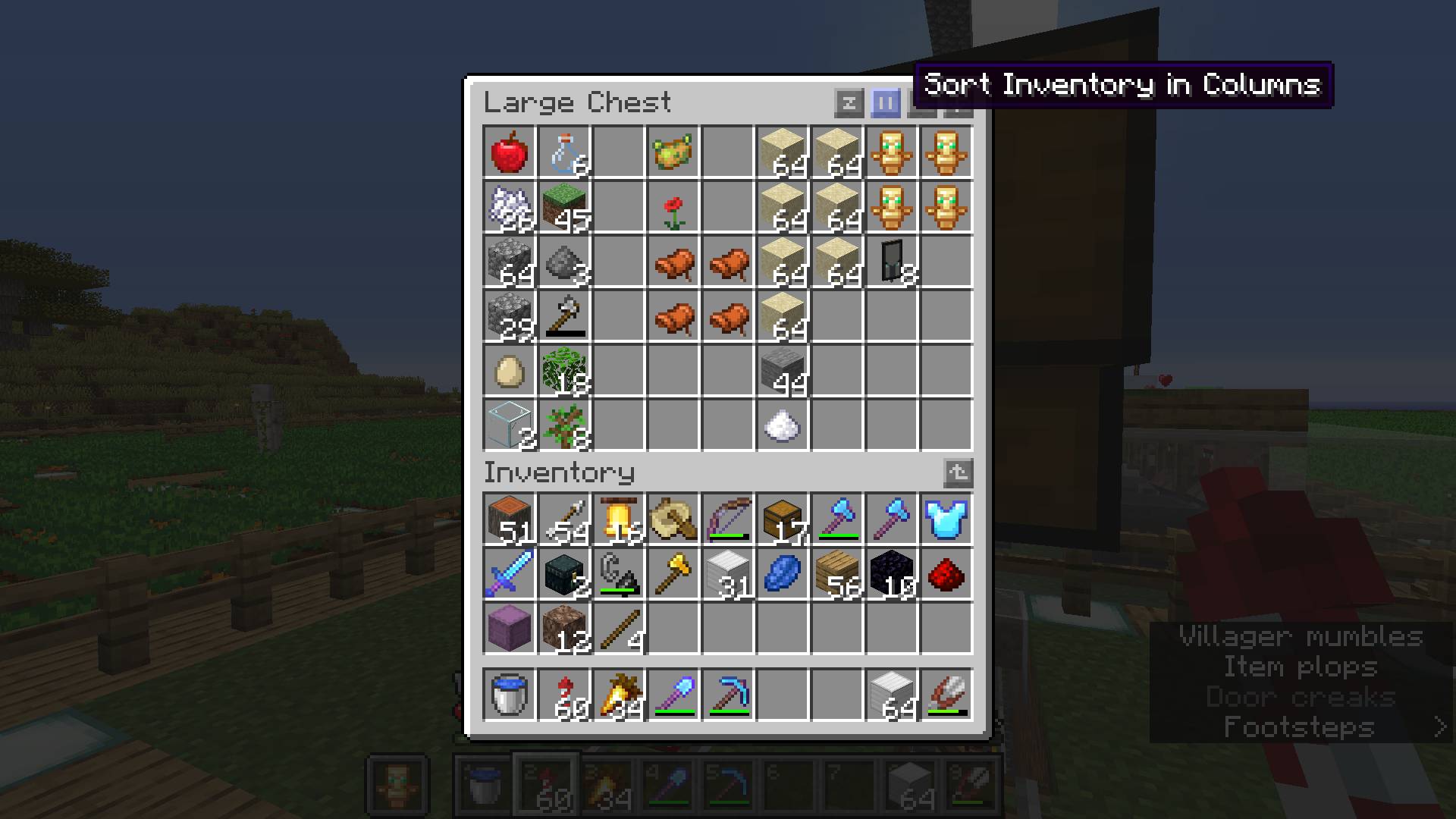
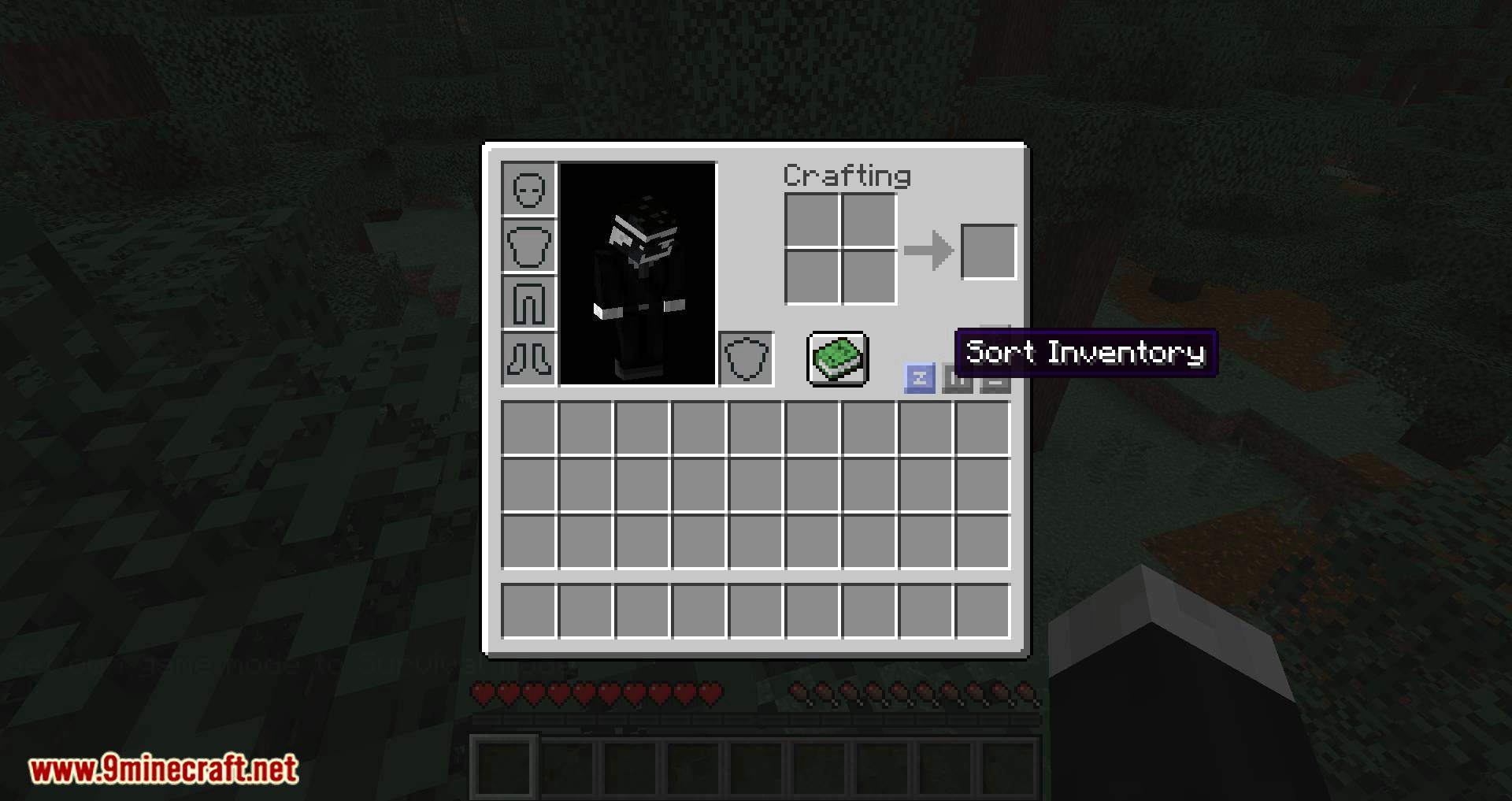
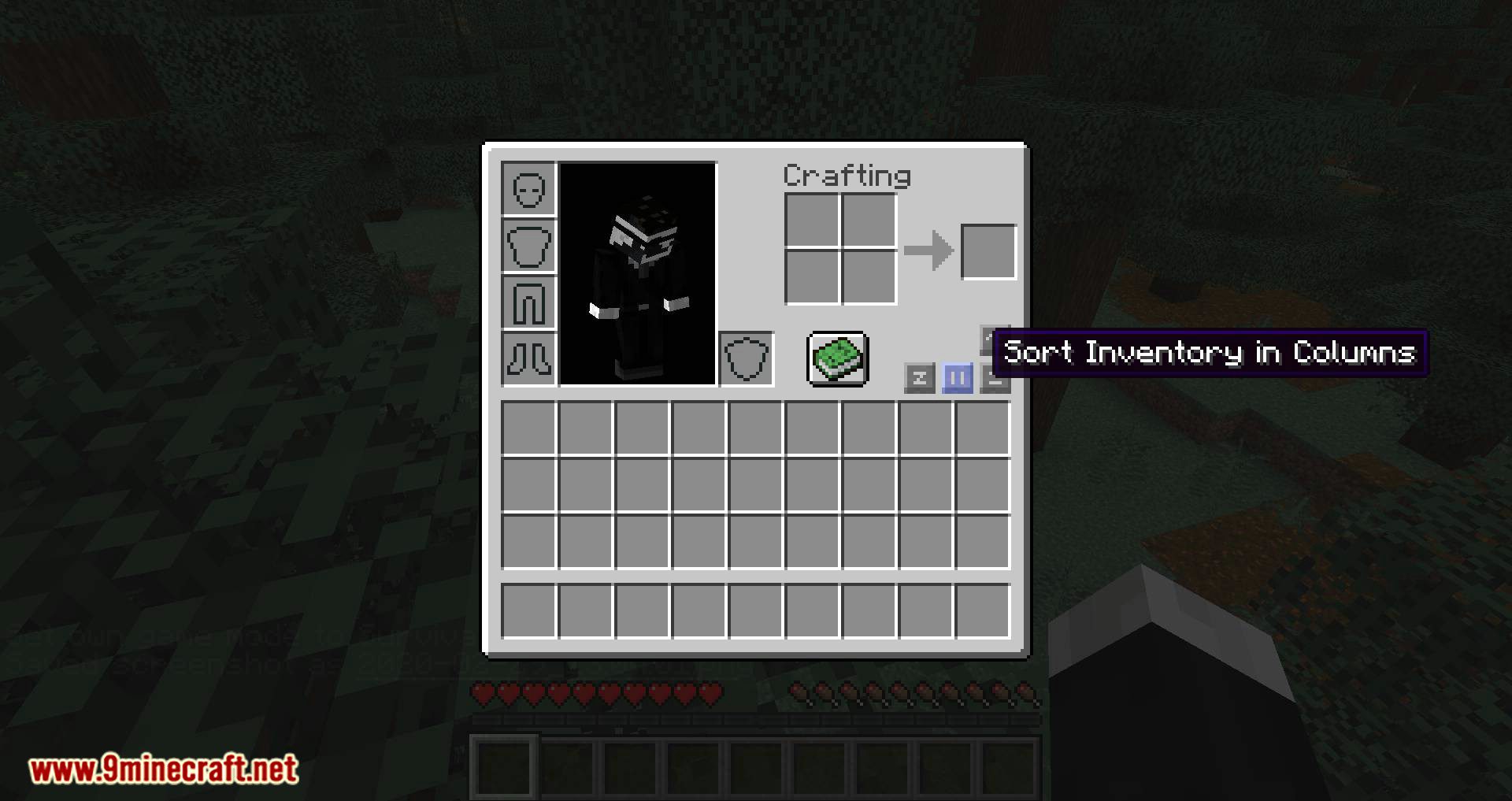
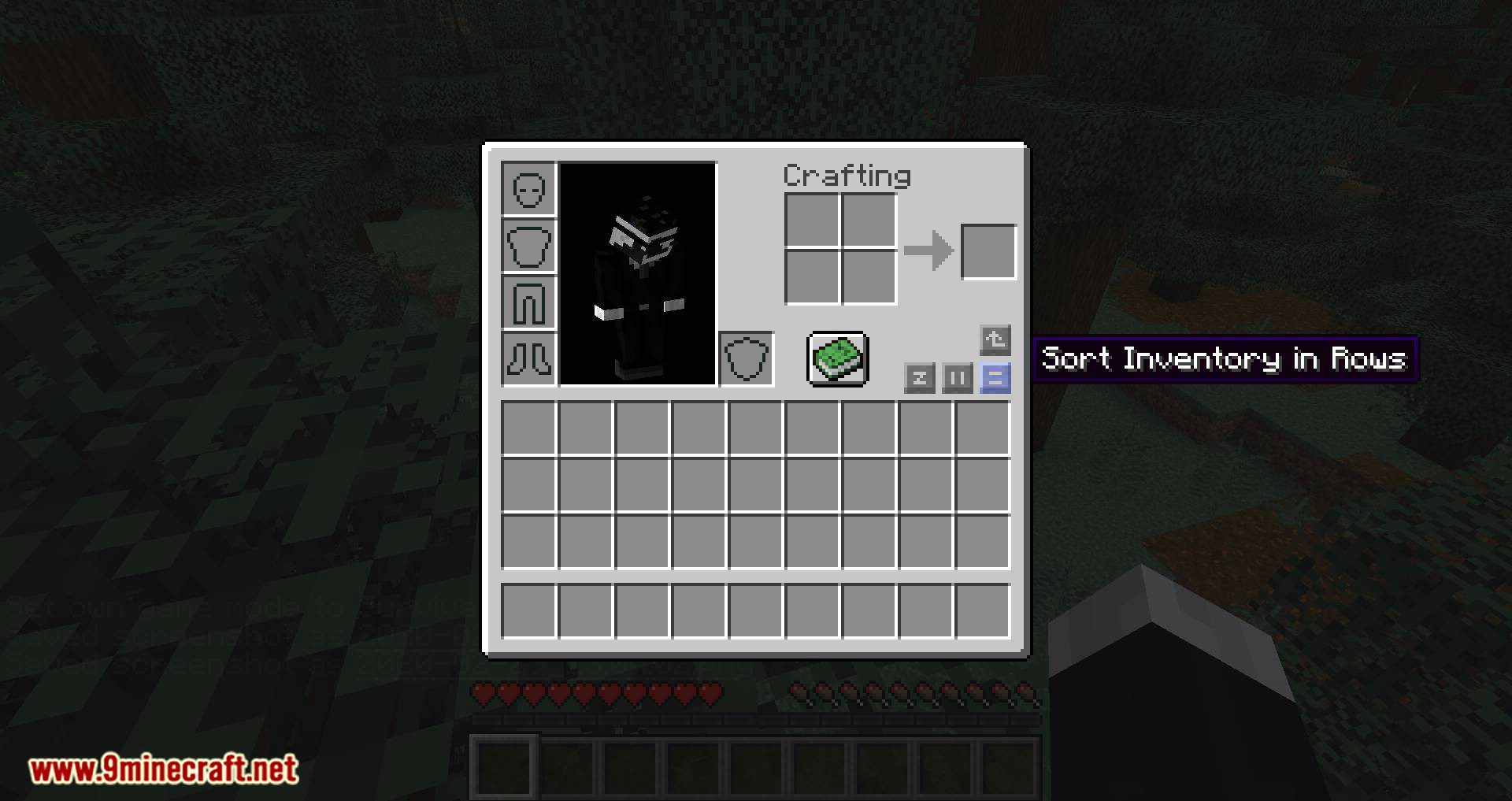
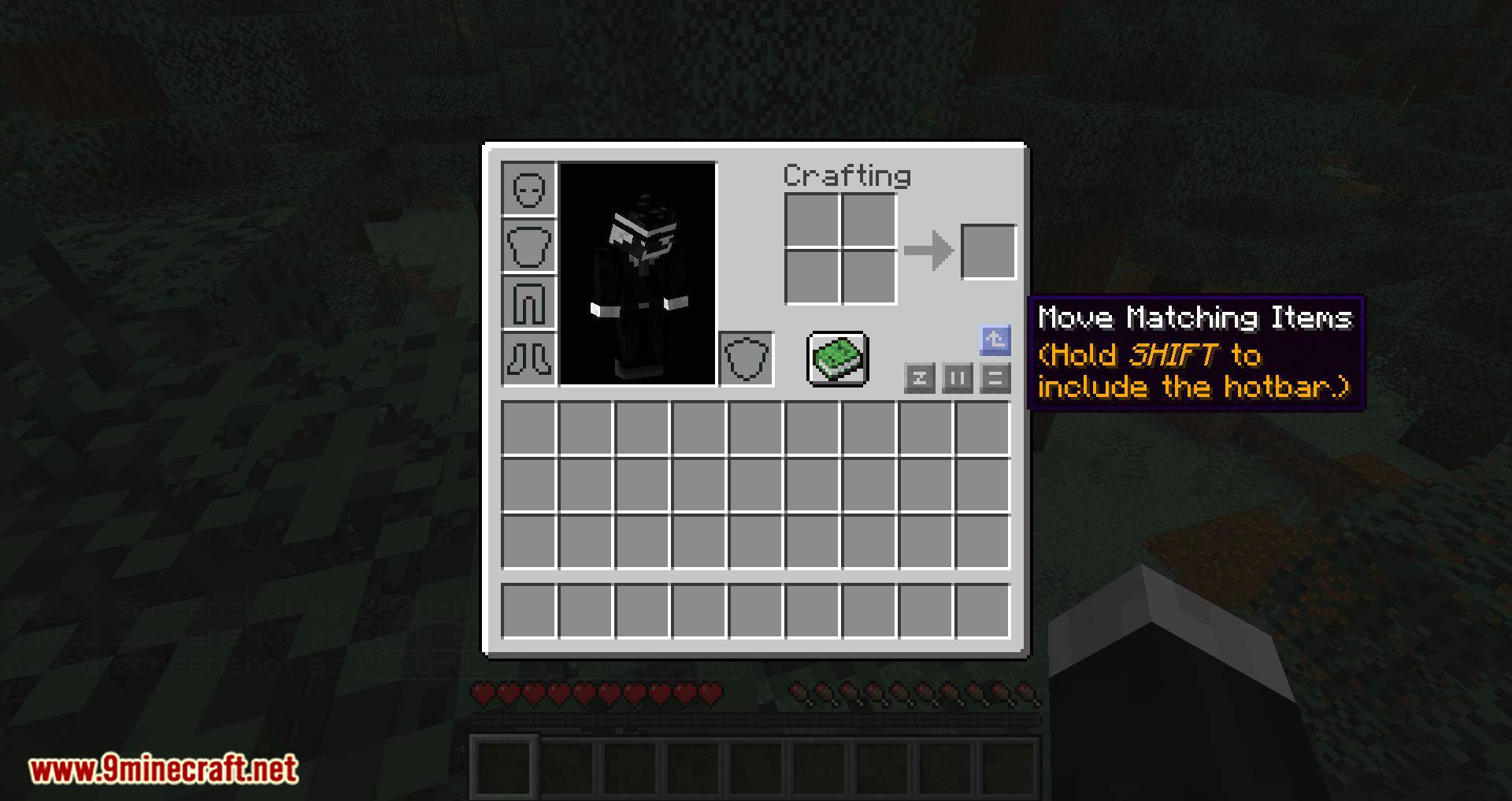
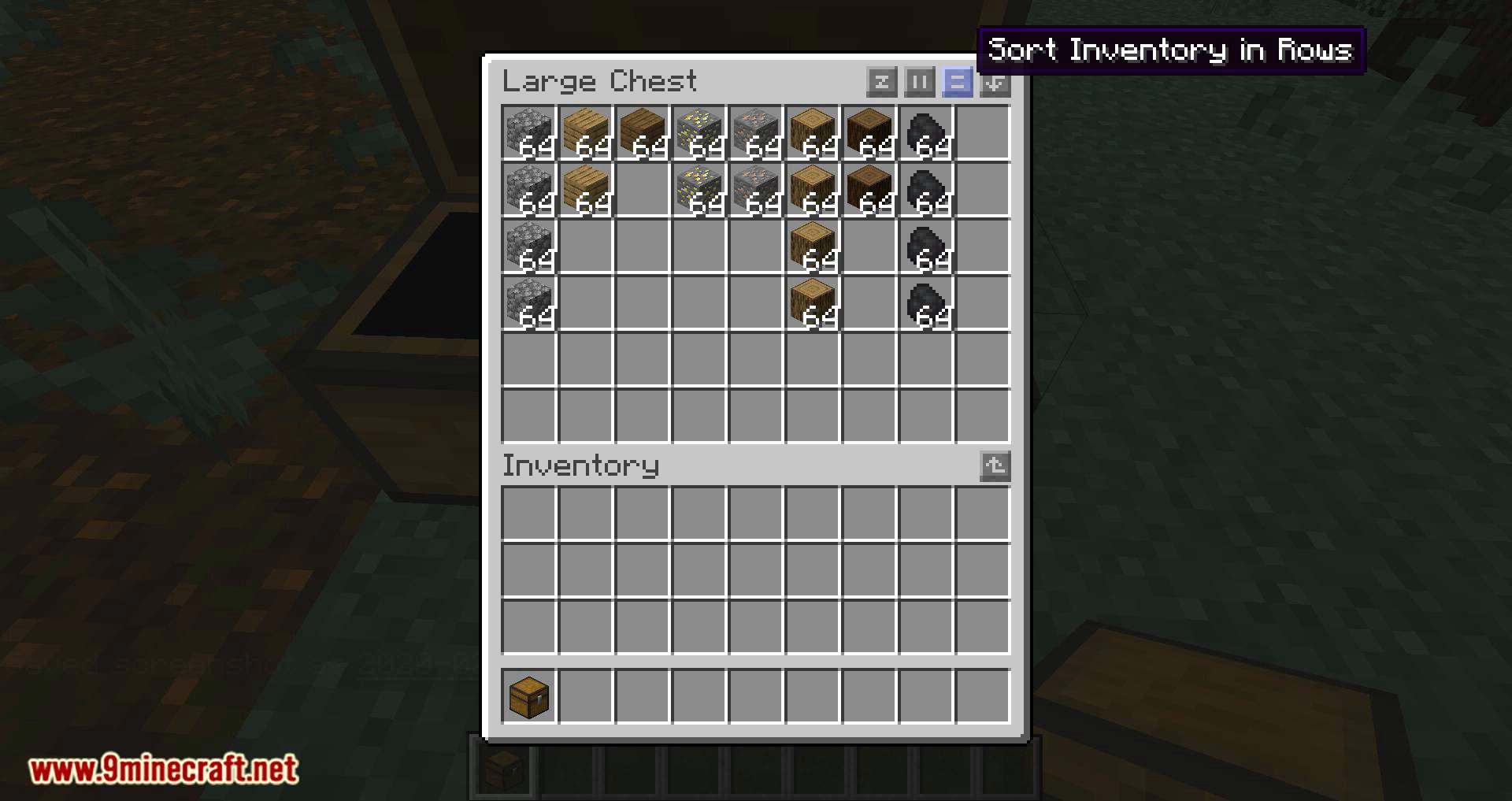
Inventory Profiles Mod is a client-side mod that allows you to quickly organize your inventory and chests using new buttons for item sorting. Multiplayer is supported and no mods are required for the server.
Features:
- Sorting and Organization: Automatically sort your inventory and chests with customizable rules.
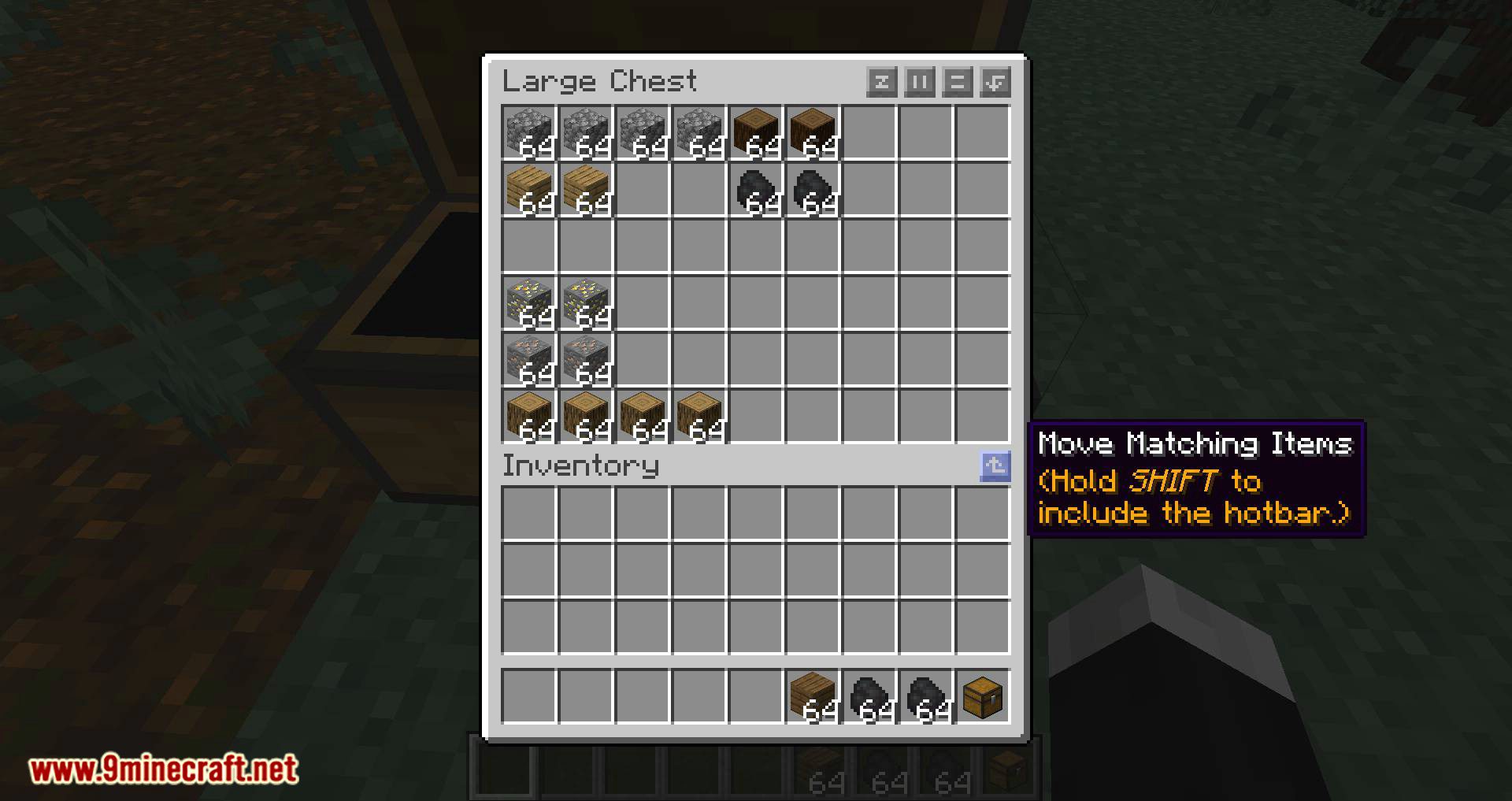
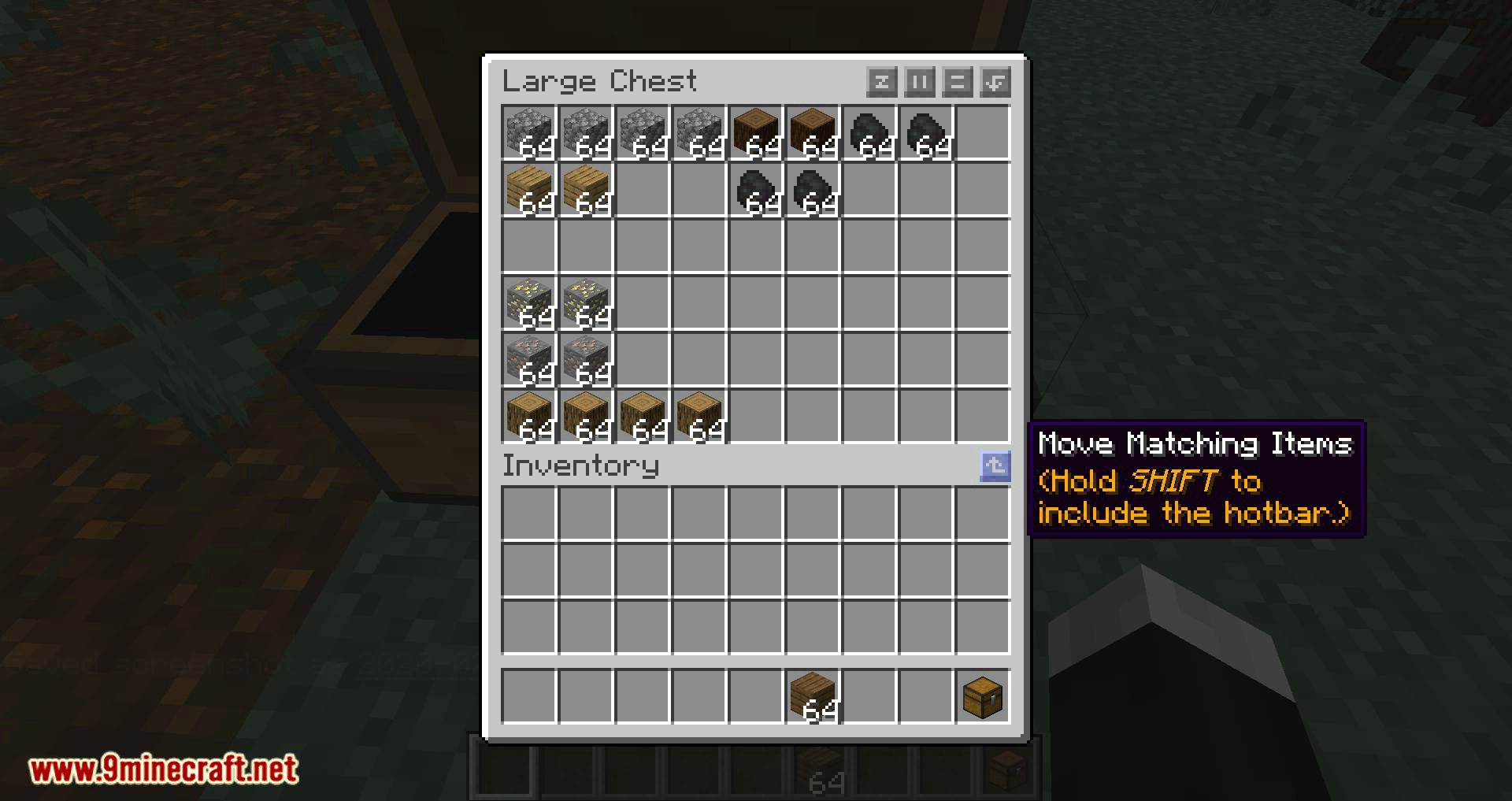
- Item Movement: Move matching items between your inventory and storage effortlessly.
- Locked Slots: Lock specific slots to prevent sorting from affecting them.
- Auto Refill: Automatically refill tools or items in your hotbar when they run out.
- Gear Sets: Save and equip predefined gear sets for quick changes.
- Overlay Buttons: Additional buttons for sorting and managing inventory when interacting with chests.
How to use:
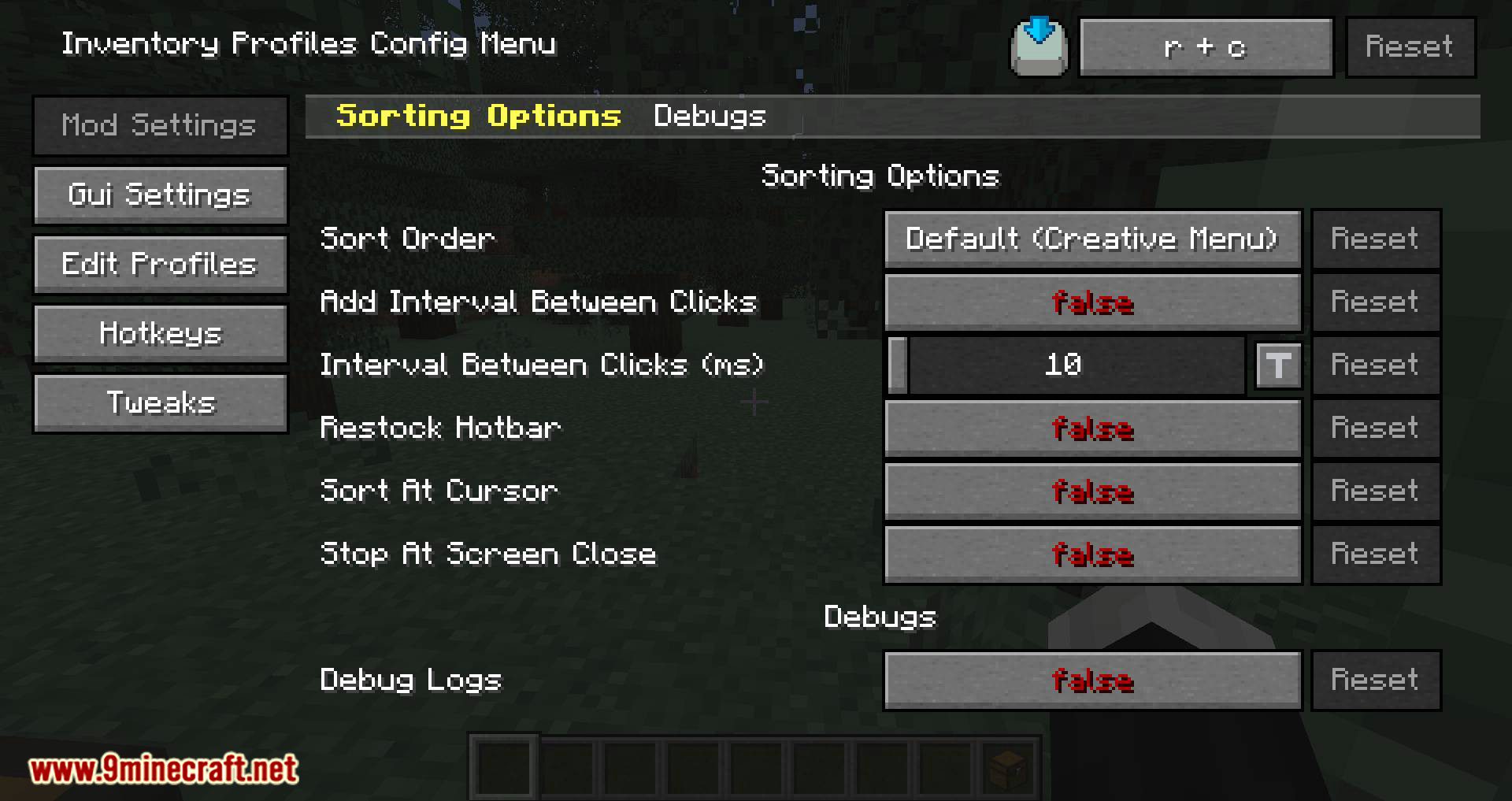
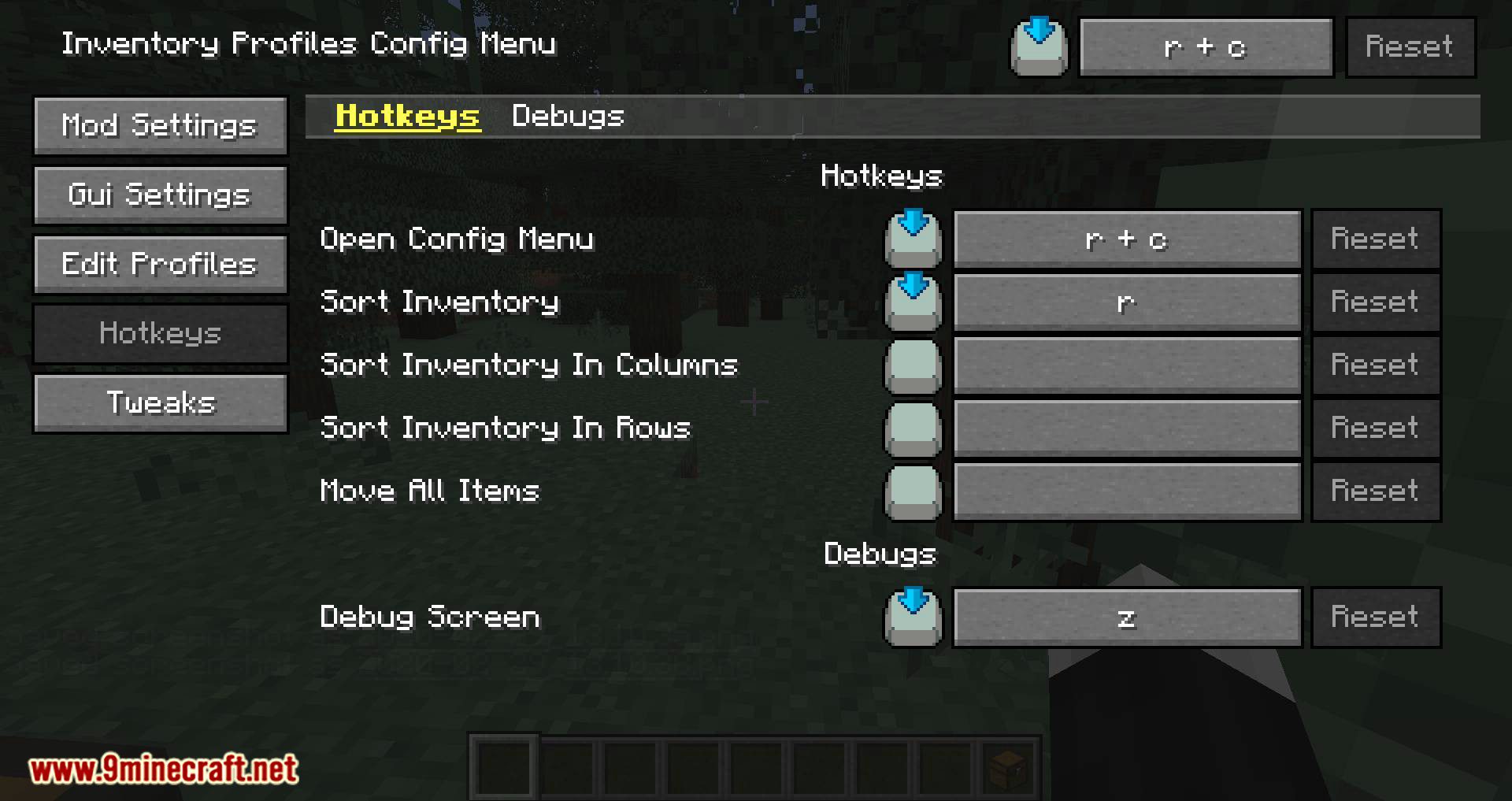
Press R + C to open in-game config menu. Press R in the inventory screen to sort your items.
Both fabric and forge versions are available.
Main Configurable settings:
- Generic hotkeys.
- AddIntervalBetweenClicks – Adds some interval between clicks while sorting.
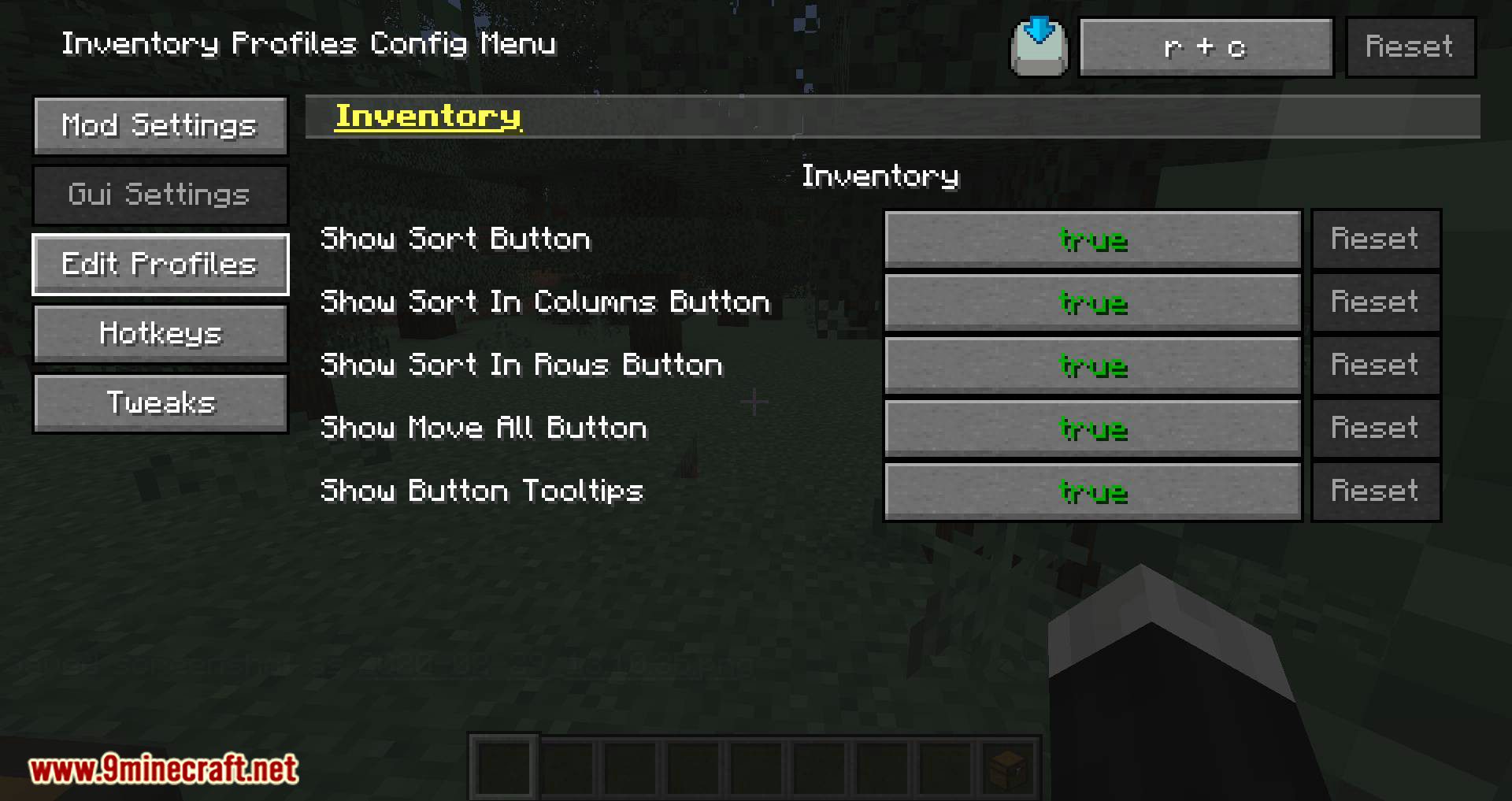
- ShowInventoryButtonTooltips – Display tooltips when cursor hover the buttons on GUI.
- InventoryShowSortButtons – Show sort buttons on GUI.
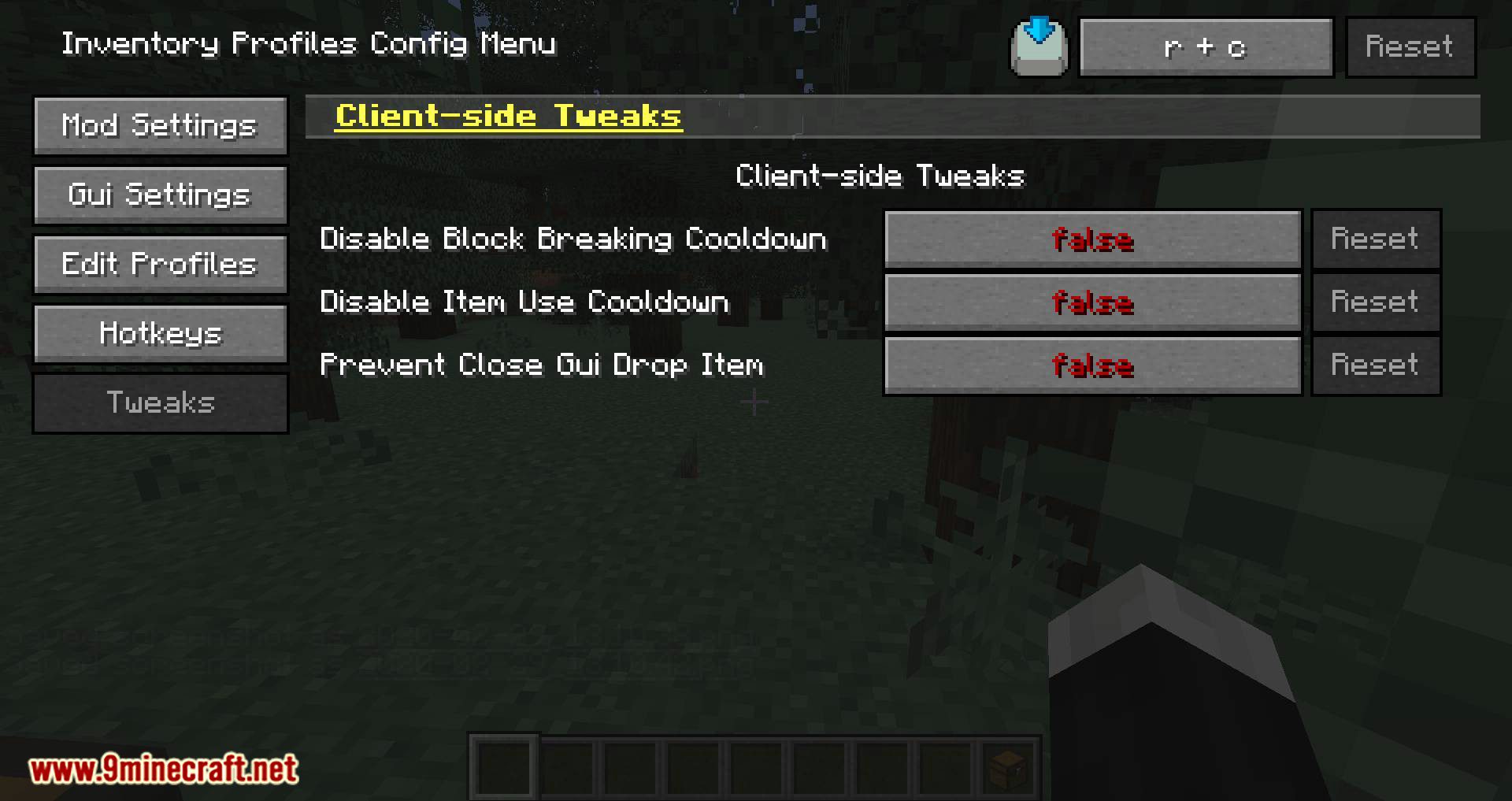
- [Tweaks] instantMiningCooldown – Adds breaking delay to the blocks that you can instantly mine.
- [Tweaks] preventCloseGuiDropItem – Closing GUI will no longer drop the item that holding by the cursor.
- [Tweaks] disableLavaFog – Allows you to have a clearer view underneath the lava.
Screenshots:
Sort Inventory
Sort Inventory in Rows
Sort Inventory in Columns
Inventory Profiles Mod Download Links
Quick facts
- Edition: Minecraft Java
- File type: .jar
- Minecraft version listed: 1.20.1
- How to install: Install the matching mod loader (Forge, Fabric or NeoForge) for your Minecraft version. → Download the .jar. → Put it in the .minecraft/mods folder and launch that loader profile.
- Where to get it: In MC Java Mods, or directly above on this page.
Install steps are the general flow for this file type — How to install Minecraft Java mods & modpacks walks through it step by step.
Verified by MCModsHub
- Downloads as 27814.mcaddon
- Download size: 1.4 MB
- Download link checked 26 Sept 2026 — working
- Mirrored on our own servers — the download does not depend on the original host
These come from our own check of the pack file, not from the source page.