
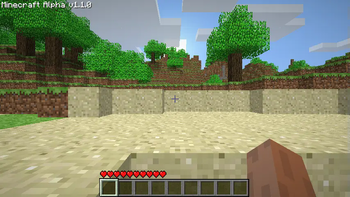
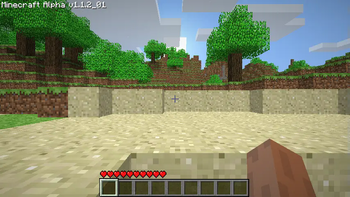
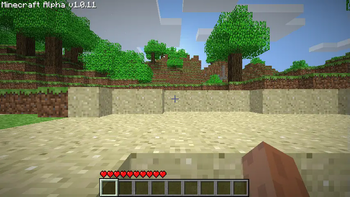
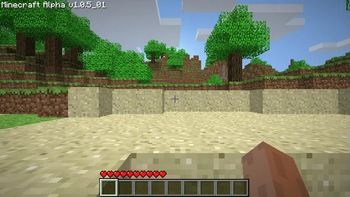
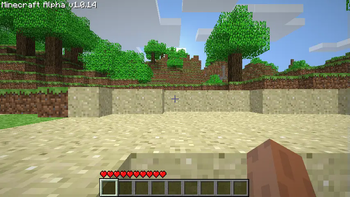
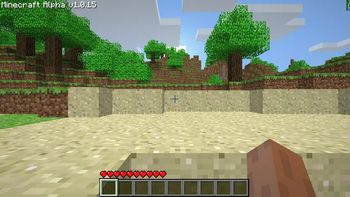
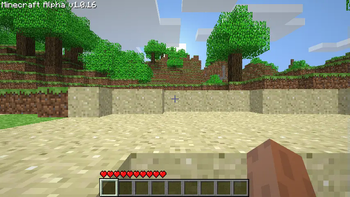
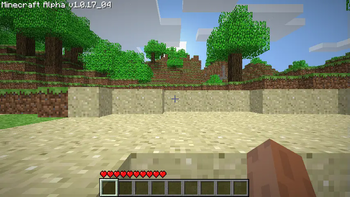
Screenshot! Alpha 1.0.4, 1.0.5_01, 1.0.11, 1.0.14, 1.0.15, 1.0.16, 1.0.17_04, 1.1.0, 1.1.2_01, 1.2.6 and Beta 1.1_02
This is a backport of taking screenshots from Beta 1.7.3.
Screenshots were added the version after Alpha 1.1.2_01, in Alpha 1.2.0 but required you to hold down F1, where this mod does not.
Edits/Additions
SpoilerEdits: Minecraft
Adds: ScreenShotHelper
Version Information:
SpoilerBeta 1.1_02:
SpoilerEdits: Minecraft I removed the F1 requirement to take screenshots.
Alpha 1.2.6:
SpoilerEdits: Minecraft I removed the F1 requirement to take screenshots.
Alpha 1.1.0:
SpoilerBasically the same as Alpha 1.1.2_01.
Alpha 1.0.11-1.0.17_04:
SpoilerBasically the same as Alpha 1.1.2_01.
Alpha 1.0.4-1.0.5_01:
SpoilerThese versions modify the GuiIngame and Minecraft classes and introduce the ScreenShotHelper. They lack the necessary code to display the chat message for the screenshot file name, necessitating the modification of GuiIngame. Additionally, these versions are packaged differently from later releases, resulting in a different appearance when viewed within the zip file.
Additional Information:
SpoilerIn earlier versions of the game, the absence of multiplayer functionality means that chat features are not present. Consequently, certain versions of the mod developed for these early iterations may lack the black transparent shadow behind the file name.
Source and RetroMCP patches will be inside the download along side the mod, feel free to check it out.
Modloader not required but I had to select an API.
Additionally, if you would like a to use another of my mods that I combined this mod with feel free to check out More Debug + Screenshot
- Edition: Minecraft Java
- File type: .jar
- Minecraft version listed: b1.1_02
- How to install: Install the matching mod loader (Forge, Fabric or NeoForge) for your Minecraft version. → Download the .jar. → Put it in the .minecraft/mods folder and launch that loader profile.
- Where to get it: Opens on Modrinth — not every file is mirrored on our own servers.
Install steps are the general flow for this file type — How to install Minecraft Java mods & modpacks walks through it step by step.
- Downloads as Screenshot b1.1_02 Client+Patch+SRC.zip
- Download size: 25 KB
- Download link checked 31 Aug 2026 — working
These come from our own check of the pack file, not from the source page.