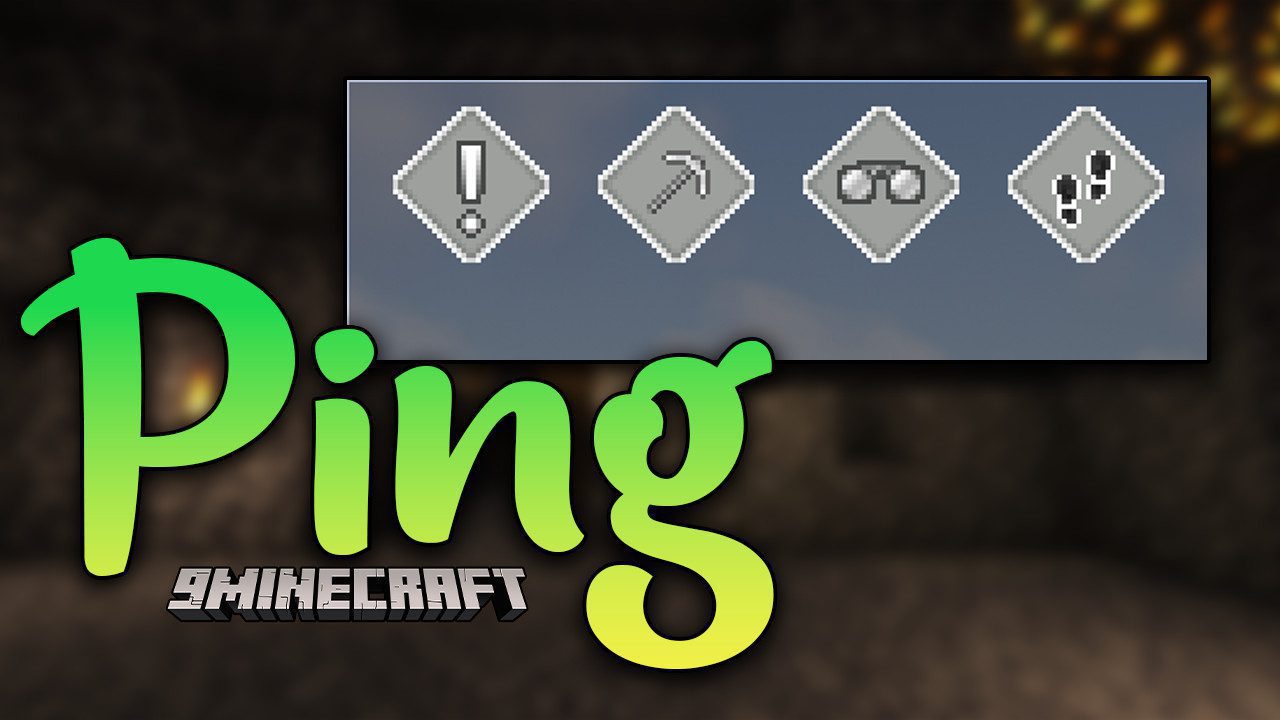
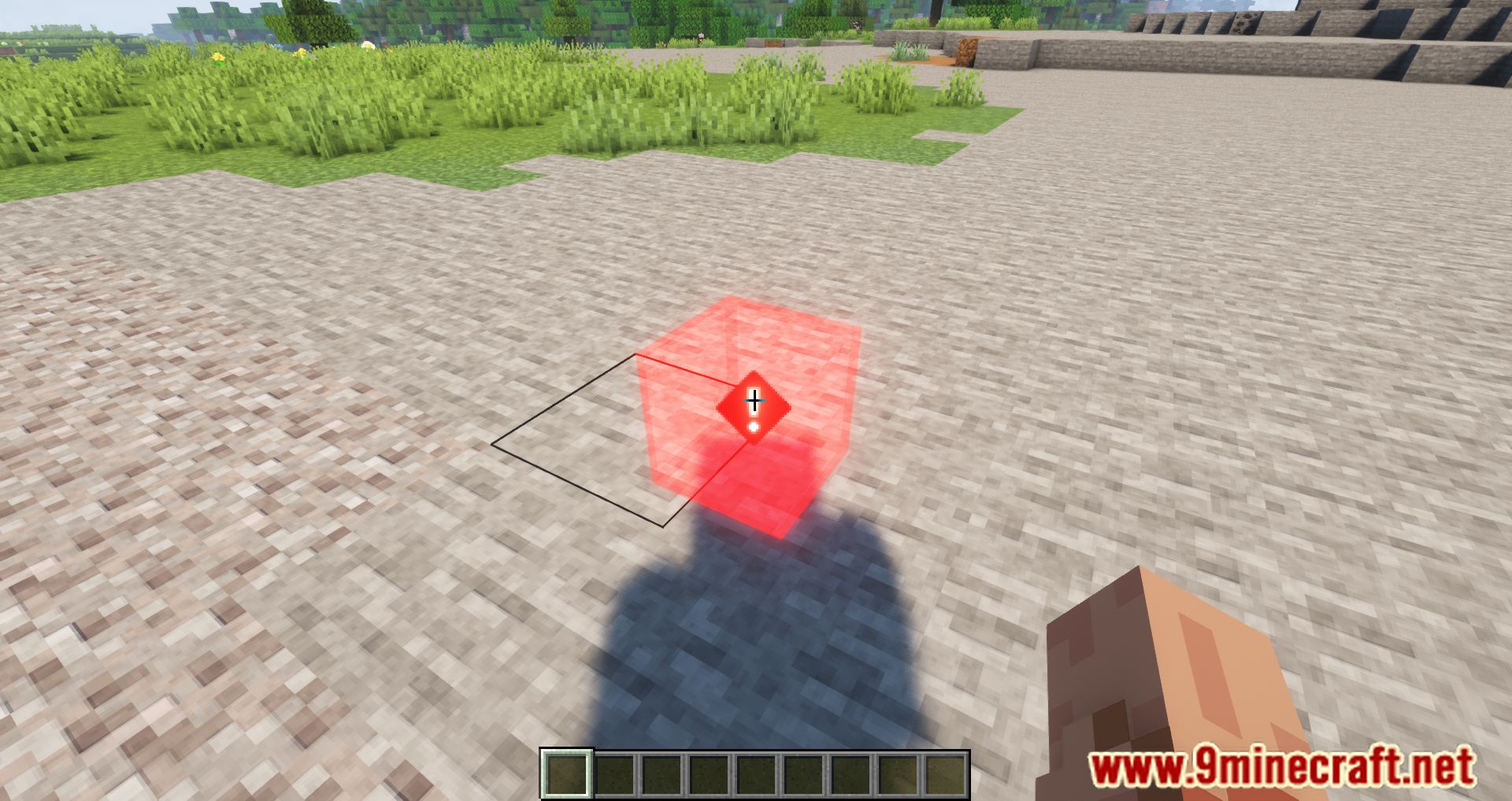
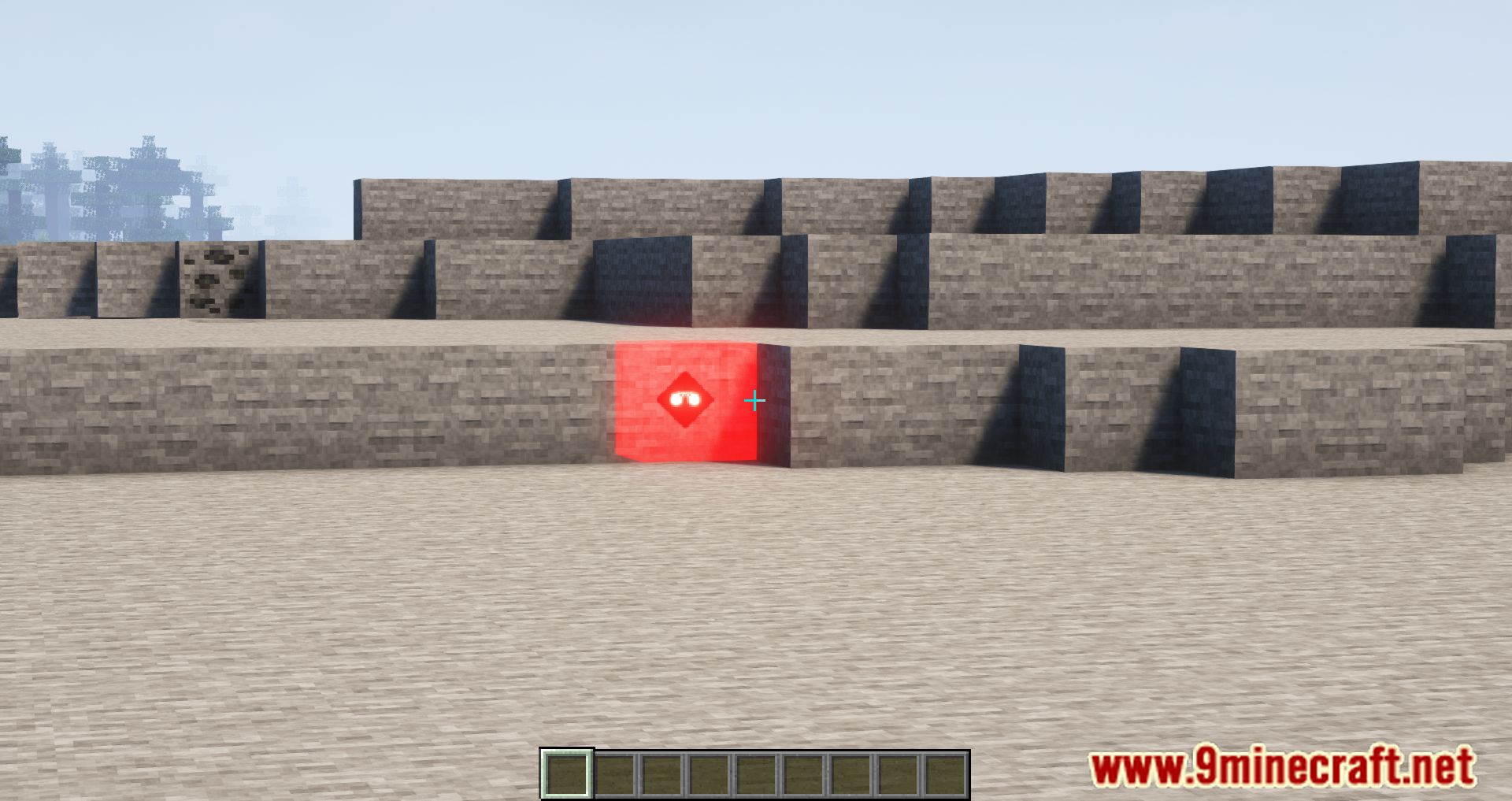
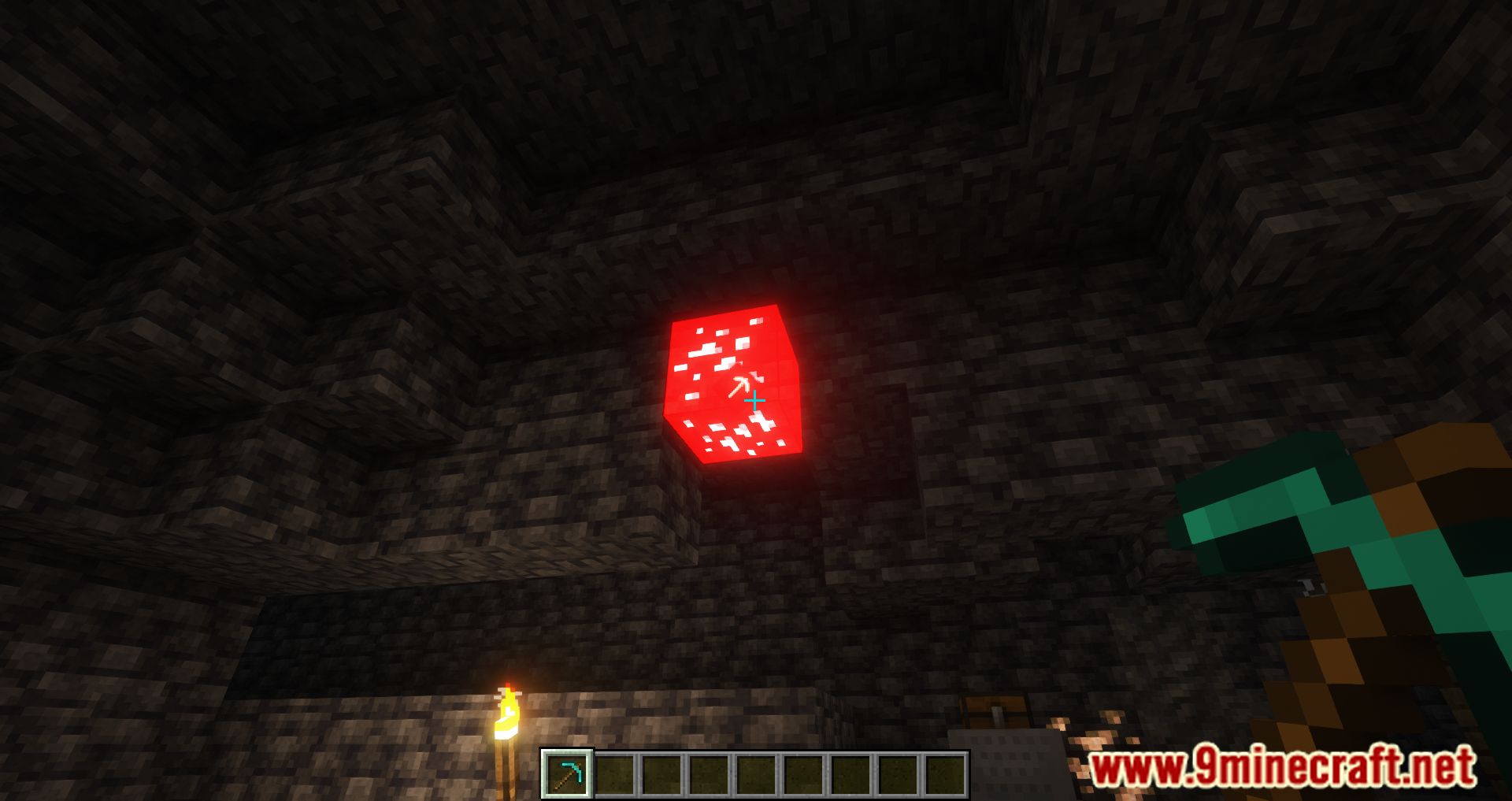
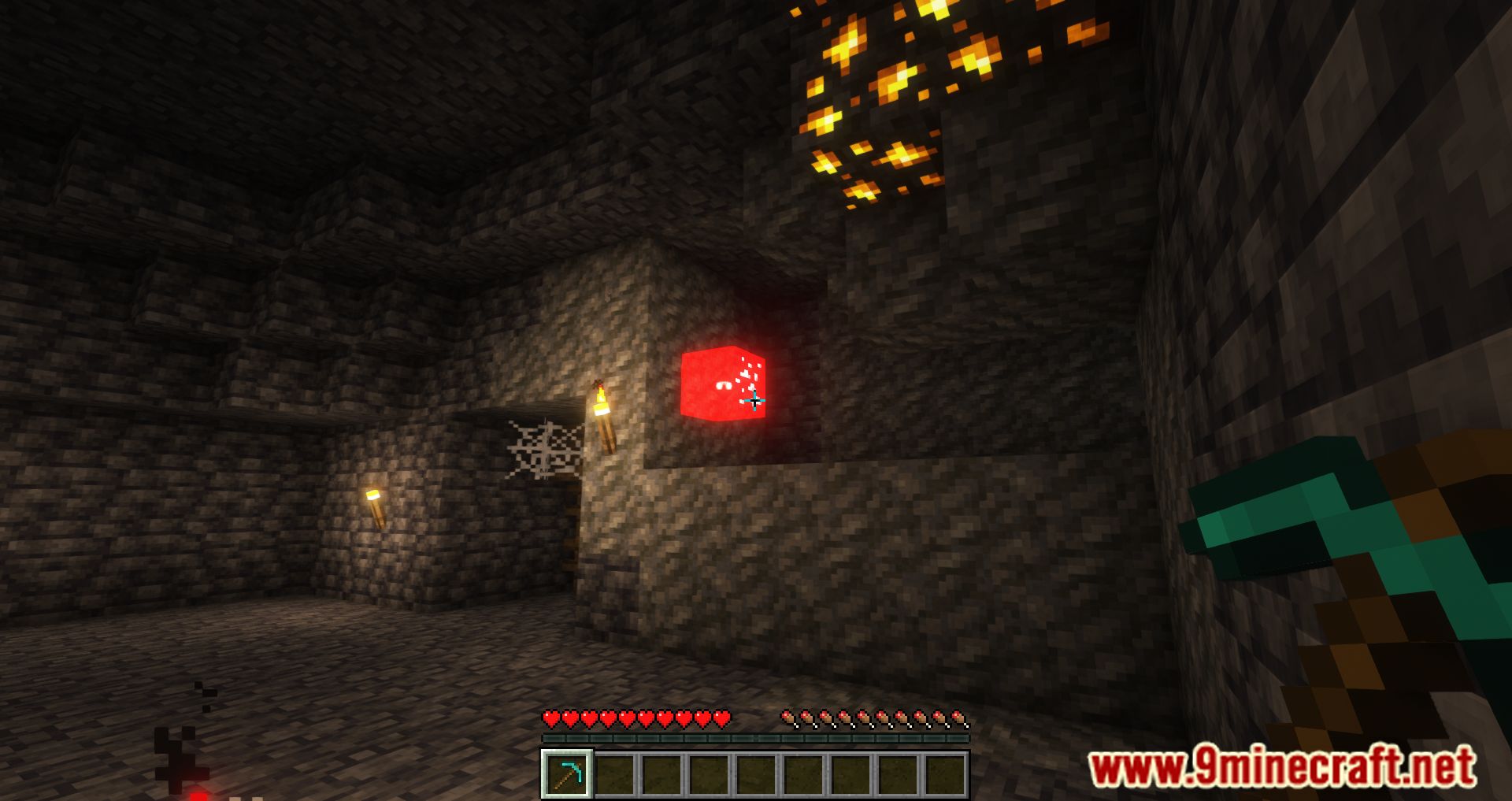
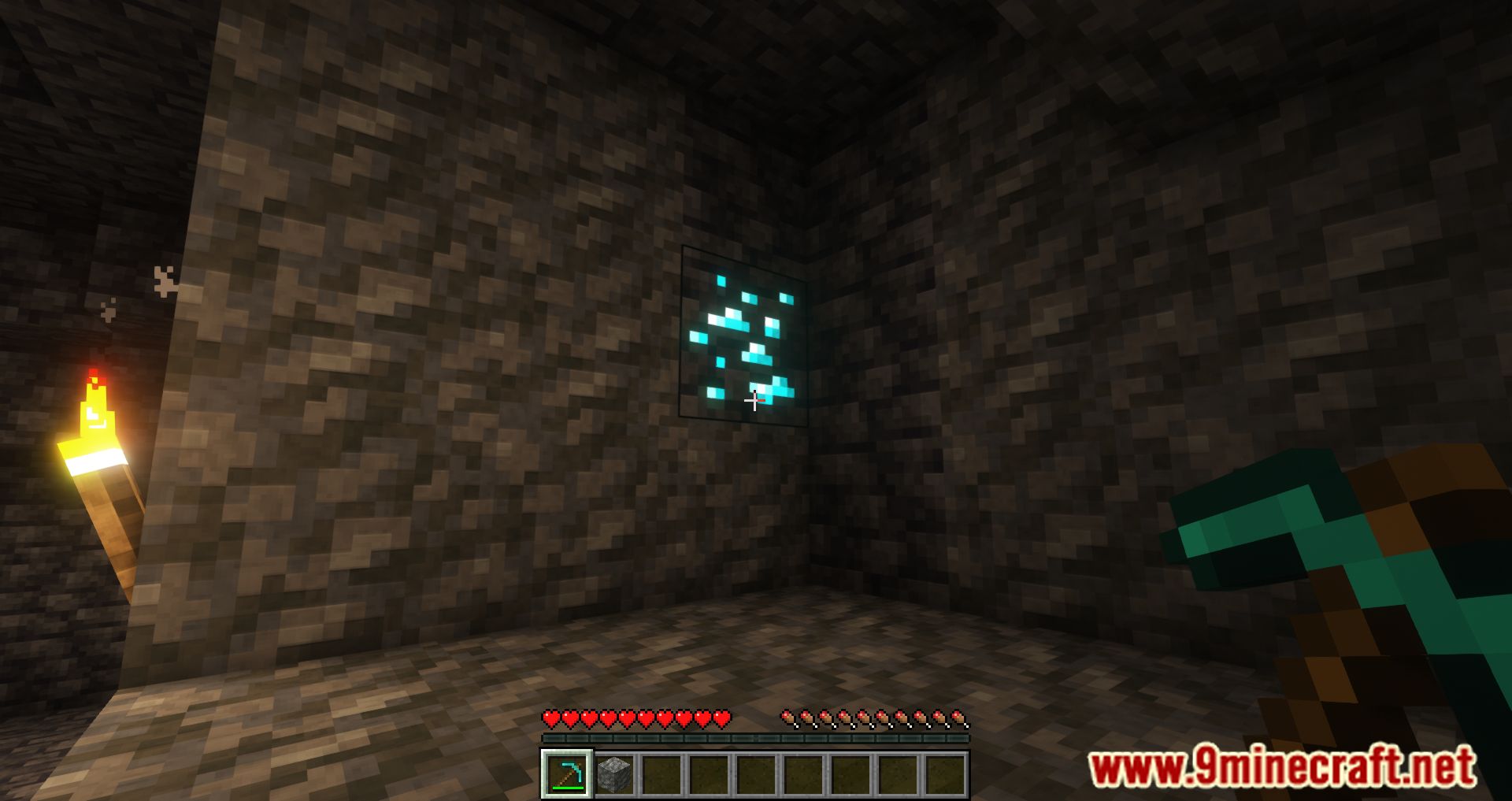
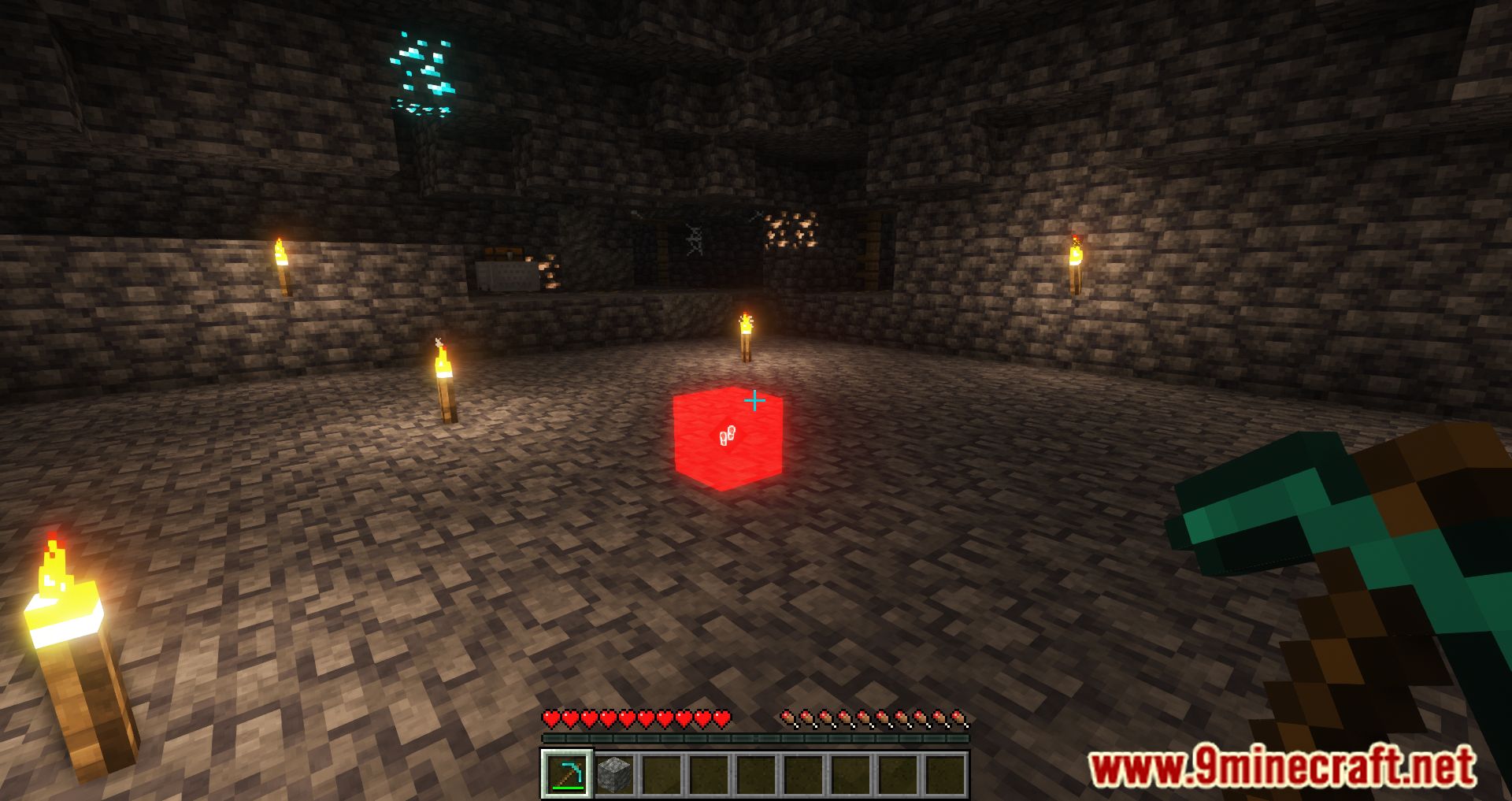
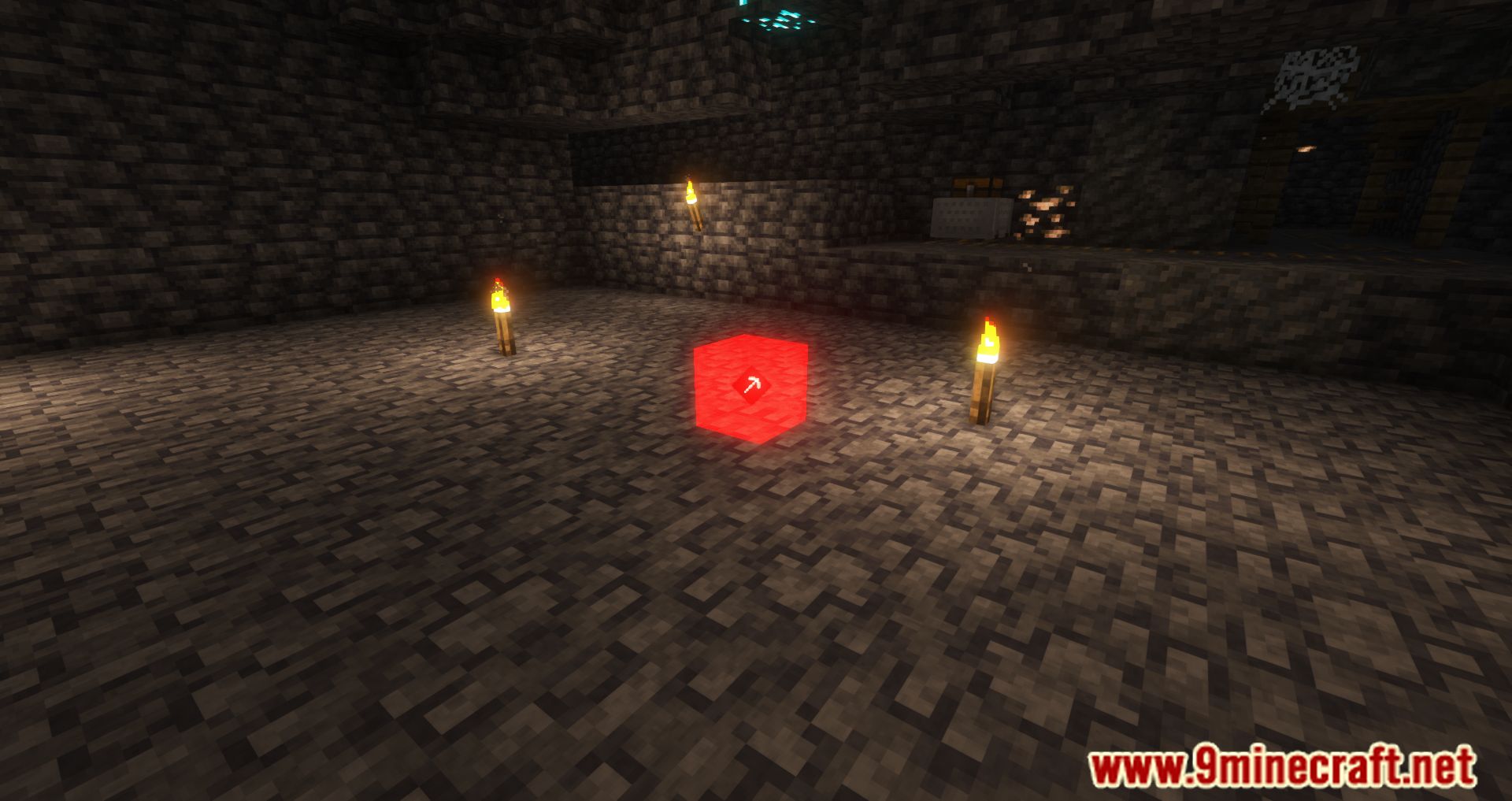
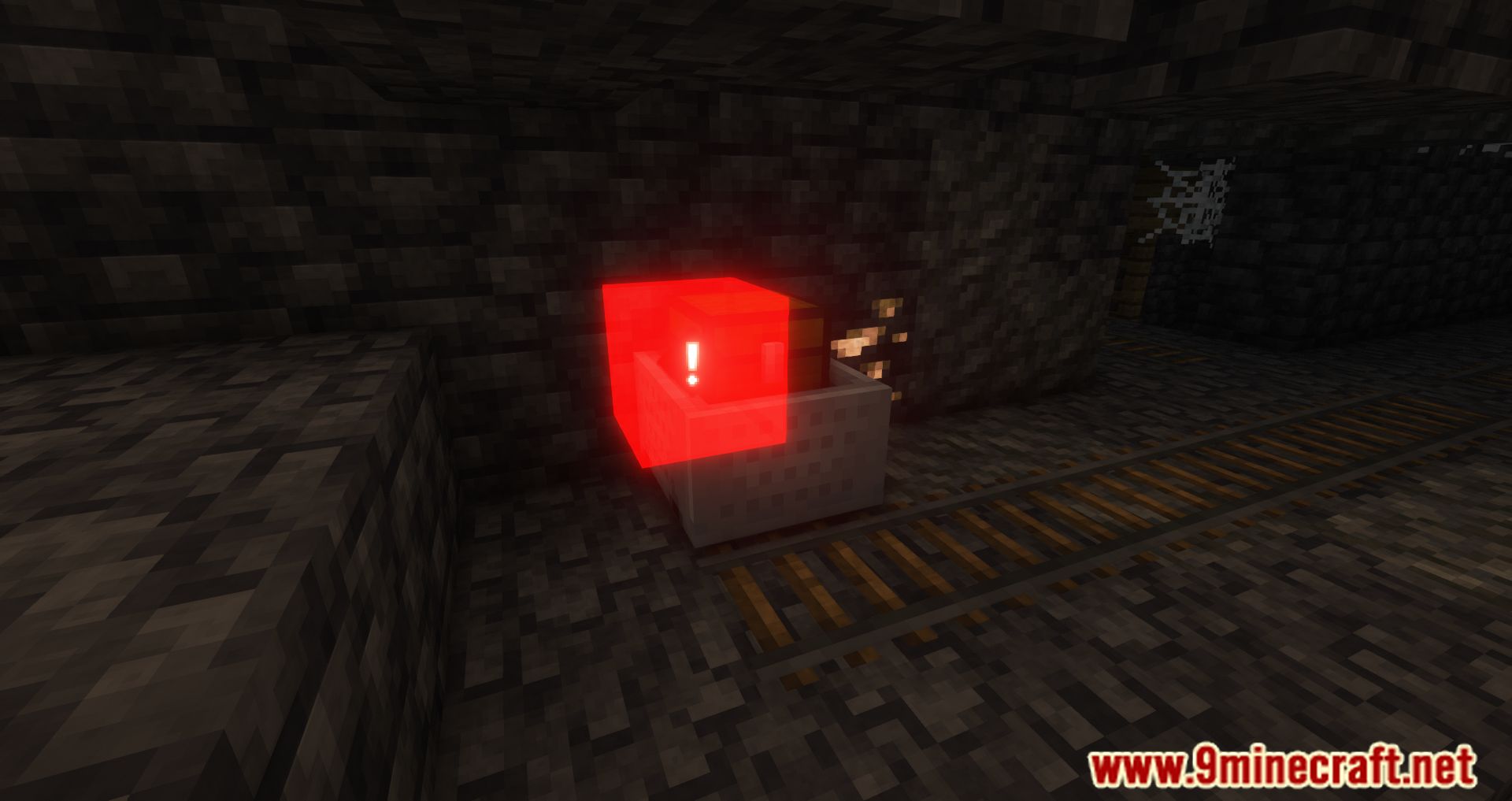
Ping Mod allows players to mark specific blocks, making it easier to communicate with teammates in multiplayer. Nearby players will see your highlighted ping, helping them understand which block to break, where to go, or what dangers to watch out for.
Features:
- Players can ping blocks or locations to highlight them for teammates.
- Pings are visible only to players within a set range, keeping the HUD clean.
- Press a designated key (such as V or Z) to mark a block.
- Pings can be sent through chat, making them visible even to players without the mod.
- Requires installation on both the server and all players’ clients.
How It Works:
- The mod must be installed for all players and on the server (or the host’s game in local multiplayer).
- Easier coordination for construction, movement, and warnings.
- Quick marking: Aim at a block and press V (or F in versions below 1.9).
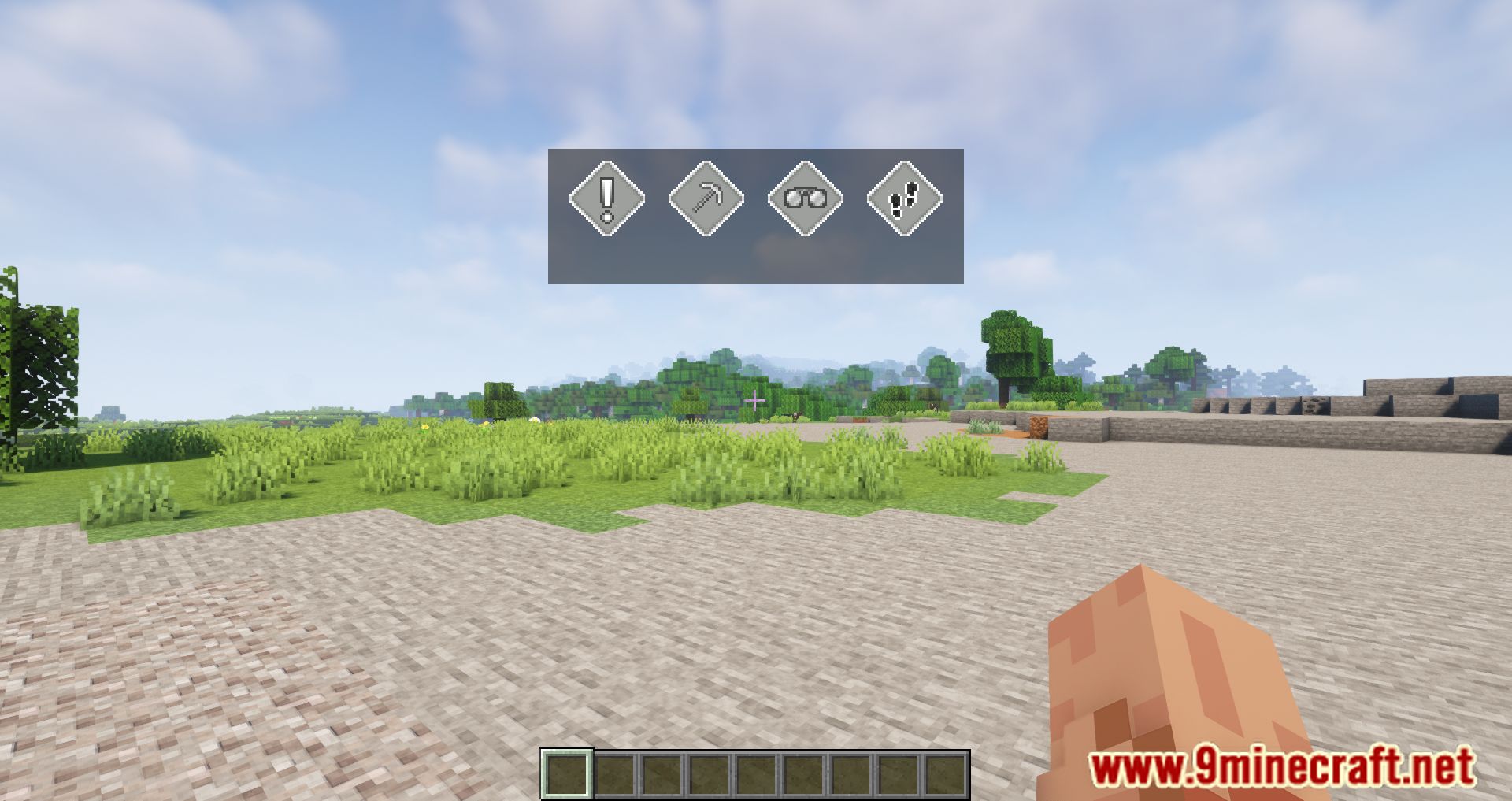
- Ping menu: A menu with four marking options appears, allowing customization.
- Highlighted block visibility: Your ping will be visible to all nearby players.
Screenshots:
Ping Mod Download Links
Quick facts
- Edition: Minecraft Java
- File type: .jar
- Minecraft version listed: 1.20.1
- How to install: Install the matching mod loader (Forge, Fabric or NeoForge) for your Minecraft version. → Download the .jar. → Put it in the .minecraft/mods folder and launch that loader profile.
- Where to get it: In MC Java Mods, or directly above on this page.
Install steps are the general flow for this file type — How to install Minecraft Java mods & modpacks walks through it step by step.
Verified by MCModsHub
- Downloads as 27882.mcaddon
- Download size: 183 KB
- Download link checked 25 Sept 2026 — working
- Mirrored on our own servers — the download does not depend on the original host
These come from our own check of the pack file, not from the source page.