
Prefer OpenGL
Java mod listed for Minecraft 26.x. Downloads from the MC Java Mods app on Android.
I don't know my version or loader
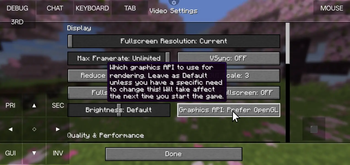
Prefer OpenGL
This project includes loader-specific entrypoints for:
- Fabric
- Quilt
- Forge
- NeoForge (in development)
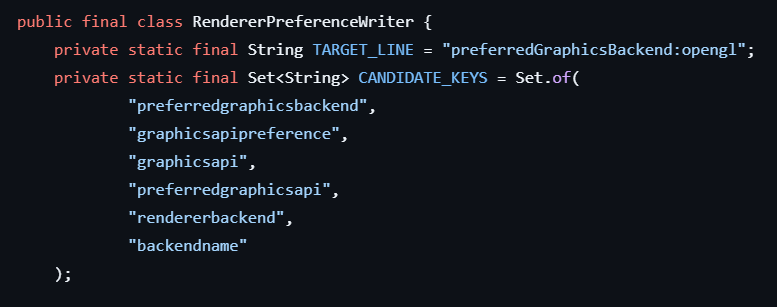
All variants call the same shared logic to force an OpenGL renderer preference by editing options.txt.
Shared behavior
On client startup, each loader entrypoint ensures one of these keys is set to OpenGL:
graphicsApiPreference:prefer_openglgraphicsApi:prefer_opengl(legacy fallback)
If neither exists, it appends graphicsApiPreference:prefer_opengl.
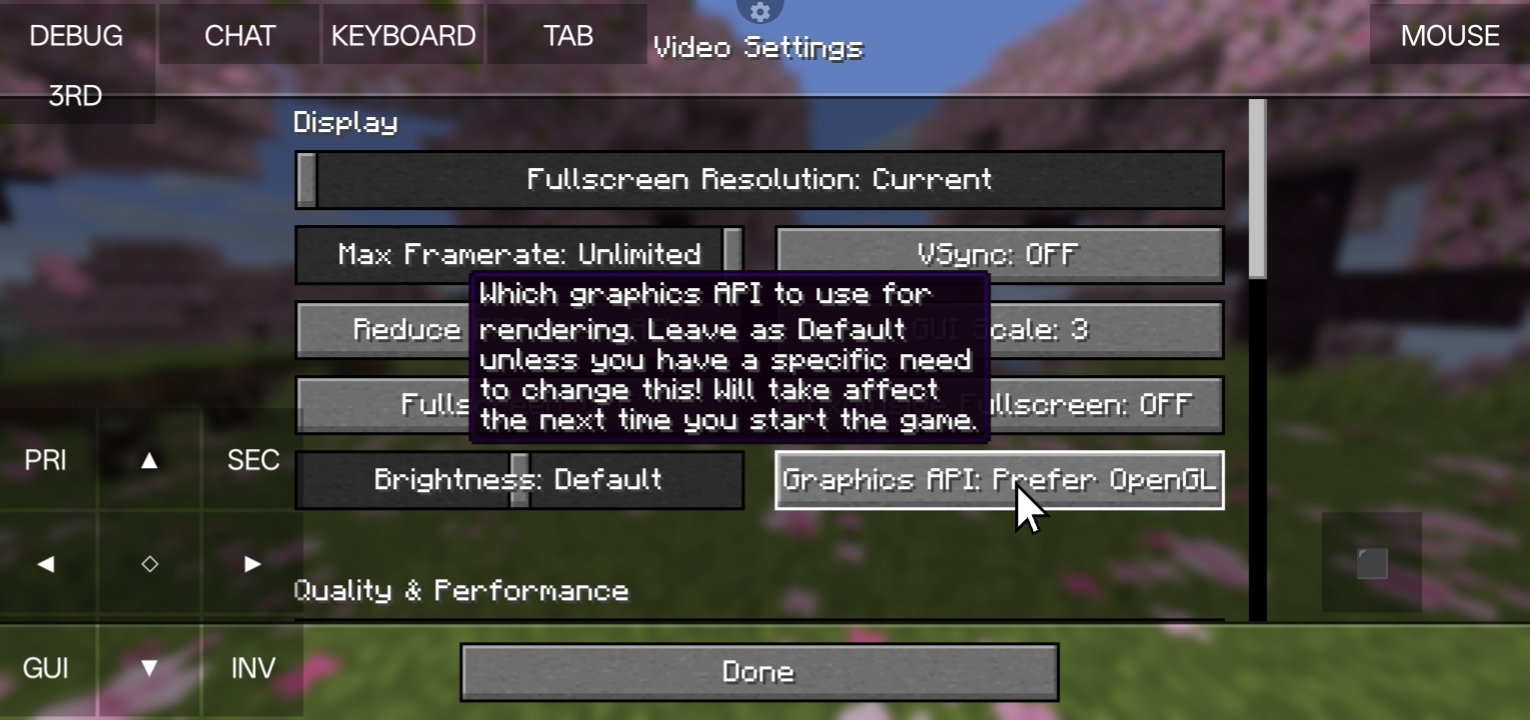
This mod fixes crash on Amethyst Launcher (and other mobile java launchers) which does have vulkan but doesn't have some librarys. So, Minecraft switchs to Vulkan API and crashes. More ever what this mod does is it forces OpenGL as the renderer API. And if you're device supports Vulkan API please don't use this mod first try if Vulkan works or not.
- Edition: Minecraft Java
- File type: .jar
- Minecraft versions listed: 26.2-snapshot-2, 26.2-snapshot-3, 26.2-snapshot-4
- How to install: Install the matching mod loader (Forge, Fabric or NeoForge) for your Minecraft version. → Download the .jar. → Put it in the .minecraft/mods folder and launch that loader profile.
- Where to get it: Opens on Modrinth — not every file is mirrored on our own servers.
Install steps are the general flow for this file type — How to install Minecraft Java mods & modpacks walks through it step by step.
- Ships as preferopengl-1.0.0.jar — drop this file into the mods folder
- Download size: 87 KB
- Download link checked 12 Oct 2026 — working
These come from our own check of the pack file, not from the source page.