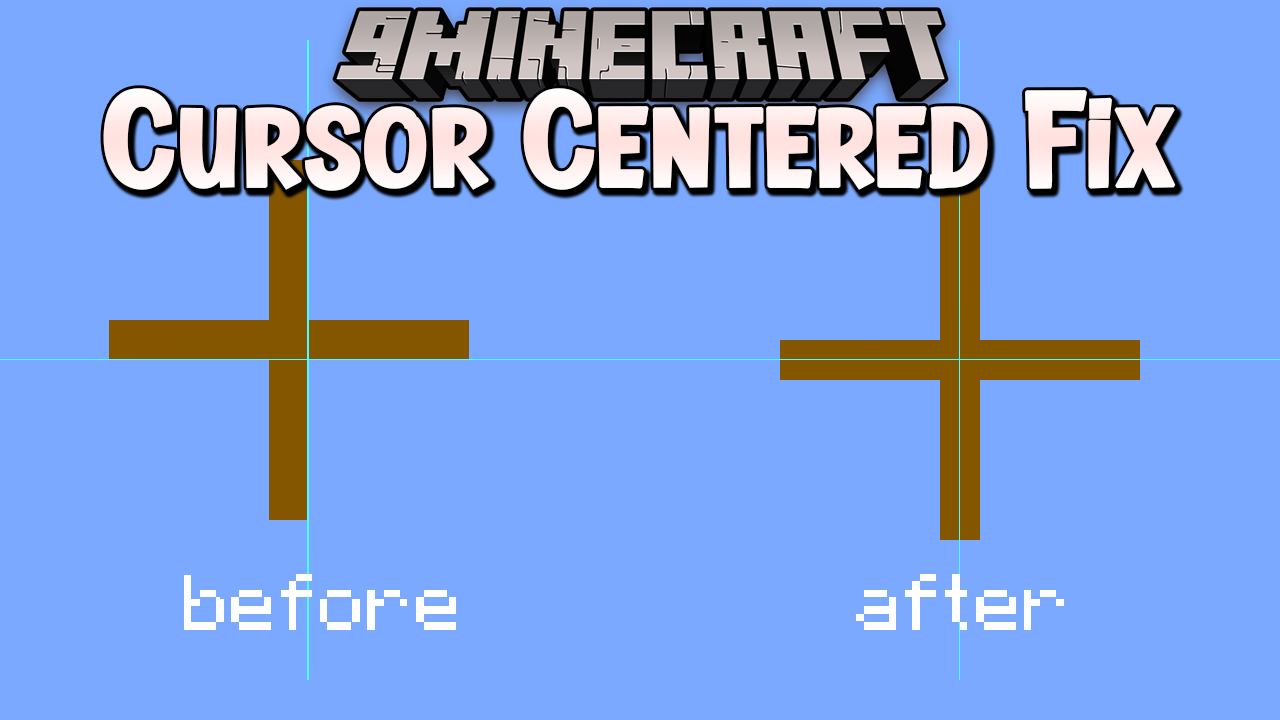
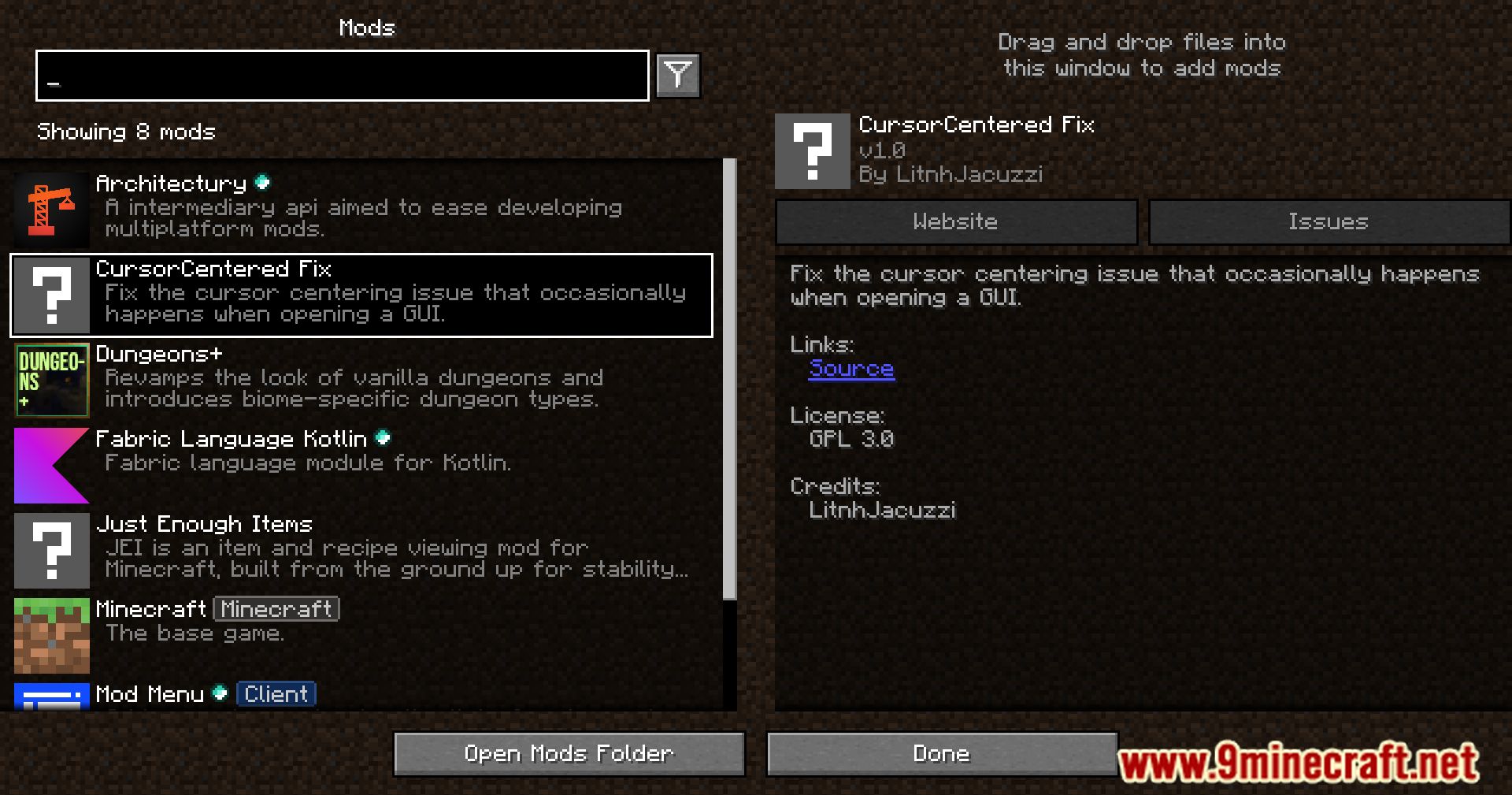
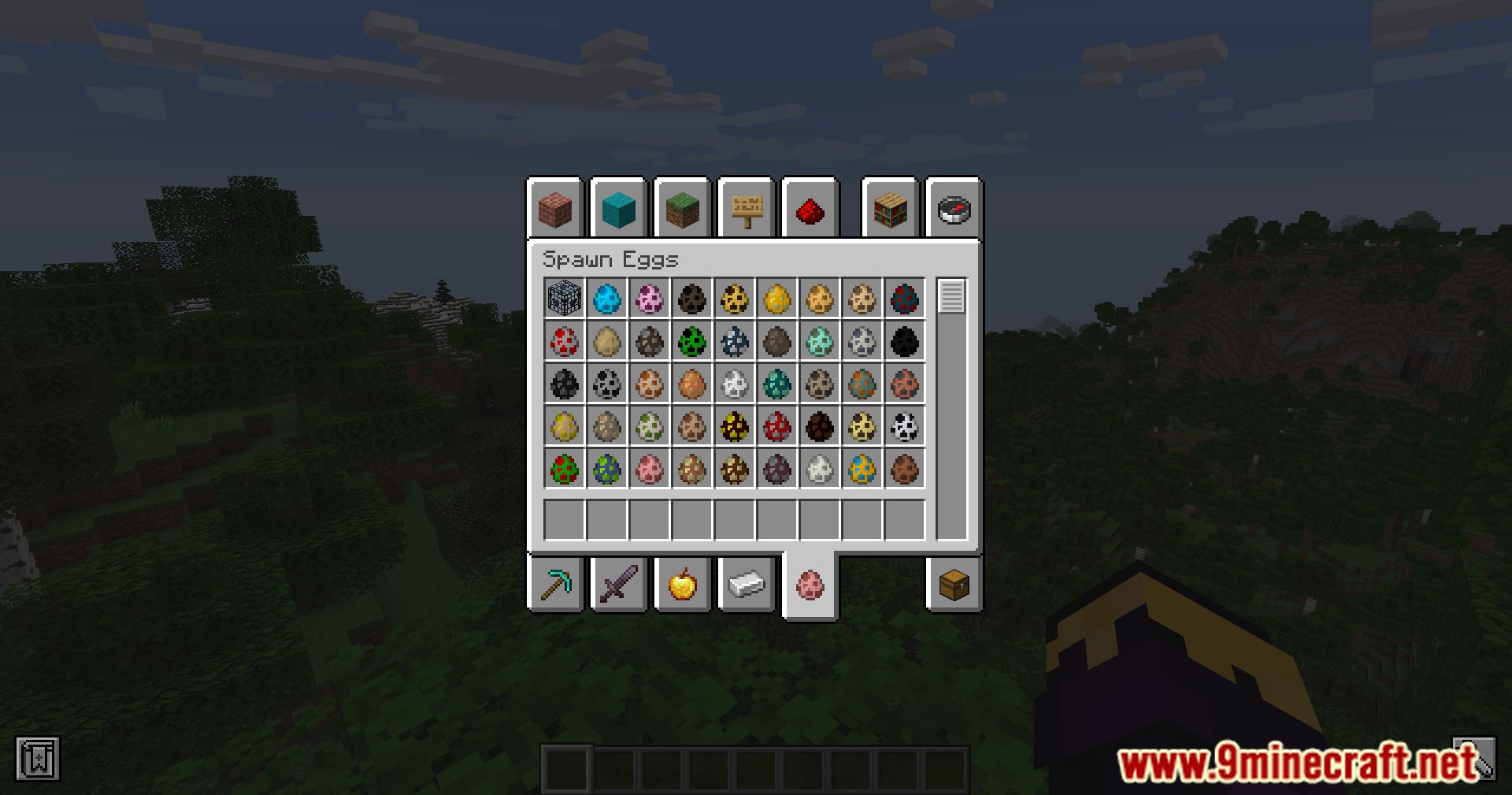
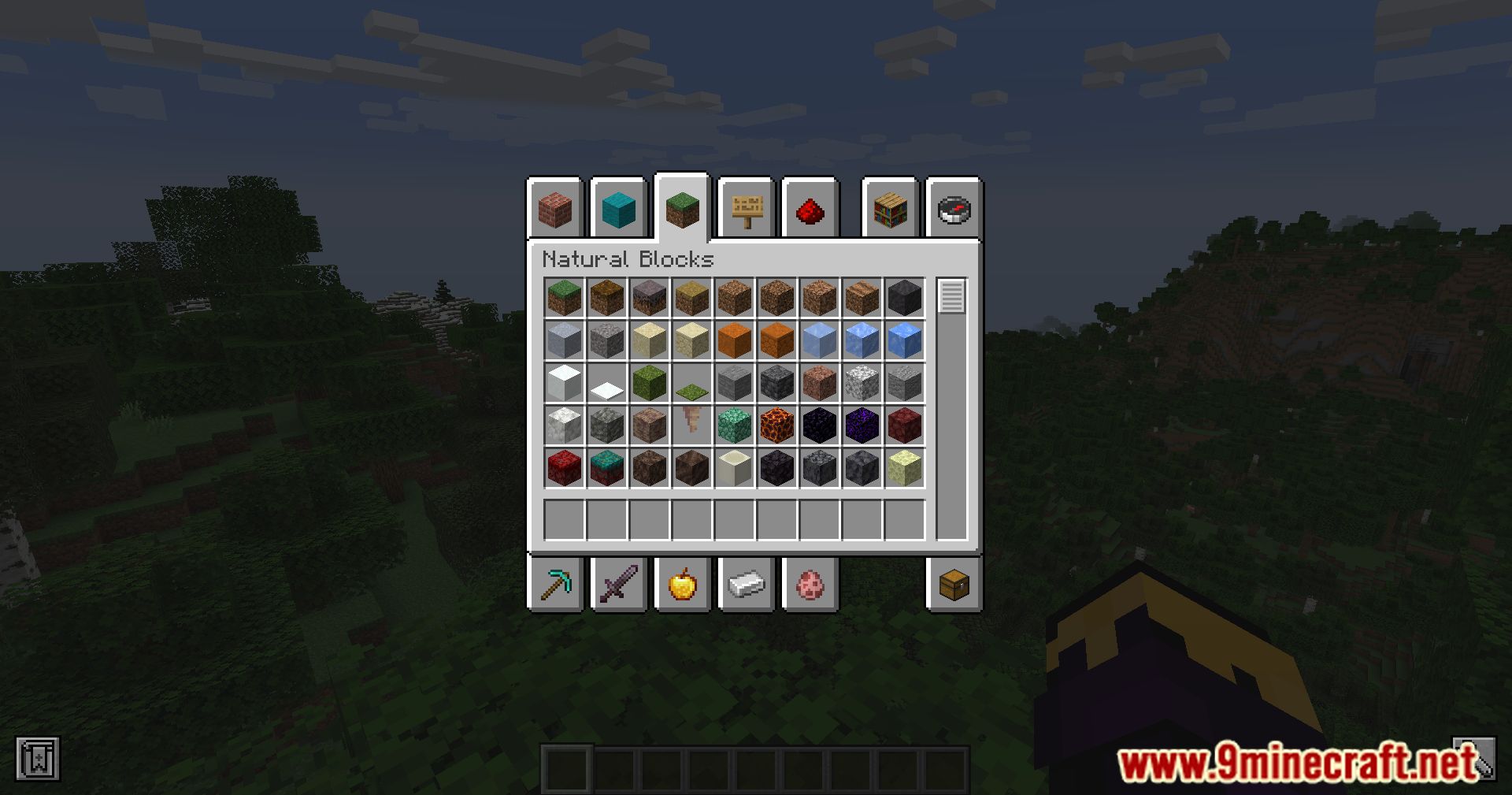
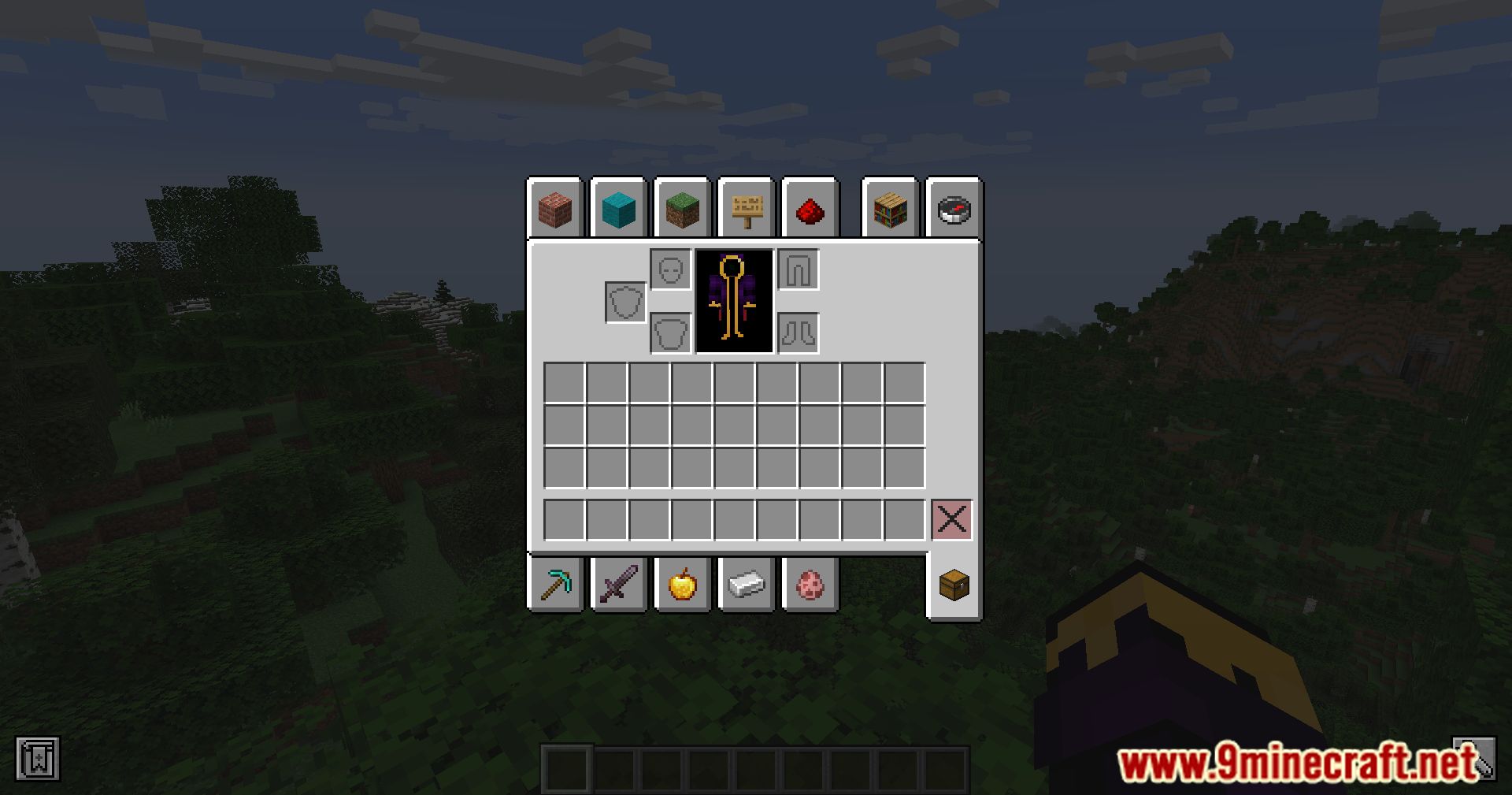
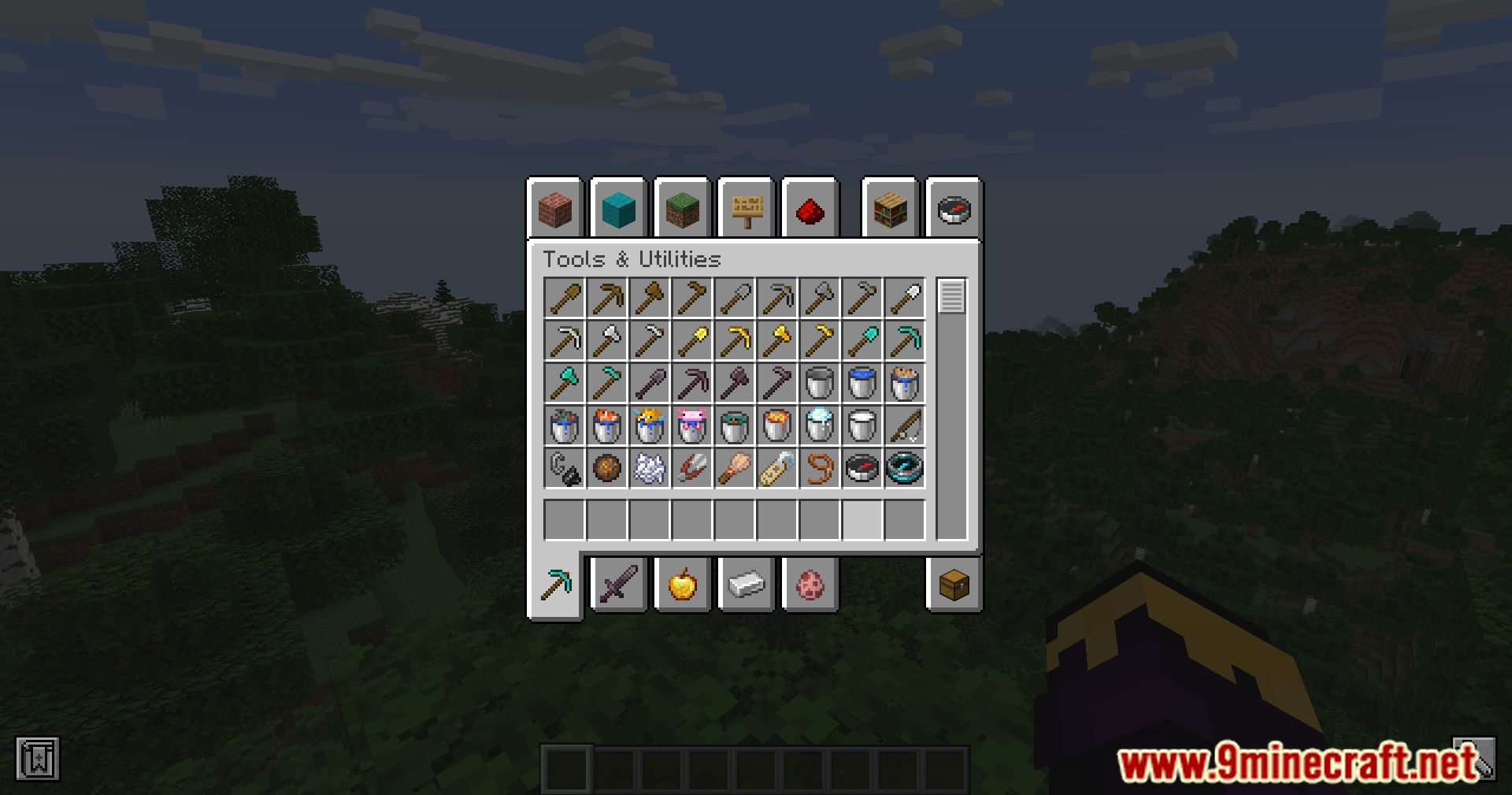
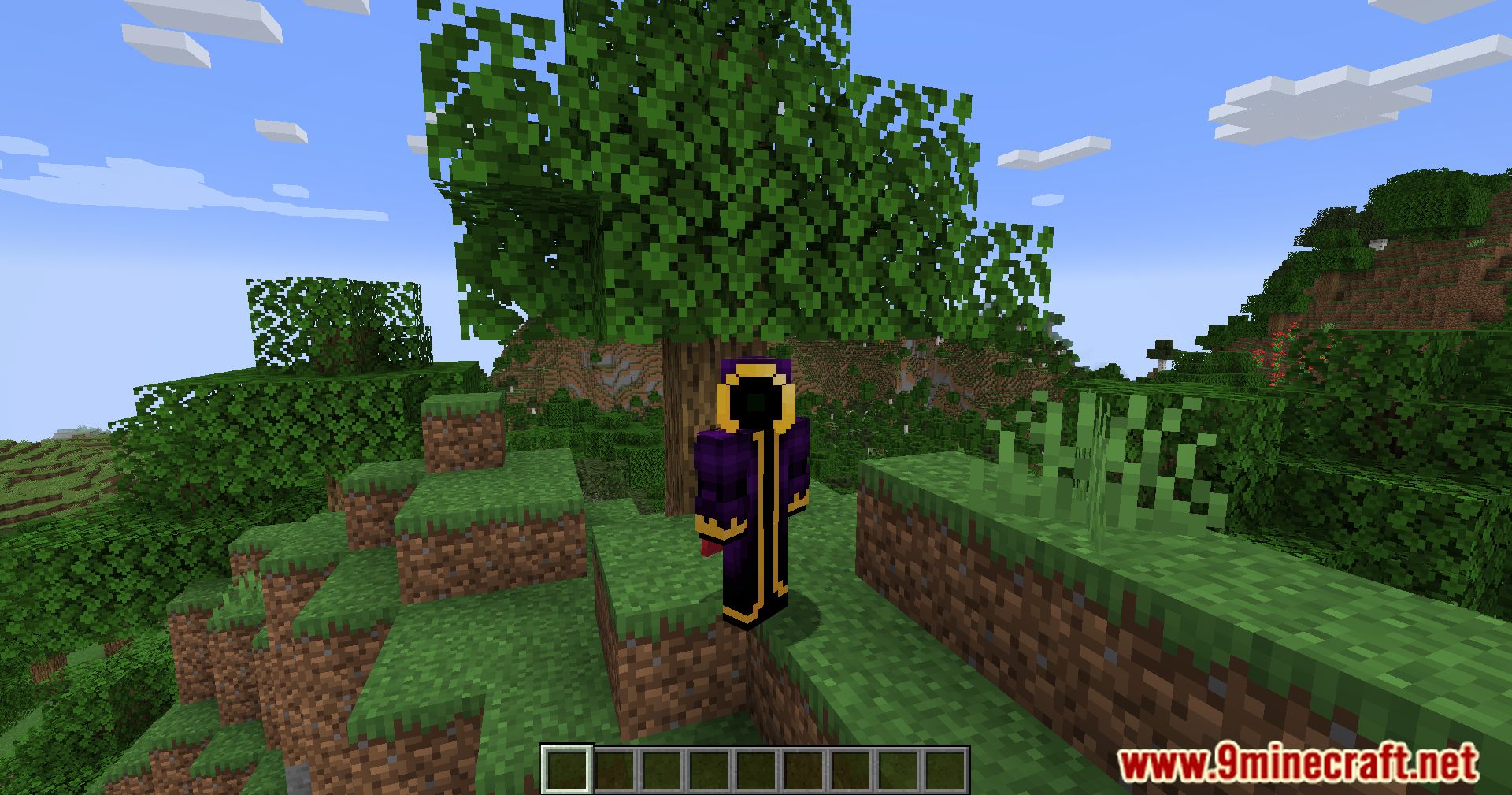
Cursor Centered Fix Mod solves a subtle but frustrating issue in Minecraft: when opening a GUI (like a chest or crafting table), the cursor sometimes doesn’t appear centered-especially after the game window loses focus. This mod ensures your cursor always starts in the middle.
Features:
- Automatically centers the cursor when opening any GUI.
- Prevents misclicks and delays caused by off-center cursor placement.
- Especially useful for fast-paced inventory management or PvP.
Wayland Support:
- Includes experimental support for Wayland (Linux display protocol).
- Uses ydotool to center the cursor programmatically.
- Requires setup:
- Install ydotool from source.
- Configure sudo privileges for seamless execution.
- Optionally set a scaling value to correct cursor movement based on your system’s sensitivity and UI scale.
JVM Configuration:
- You can fine-tune cursor behavior with:
-DcursorMoveScalingValue=<value> - This adjusts how far the cursor moves to reach the center, based on your screen setup.
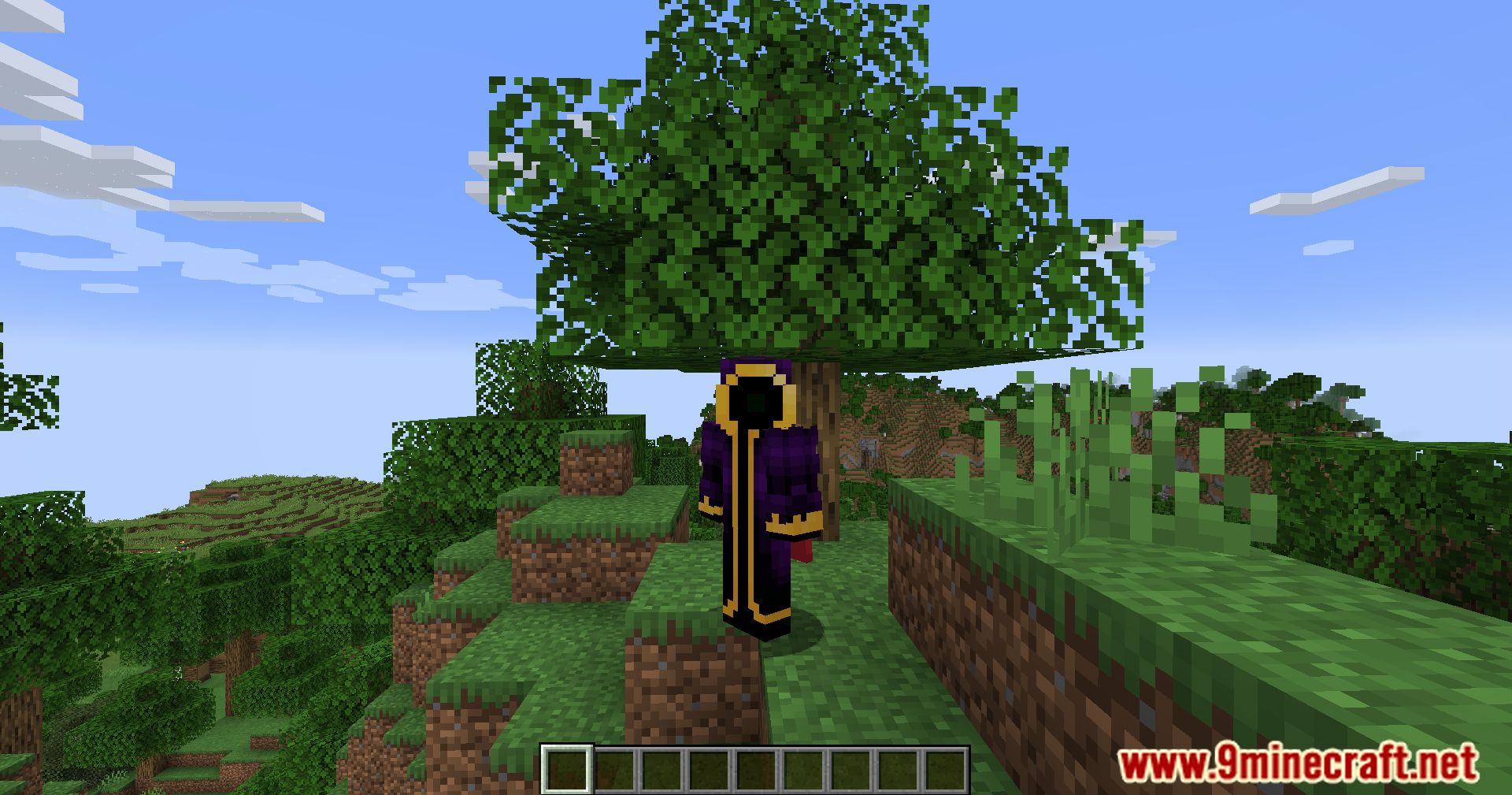
Screenshots:
Cursor Centered Fix Mod Download Links
Quick facts
- Edition: Minecraft Java
- File type: .jar
- Minecraft version listed: 1.20.1
- How to install: Install the matching mod loader (Forge, Fabric or NeoForge) for your Minecraft version. → Download the .jar. → Put it in the .minecraft/mods folder and launch that loader profile.
- Where to get it: In MC Java Mods, or directly above on this page.
Install steps are the general flow for this file type — How to install Minecraft Java mods & modpacks walks through it step by step.
Verified by MCModsHub
- Downloads as 27888.mcaddon
- Download size: 10 KB
- Download link checked 24 Sept 2026 — working
- Mirrored on our own servers — the download does not depend on the original host
These come from our own check of the pack file, not from the source page.