
Combatability
Requires Fabric api and the Fabric Loader
Preface
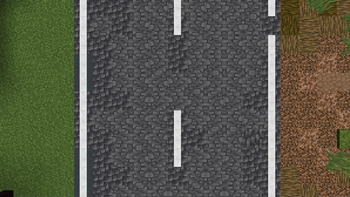
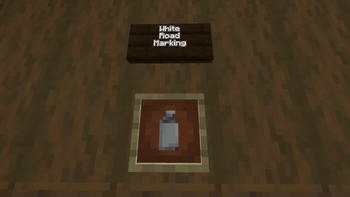
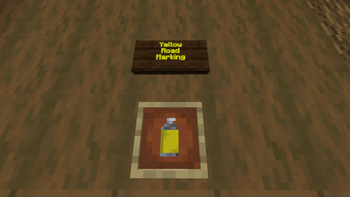
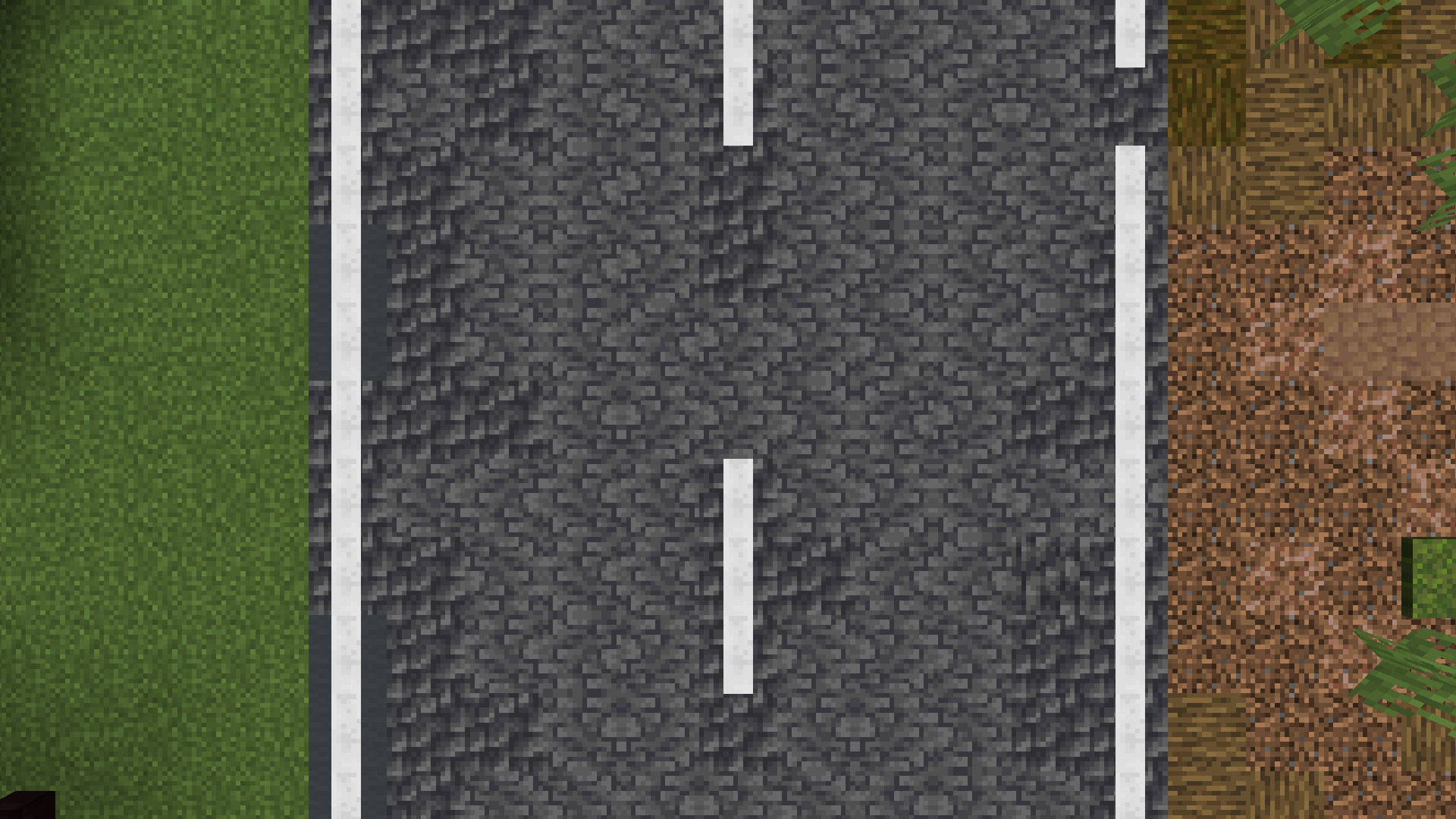
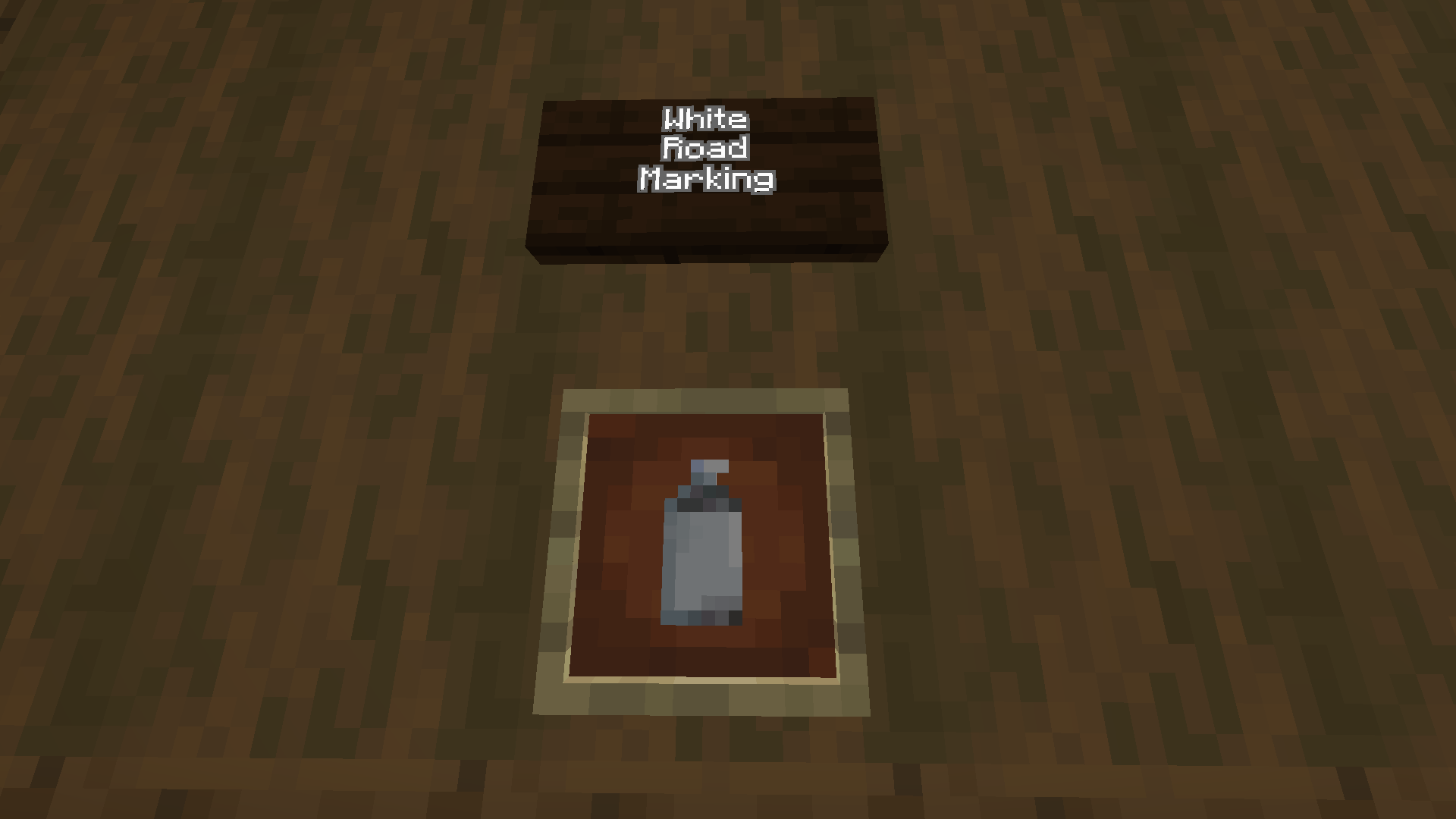
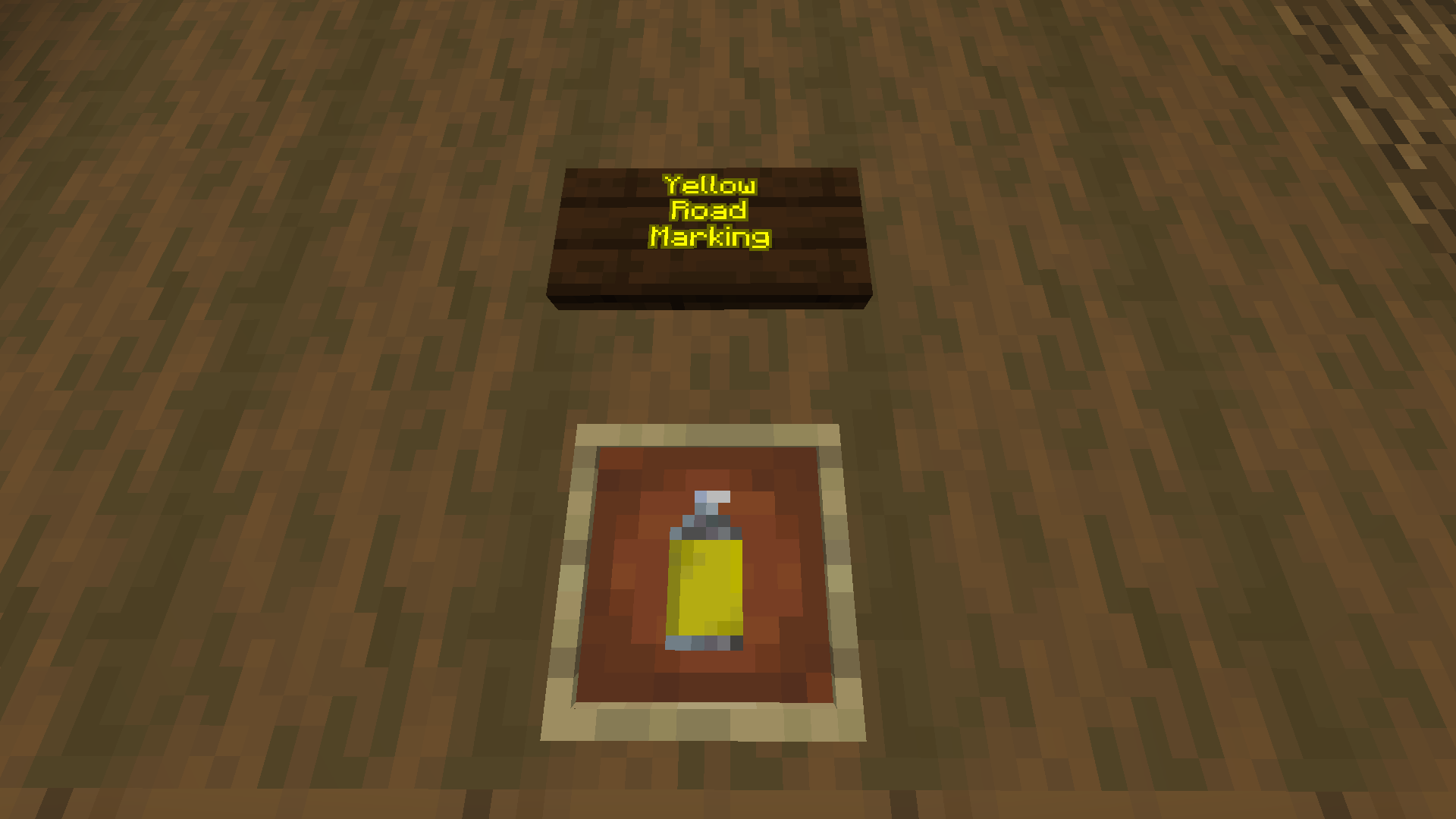
Currently, this mod adds 2 new features; a white road marking block and a yellow road marking block. This means that it is very much in alpha progress.
Purpose
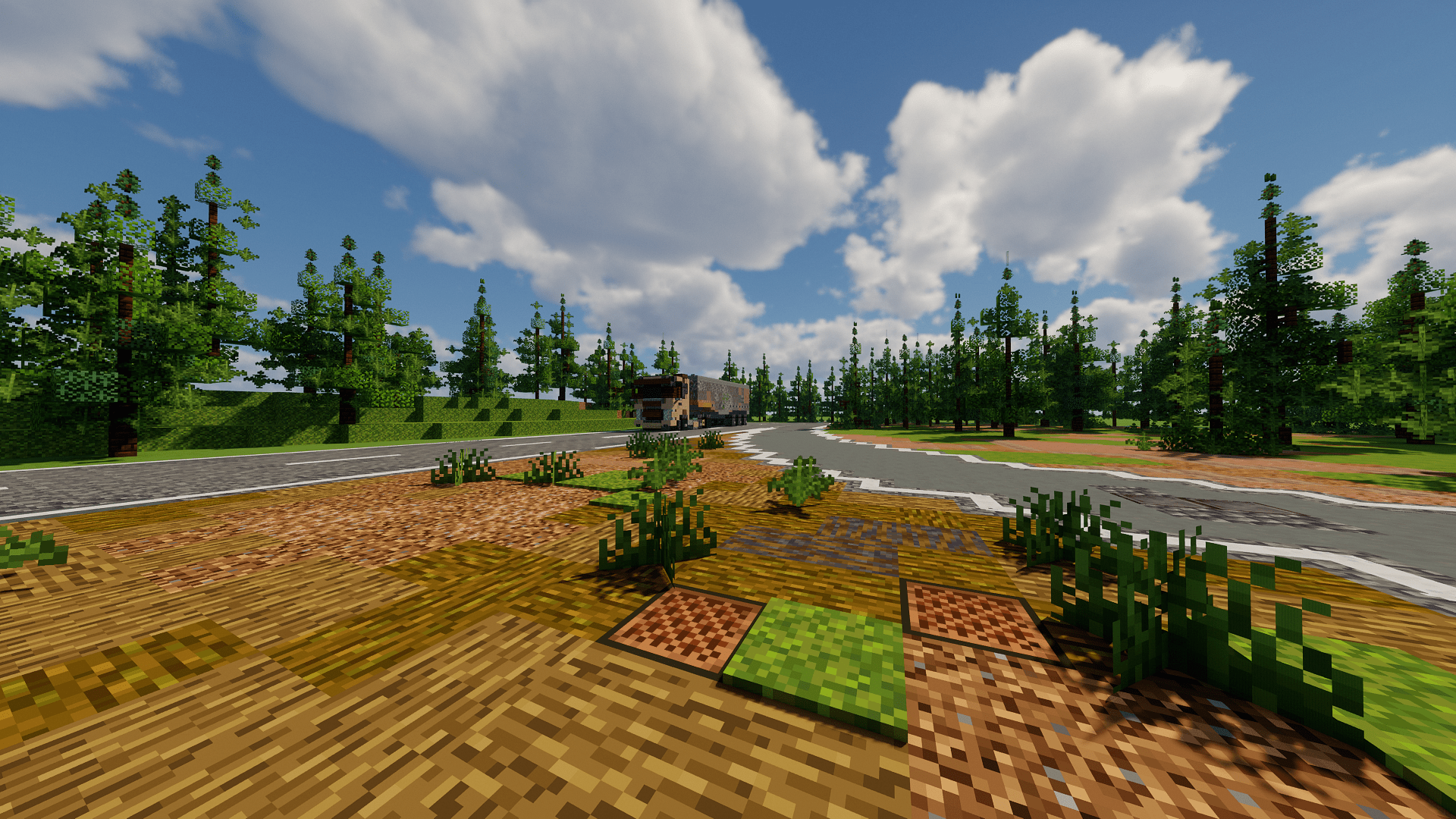
This mod allows a decent recreation of the world's roads in a seemless manner without having to use debugged or obscure vanilla blocks to create the look of a road.
Features
Only accessible by the creative inventory, scroll down to the bottom of the building blocks section and you will find two spray can sprites - they are respectively yellow and white. Drag them to your hotbar, exit the creative menu, and then 'spray' these blocks. You might notice that they are complete clones of the redstone dust block as they conduct redstone power.
Future
In future the team plans to add a built in road creating mechanism such as ones from the cities skylines 2 game Eg:
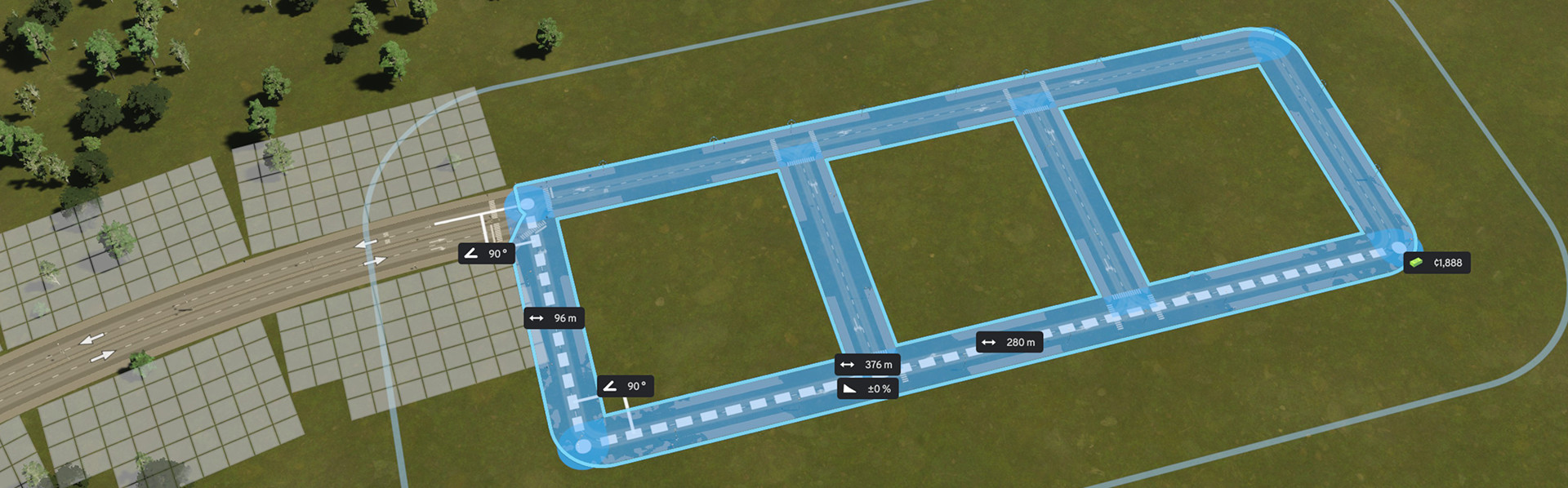
And a sort of node system for snapping to existing roads to make a user friendly experience.
- Edition: Minecraft Java
- File type: .jar
- Minecraft versions listed: 1.21.1, 1.21.2
- How to install: Install the matching mod loader (Forge, Fabric or NeoForge) for your Minecraft version. → Download the .jar. → Put it in the .minecraft/mods folder and launch that loader profile.
- Where to get it: Opens on Modrinth — not every file is mirrored on our own servers.
Install steps are the general flow for this file type — How to install Minecraft Java mods & modpacks walks through it step by step.
- Ships as road-builder-mod-0.0.1.jar — drop this file into the mods folder
- Download size: 40 KB
- Download link checked 1 Sept 2026 — working
These come from our own check of the pack file, not from the source page.