Feather Remake Client Mod is a lightweight client-side mod for Minecraft. It adds customizable HUD elements, a convenient Zoom feature, Freelook, Fullbright, and other useful tools. All features can be enabled or disabled directly in-game through a menu.
Features:
Customizable HUD:
- Displays FPS, CPS, coordinates, armor, and potion effects.
- Elements can be moved or disabled.
- Accessed by pressing Right Alt.
Smooth Zoom:
- Screen zoom similar to OptiFine.
- Can be assigned to any key.
Freelook (Optional):
- Allows the camera to rotate independently of the player.
- Useful for exploration and PvP.
FullBright:
- Illuminates dark areas as if fully lit.
- Works via a night vision effect.
- No extra icons on the screen.
How to use:
- Right Shift: Opens the mod menu (enable/disable features).
- Right Alt: Opens HUD editing (drag and position elements).
Screenshots:
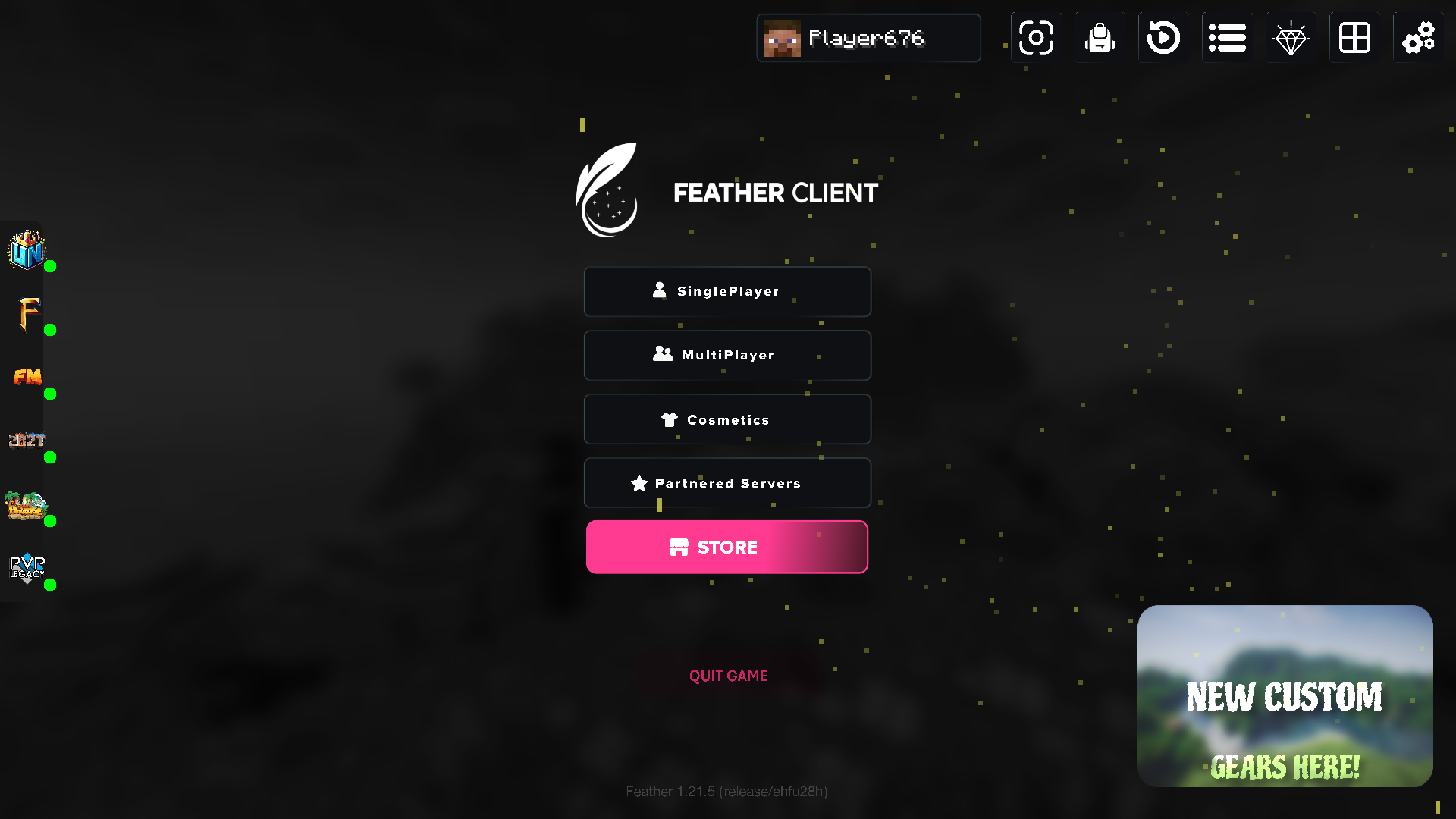
TITLE SCREEN: Feather Client includes a subtle redesign of the title screen (if enabled), offering a smooth client look while remaining lightweight and familiar.
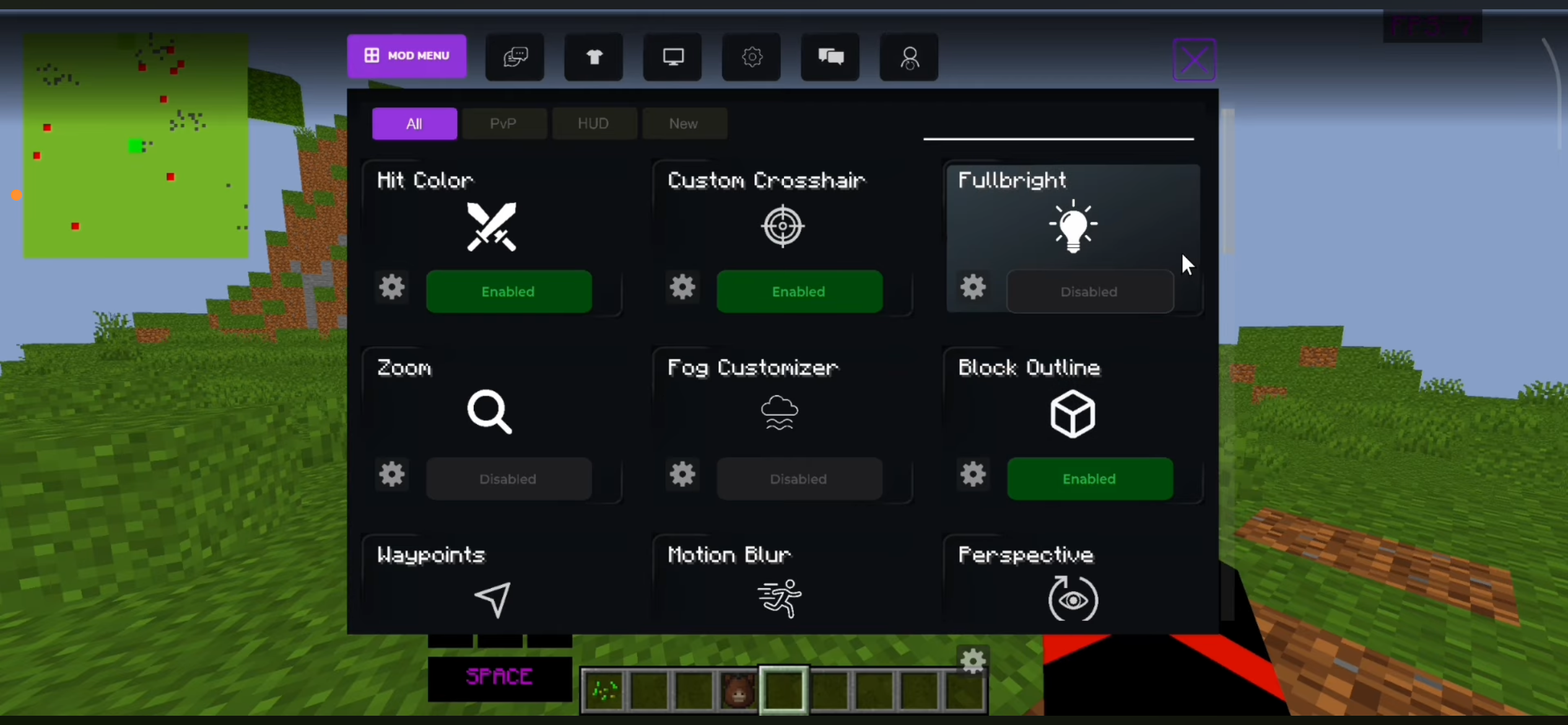
Mod Menu: a modern screen to access and toggle mods and features like CPS, FPS, FREELOOK
Feather Remake Client Mod Download Links
- Edition: Minecraft Java
- File type: .jar
- Minecraft version listed: 1.21.1
- How to install: Install the matching mod loader (Forge, Fabric or NeoForge) for your Minecraft version. → Download the .jar. → Put it in the .minecraft/mods folder and launch that loader profile.
- Where to get it: In MC Java Mods, or directly above on this page.
Install steps are the general flow for this file type — How to install Minecraft Java mods & modpacks walks through it step by step.
- Downloads as 27901.mcaddon
- Download size: 15.5 MB
- Download link checked 22 Sept 2026 — working
- Mirrored on our own servers — the download does not depend on the original host
These come from our own check of the pack file, not from the source page.