
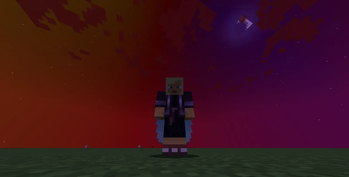
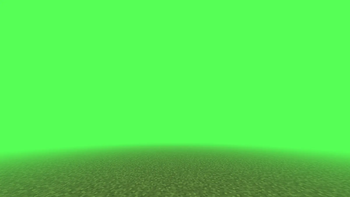
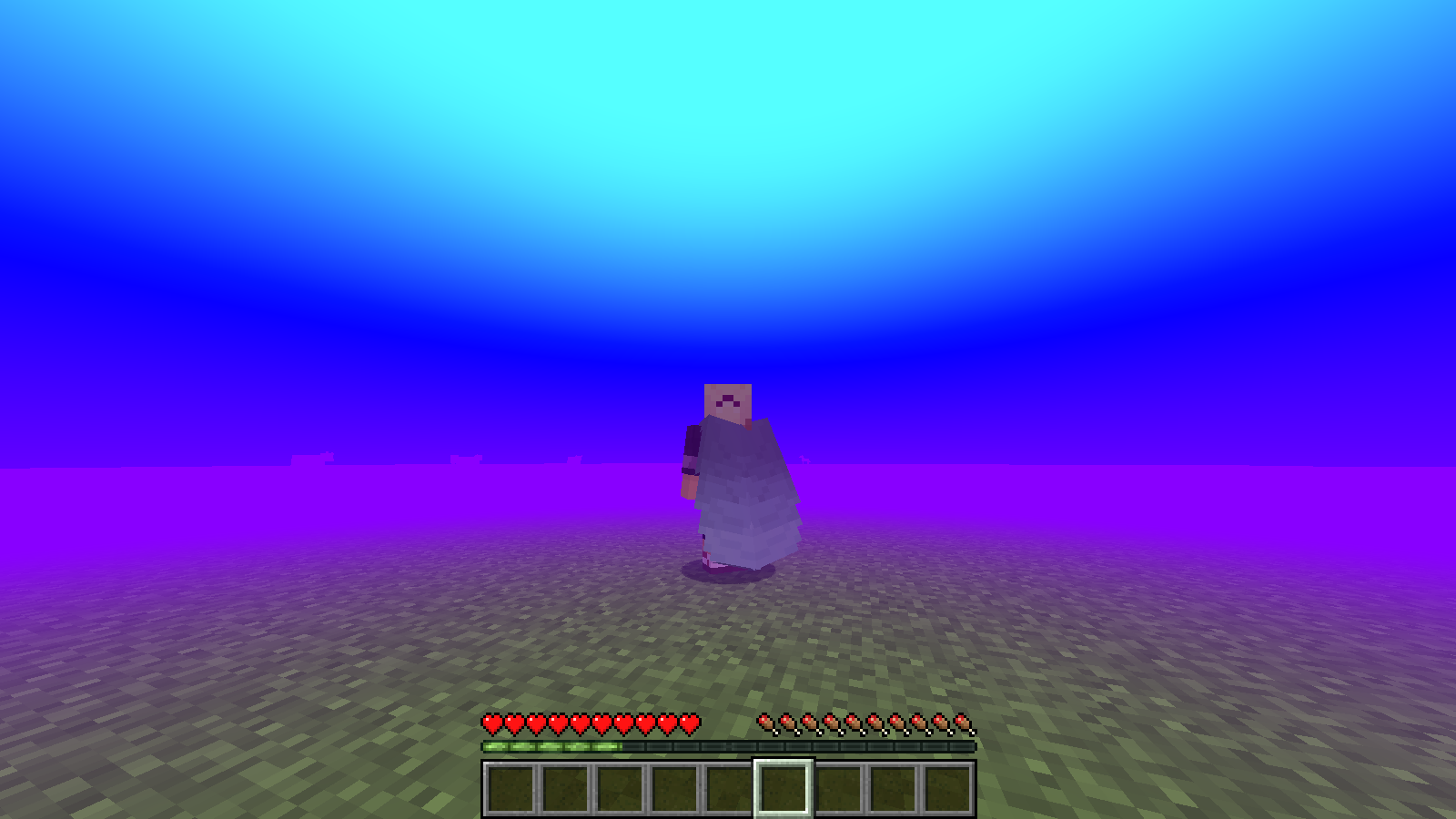
 Allows you to create custom fog with colors and gradients using commands.
Client-Side commands:
For normal fog (only color) /fogtools set (radius) (density) (color or HEX) (sky) (opacity) (fade in) (fade out)
For gradient fog (3 colors) /fogtools gradient set (lineal or radial) (radius) (density) (top color) (center color) (bottom color) (sky) (opacity) (fade in) (fade out)
To clear all fogs /fogtools clear
Example commands:
/fogtools gradient set lineal 100 1 AQUA RED PURPLE true 0.5 50 50
/fogtools gradient set radial 100 1 GOLD ORANGE BLACK false 1 50 50
Notes:
- Lineal means that the gradient starts from the left to the right
- Radial means that the gradient start from up to down
- the normal set command its for normal custom fog
- Its compatible with sodium or other mods!
This mod has a server side paper/spigot plugin, link:
INCOMPATIBILITIES:
- This mod its NOT compatible with any shaders like BSL, Complementary, etc.
- Edition: Minecraft Java
- File type: .jar
- Minecraft version listed: 1.21.11
- How to install: Install the matching mod loader (Forge, Fabric or NeoForge) for your Minecraft version. → Download the .jar. → Put it in the .minecraft/mods folder and launch that loader profile.
- Where to get it: Opens on Modrinth — not every file is mirrored on our own servers.
Install steps are the general flow for this file type — How to install Minecraft Java mods & modpacks walks through it step by step.
- Ships as fogtools-1.21.11-1.4.jar — drop this file into the mods folder
- Download size: 51 KB
- Download link checked 1 Sept 2026 — working
These come from our own check of the pack file, not from the source page.