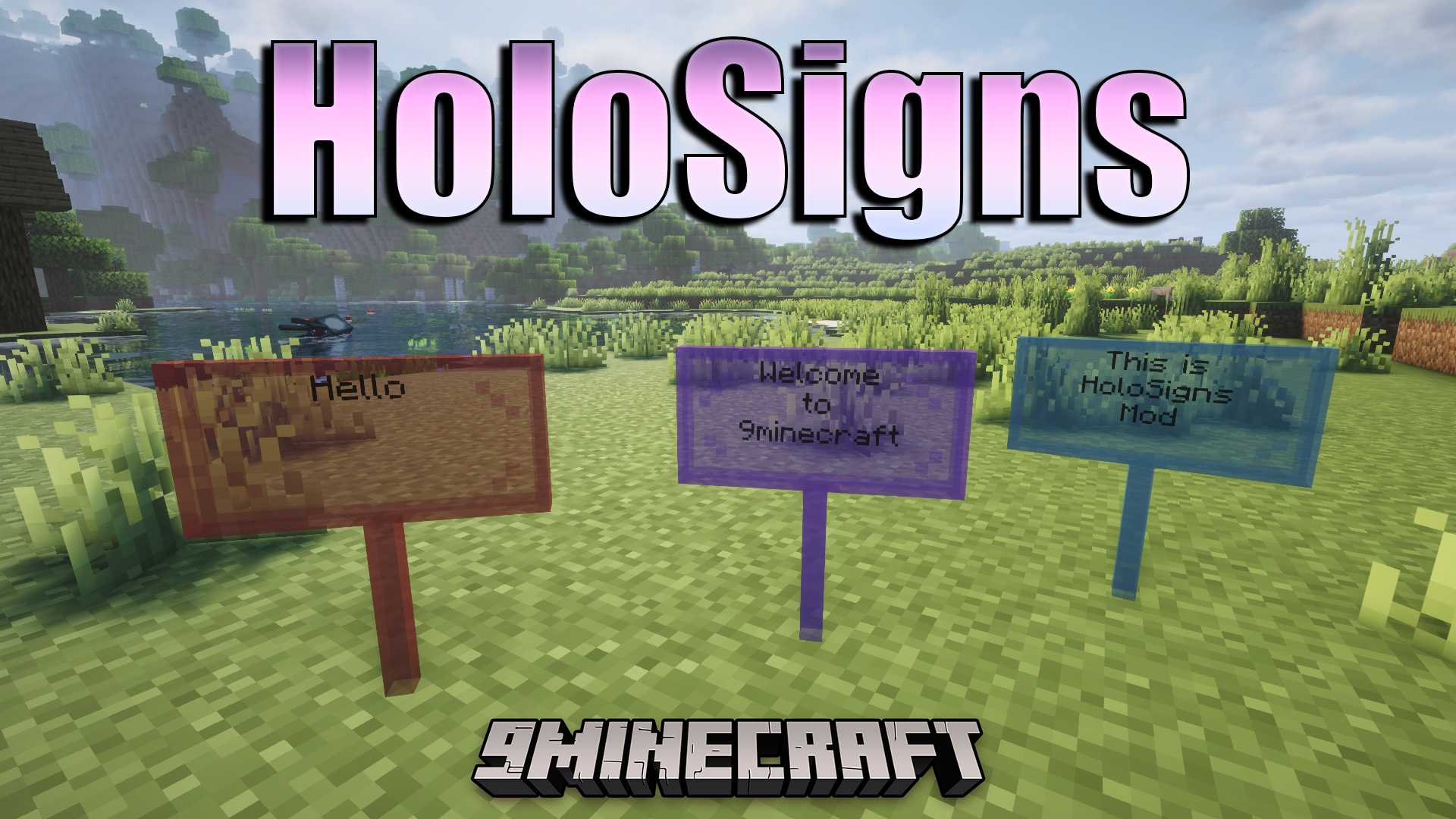
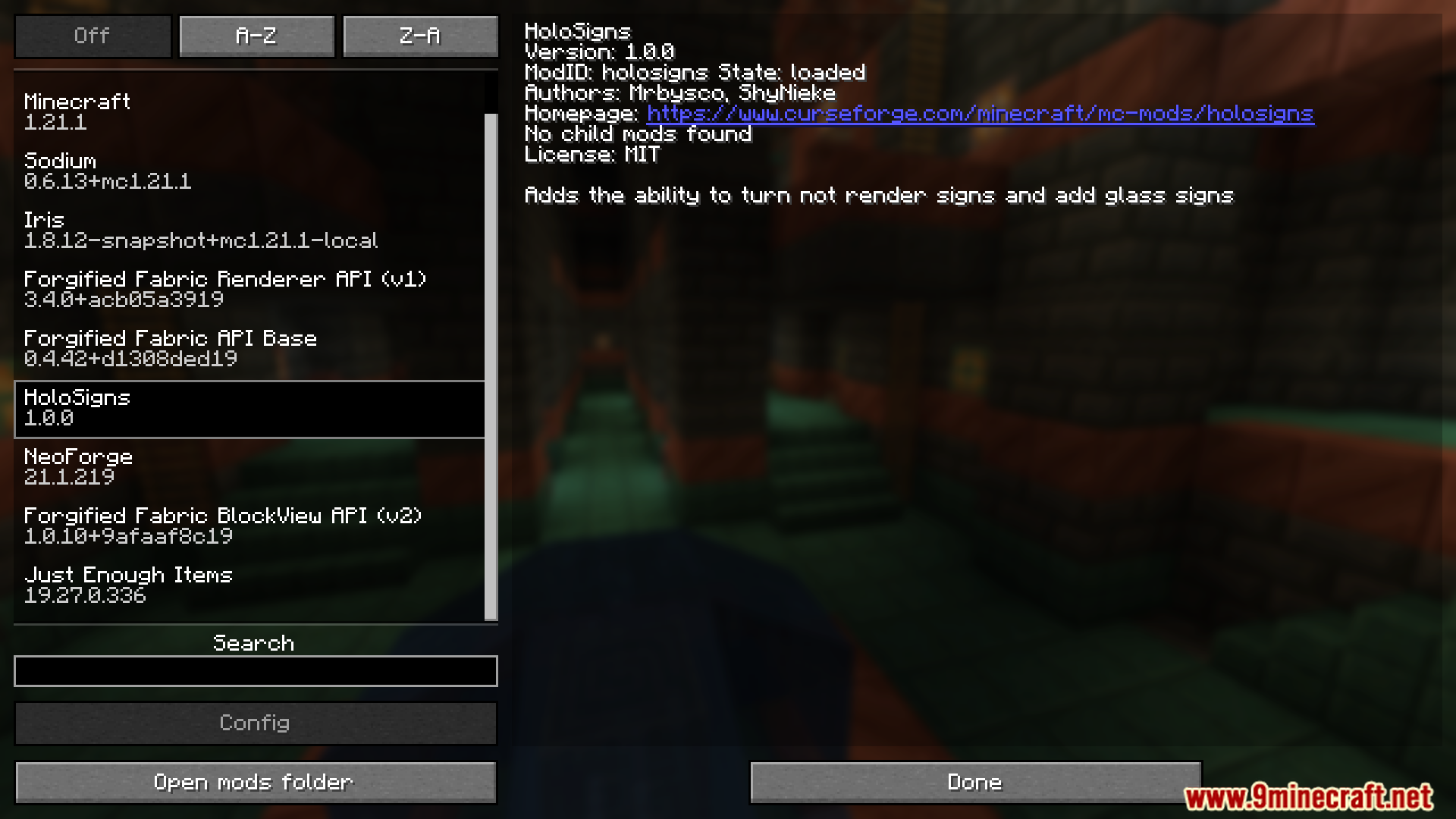
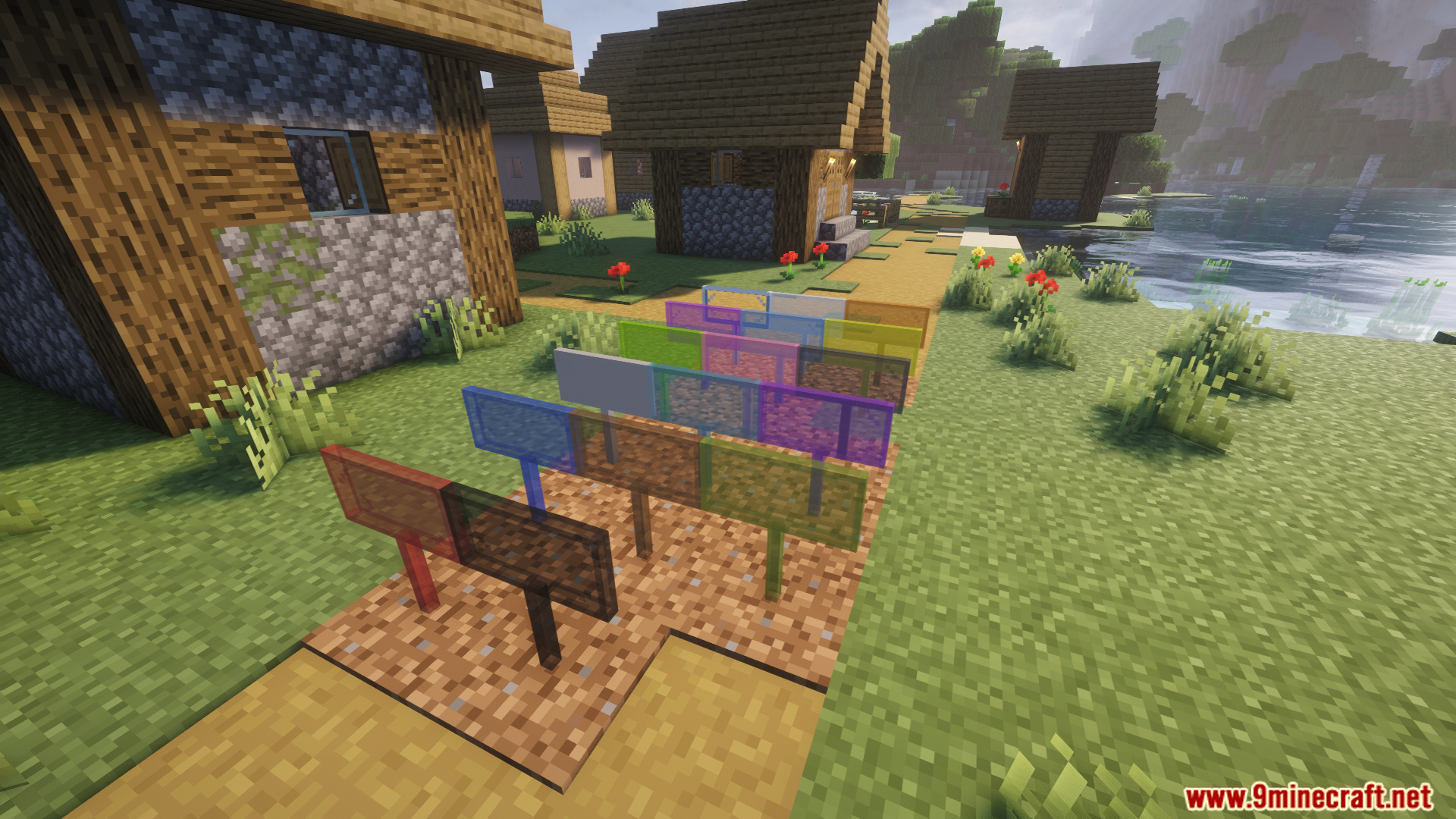
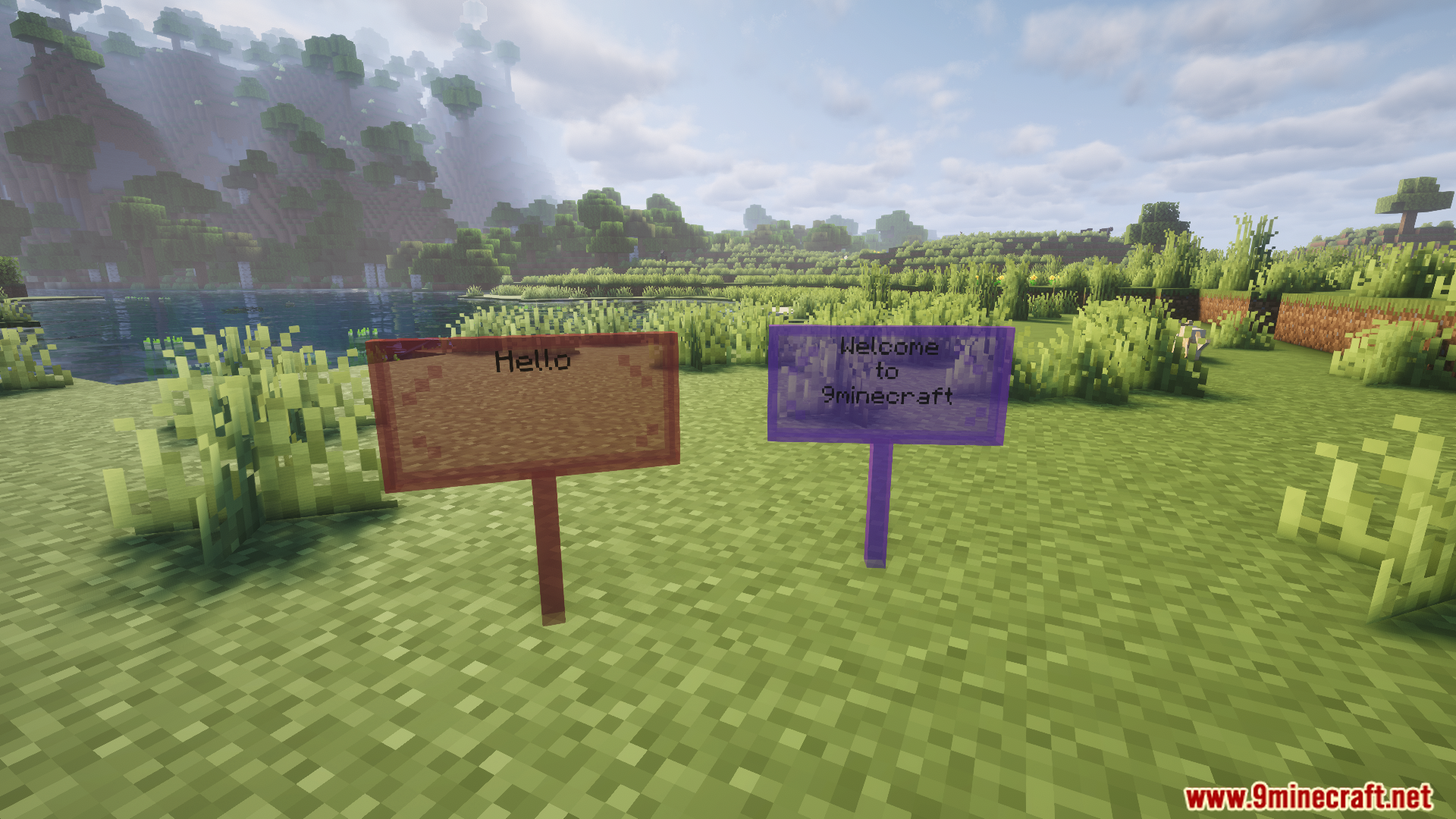
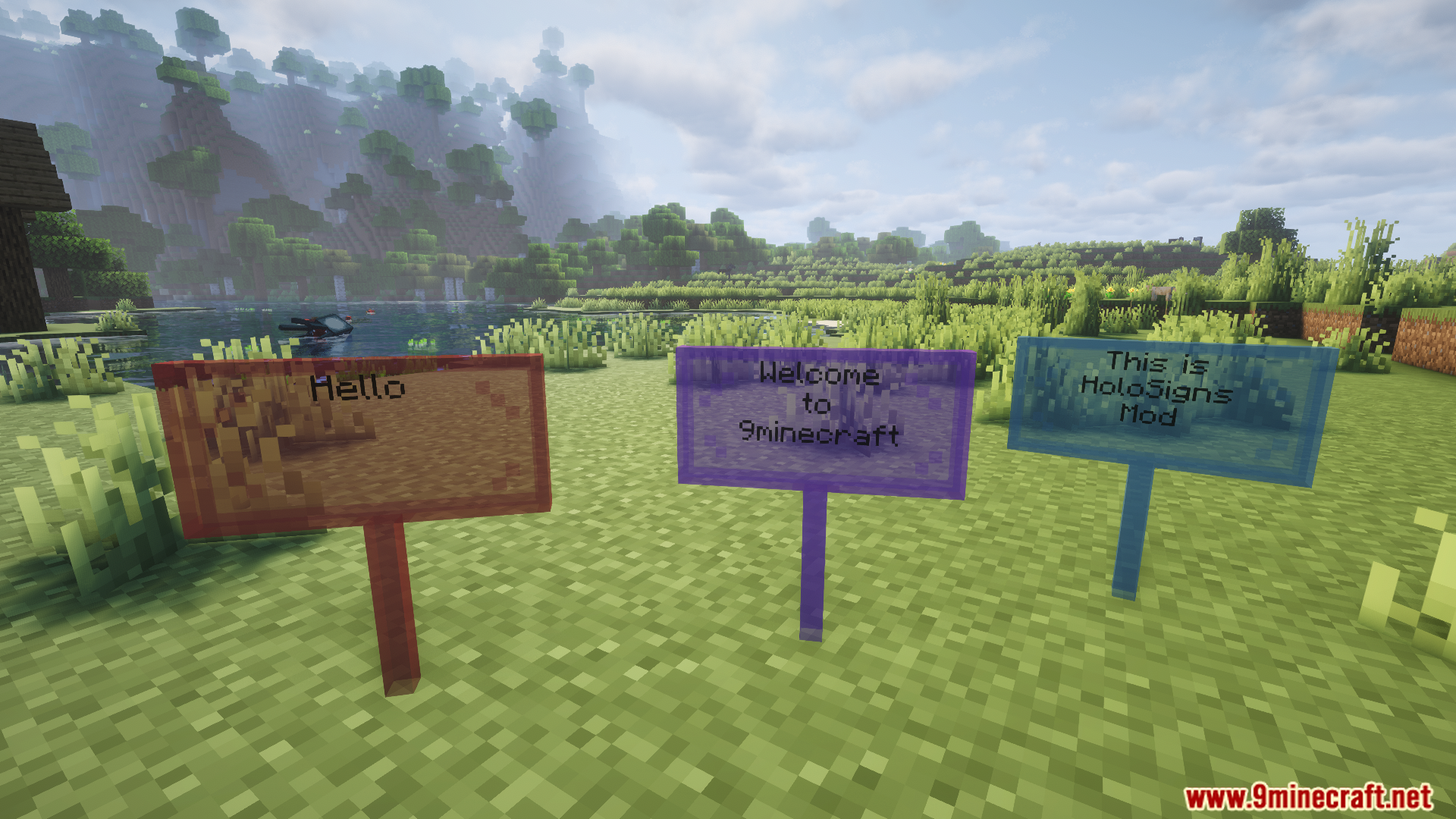
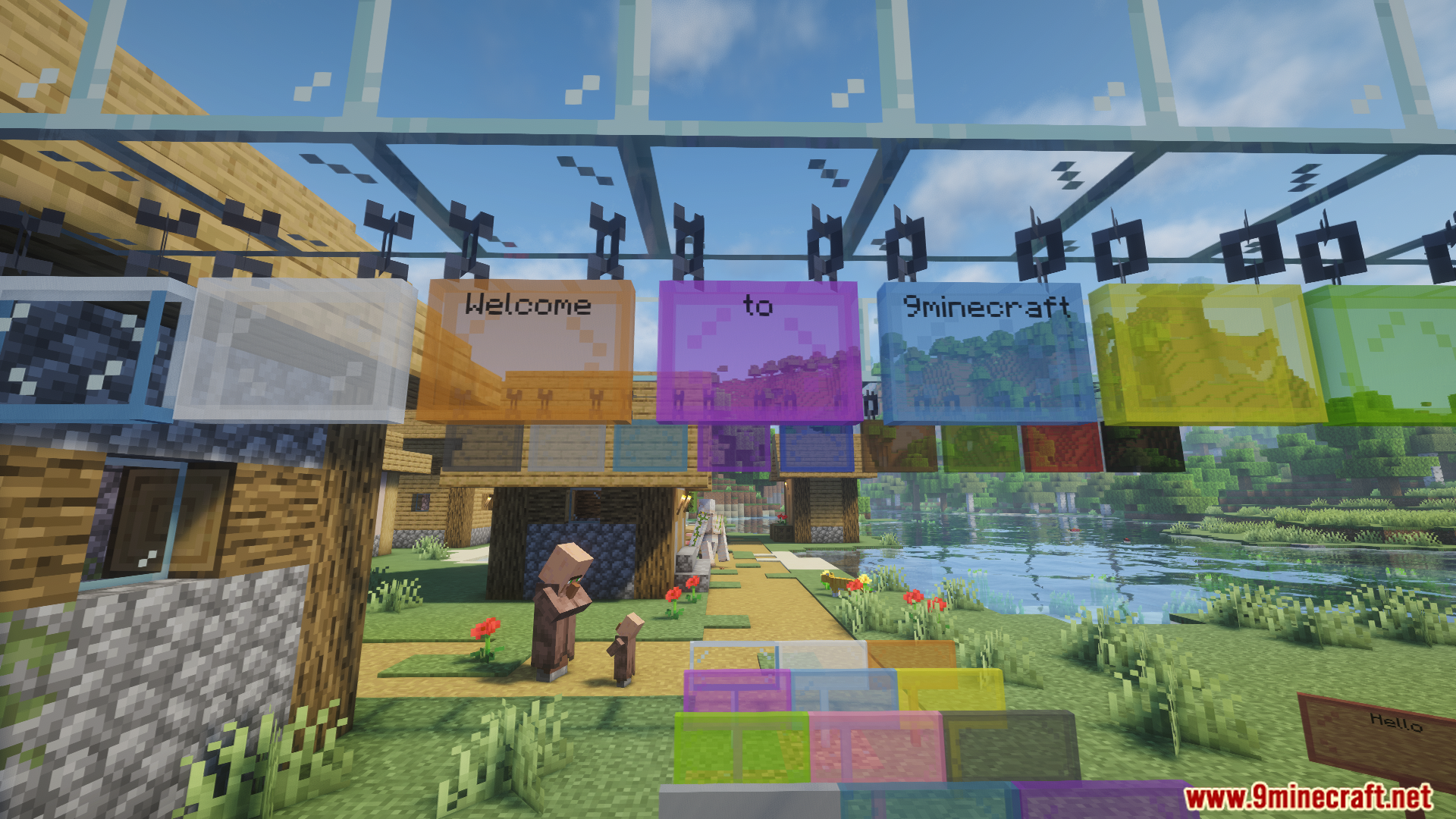
HoloSigns Mod lets you hide the wooden part of your signs so you only see the text floating in the air. It also adds new types of signs made out of glass. You can choose from regular clear glass or colored glass to place around your base.
Features:
- Invisible Sign Backgrounds: You can hide the board behind your text so the words look like they are floating.
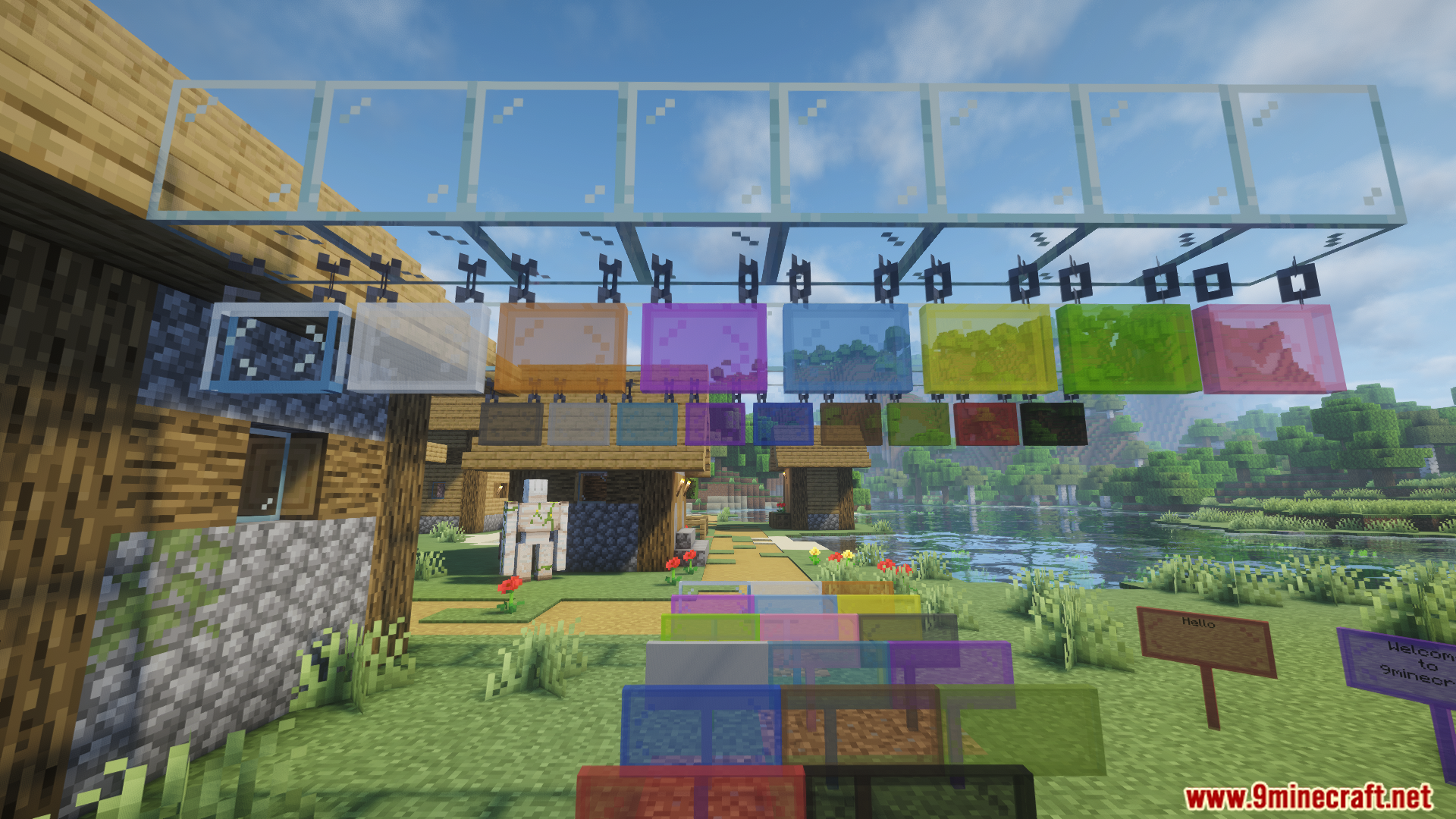
- Glass Signs: Adds a brand new sign block made of clear glass.
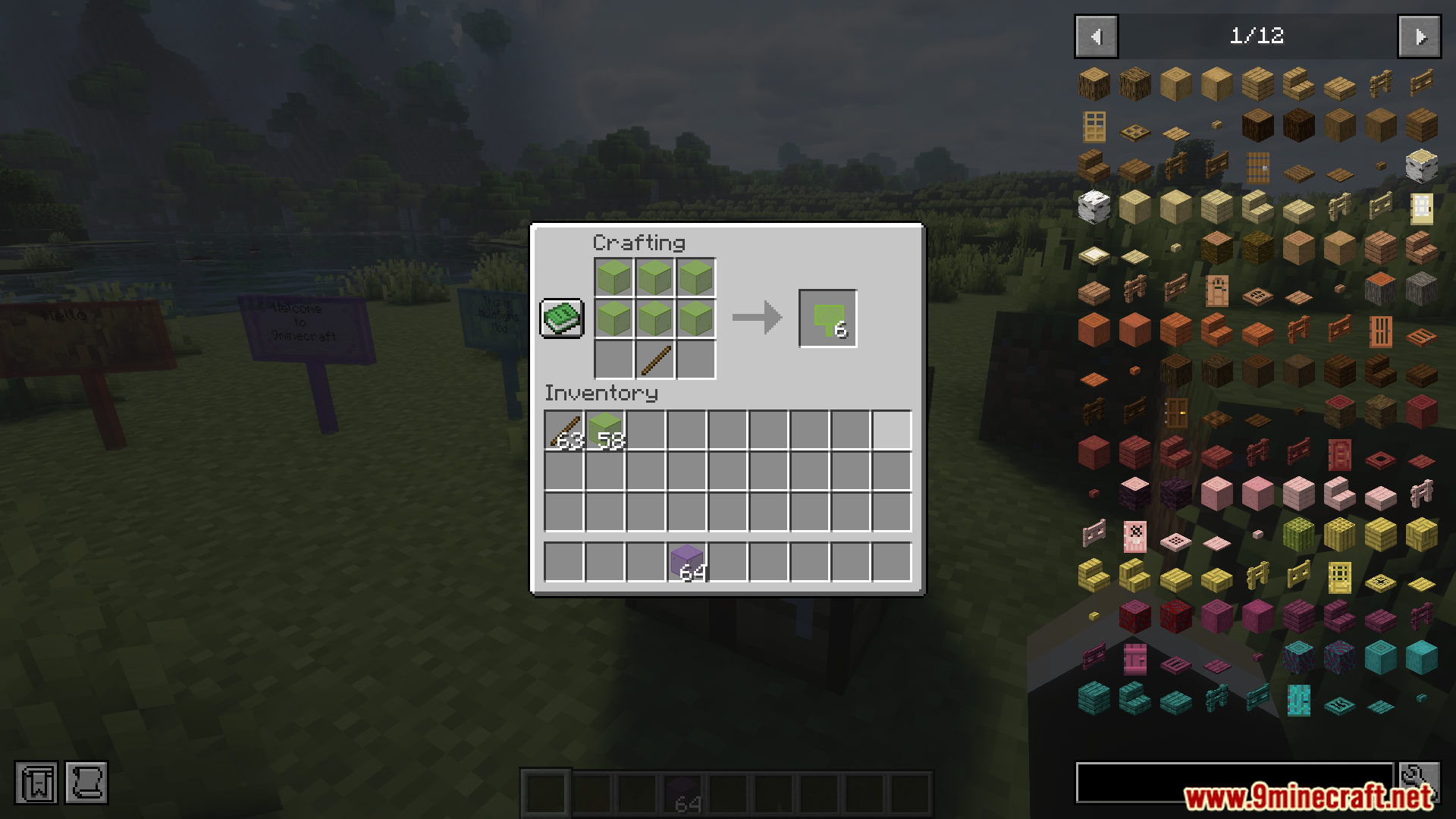
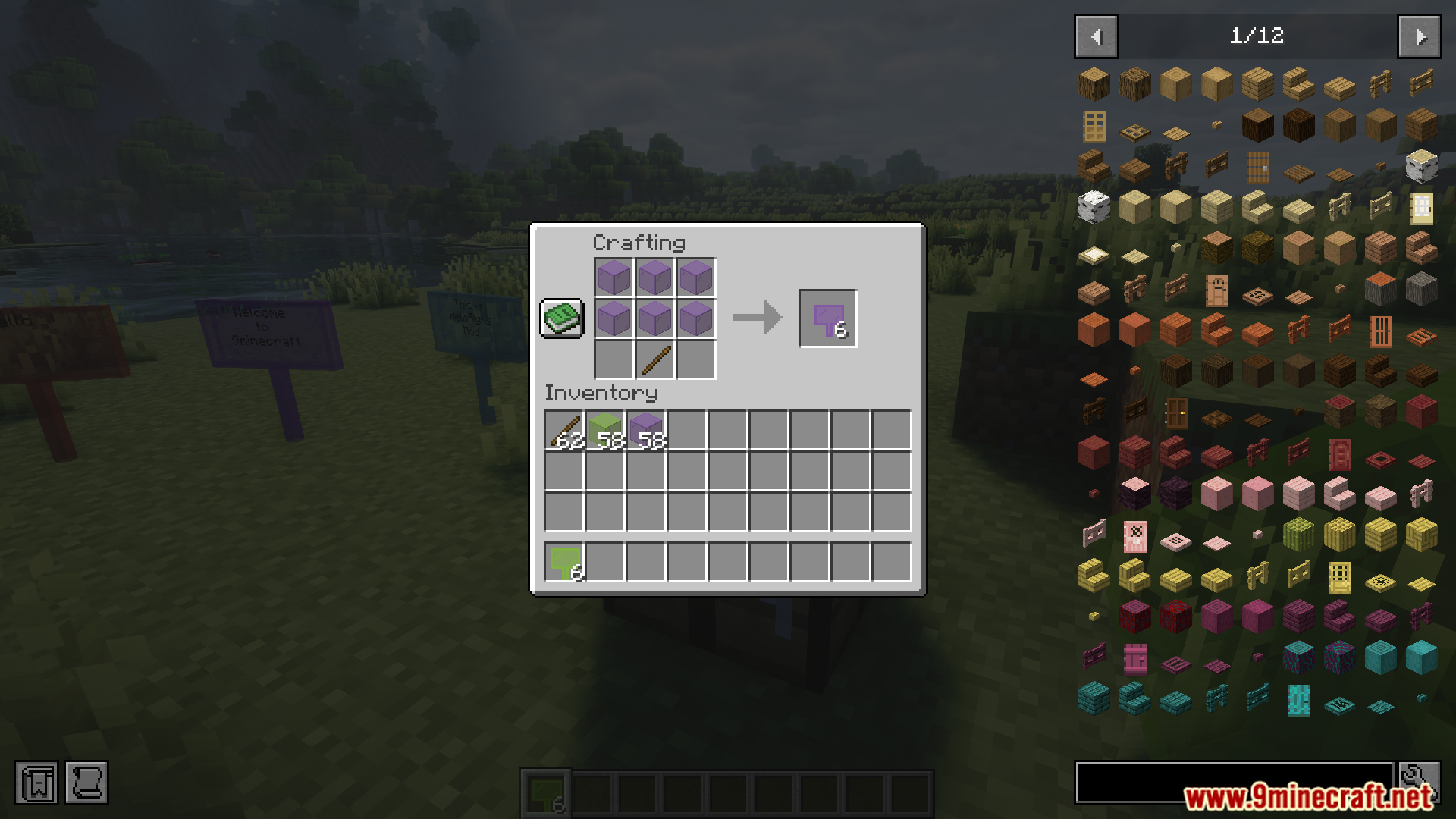
- Stained Glass Signs: Gives you 16 different colored glass signs to use.
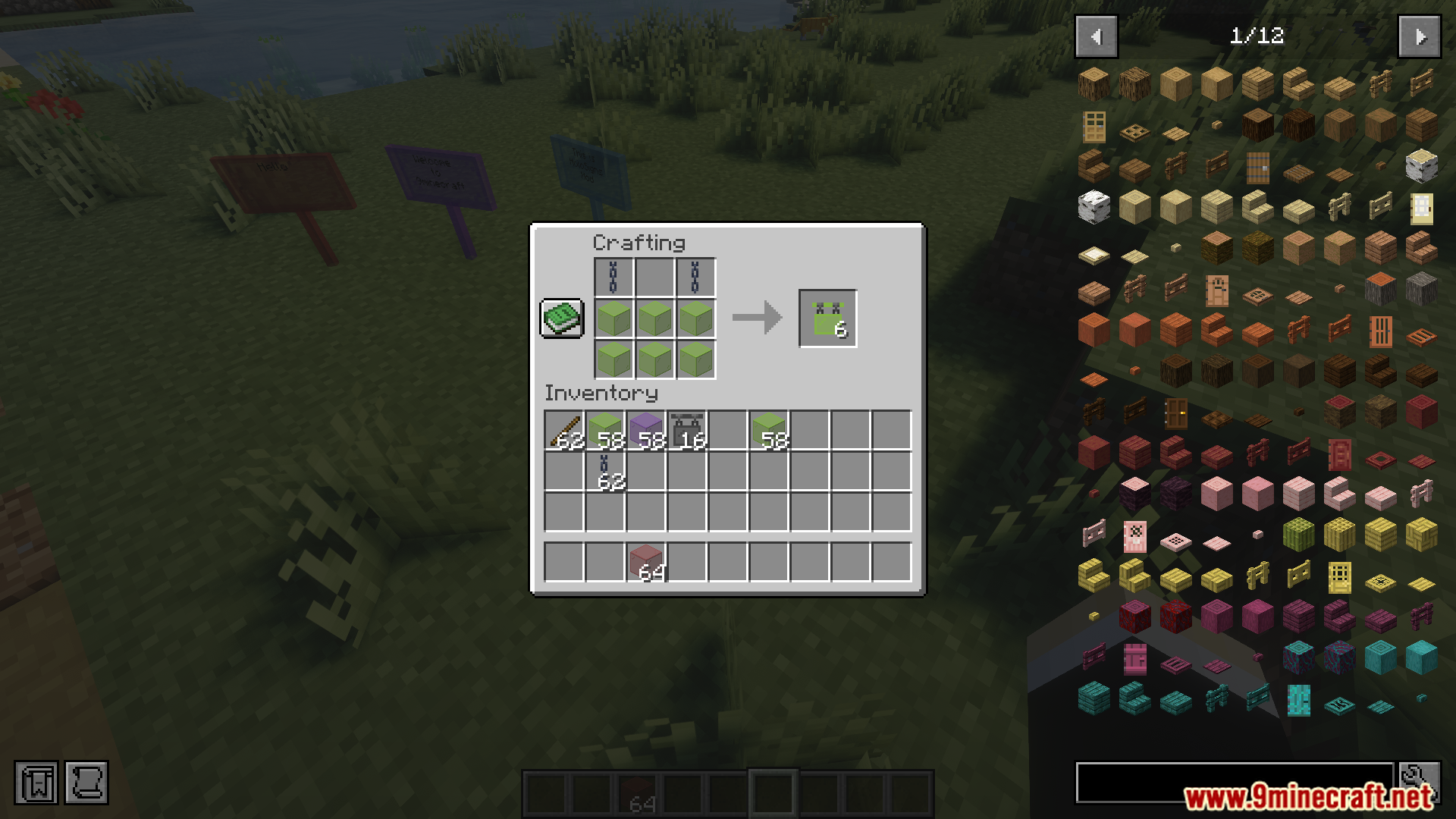
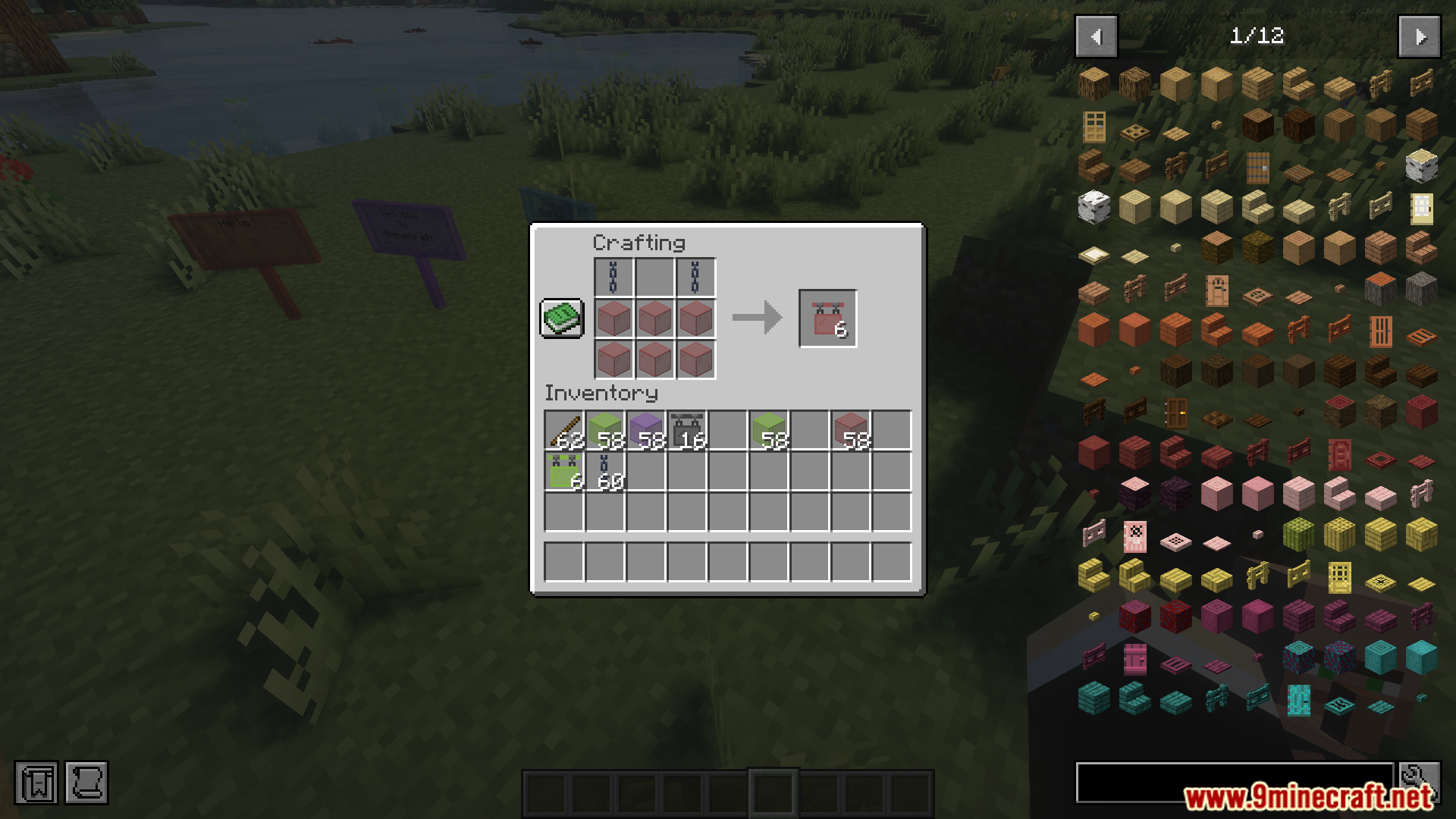
- Hanging Signs: Every new glass sign also comes in a hanging version.
How to Use:
- Place down any normal sign and write your text on it.
- Hold a Phantom Membrane in your hand.
- Right-click on the sign to make the background disappear.
Screenshots:
HoloSigns Mod Download Links
Quick facts
- Edition: Minecraft Java
- File type: .jar
- Minecraft version listed: 1.21.1
- How to install: Install the matching mod loader (Forge, Fabric or NeoForge) for your Minecraft version. → Download the .jar. → Put it in the .minecraft/mods folder and launch that loader profile.
- Where to get it: In MC Java Mods, or directly above on this page.
Install steps are the general flow for this file type — How to install Minecraft Java mods & modpacks walks through it step by step.
Verified by MCModsHub
- Downloads as 27908.mcaddon
- Download size: 170 KB
- Download link checked 24 Sept 2026 — working
- Mirrored on our own servers — the download does not depend on the original host
These come from our own check of the pack file, not from the source page.