
Elden Flasks (RPG Additions)
Java mod listed for Minecraft 1.20. Downloads from the MC Java Mods app on Android.
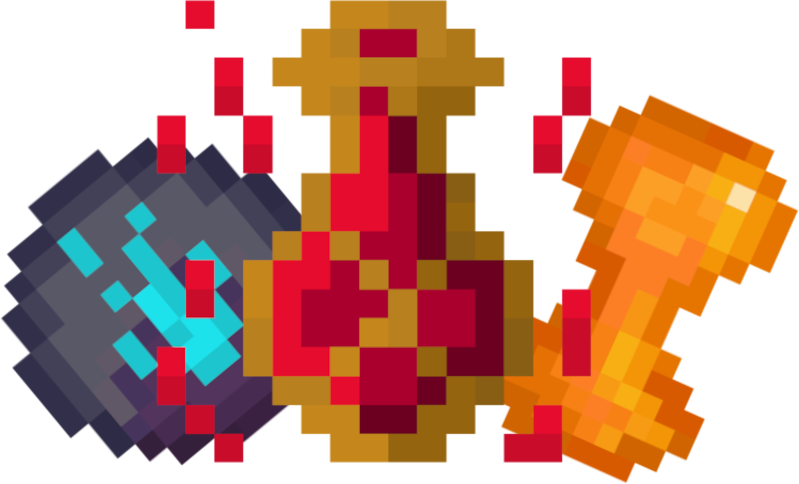
Heal yourself in the midst of battle! Adds enhanceable Healing Flasks inspired by Elden Ring. Highly configurable.
⬇ Download on Modrinth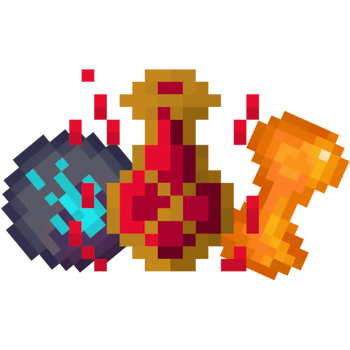

Elden Flasks (RPG Additions)




Installation
Requires
Recommended
Features ✨
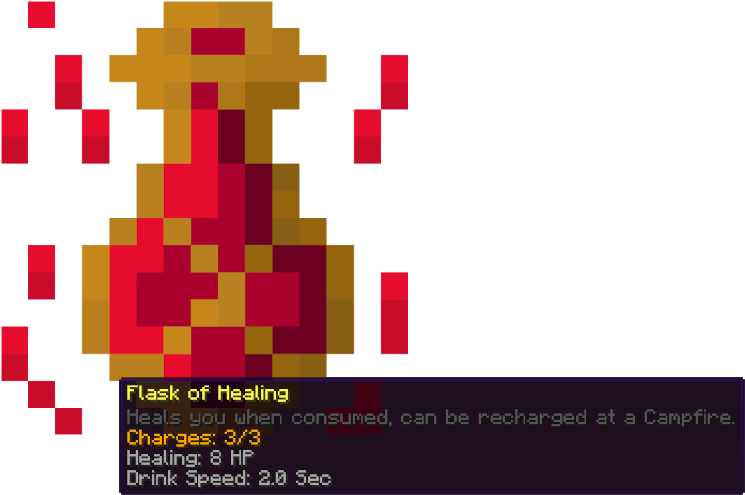
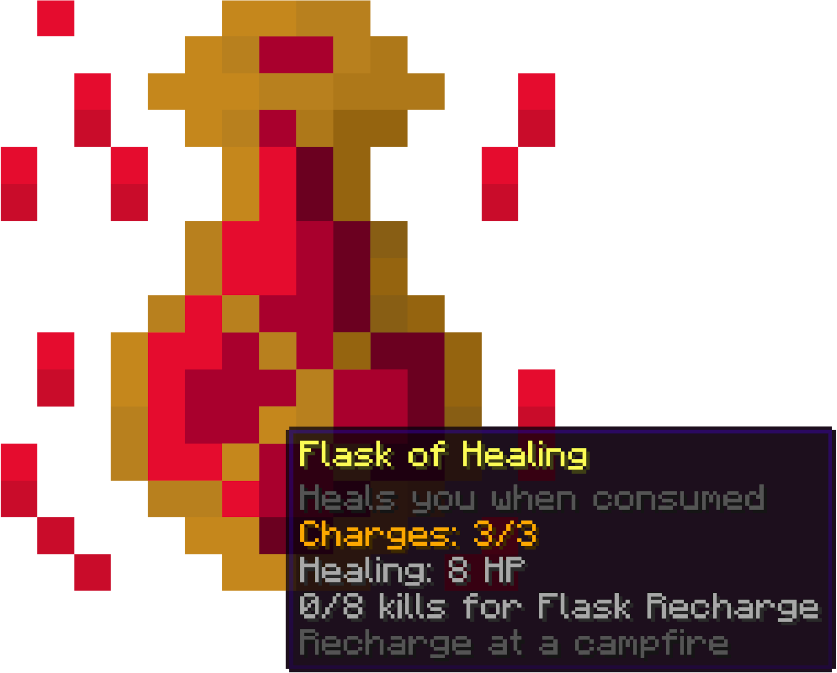
Healing Flask
The healing flask is used to quickly heal yourself in the midst of battle.
How does the flask work?
- Healing
- When consumed the flask will heal the player based on the flask's heal stat
- Charges
- Charges are required to use the Healing Flask, when no charges are left you can no longer heal
- Flask can be recharged at campfires
- Flask can be recharged by killing mobs
Enhancer Items
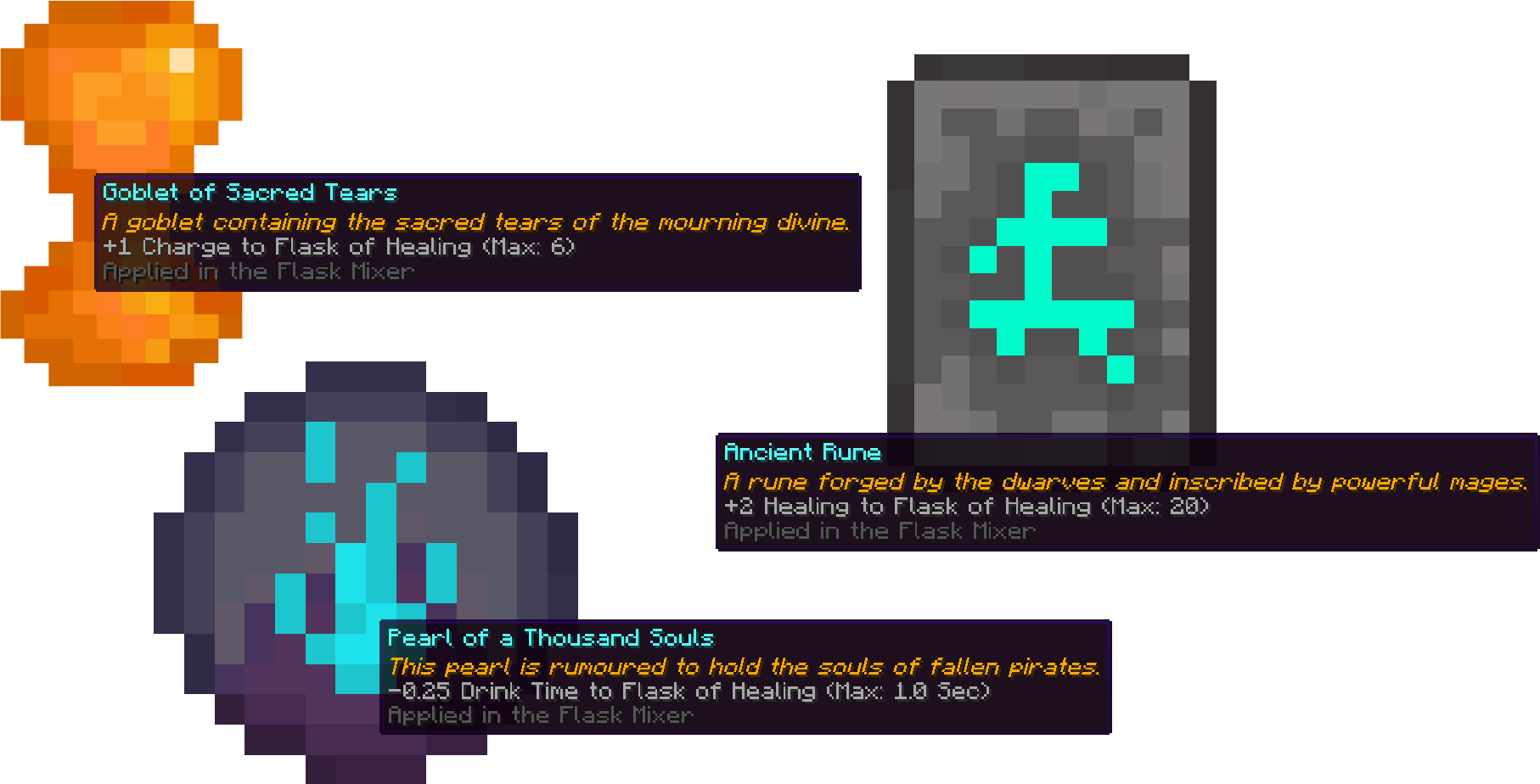
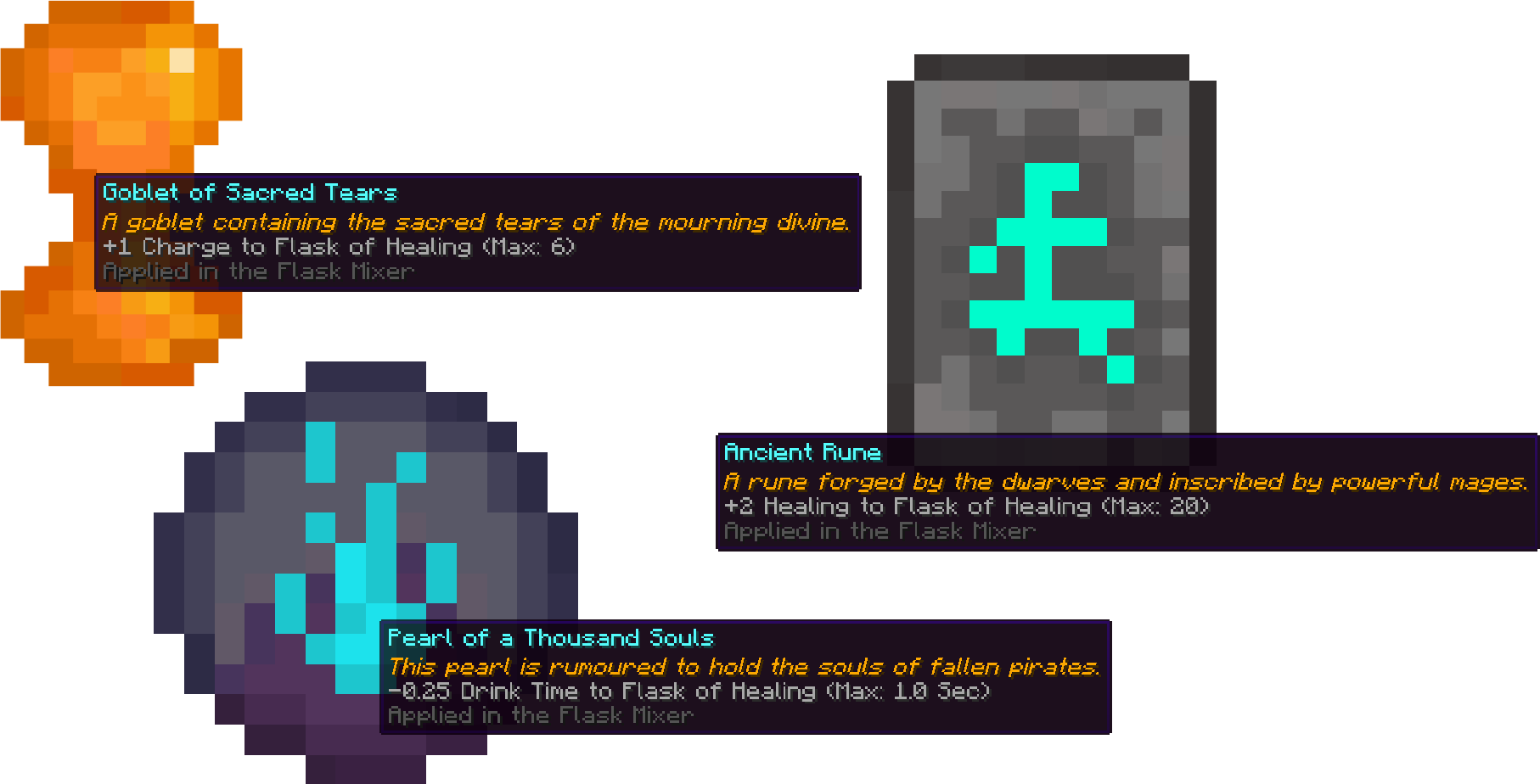
These items can be applied in the Flask Mixer to the Healing Flask. These can be found in various loot chests.
- Goblet of Sacred Tears (Charges Enhancer)
- Enhances the maximum charges the flask has
- Dropped by bosses and found in end-game loot chests
- Ancient Rune (Healing Enhancer)
- Increases the amount of healing done
- Found in loot chests
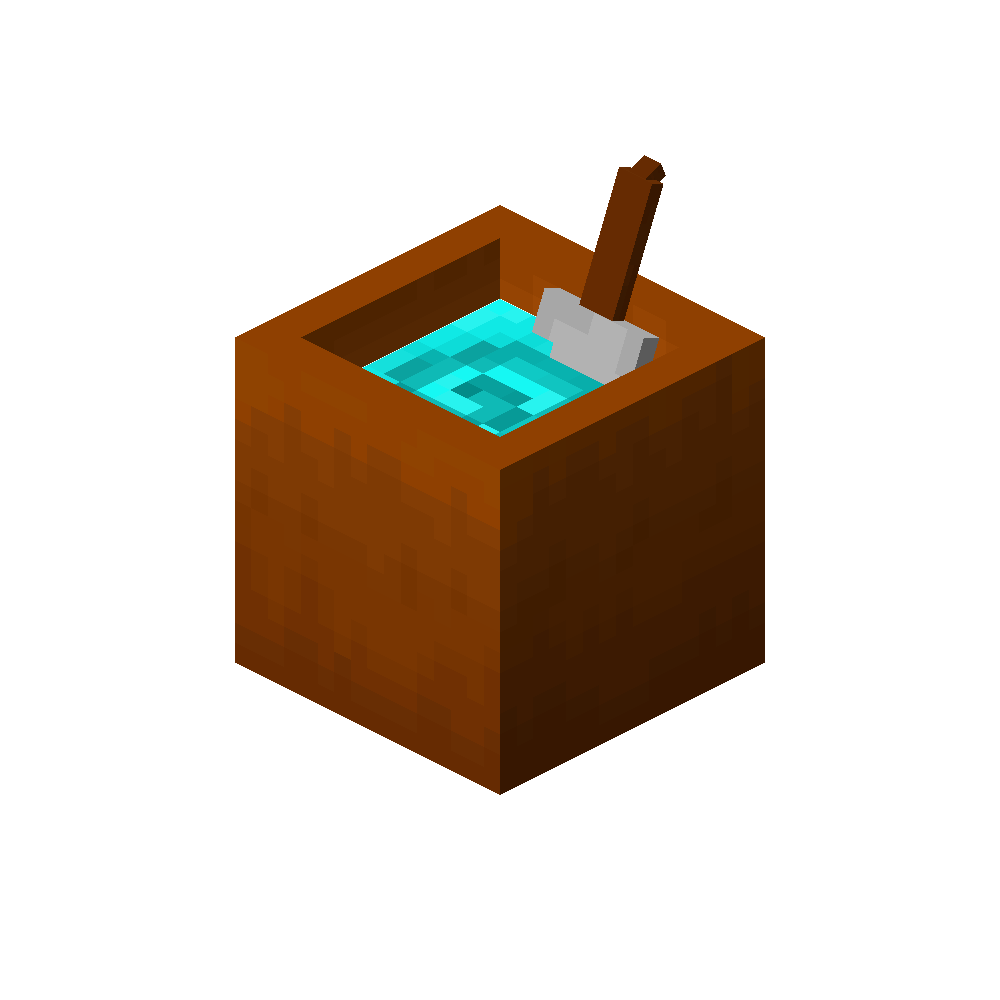
Flask Mixer
The flask mixer is used to enhance your Healing Flask.
Mod Integrations
- In Combat
- Prevents flask recharging at campfires while in combat, prevents cheesing!
Configuration ⚙️
Nearly everything is configurable. Custom loot table injections can be added for all enhancer items and the Healing Flask is fully configurable, from base stats to maximum stats. The enhancer items' strength is also configurable.
Roadmap 🏗️
- Mixing Flask (Coming Soon!)
- General improvements, this is my first mod so i'm still learning things.
Technical Info 🔧
Custom enhancer items can be created by extending ChargeEnhancerItem or HealingEnhancerItem. The modifier amount can also be passed.
- Edition: Minecraft Java
- File type: .jar
- Minecraft version listed: 1.20.1
- How to install: Install the matching mod loader (Forge, Fabric or NeoForge) for your Minecraft version. → Download the .jar. → Put it in the .minecraft/mods folder and launch that loader profile.
- Where to get it: Opens on Modrinth — not every file is mirrored on our own servers.
Install steps are the general flow for this file type — How to install Minecraft Java mods & modpacks walks through it step by step.
- Ships as eldenflasks-1.1.0.jar — drop this file into the mods folder
- Download size: 231 KB
- Download link checked 12 Oct 2026 — working
These come from our own check of the pack file, not from the source page.