Discord-MC-Chat Mod is a messenger app that is made for gamers. It allows you to chat with your friend while playing online games. You can use text, voice or even video to communicate efficiently with your friends. If all players are using voice chat, the communication experience would be very smooth. But many players prefer to chat via text messages only. When playing with your friends in a Minecraft multiplayer server, checking messages sent on Discord would be an inconvenience. But not anymore! The Discord-MC-Chat mod allows you to integrate your Discord chat with the Minecraft chat, so that messages sent on Discord will appear in Minecraft’s in-game chat box.
Features:
- Discord-Minecraft integration.
- Messages sent on Discord would appear in the Minecraft chat box too.
- The vice-versa works too.
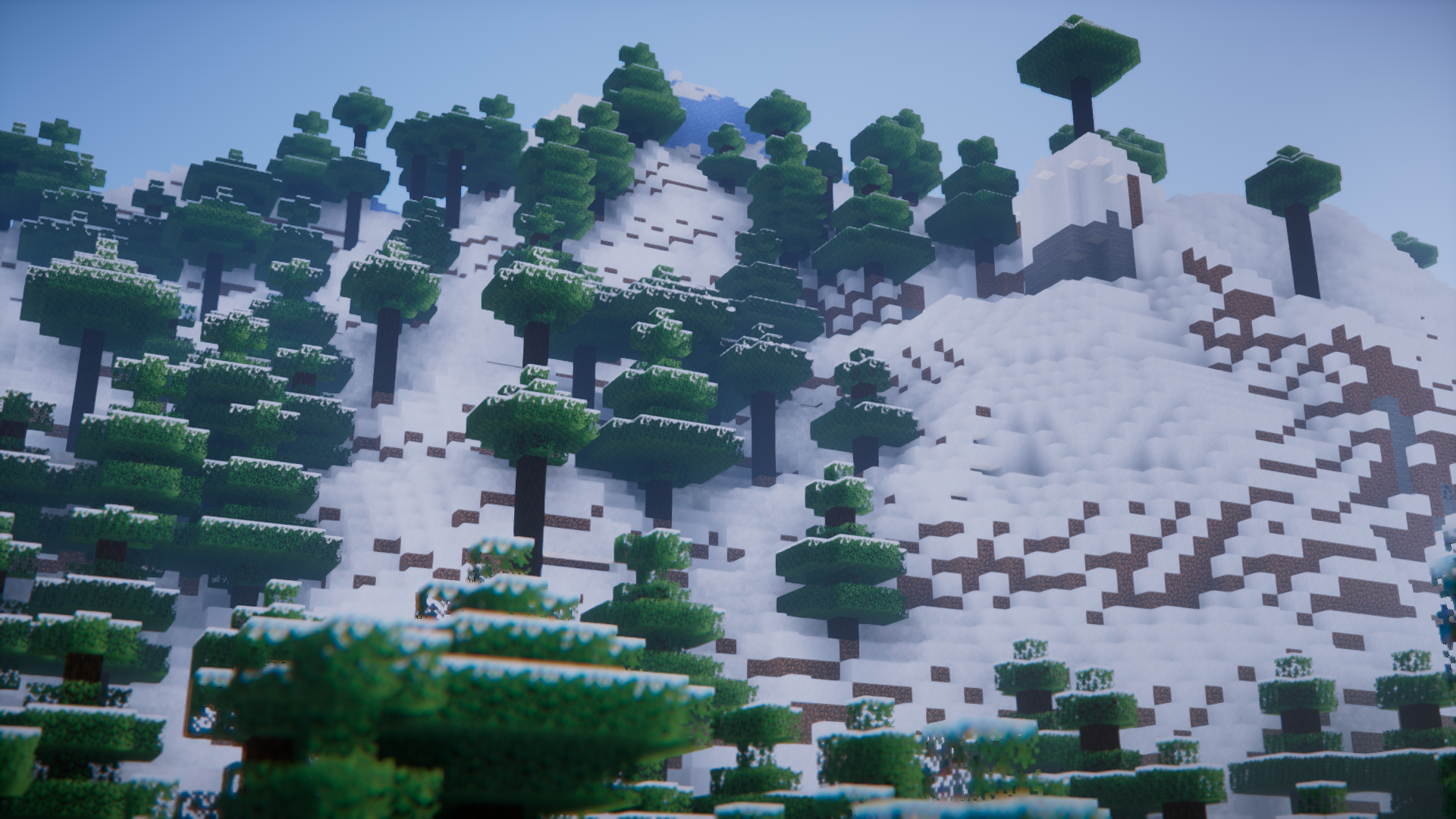
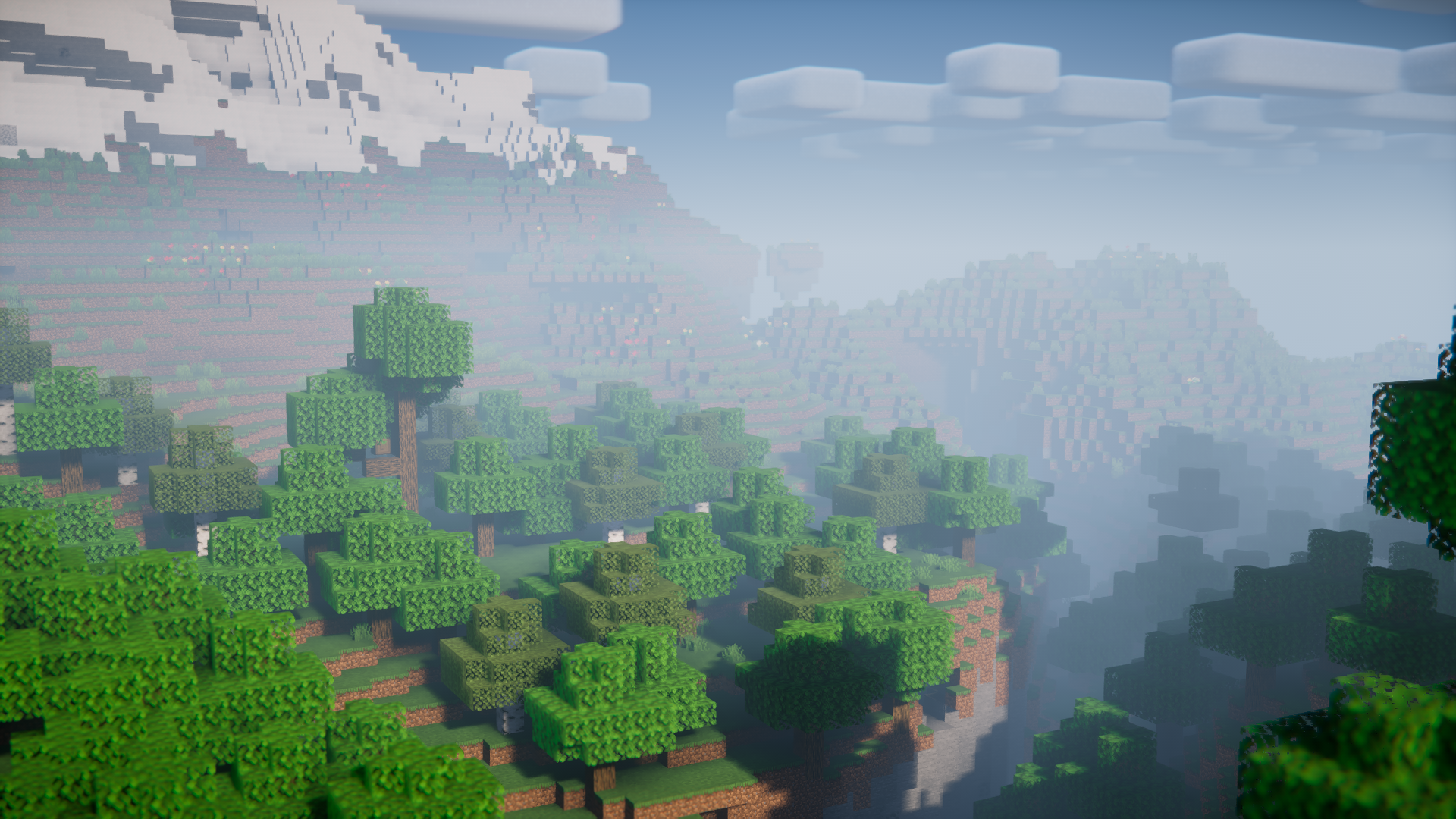
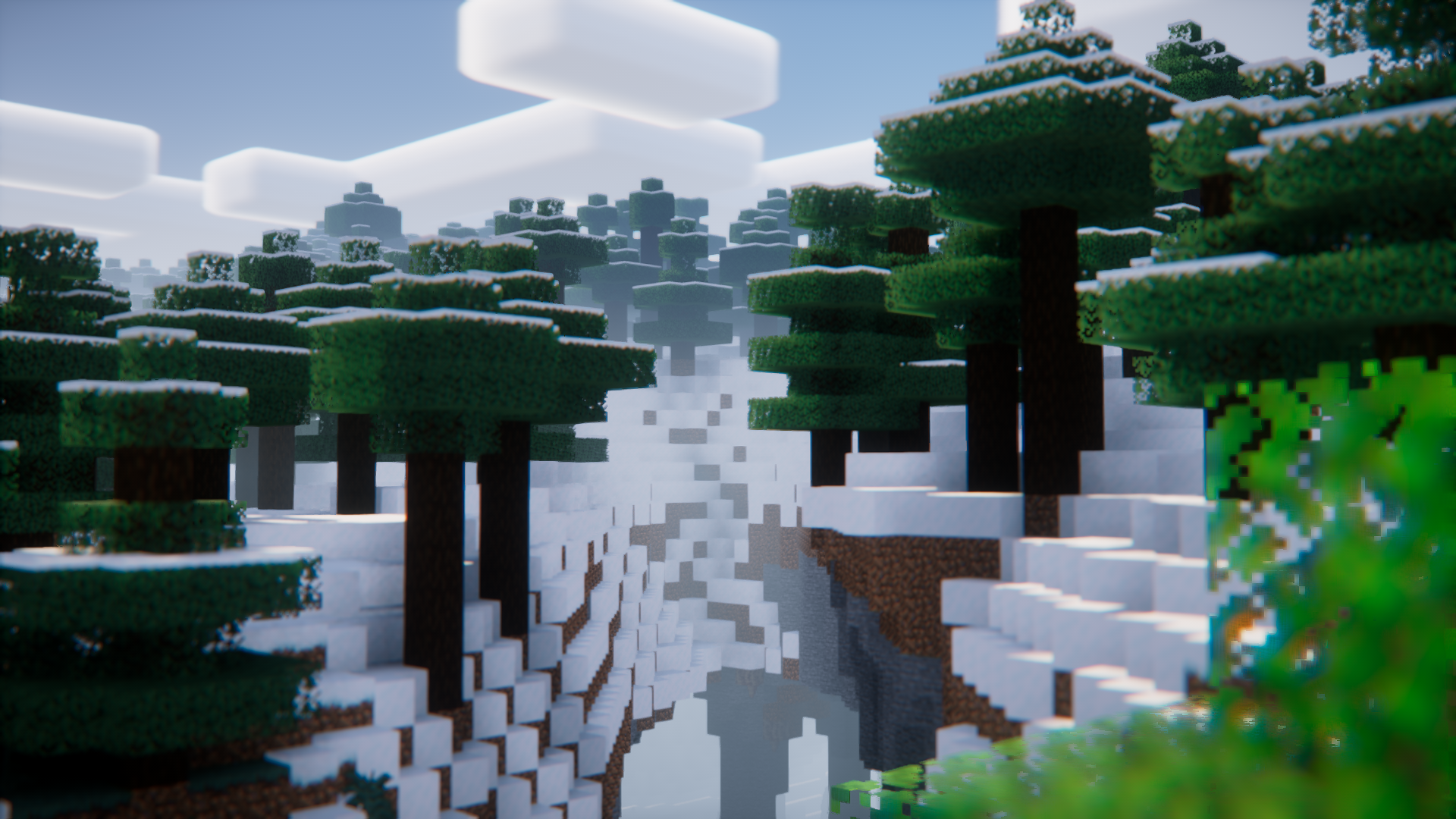
Screenshots:
Discord-MC-Chat Mod Download Links
- Edition: Minecraft Java
- File type: .jar
- Minecraft version listed: 1.20.1
- How to install: Install the matching mod loader (Forge, Fabric or NeoForge) for your Minecraft version. → Download the .jar. → Put it in the .minecraft/mods folder and launch that loader profile.
- Where to get it: In MC Java Mods, or directly above on this page.
Install steps are the general flow for this file type — How to install Minecraft Java mods & modpacks walks through it step by step.
- Downloads as 27918.mcaddon
- Download size: 11.1 MB
- Download link checked 24 Sept 2026 — working
- Mirrored on our own servers — the download does not depend on the original host
These come from our own check of the pack file, not from the source page.