
Amethyst Upgrade (Tools)
This mod is made to expand the functionality of amethysts. And also for variety and simplification of the minecraft game.
⬇ Download on Modrinth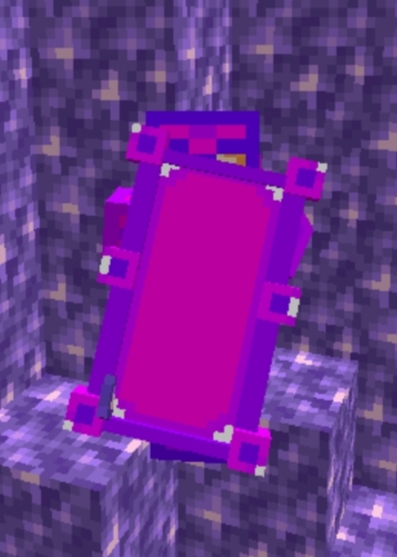
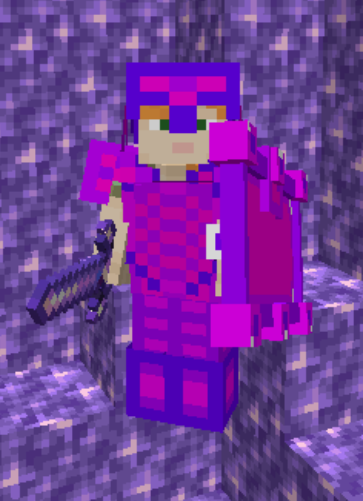
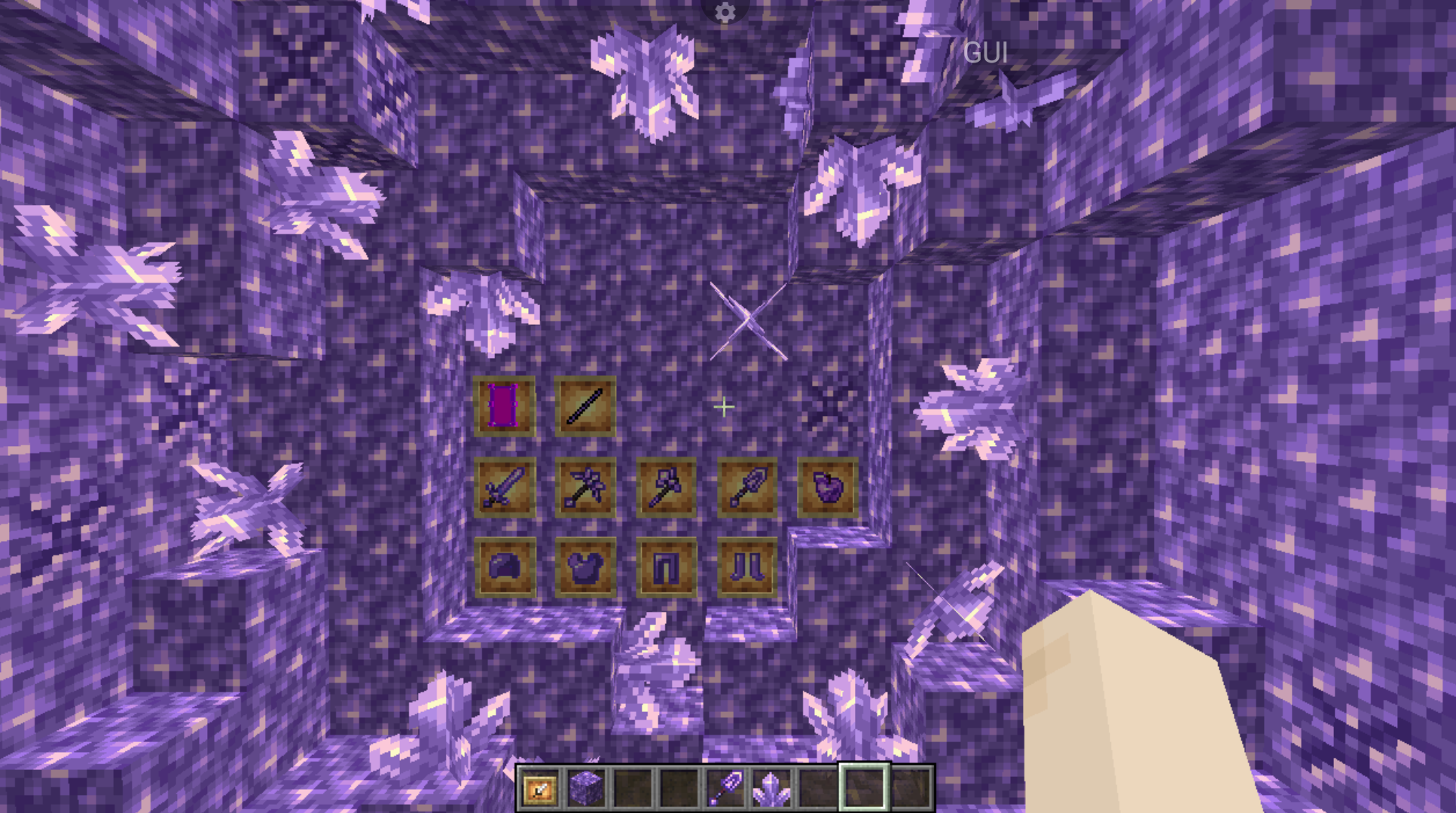
This mod expands the possibilities of Amethysts. All achievements and crafts are made quite clear and there is support for Russian and English languages. The mod will also be updated, but not as often. The mod features a shield, tools, and armor. Tools in the mod and armor resembles in strength efficiency etc. golden tools and armor. But the tools and armor themselves are made quite beautifully and are pleasing to the eye and differ slightly from the golden ones in characteristics.Crafting of items comes from Amethysts, which are also the main items for crafting.(Once you download the mod, know that to start using items from the mod, you need to find amethyst deposits to craft items from amethysts, etc.)
Verssion for Russia:
Данный мод расширяет возможности Аметистов. Все достижения и крафты сделаны вполне понятно и есть поддержка Русского и Английского языков. Мод также будет обновляться но не так часто. В моде присутствует щит, инструменты и броня. Инструменты в моде и броня похожи по прочности, эффективности и т.д. Но сами инструменты и доспехи сделаны довольно красиво и радуют глаз, а по характеристикам немного отличаются от золотых. (Знайте как только вы скачаете мод то для начало вам нужно будет найти залежу аметистов чтобы начать крафтить предметы из мода и т.д.)
(To add a mod to Minecraft, open the folder .minecraft and move the mod to the mods folder.)|(Чтобы добавить мод в Minecraft, откройте папку .minecraft и переместите мод в папку mods.)
- Edition: Minecraft Java
- File type: .jar
- Minecraft version listed: 1.21.8
- How to install: Install the matching mod loader (Forge, Fabric or NeoForge) for your Minecraft version. → Download the .jar. → Put it in the .minecraft/mods folder and launch that loader profile.
- Where to get it: Opens on Modrinth — not every file is mirrored on our own servers.
Install steps are the general flow for this file type — How to install Minecraft Java mods & modpacks walks through it step by step.
- Ships as amethyst_tools-1.0-neoforge-1.21.8.jar — drop this file into the mods folder
- Download size: 76 KB
- Download link checked 1 Sept 2026 — working
These come from our own check of the pack file, not from the source page.