Better Biome Blend Mod (26.2, 1.20.1) – Improve Biome Color Blending
Java mod listed for Minecraft 1.20. Downloads from the MC Java Mods app on Android.
⬇ Download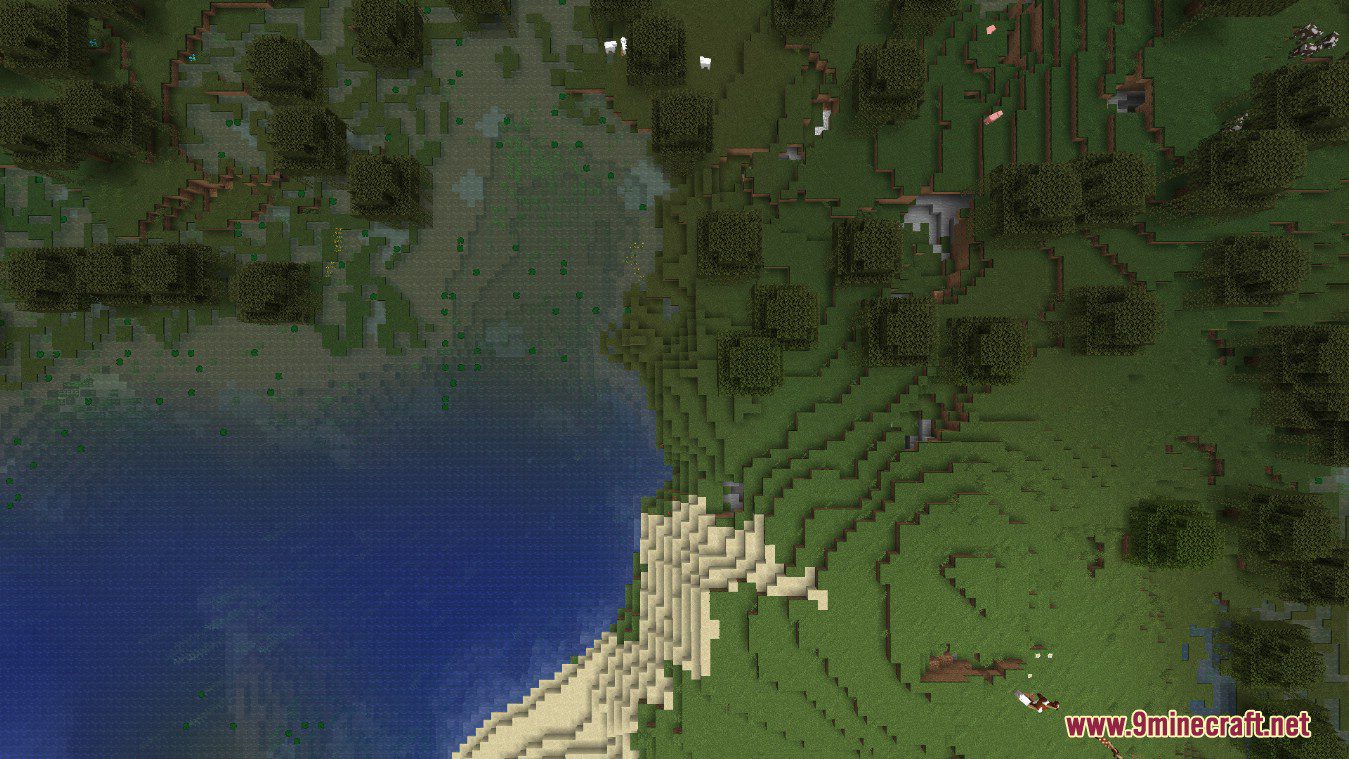
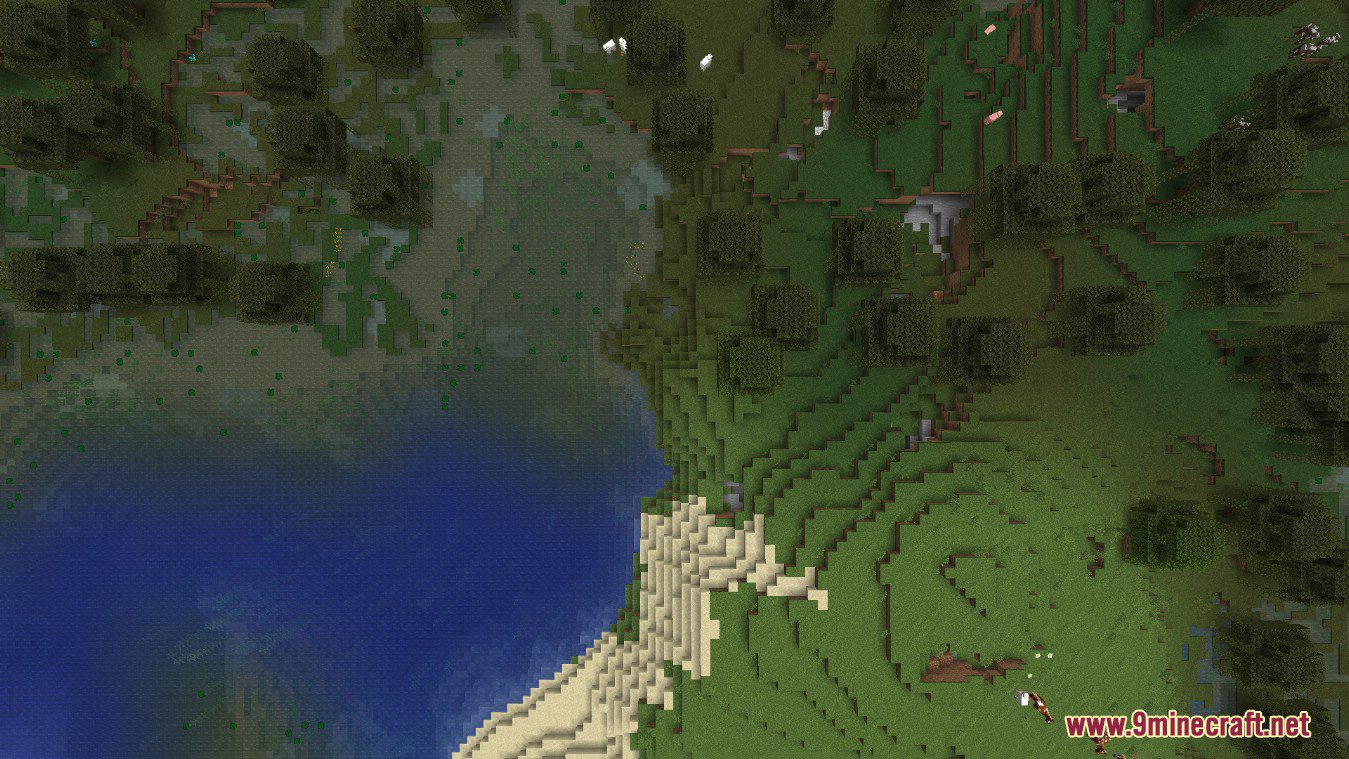
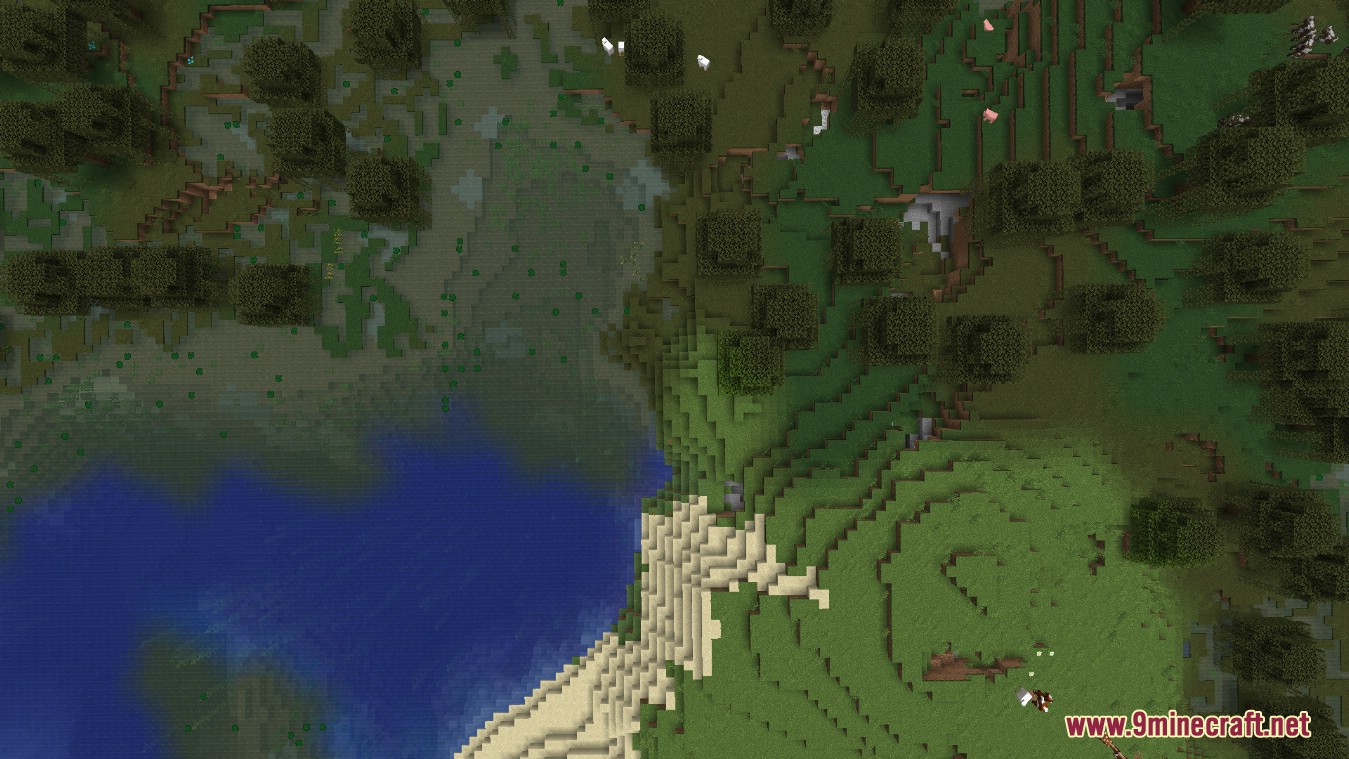
Better Biome Blend Mod increases the biome color blending radius and replaces the original blending algorithm with a more efficient one. This is a Client-Side performance and bug-fix mod. It adds support for smooth, large scale, sRGB correct biome color transitions. With the mod installed you can set the “Biome Blend” setting in your video options from 0x0 to 29×29. Compared to Vanilla, this setting no longer impacts performance.
Better Biome Blend will always use a 29×29 biome blending radius. This is because biomes are now 3D instead of 2D, which makes biome color calculation a lot harder. This required writing a more specialized algorithm, but in return the mod is still as fast as it is in 1.17. Better Biome Blend also completely supports grass, water and leaves in caves, while vanilla currently does not.
Screenshots:
Better Biome Blend: Max
Vanilla: Max
Vanilla: Default
Better Biome Blend Mod Download Links
- Edition: Minecraft Java
- File type: .jar
- Minecraft version listed: 1.20.1
- How to install: Install the matching mod loader (Forge, Fabric or NeoForge) for your Minecraft version. → Download the .jar. → Put it in the .minecraft/mods folder and launch that loader profile.
- Where to get it: In MC Java Mods, or directly above on this page.
Install steps are the general flow for this file type — How to install Minecraft Java mods & modpacks walks through it step by step.
- Downloads as 27921.mcaddon
- Download size: 67 KB
- Download link checked 25 Sept 2026 — working
- Mirrored on our own servers — the download does not depend on the original host
These come from our own check of the pack file, not from the source page.