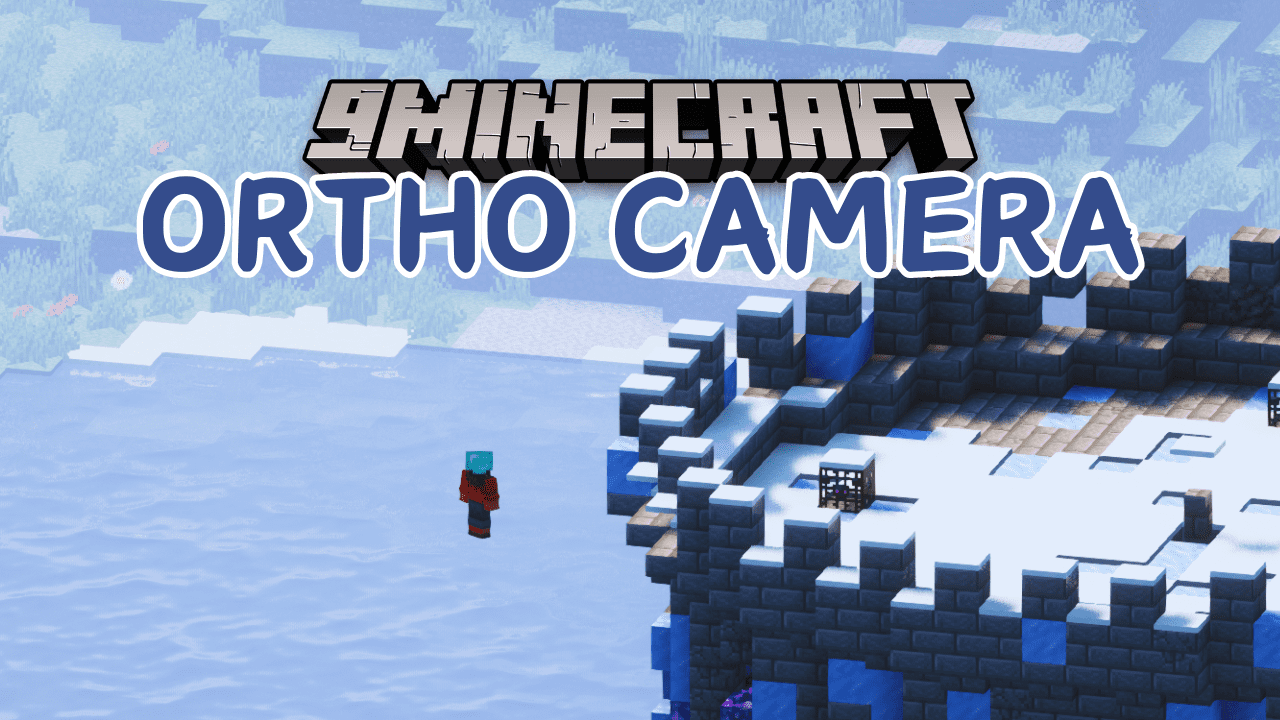
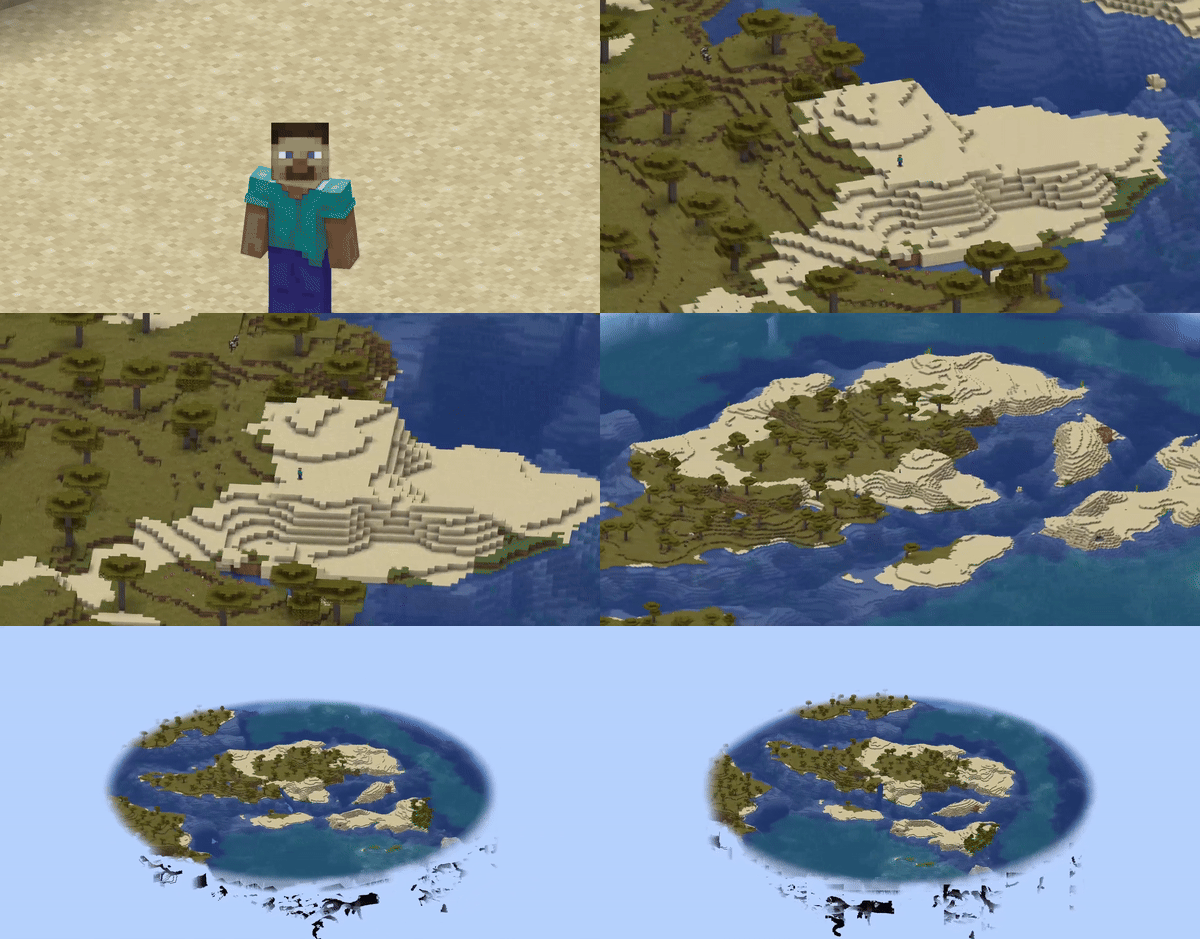
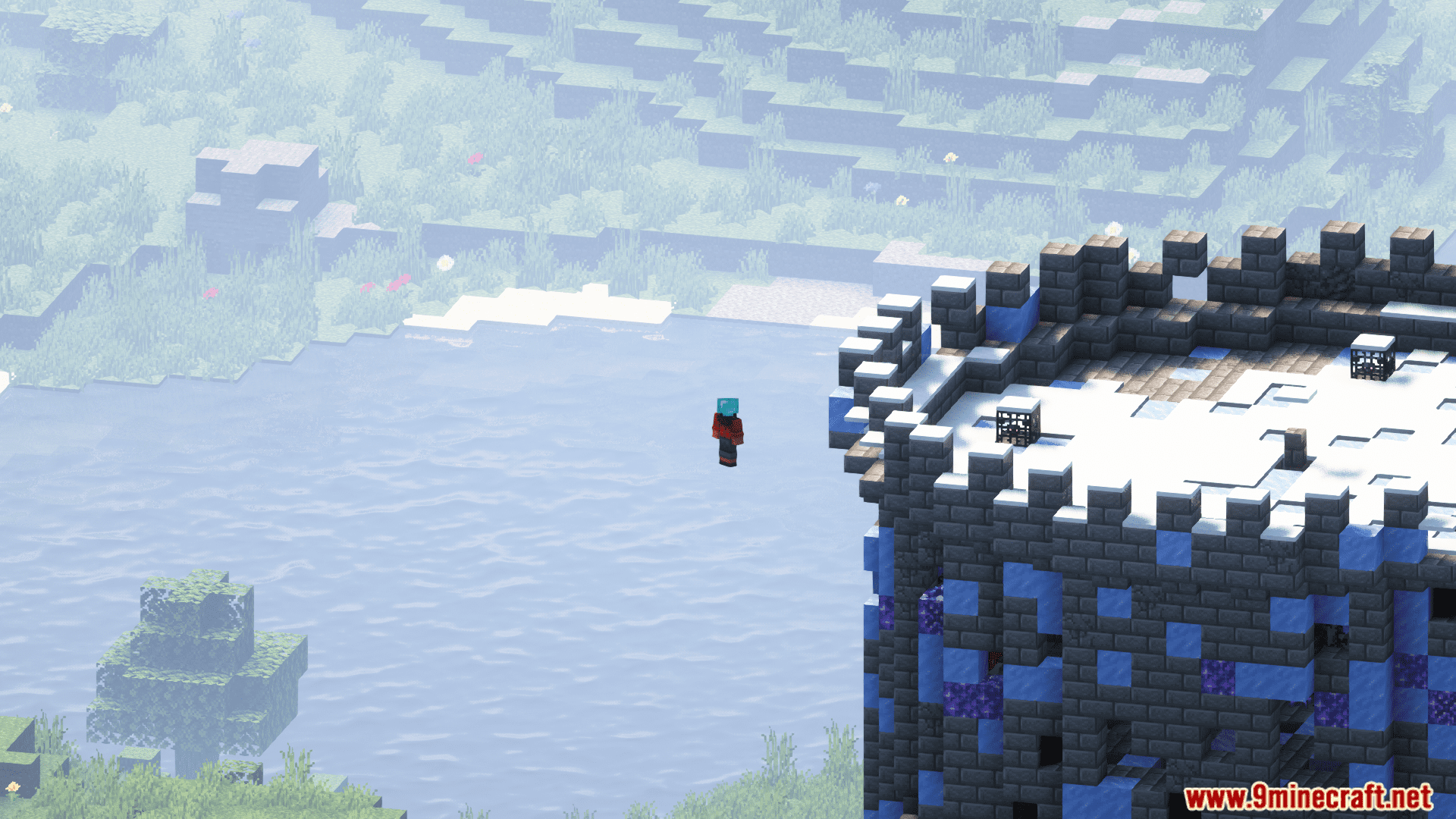
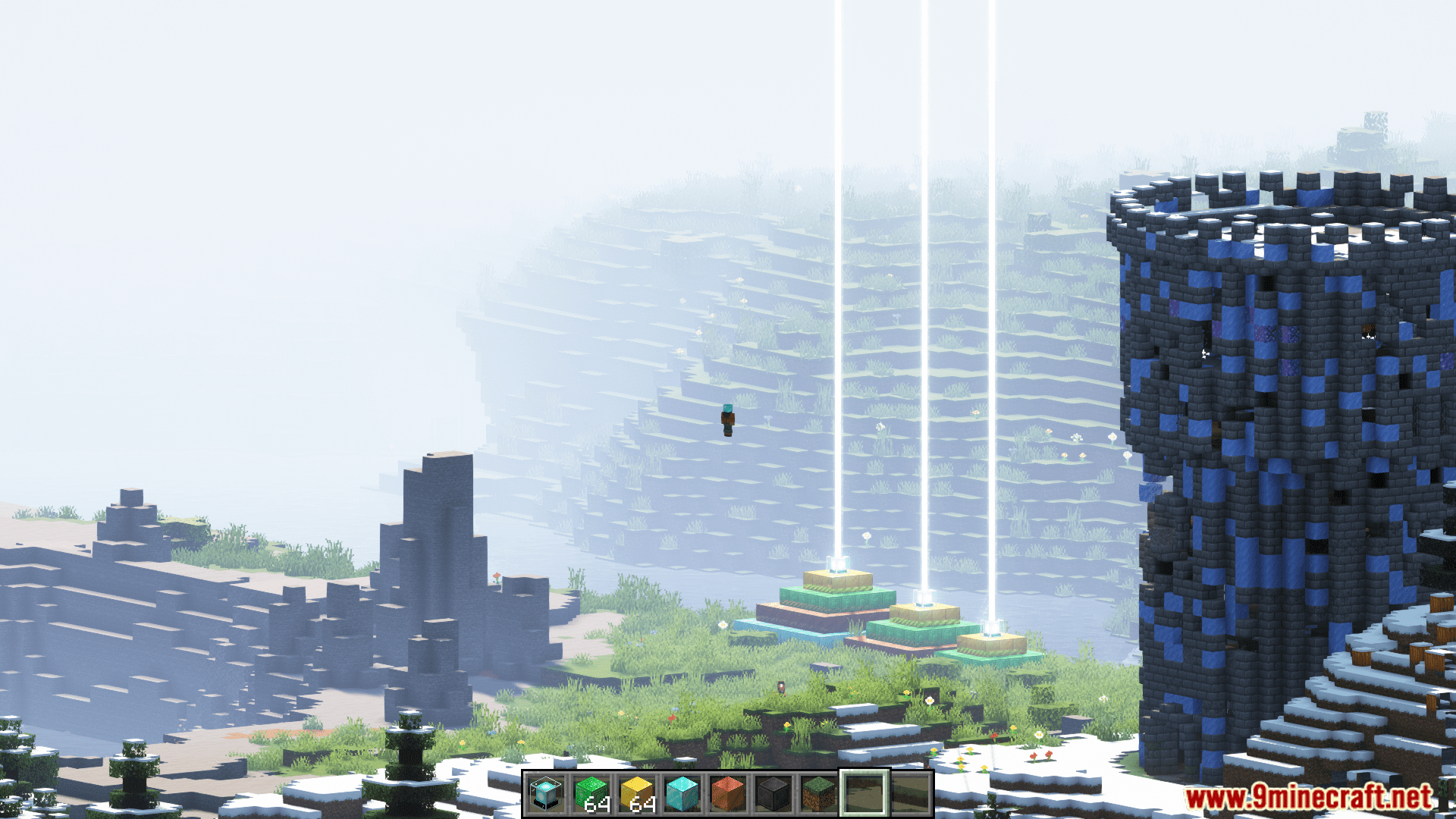
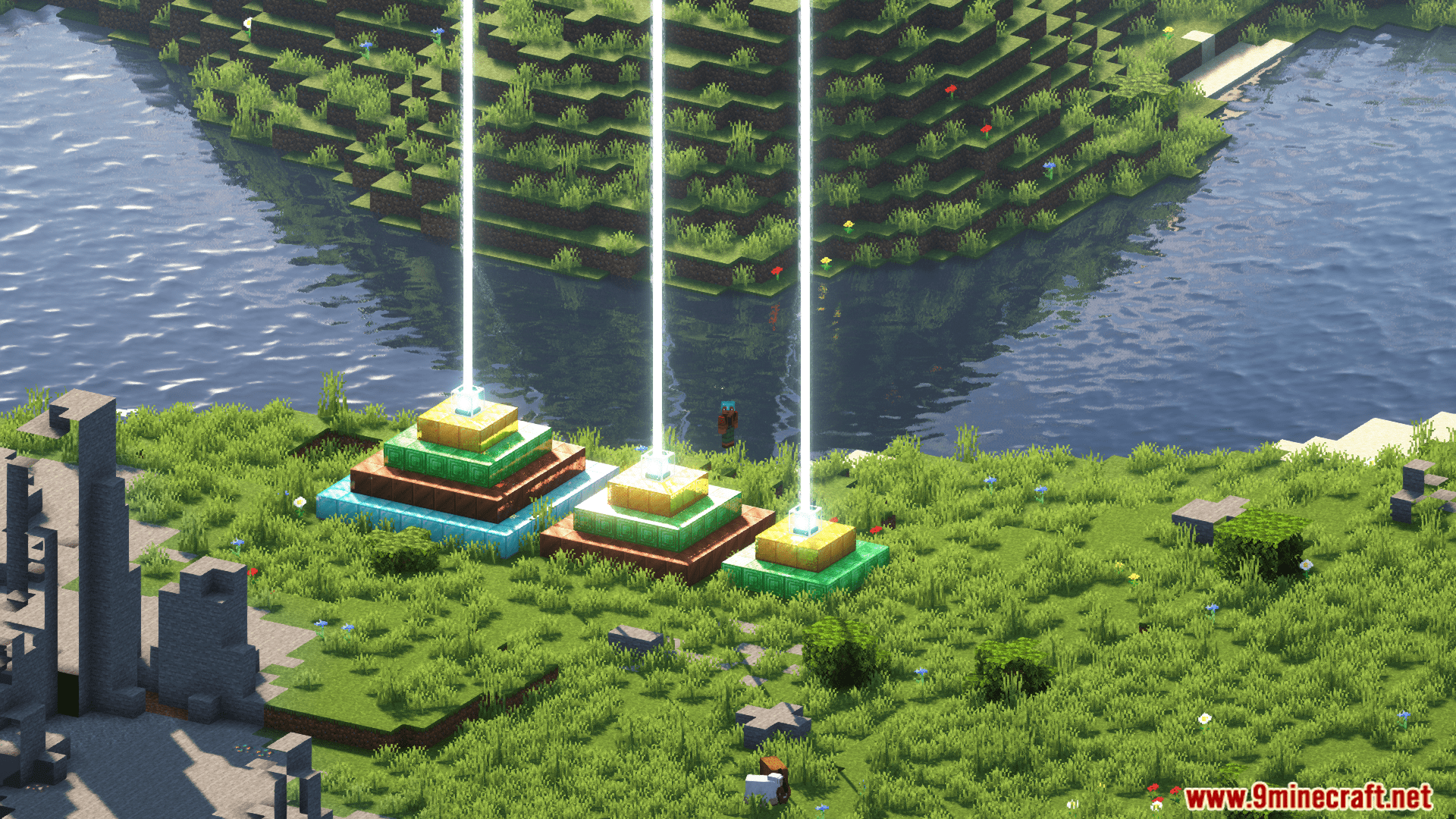
Ortho Camera Mod adds an orthographic view mode to the game. In this mode, all objects on the screen are displayed at the same scale, giving you an incredible way to interact with the surrounding world. In the in-game settings, you can adjust the scale on the X and Y axes, as well as set the minimum and maximum view distance. Hotkeys also allow you to toggle the orthographic view and zoom in or out.
Features:
- In the perspective view (the default), objects which are far away are smaller than those nearby. In the orthographic view, all objects appear at the same scale.
- Minecraft uses perspective view to draw the world. It gives a first-person feel.
- This mod allows you to enable orthographic view and configure frustum in detail.
How to use:
You can open config screen from ModMenu or by the hotkey. You can configure:
- Saving enabled state between client restarts
- X and Y camera scale
- Minimum and maximum view distance (Position of frustum’s near and far plane)
- Fix camera (Lock mouse rotation. Allows to play the game normally, but with an orthographic view)
- Fixed camera rotation
- Fixed camera rotation speed (when rotating using hotkeys)
There are also 8 hotkeys for:
- Toggle orthographic view
- Increase scale
- Decrease scale
- Fix camera
- Rotate fixed camera
Compatibility:
- Using Sodium mod, you have to disable “Use Block Face Culling” in “Performance” tab. Otherwise, some block faces will not render with big scale
- However, Nvidium mod force enables this sodium feature. So you have to disable Nvidium mod, if you have it.
- After disabling, you probably need to press F3 + T to apply change
Screenshots:
Ortho Camera Mod Download Links
Quick facts
- Edition: Minecraft Java
- File type: .jar
- Minecraft version listed: 1.20.1
- How to install: Install the matching mod loader (Forge, Fabric or NeoForge) for your Minecraft version. → Download the .jar. → Put it in the .minecraft/mods folder and launch that loader profile.
- Where to get it: In MC Java Mods, or directly above on this page.
Install steps are the general flow for this file type — How to install Minecraft Java mods & modpacks walks through it step by step.
Verified by MCModsHub
- Downloads as 27922.mcaddon
- Download size: 42 KB
- Download link checked 24 Sept 2026 — working
- Mirrored on our own servers — the download does not depend on the original host
These come from our own check of the pack file, not from the source page.