
Dimension Locker
lets you disable any dimension (Compatible with other mods, Nether & End by default). Exceptions can be granted through custom items.
I don't know my version or loader
Dimension Locker
Description
This mod lets you disable any dimension (Compatible with other mods). Exceptions can be granted through custom items to let players enter locked dimension. It introduces new commands, a gamerule, and custom data components to enhance the player interactions with the permits.
Features
Locked portals
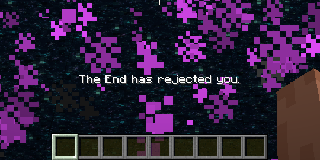
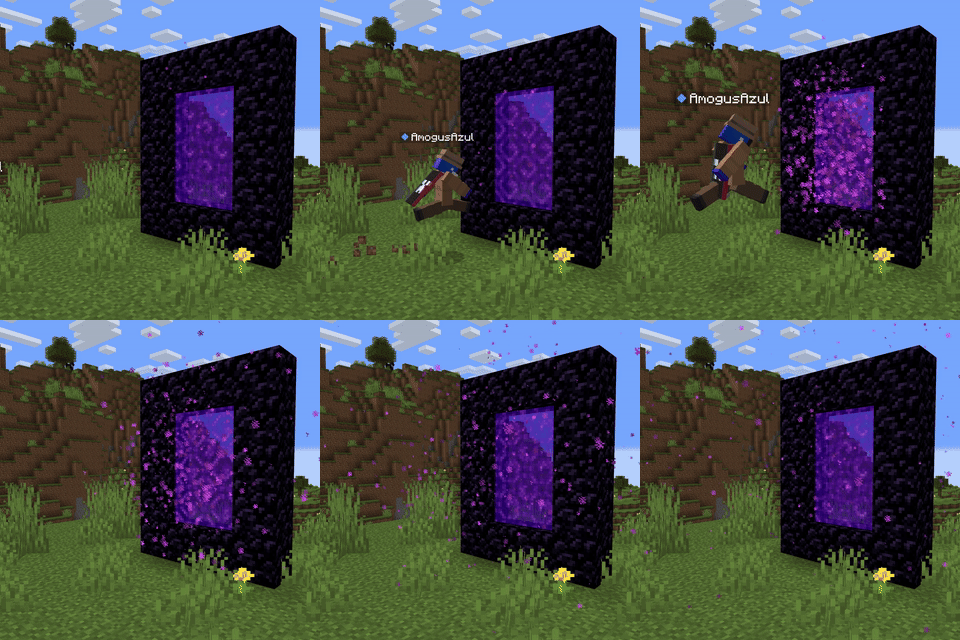
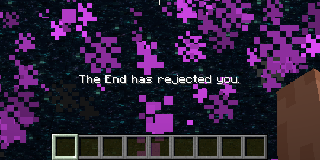
Whenever any entity is about to be teleported (by a portal) to a locked dimension, it would being pushed instead, also get a feedback message with the dimension's name.
Compatibility
This mod is available in
- Forge
- NeoForge
- Fabric
- Quilt
Works out of the box with any other mod that adds dimensions, however you still need some language compatibility. you will need a resource pack to add a language key,
dimension.<mod_id>.<dimension_name>in the case of the nether dimension the mod has
"dimension.minecraft.the_nether": "The Nether",
Data Components
Here are a couple of Data Components added by the mod that are recommended to use all together, but can be used separately if desired.
dimension:
whenever an entity has a item with thedimensiondata component, no matter if the dimension is trying to enter is locked, it will enter as long as the component's dimension matches the one trying to enter.Example:
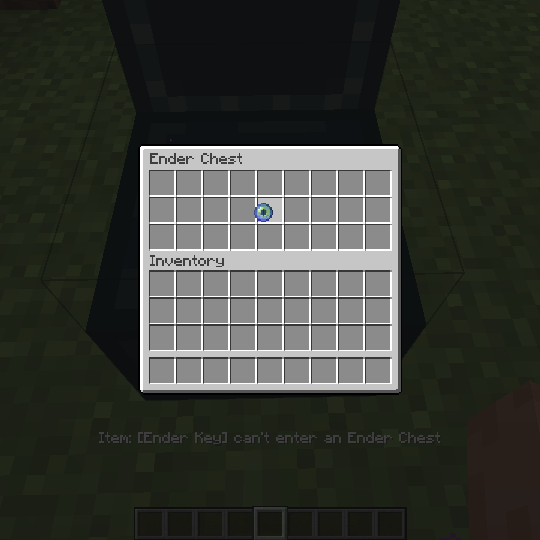
/give @s minecraft:ender_eye[dimension_locker:dimension="minecraft:the_end"]cant_enter_ender_chest:Doesn't let the item inside the ender chest, nor any item containing it (shulker boxes, bundles, etc).
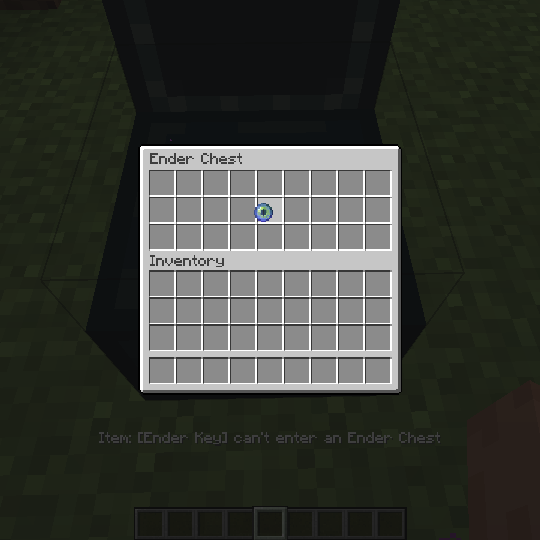
Example:
/give @s minecraft:ender_eye[dimension_locker:cant_enter_ender_chest={}]un_despawnable:Quite simple, prevents the item from despawning after the standard 5 minutes, can be paired with the
damage_resistantdata component to make undestructible items.Example:
/give @s minecraft:ender_eye[dimension_locker:un_despawnable={}]
Commands
You don't have to reboot your server to lock a dimension, an admin can use one of these commands, and it the dimension would be locked/unlocked right away.
- Lock Command:
/dimension lock <dimension> - Unlock Command:
/dimension unlock <dimension> - Check Command:
/dimension isLocked <dimension>
Operators can check the locked status of a dimension.
- Lock Command:
New Gamerule
operatorCanEnterLockedDimension: A gamerule that determines whether operators can bypass locked dimensions. Set to true by default.
- Edition: Minecraft Java
- File type: .jar
- Minecraft versions listed: 1.21.3, 1.21.4
- How to install: Install the matching mod loader (Forge, Fabric or NeoForge) for your Minecraft version. → Download the .jar. → Put it in the .minecraft/mods folder and launch that loader profile.
- Where to get it: Opens on Modrinth — not every file is mirrored on our own servers.
Install steps are the general flow for this file type — How to install Minecraft Java mods & modpacks walks through it step by step.
- Ships as dimension_locker-neoforge-1.21.3-1.1.0.jar — drop this file into the mods folder
- Download size: 274 KB
- Download link checked 1 Sept 2026 — working
These come from our own check of the pack file, not from the source page.