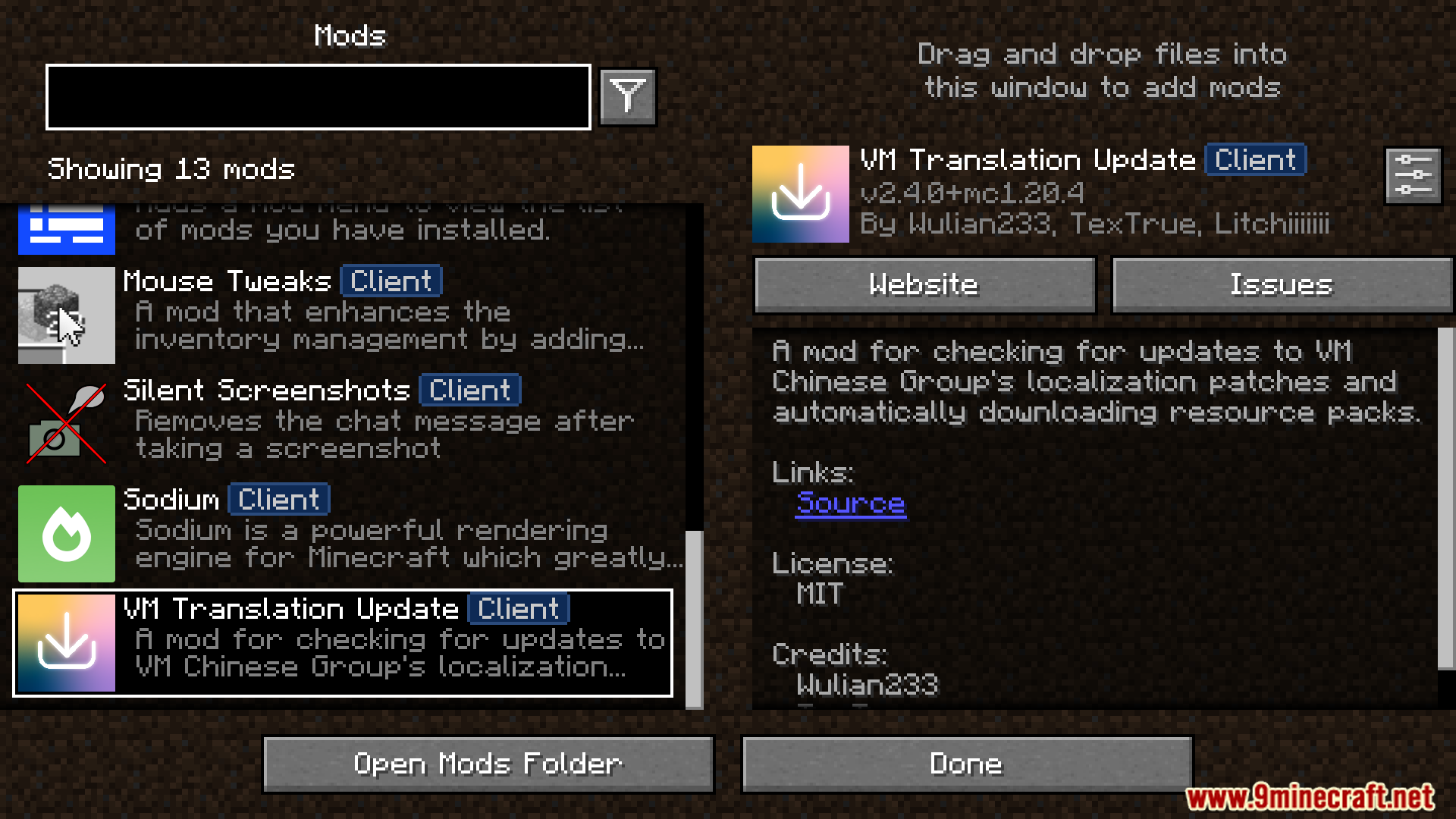
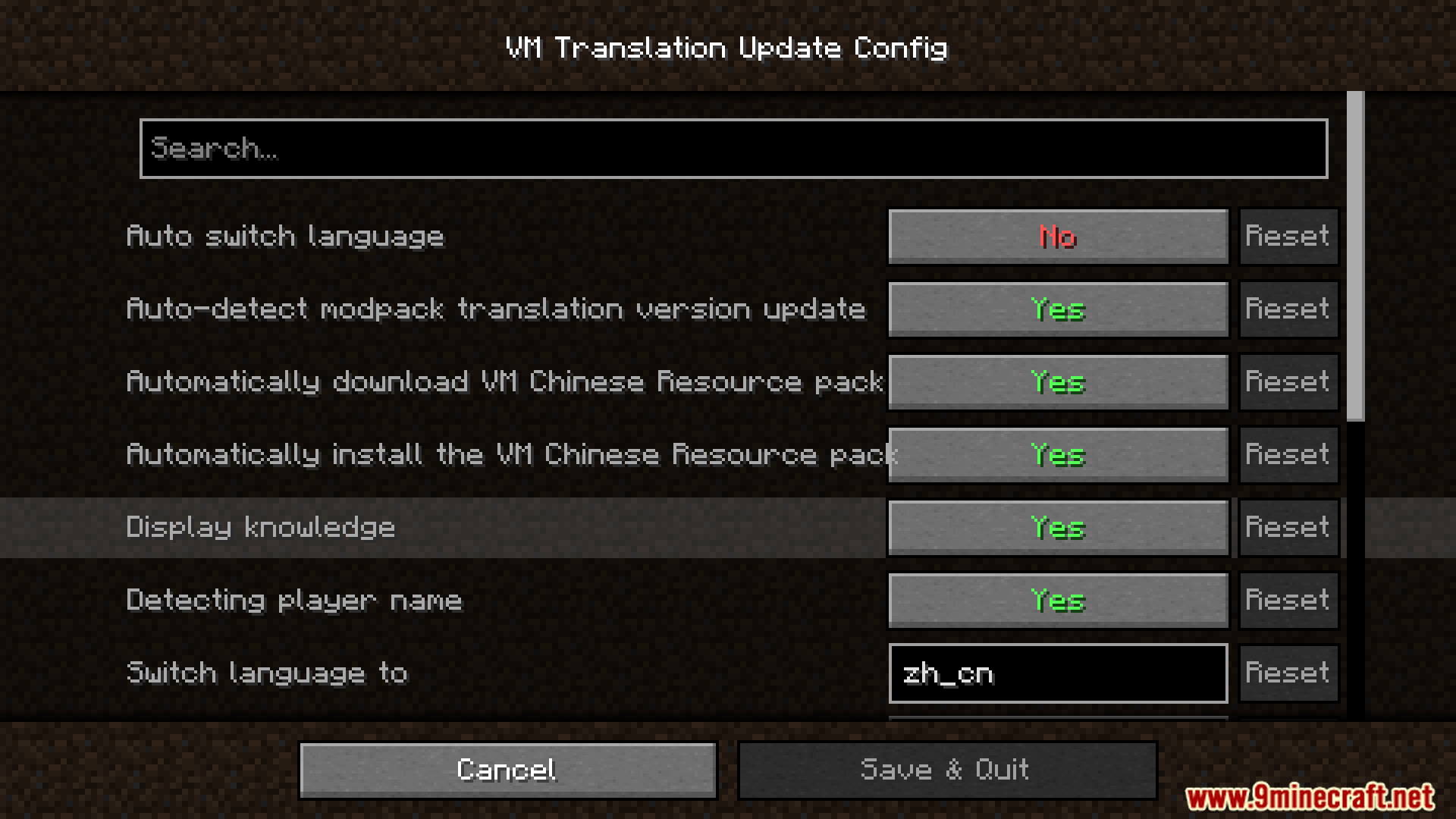
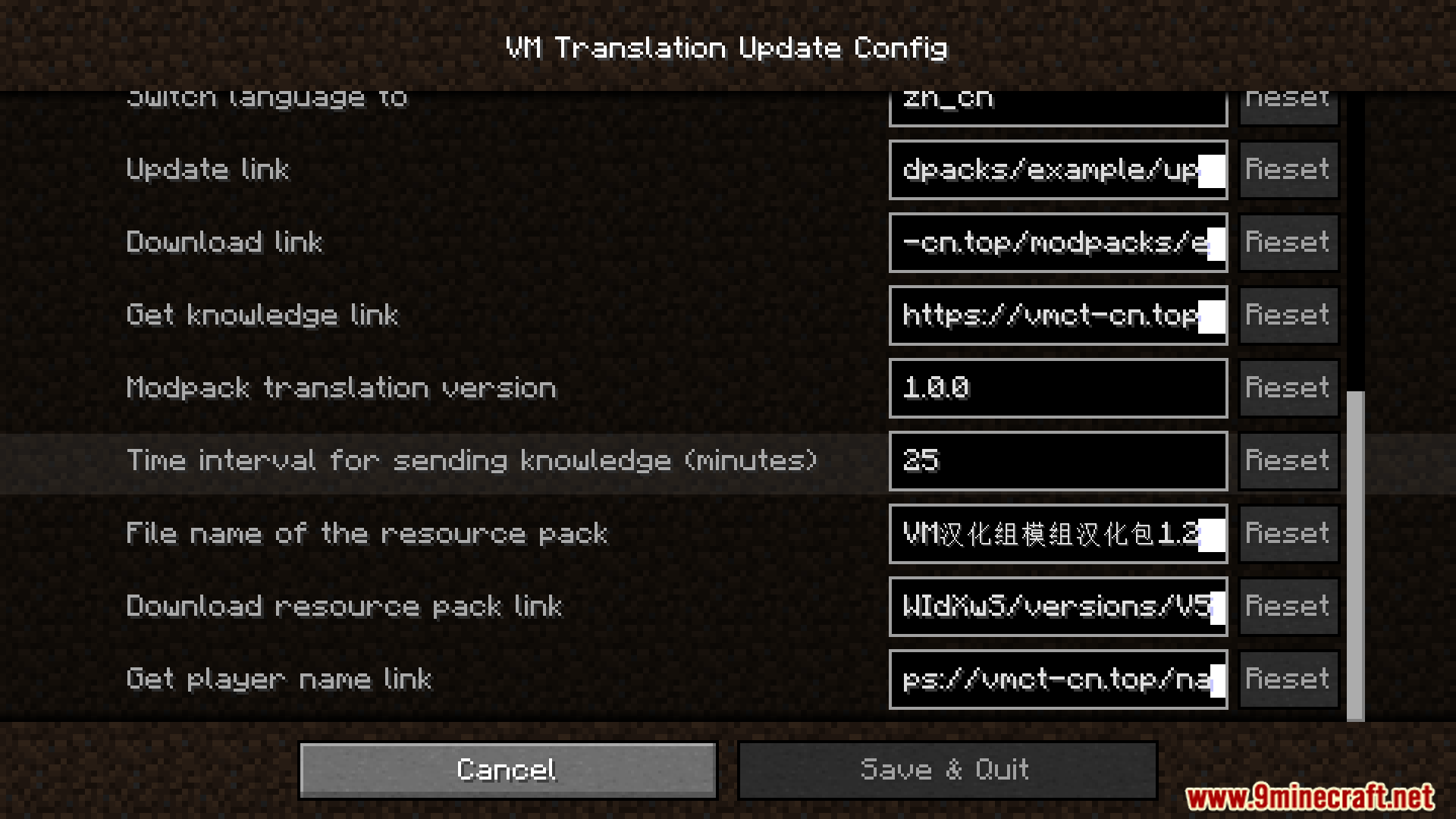
VM Translation Update Mod provides in-game notifications when new translation updates are available for download. It also offers configurable features such as periodic informational messages in chat and the automatic downloading and enabling of the VM translation resource pack upon game startup.Also, this mod includes specific personalized messages for a designated player and an option for automatic game language switching.
Features:
- Provides in-game notifications for new VM translation updates.
- Offers configurable periodic chat messages containing translation team trivia and Minecraft facts.
- Automatically downloads and enables the VM translation resource pack at game startup.
- Prompts players to enable the resource pack if automatic enabling fails.
- Includes a personalized welcome message and nickname for a specific player.
- Features configurable automatic game language switching, disabled if the Stenographer mod is present.
Screenshots:
VM Translation Update Mod Download Links
Quick facts
- Edition: Minecraft Java
- File type: .jar
- Minecraft version listed: 1.20.1
- How to install: Install the matching mod loader (Forge, Fabric or NeoForge) for your Minecraft version. → Download the .jar. → Put it in the .minecraft/mods folder and launch that loader profile.
- Where to get it: In MC Java Mods, or directly above on this page.
Install steps are the general flow for this file type — How to install Minecraft Java mods & modpacks walks through it step by step.
Verified by MCModsHub
- Downloads as 27942.mcaddon
- Download size: 184 KB
- Download link checked 24 Sept 2026 — working
- Mirrored on our own servers — the download does not depend on the original host
These come from our own check of the pack file, not from the source page.