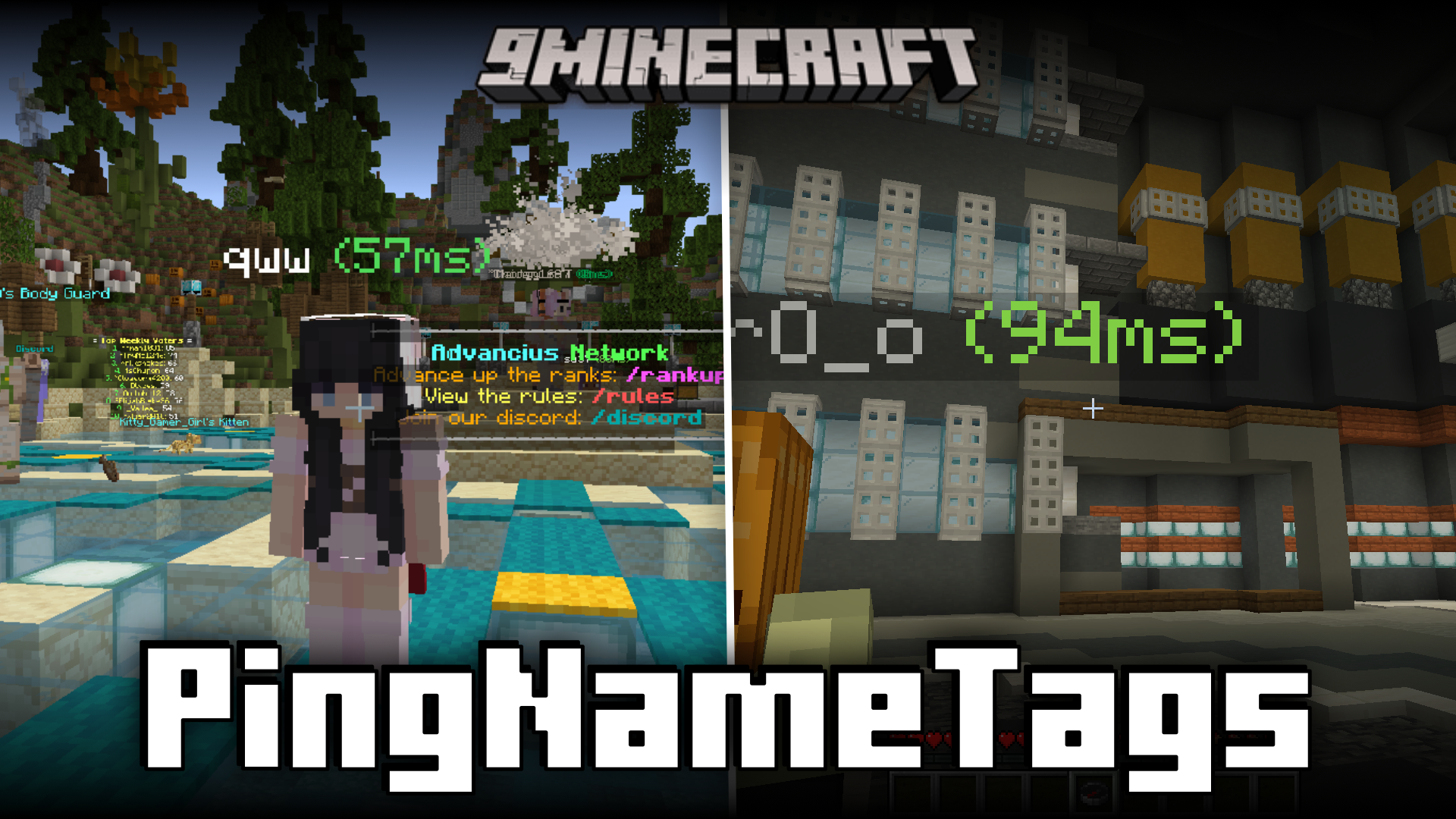

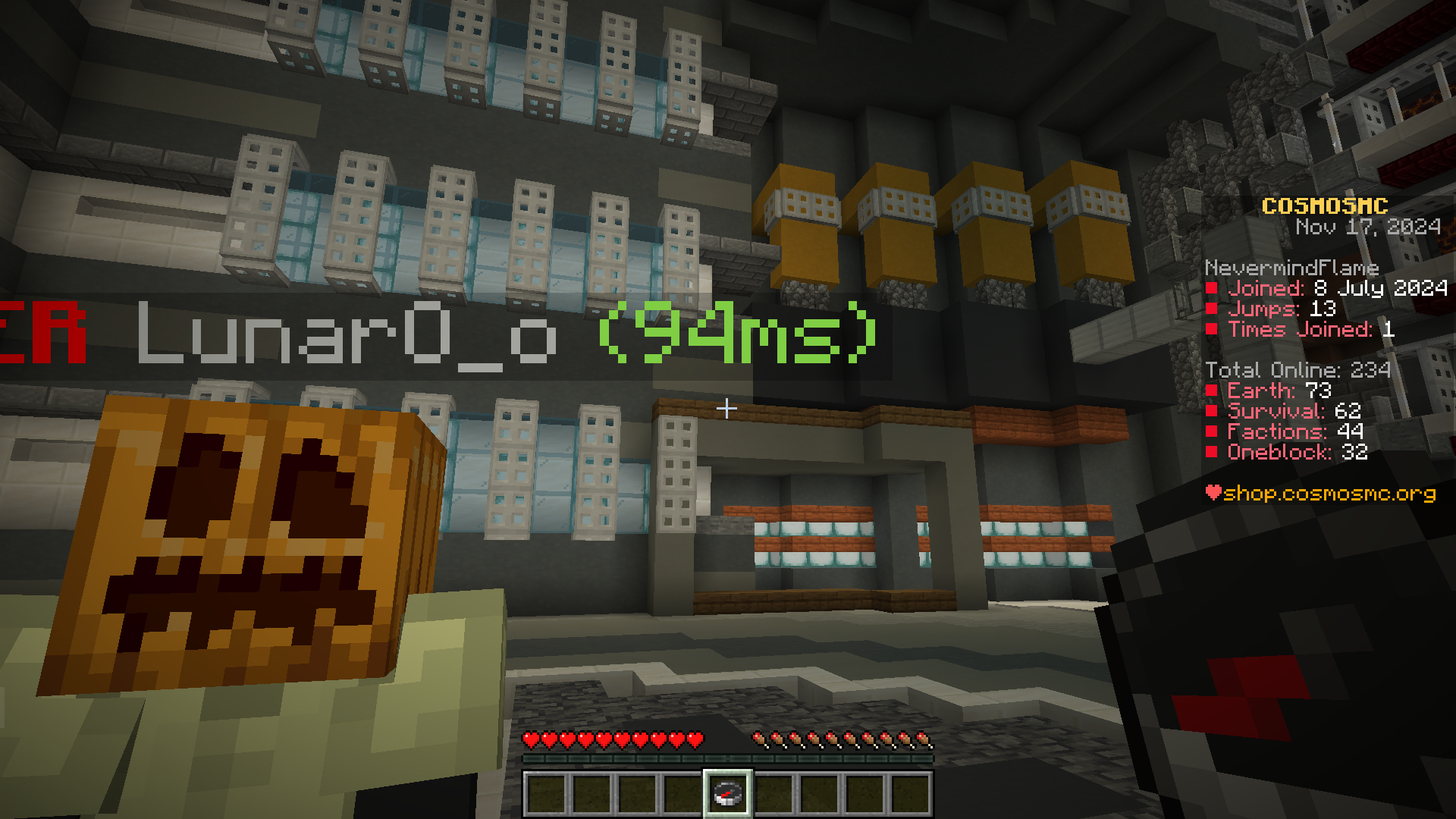



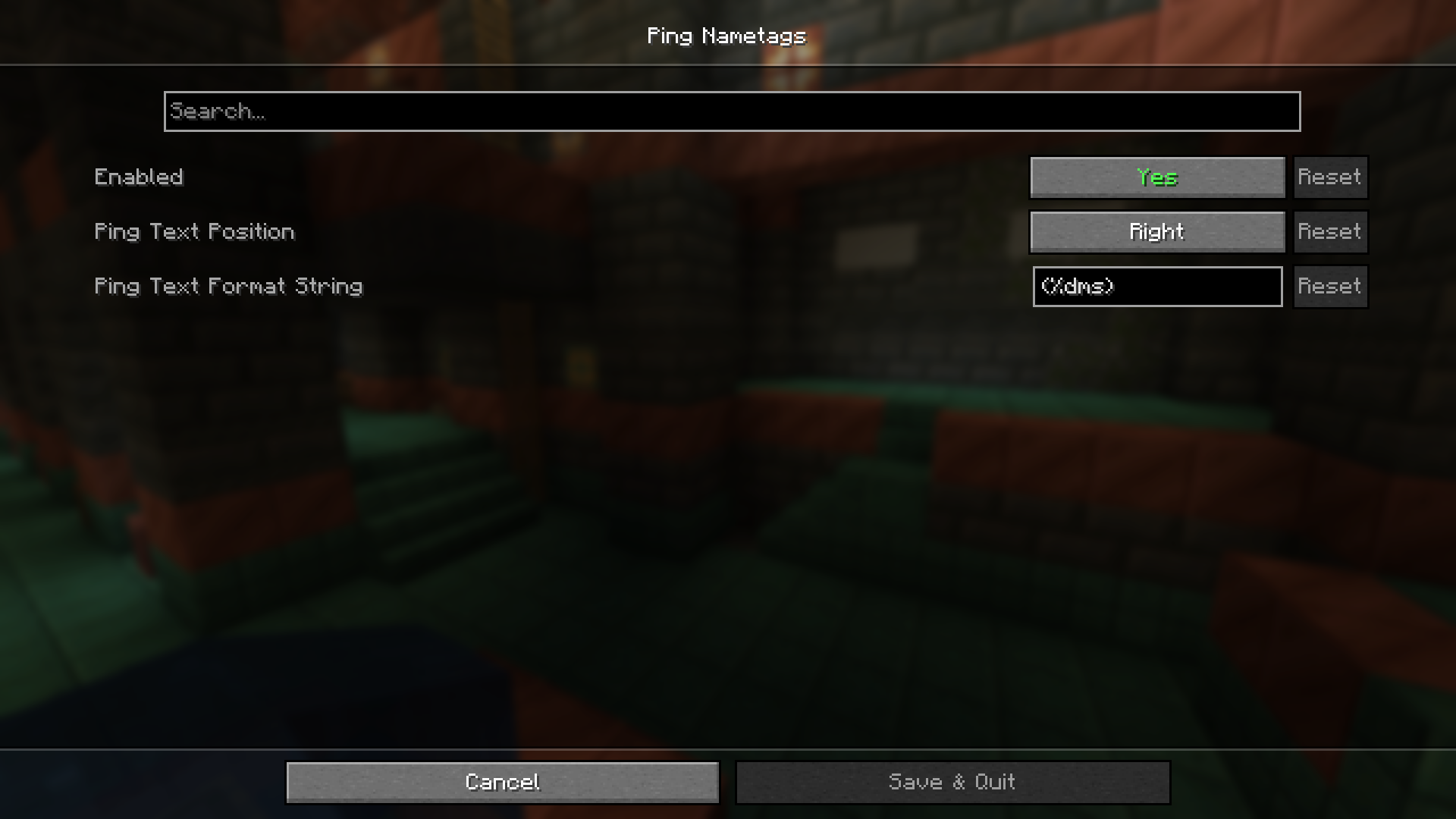
When playing on servers with other players, the internet speed can be a real factor in determining the gaming experience, especially in PvP scenarios. Players with faster internet speed have a major advantage in these situations as the milliseconds of difference between the in-game processes can affect the outcome of a PvP battle in a major way. Unfortunately, the only solution for this problem is for players with slow internet to somehow speed up their internet. Identifying the internet speed of other players can be helpful in a lot of situations. Ping Name Tags Mod is here to assist you with that. This mod adds the ping of players next to their nametags, so that you can conveniently identify their internet speeds. Different aspects of the ping tags can be configured by the player to his liking.
Features:
- Shows the ping of players next to their names.
- Helps identify the internet speeds of other players with ease.
Screenshots:
Ping Name Tags Mod Download Links
- Edition: Minecraft Java
- File type: .jar
- Minecraft version listed: 1.20.1
- How to install: Install the matching mod loader (Forge, Fabric or NeoForge) for your Minecraft version. → Download the .jar. → Put it in the .minecraft/mods folder and launch that loader profile.
- Where to get it: In MC Java Mods, or directly above on this page.
Install steps are the general flow for this file type — How to install Minecraft Java mods & modpacks walks through it step by step.
- Downloads as 27944.mcaddon
- Download size: 36 KB
- Download link checked 25 Sept 2026 — working
- Mirrored on our own servers — the download does not depend on the original host
These come from our own check of the pack file, not from the source page.