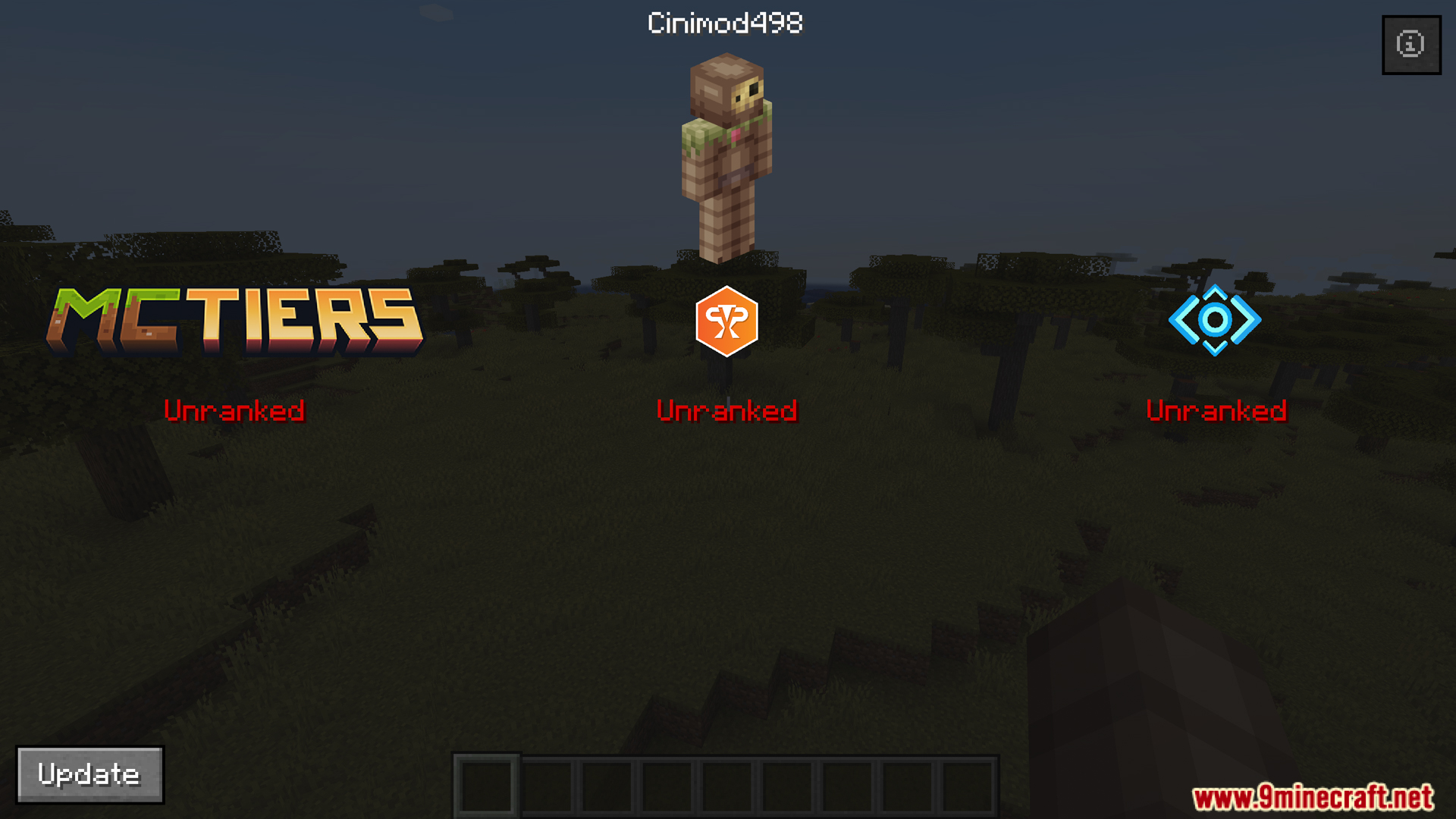
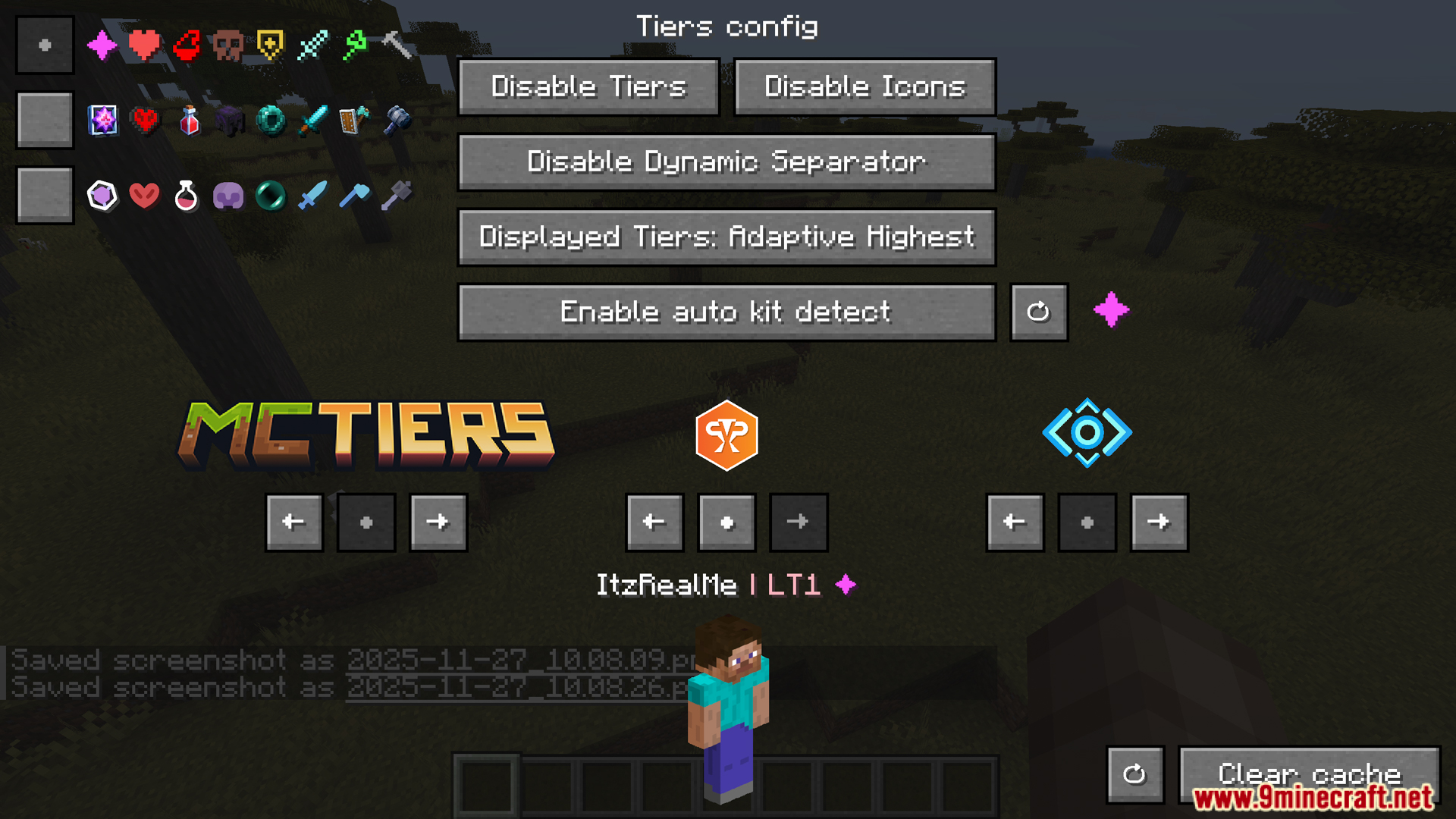
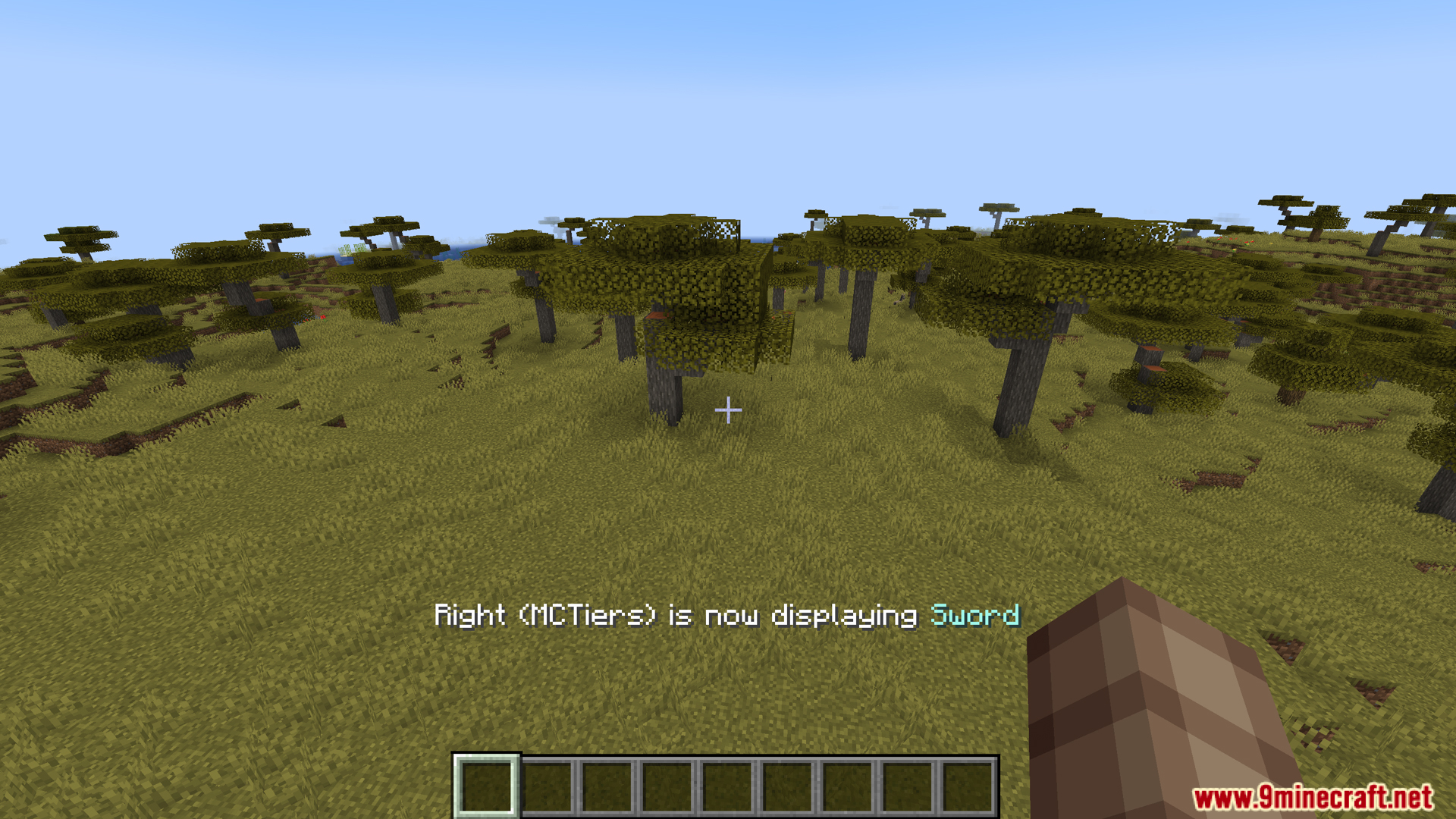
Tiers Mod is a mod that displays player rankings/tiers in popular PvP/Ranking systems such as PvPTiers, MCTiers, and Subtiers. The mod helps players know their own and others’ tiers right in the game.
Features:
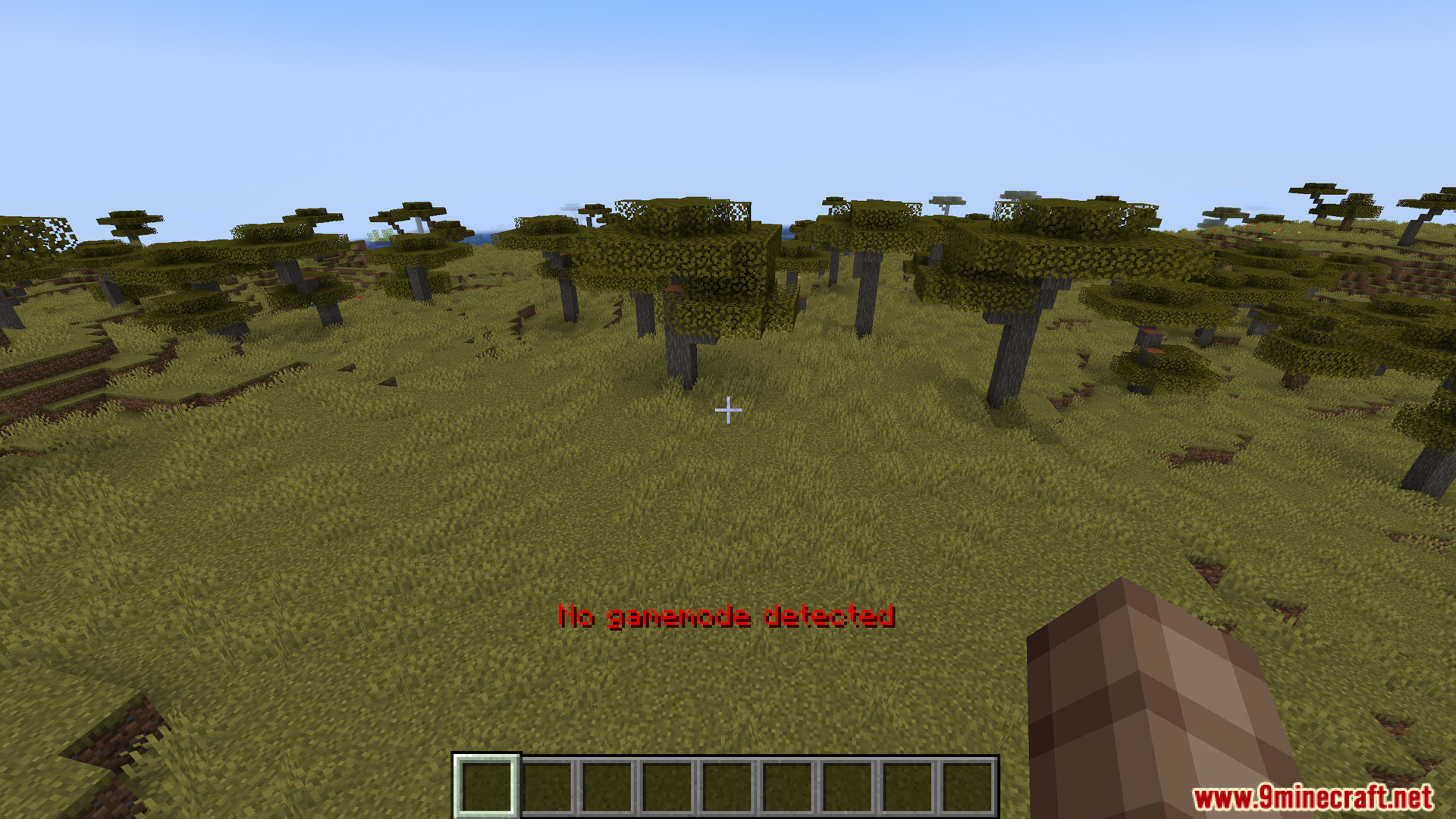
- Support automatic detection of current gamemode. Press Y key to automatically identify the game mode and display the correct tier
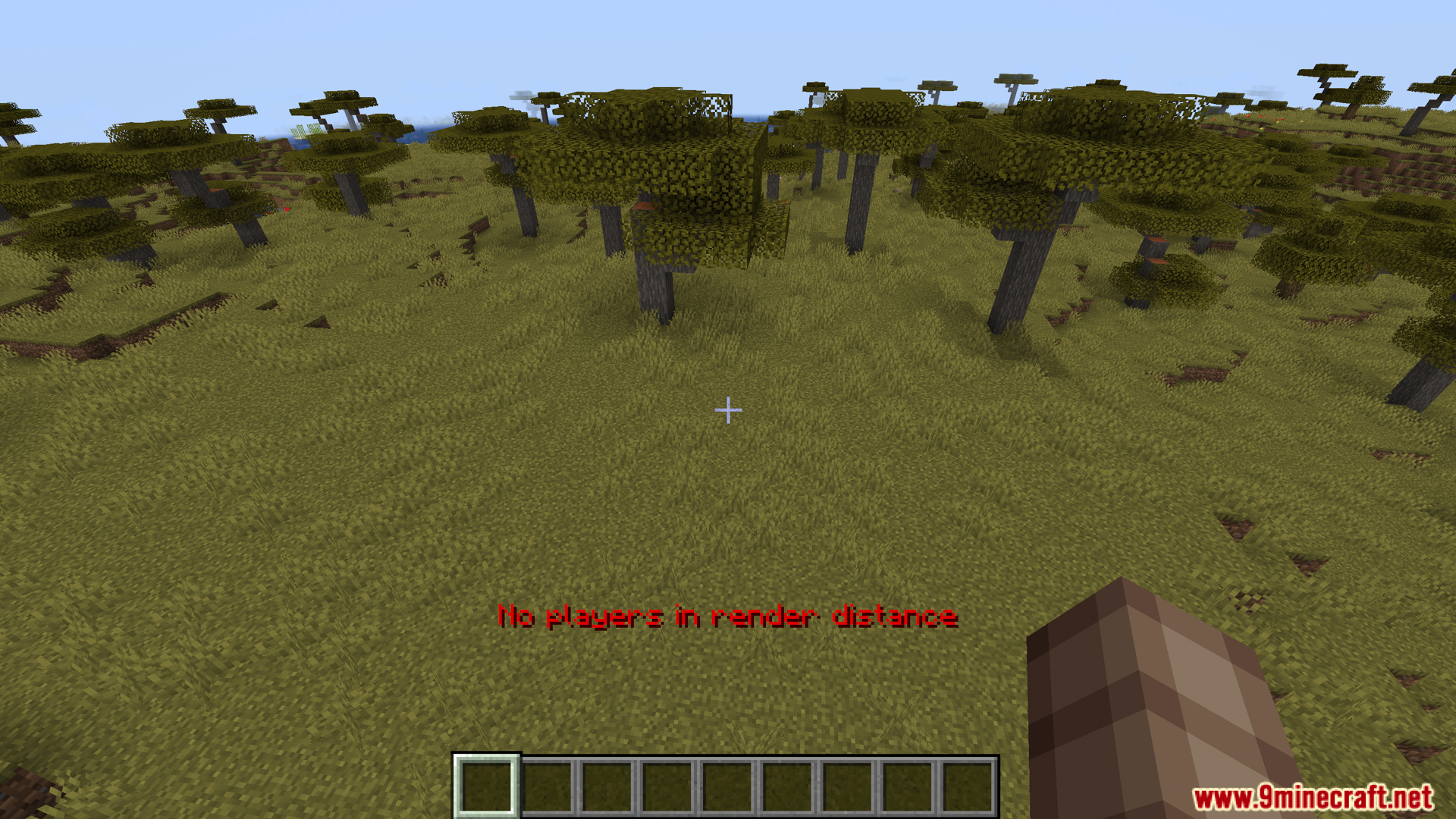
- Allows to view information of the nearest player. Press H to open the screen displaying tier, points, rank and other parameters of the player near you
- Supports manual search with the command /tiers <name> to look up the tier, points, global rank, region and skin of any player
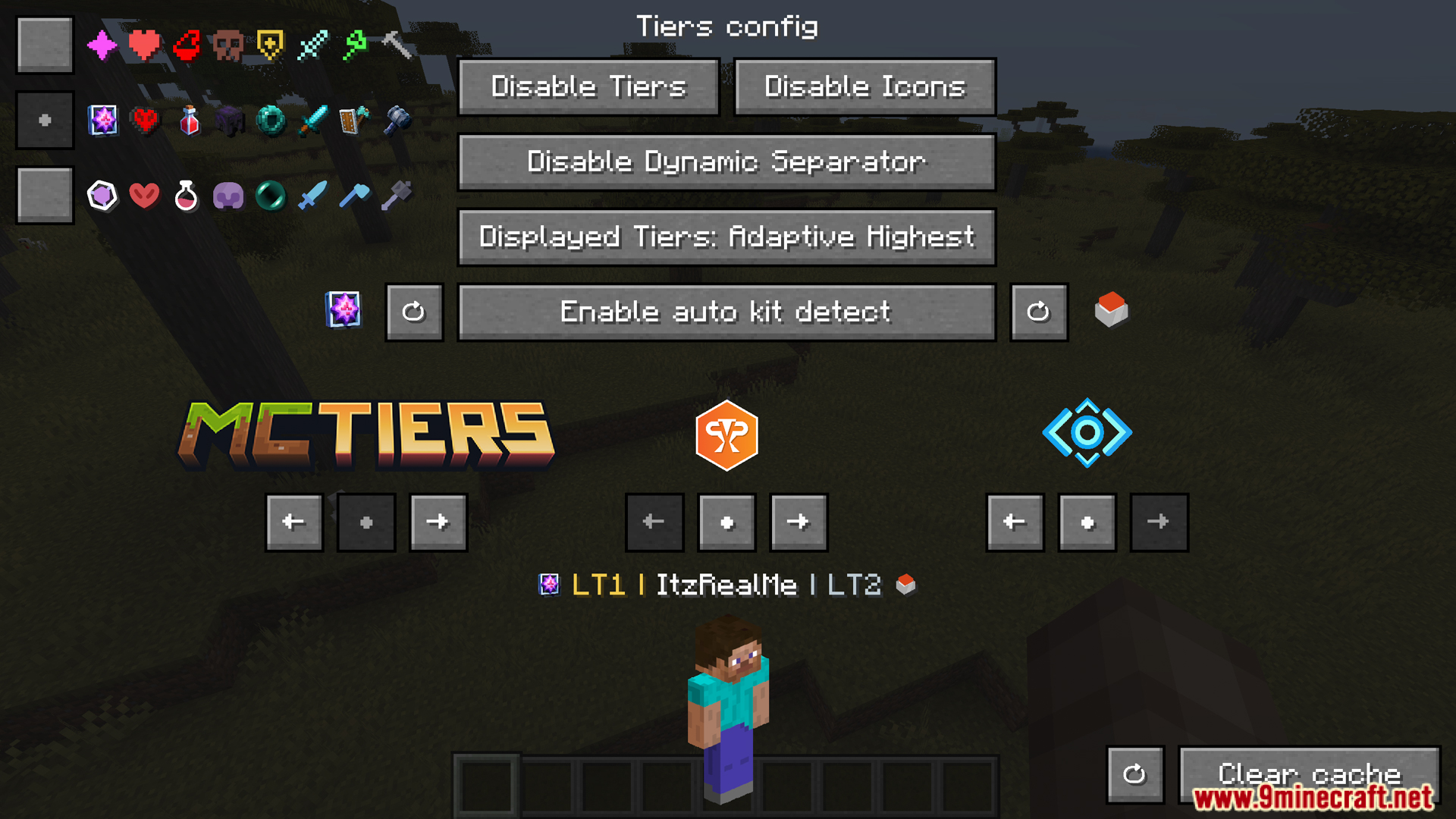
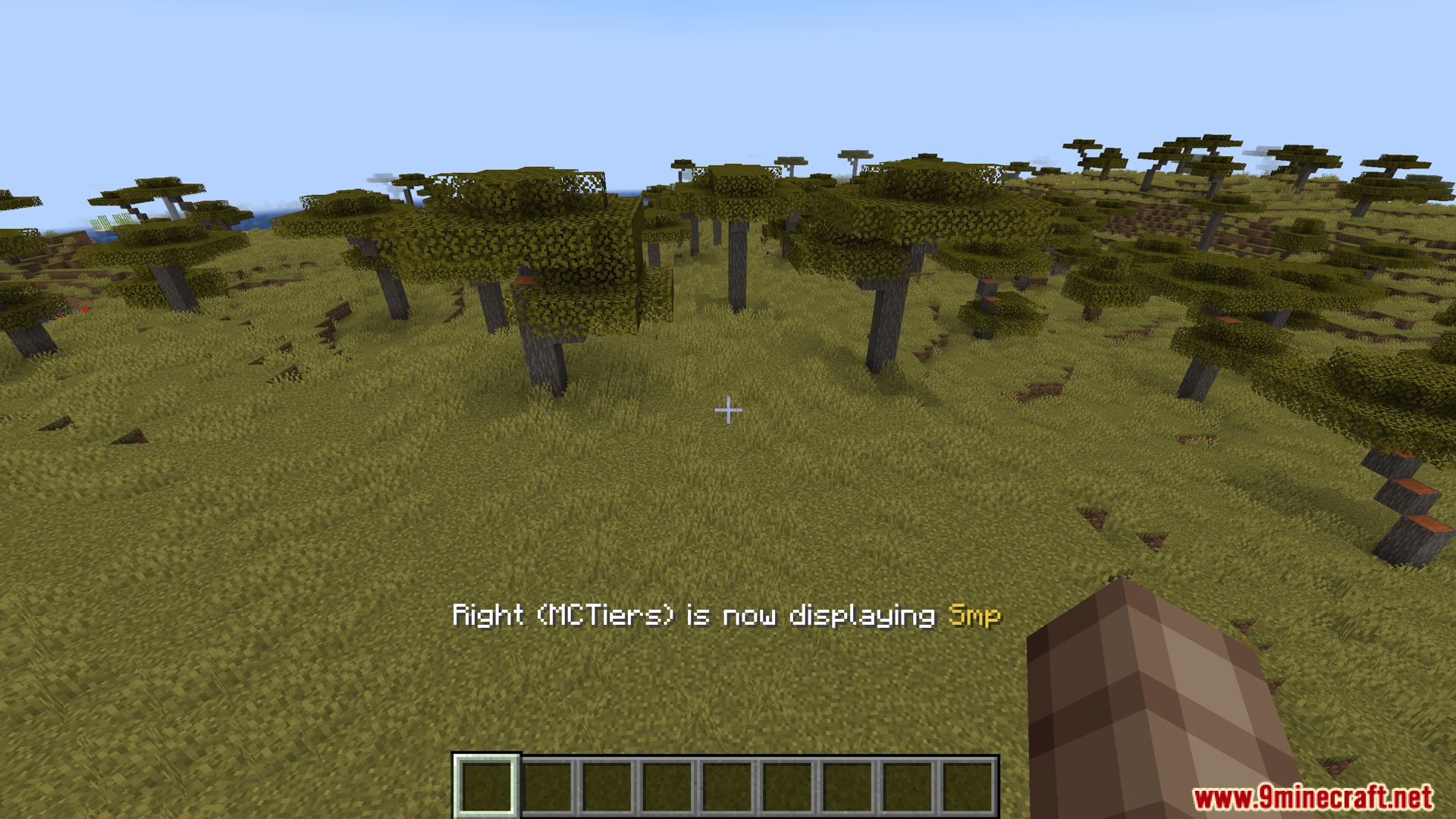
- Allows to customize the gamemode displayed and the display position on the HUD. Supports PvPTiers, MCTiers and Subtiers
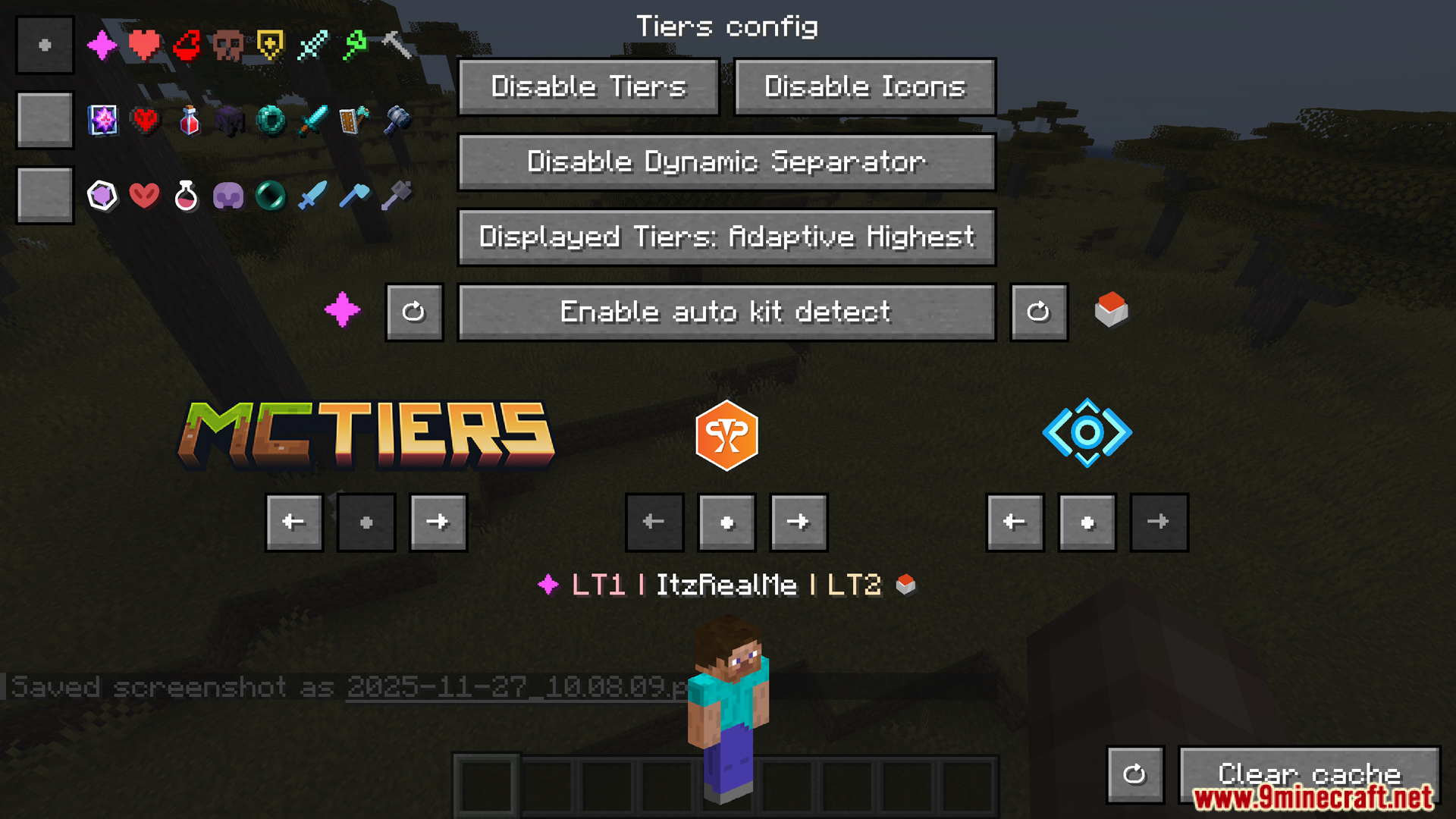
There are shortcuts to quickly switch between gamemodes displayed with U and I - Supports many icon styles and color palettes for tiers. Can choose preset icons and colors according to your own style
- There is a flexible tier display mode. Allows to choose to display tiers according to the selected gamemode, the highest suitable tier or the highest absolute tier
- Easy configuration with ModMenu or the command /tiers config allows to turn on/off mods, adjust icons, adjust display positions, choose presets and adjust many other parameters
Screenshots:
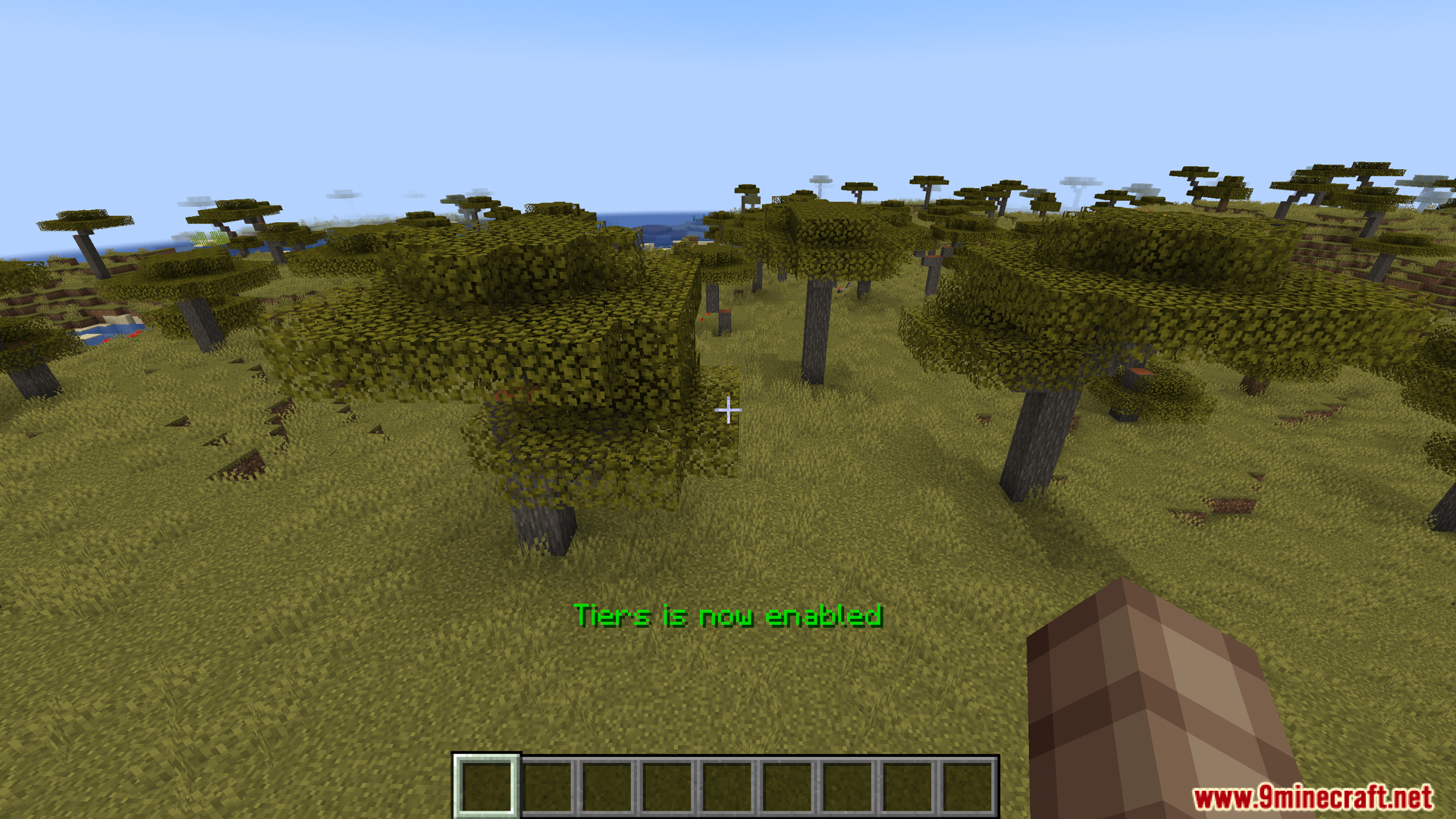
Tiers Mod Download Links
Quick facts
- Edition: Minecraft Java
- File type: .jar
- Minecraft version listed: 1.20.1
- How to install: Install the matching mod loader (Forge, Fabric or NeoForge) for your Minecraft version. → Download the .jar. → Put it in the .minecraft/mods folder and launch that loader profile.
- Where to get it: In MC Java Mods, or directly above on this page.
Install steps are the general flow for this file type — How to install Minecraft Java mods & modpacks walks through it step by step.
Verified by MCModsHub
- Downloads as 27952.mcaddon
- Download size: 566 KB
- Download link checked 22 Sept 2026 — working
- Mirrored on our own servers — the download does not depend on the original host
These come from our own check of the pack file, not from the source page.