
Utility mod that removes buttons and features to make the experience a little less bloated.
Features:
Buttons
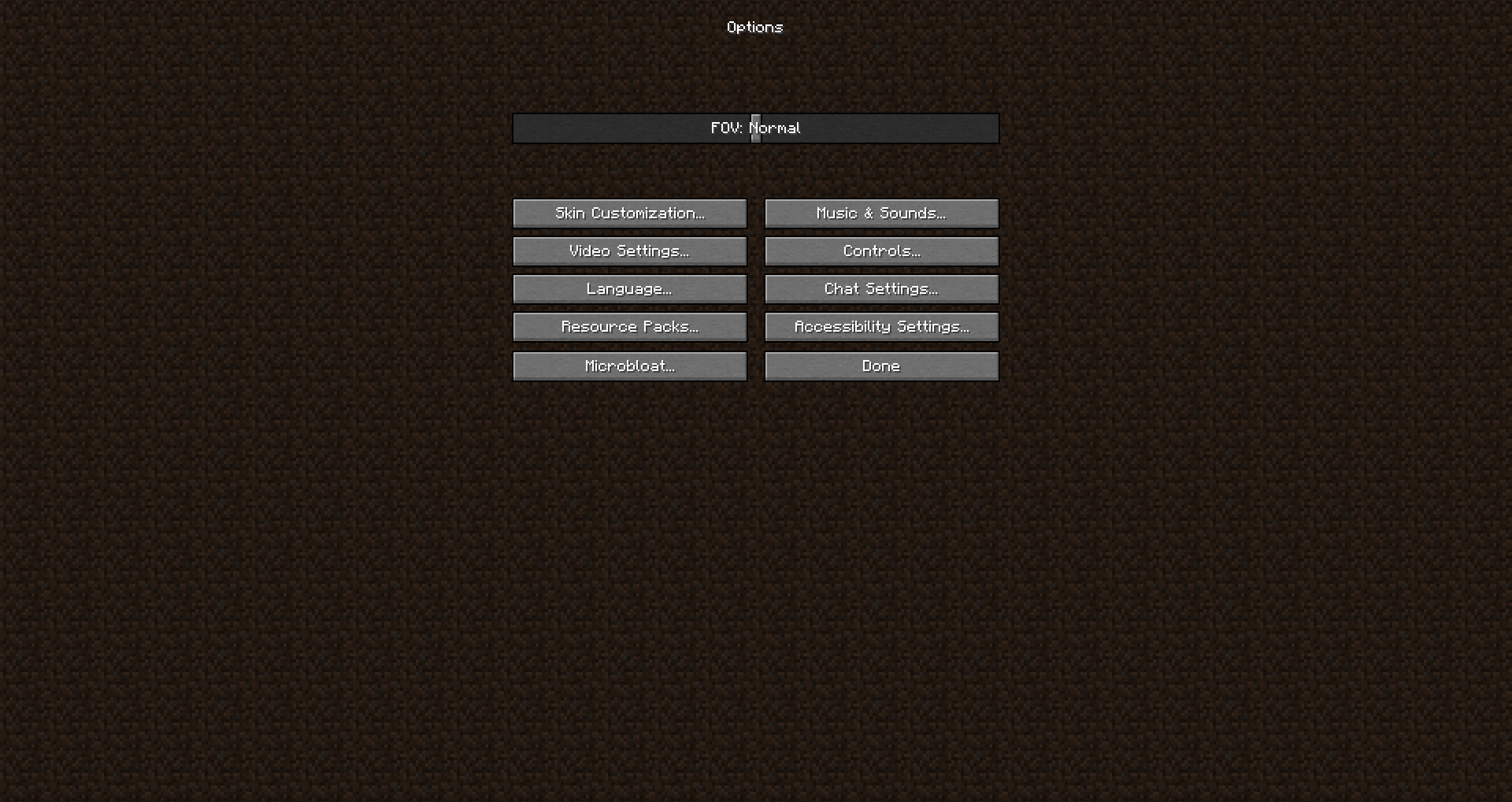
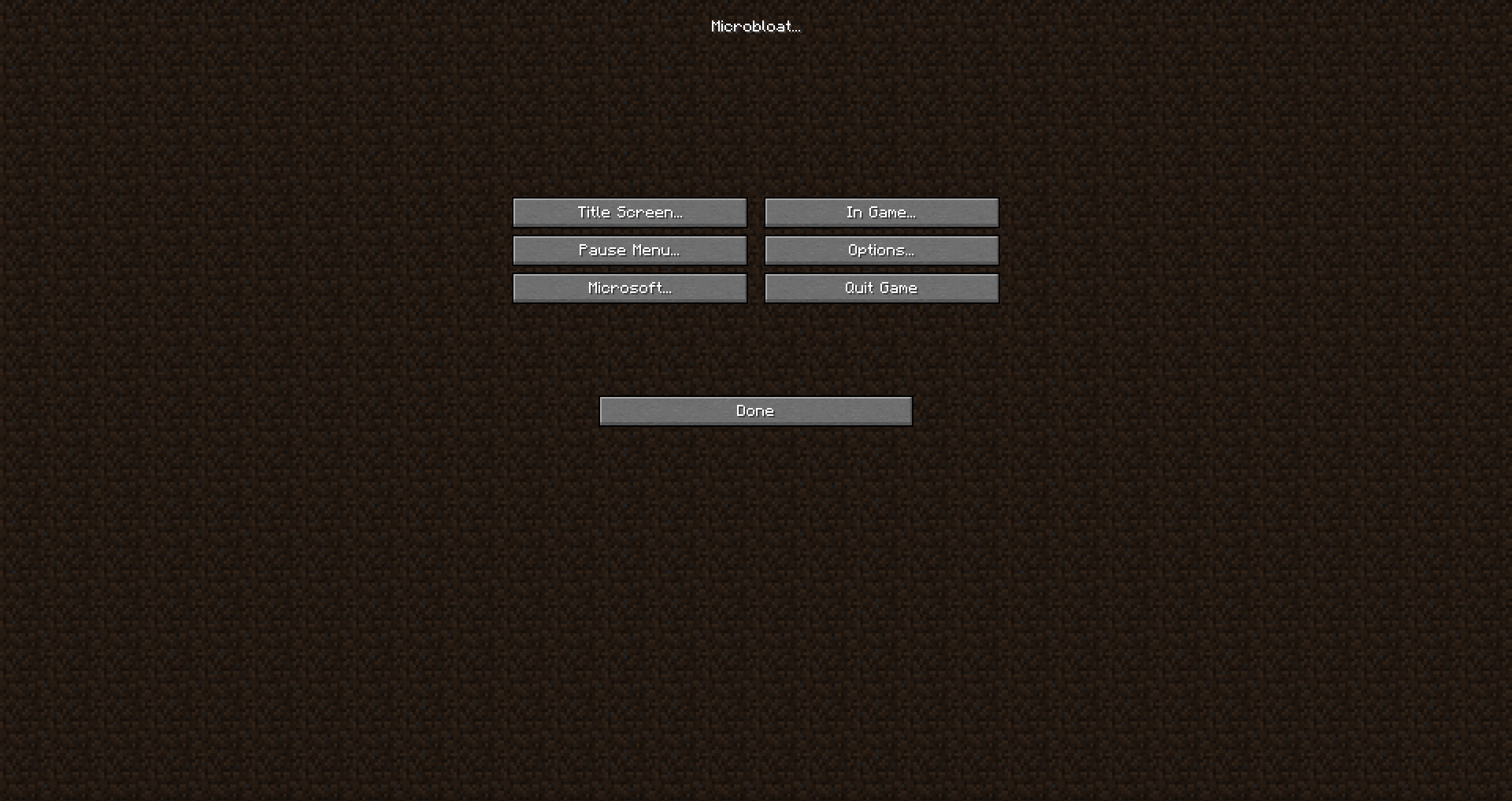
This mod primarily hides buttons this can be toggled in Options -> Microbloat (like all other features)
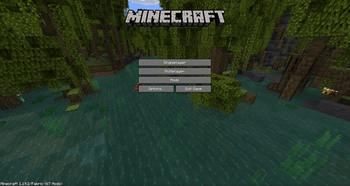
Title Screen
Realms Button
Quit Button
Language Button
Accessibility Button
Copyright text(toggle to hide it)
Edition (toggle to hide it)
Splash Text (toggle to hide it)
Background(two Options: No Spin(Makes the Background stop spinning), Dirt(makes the old School title screen))
Options
Difficulty Lock (toggle to hide it)
Online Settings (toggle to hide it)
Difficulty (toggle to hide it)
Accessibility Guide (toggle to hide it)
Auto Jump (toggle to disable it)
Mouse Settings (toggle to hide it)
Pause Screen
Advancements (toggle to hide it)
Stats (toggle to hide it)
Send Feedback (toggle to hide it)
Report Bugs (toggle to hide it)
Share to LAN (toggle to hide it)
In Game
- Death Score (toggle to hide it)
Microsoft
Snooper (toggle to disable it)
Chat Reporting Button (toggle to hide it)
- Edition: Minecraft Java
- File type: .jar
- Minecraft version listed: 1.19.2
- How to install: Install the matching mod loader (Forge, Fabric or NeoForge) for your Minecraft version. → Download the .jar. → Put it in the .minecraft/mods folder and launch that loader profile.
- Where to get it: Opens on Modrinth — not every file is mirrored on our own servers.
Install steps are the general flow for this file type — How to install Minecraft Java mods & modpacks walks through it step by step.
- Ships as micro-bloat.jar — drop this file into the mods folder
- Download size: 60 KB
- Download link checked 1 Sept 2026 — working
These come from our own check of the pack file, not from the source page.