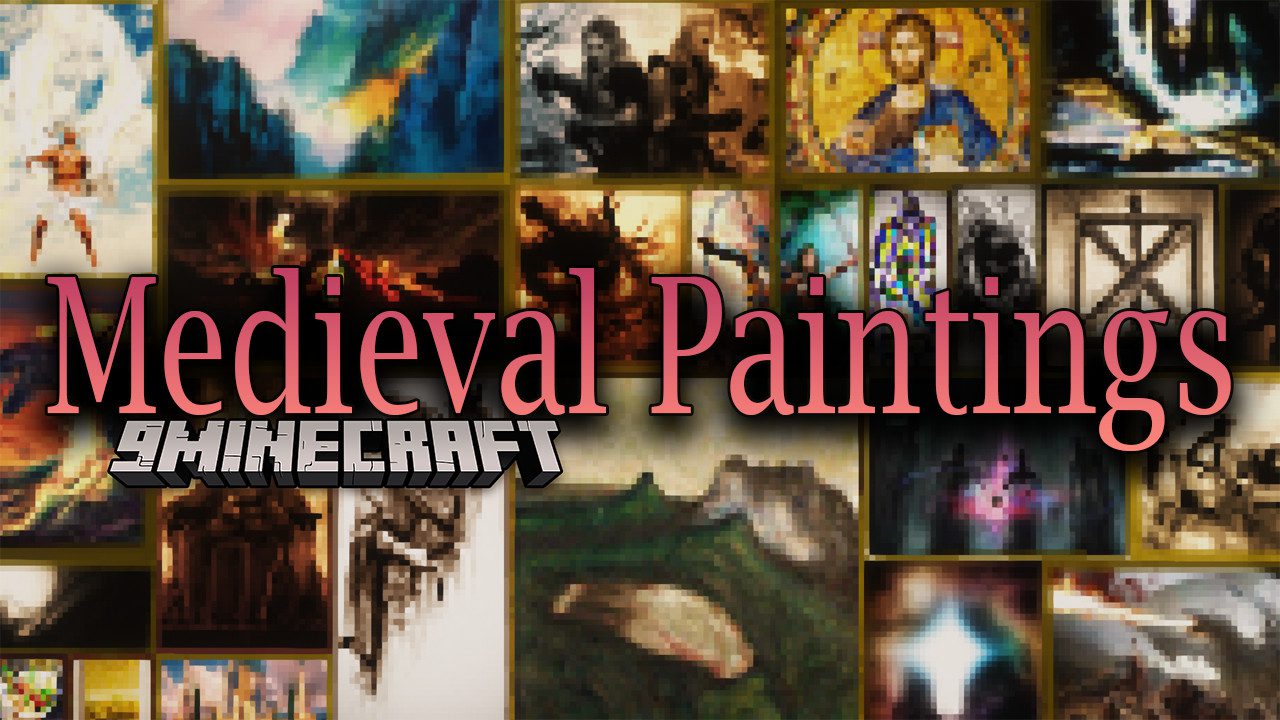
Medieval Paintings Mod (26.1.2, 1.20.1) – Medieval-Fantasy Style Paintings
Java mod listed for Minecraft 1.20. Downloads from the MC Java Mods app on Android.
⬇ Download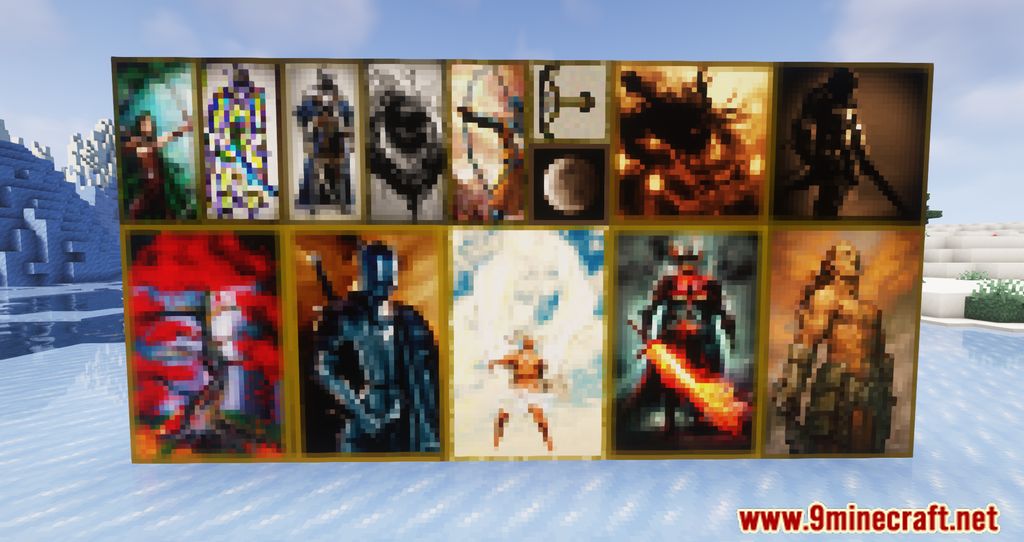
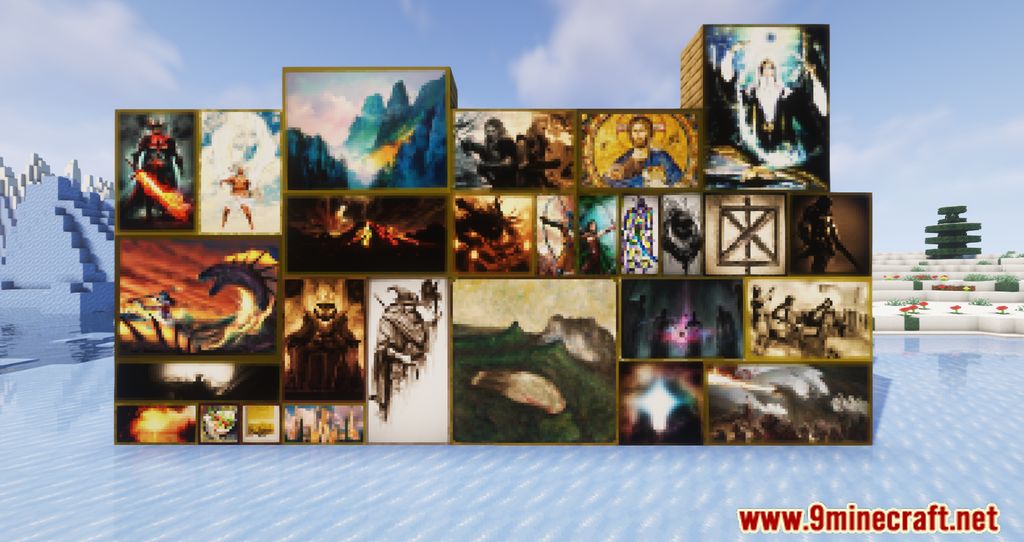
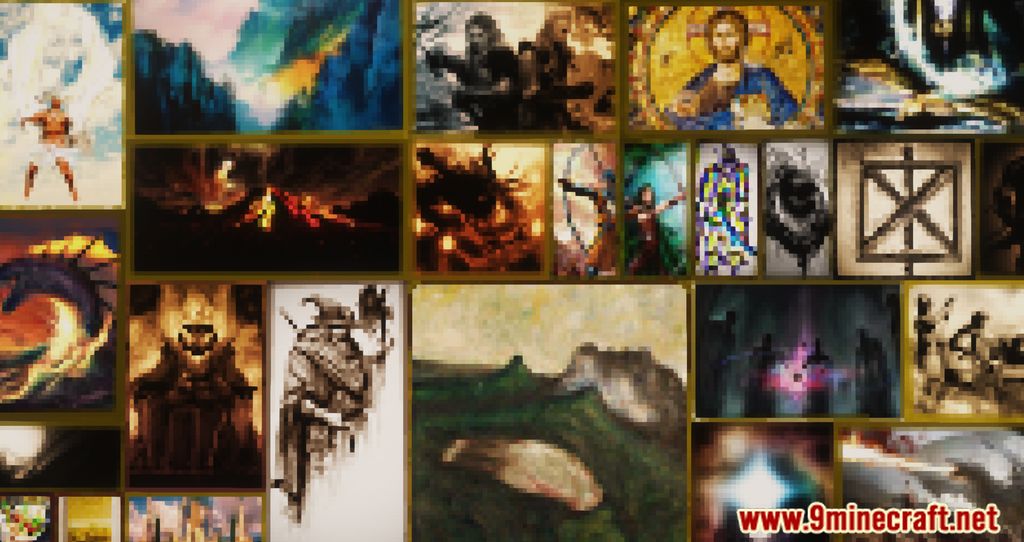
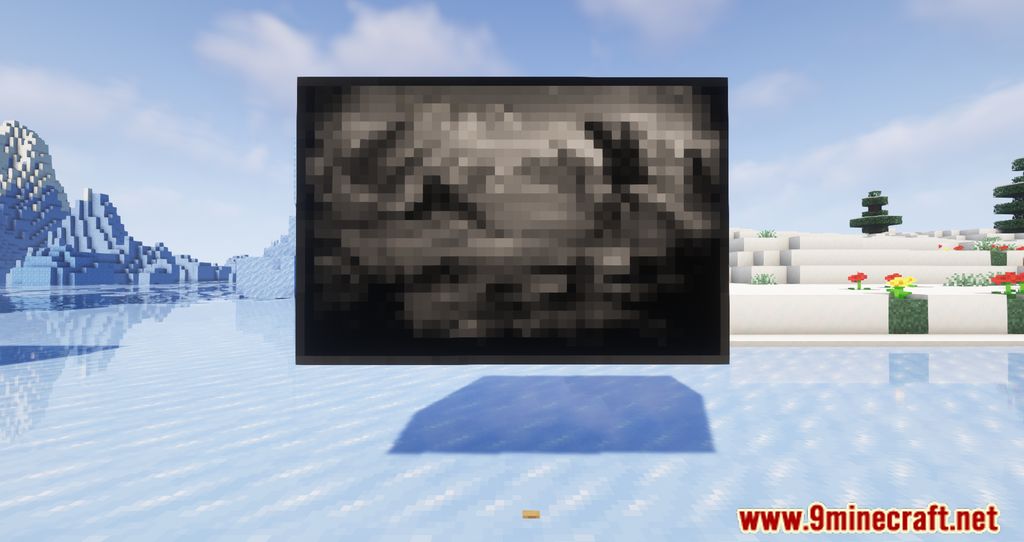
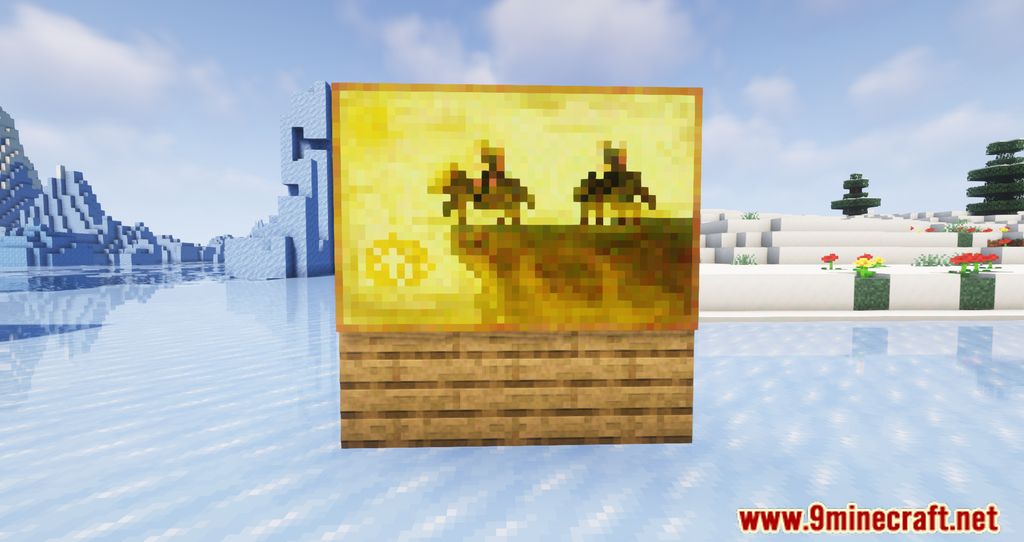
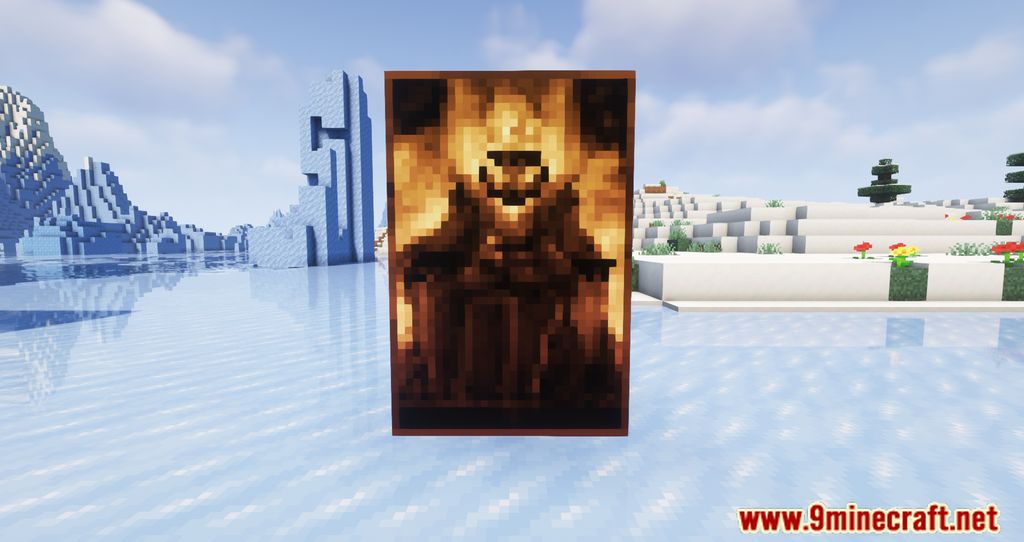
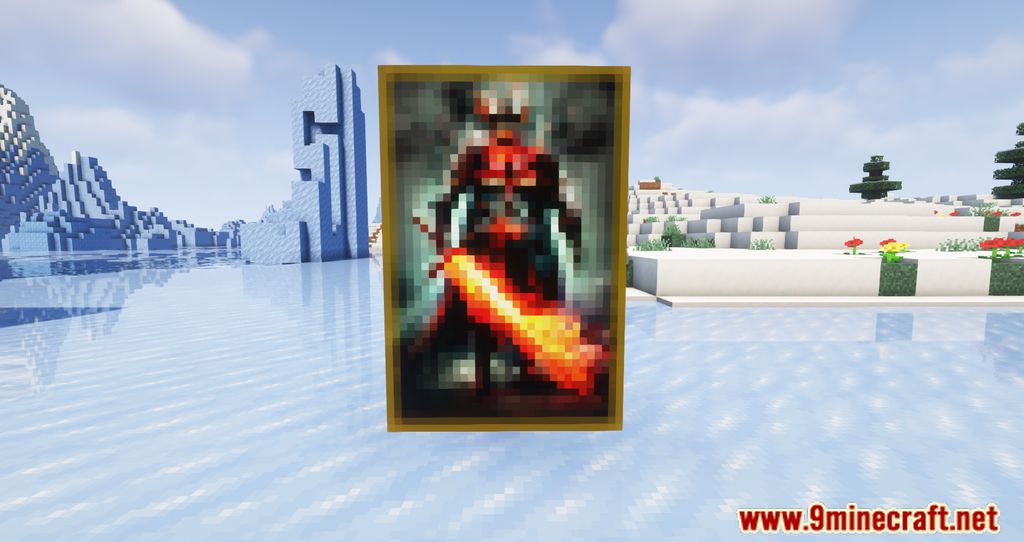
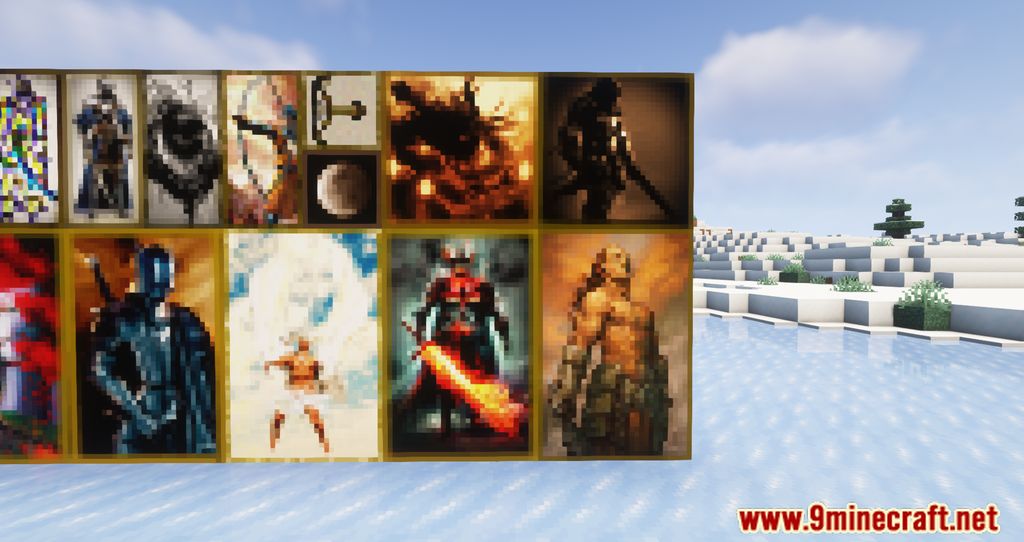
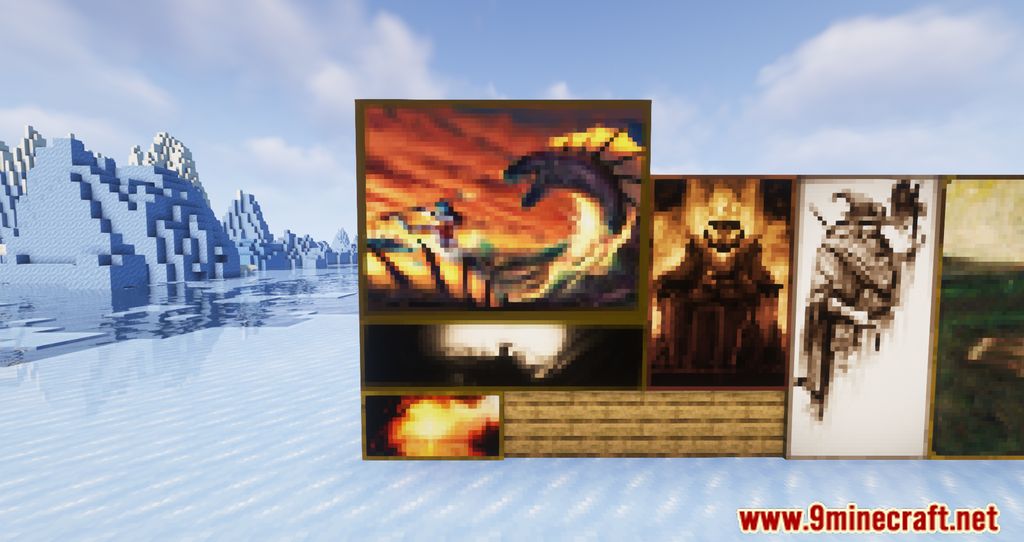
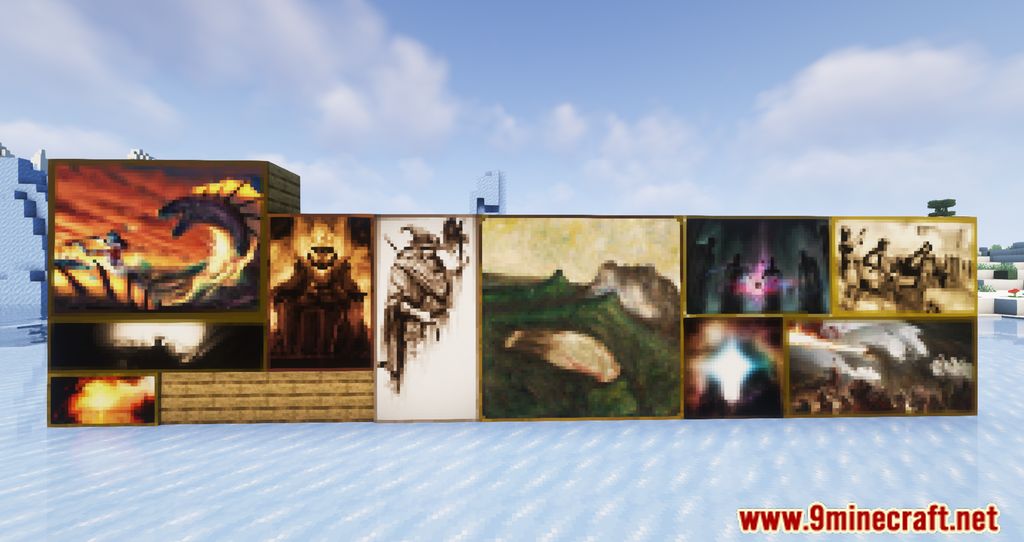
Medieval Paintings Mod is a mod that adds over 50 medieval-fantasy artworks. These pieces have a resolution of 16×16 pixels and textures that blend seamlessly with the game’s visual style, allowing us to decorate our builds with a historical and artistic touch. To use the paintings, simply place them as you would any other painting in Minecraft. To prevent the default Minecraft paintings from appearing, you’ll need to install a texture pack in addition to the mod. This pack will convert the default paintings into medieval ones.
Features:
- Over 50 New Paintings: Inspired by medieval fantasy themes, perfect for castles, taverns, dungeons, and other historical builds.
- All paintings use a 16×16 resolution, matching Minecraft’s default aesthetic.
- Paintings are placed just like vanilla ones, making it easy to decorate your world.
- You can replace vanilla paintings entirely with medieval ones using an optional resource pack.
Screenshots:
Medieval Paintings Mod Download Links
- Edition: Minecraft Java
- File type: .jar
- Minecraft version listed: 1.20.1
- How to install: Install the matching mod loader (Forge, Fabric or NeoForge) for your Minecraft version. → Download the .jar. → Put it in the .minecraft/mods folder and launch that loader profile.
- Where to get it: In MC Java Mods, or directly above on this page.
Install steps are the general flow for this file type — How to install Minecraft Java mods & modpacks walks through it step by step.
- Downloads as 27958.mcaddon
- Download size: 896 KB
- Download link checked 25 Sept 2026 — working
- Mirrored on our own servers — the download does not depend on the original host
These come from our own check of the pack file, not from the source page.