ModsJava
Oth3r's Sit Mod (26.2, 1.20.1) – Sit Back And Relax
Java mod listed for Minecraft 1.20. Downloads from the MC Java Mods app on Android.
Oth3r's Sit Mod is a vanilla+ mod that allows players to sit in Minecraft. It enables sitting on various blocks and includes customization options for…
⬇ Download
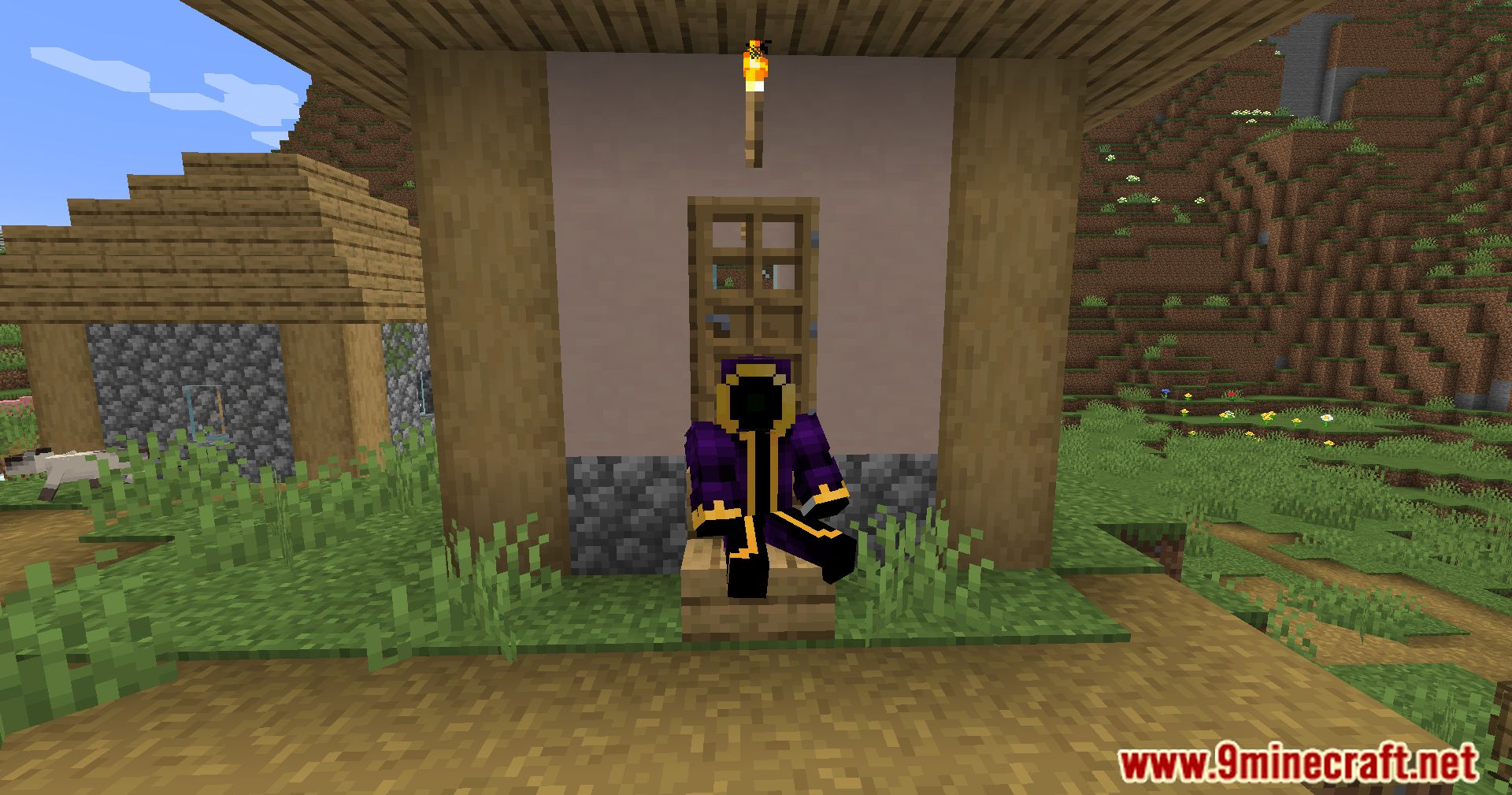
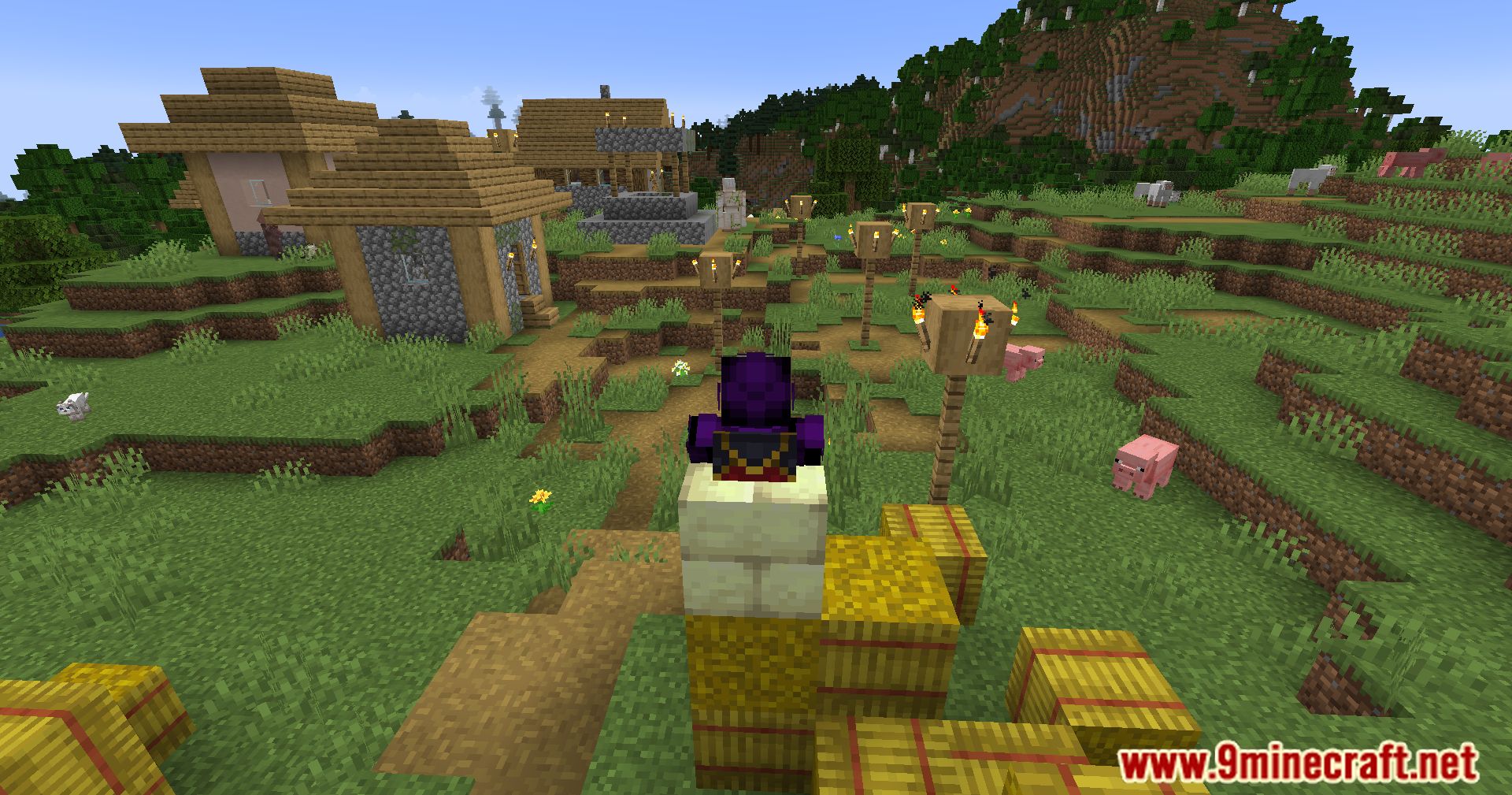
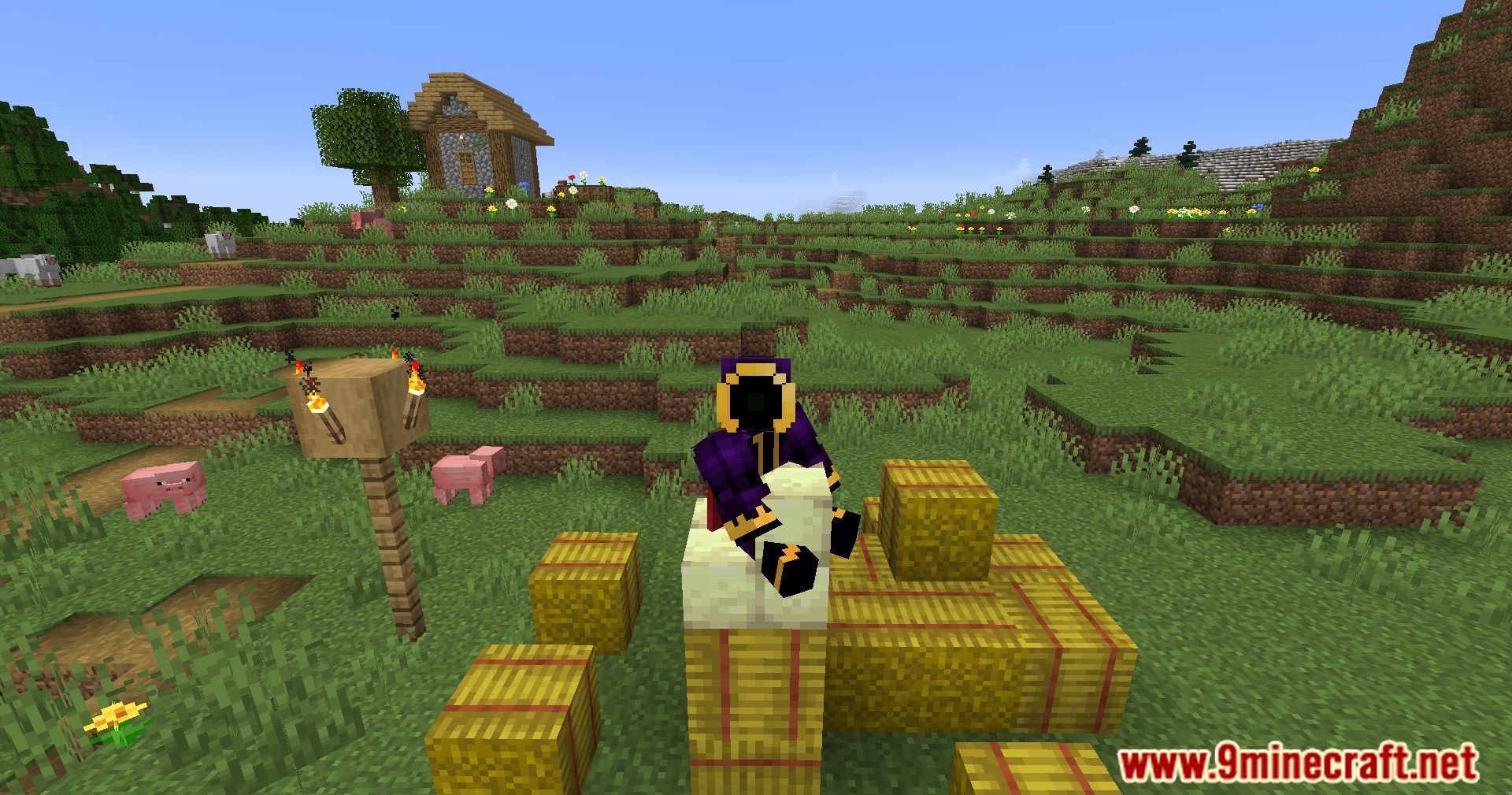
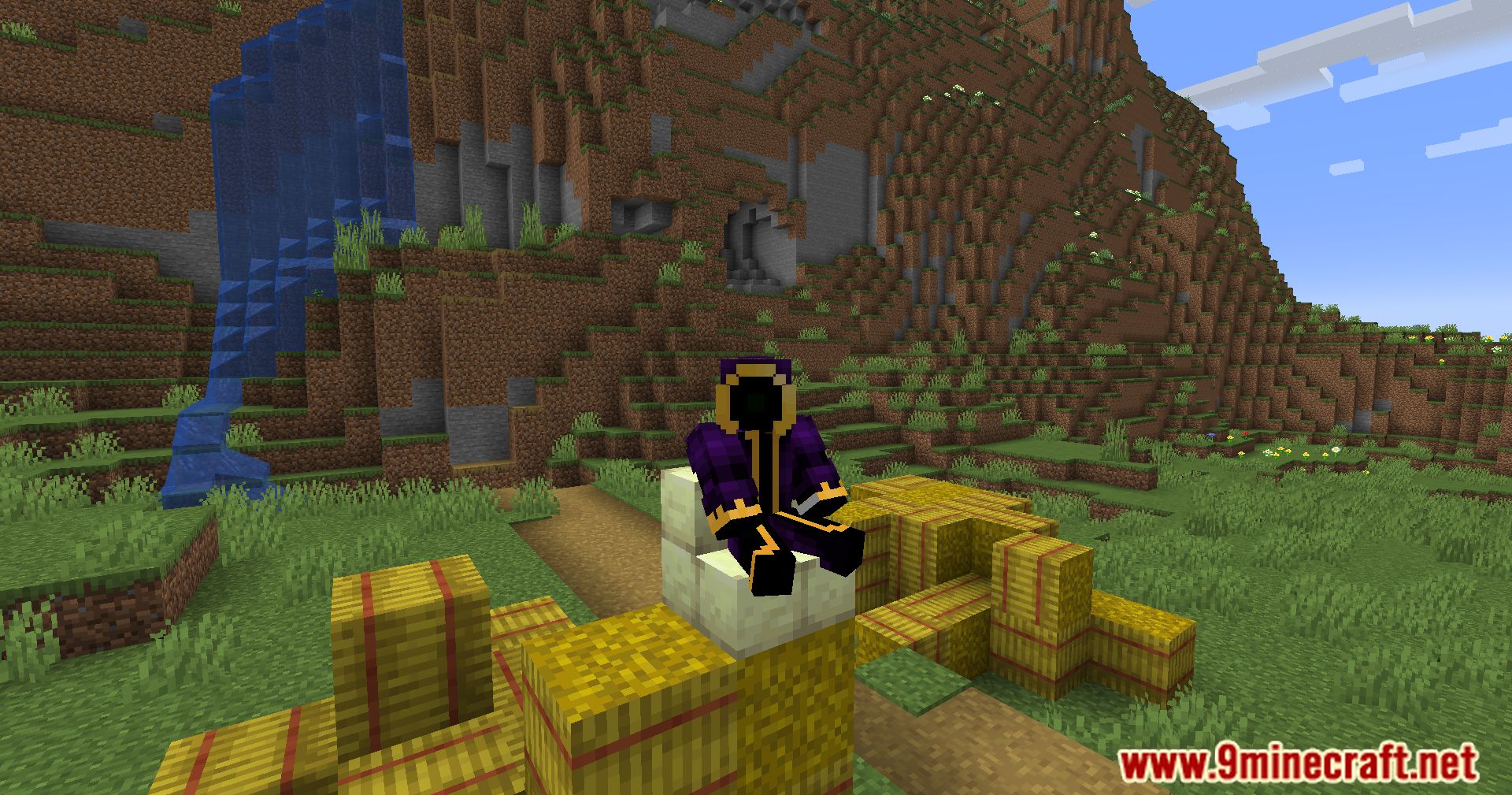
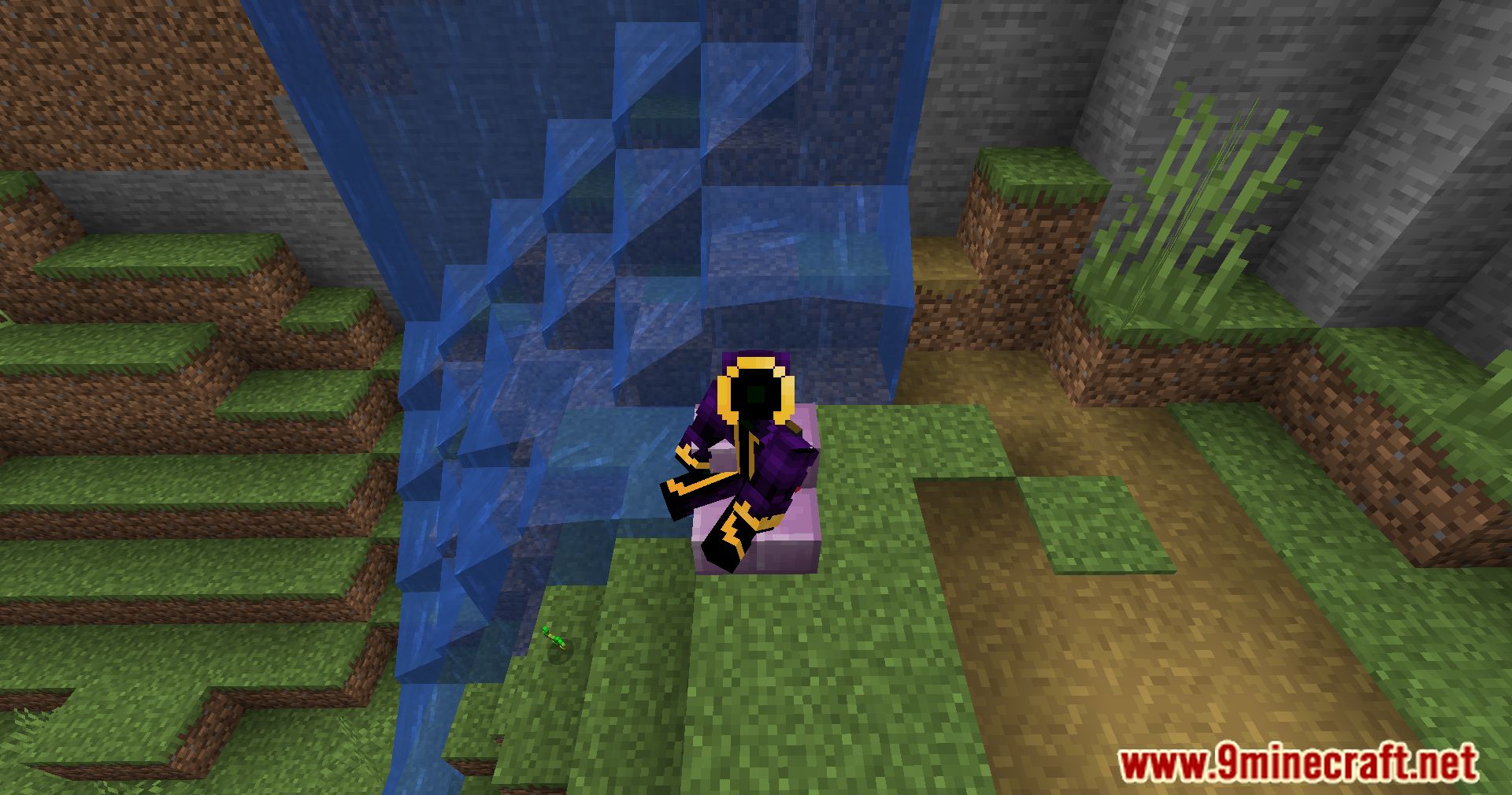
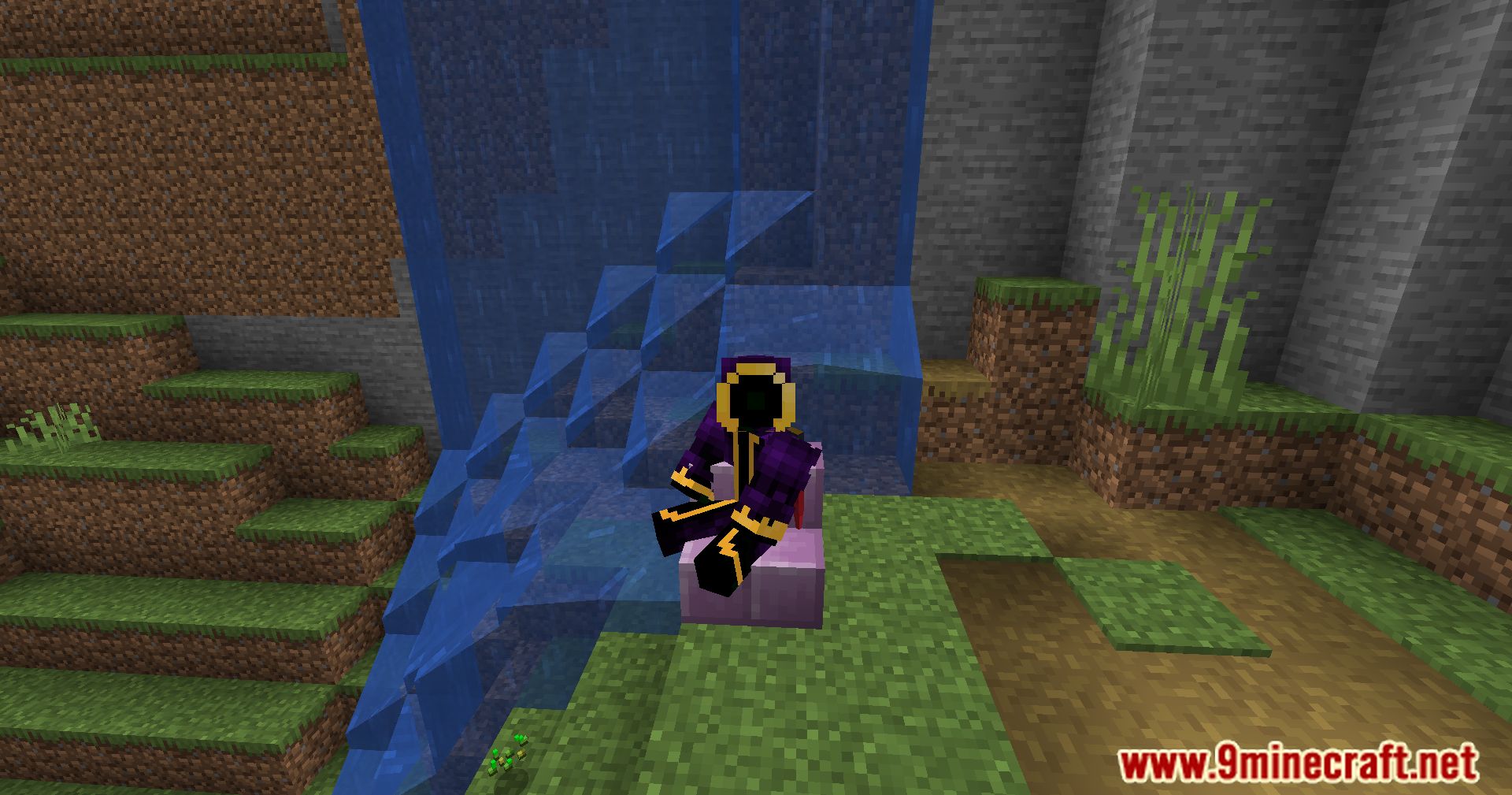
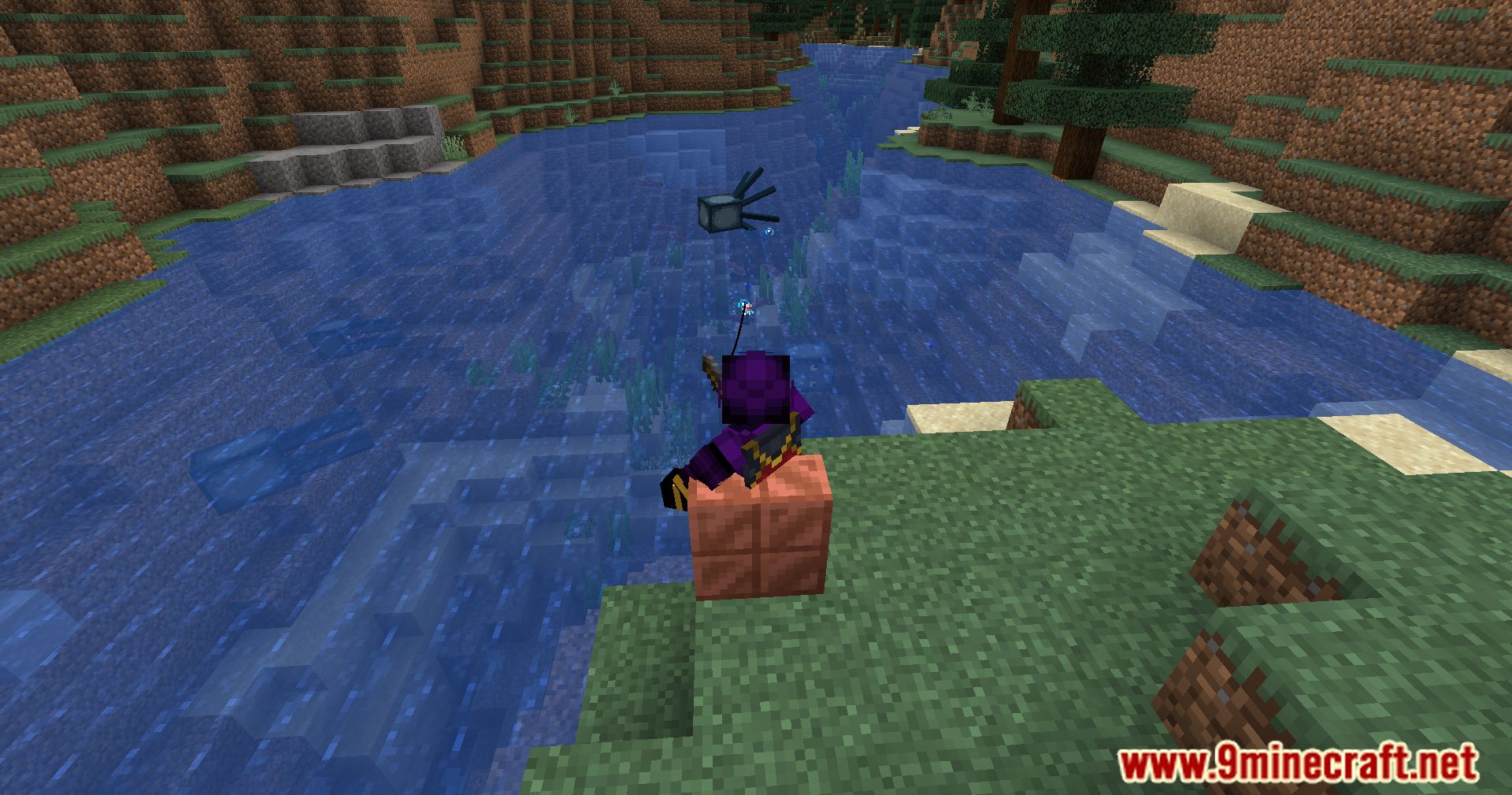
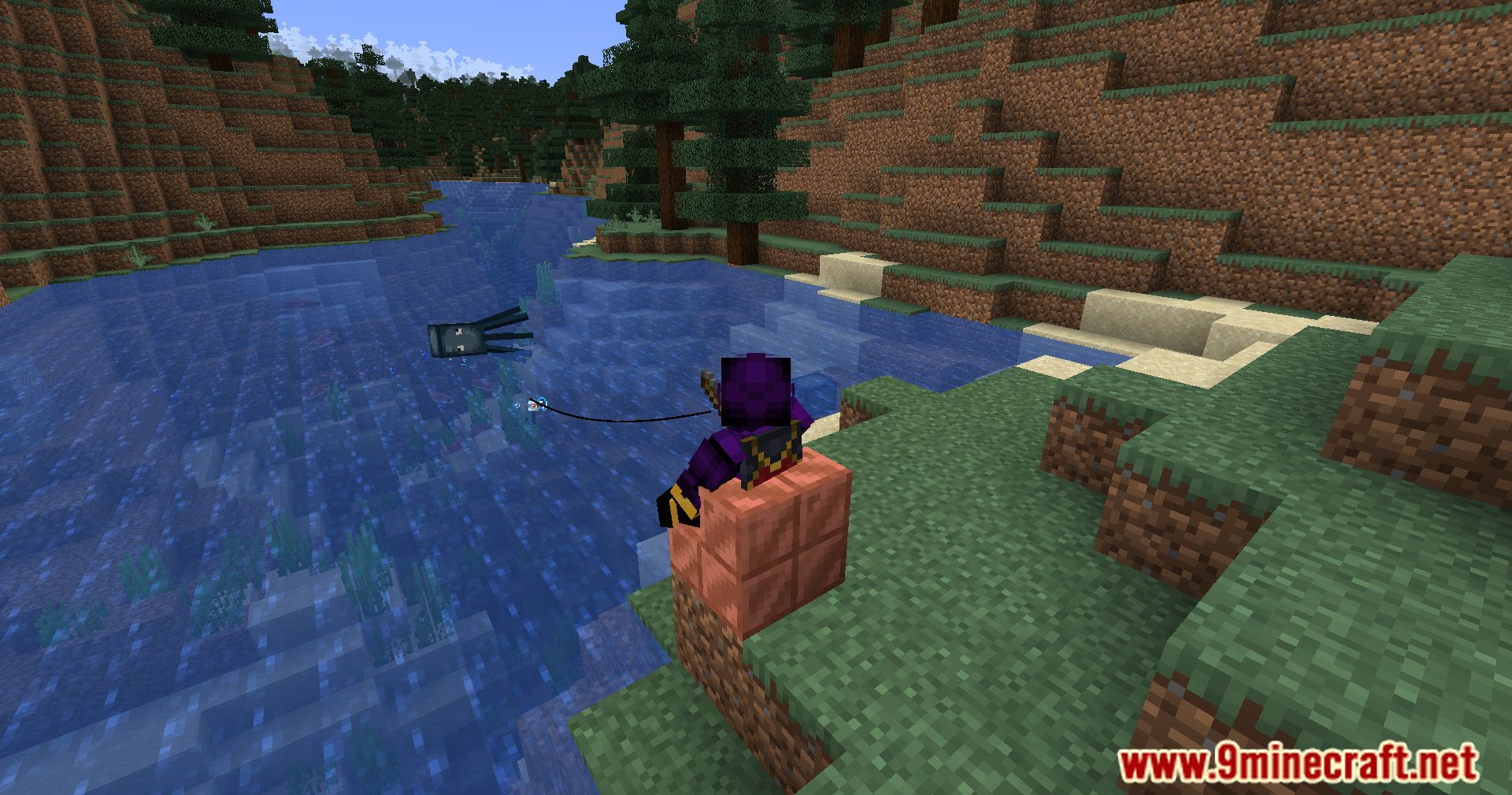
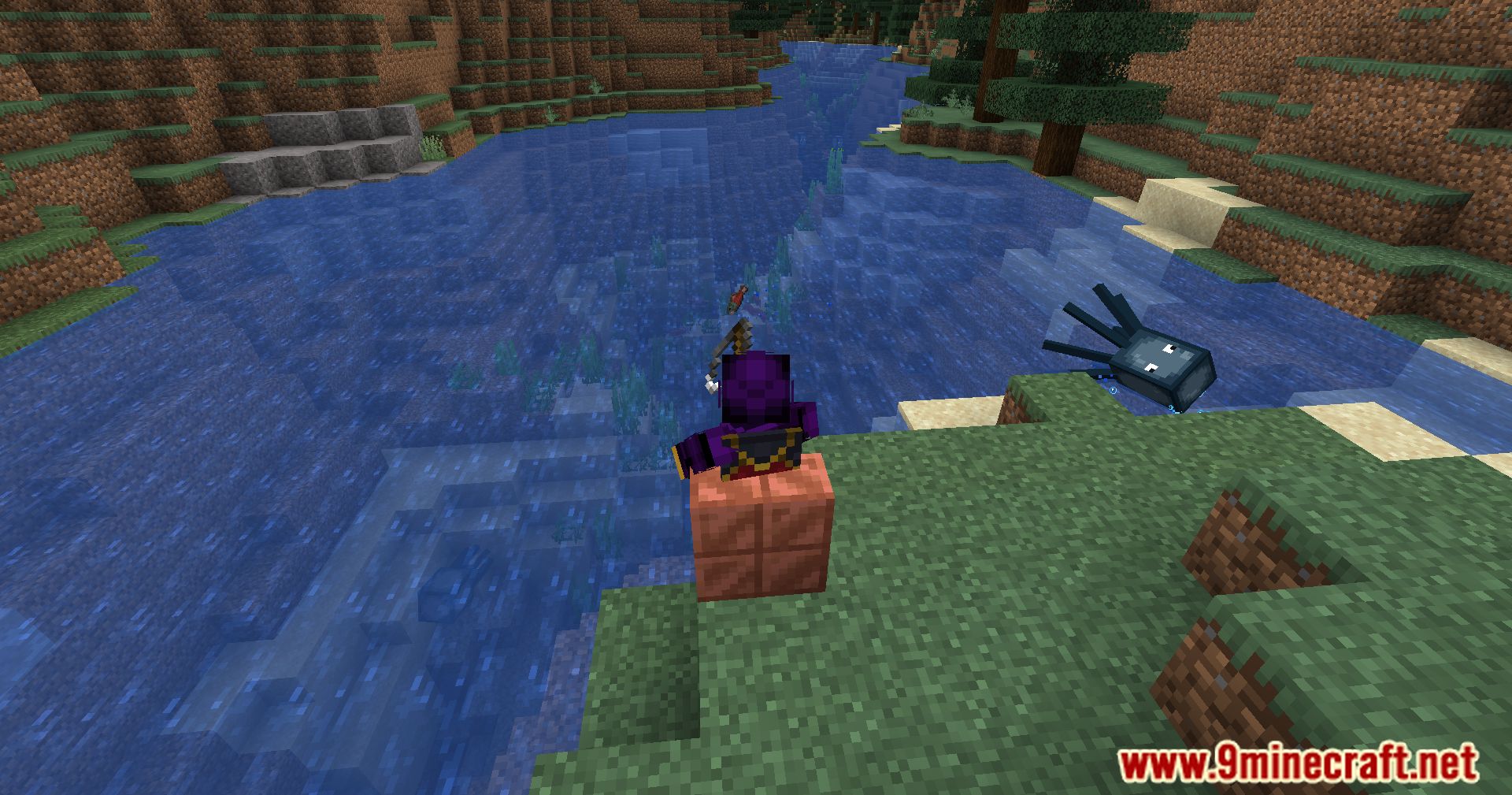
Oth3r’s Sit Mod is a vanilla+ mod that allows players to sit in Minecraft. It enables sitting on various blocks and includes customization options for better control and multiplayer compatibility.
Features:
- Seating Options: Sit on stairs, slabs, and carpets by default. You can enable sitting on other blocks through the configuration file.
- Hand Restrictions: Customize hand settings to prevent accidental sitting. Player-specific hand restrictions are supported when joining a Sit! server.
- Custom Blocks: Add new sitting options via configuration. Block tags and custom block states can be used to easily apply sitting to large groups of blocks.
- Keybinds: Instead of using hand interaction, you can assign a keybind or use a command to sit.
- Customizable Config: Modify all default settings to suit your preferences or server rules.
- Geyser Support: Full compatibility with Bedrock and Java players, allowing everyone to sit together seamlessly.
- Works on the server side; players do not need to install the mod individually (works in singleplayer as well).
Localization:
- Currently available in English, Traditional Chinese, Italian, Brazilian Portuguese, and Turkish.
- You can help translate Sit! on Crowdin to make it accessible to more players.
Screenshots:
Oth3r’s Sit Mod Download Links
Quick facts
- Edition: Minecraft Java
- File type: .jar
- Minecraft version listed: 1.20.1
- How to install: Install the matching mod loader (Forge, Fabric or NeoForge) for your Minecraft version. → Download the .jar. → Put it in the .minecraft/mods folder and launch that loader profile.
- Where to get it: In MC Java Mods, or directly above on this page.
Install steps are the general flow for this file type — How to install Minecraft Java mods & modpacks walks through it step by step.
File checked by MCModsHub
- Downloads as 27966.mcaddon
- Download size: 382 KB
- Download link checked 26 Sept 2026 — working
- Mirrored on our own servers — the download does not depend on the original host
These come from our own check of the pack file, not from the source page.