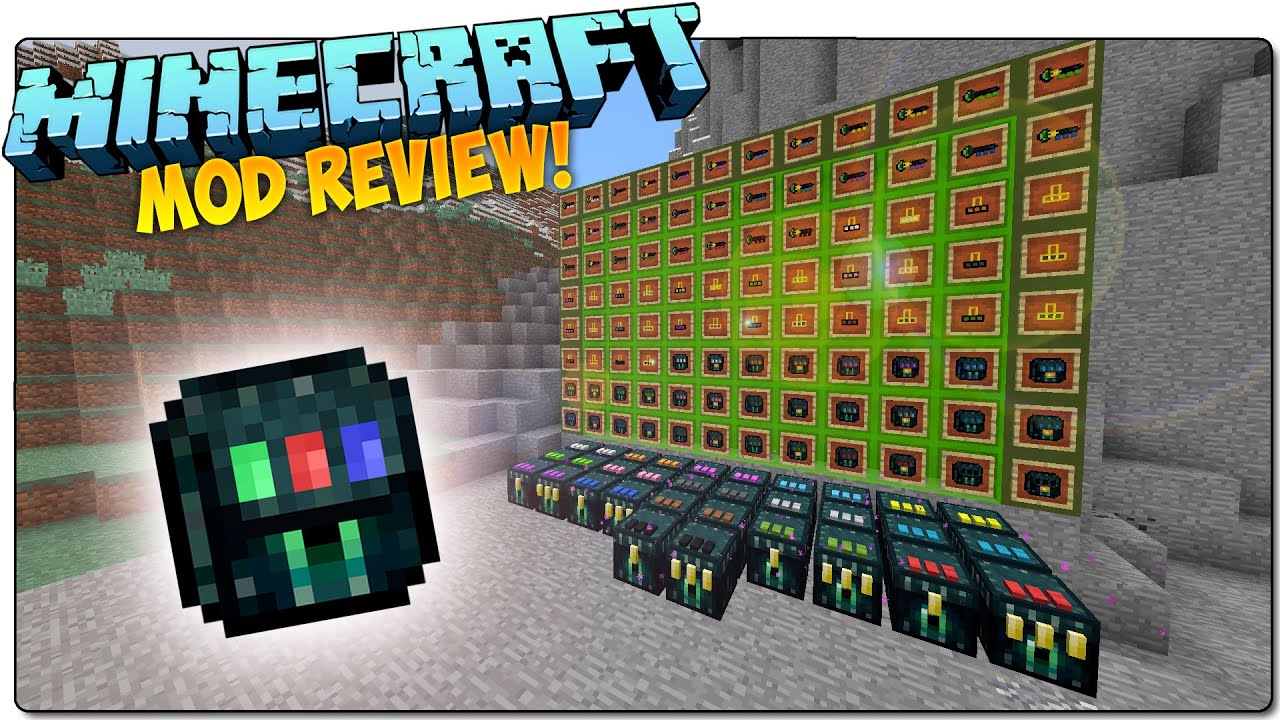
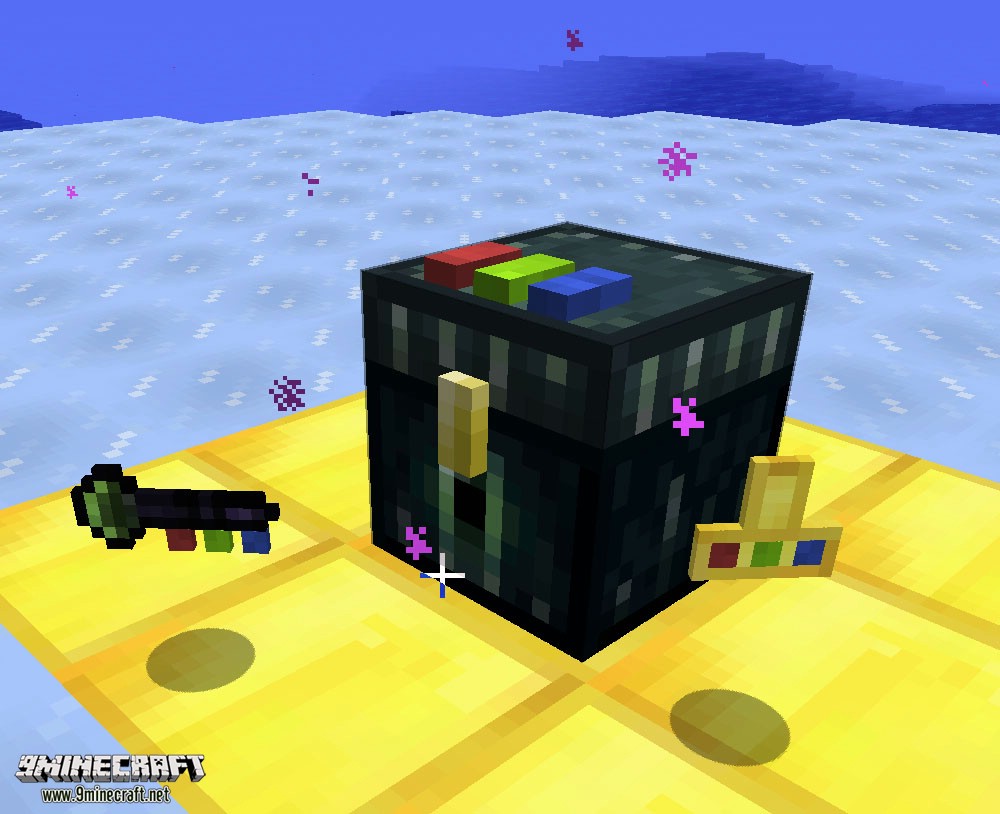
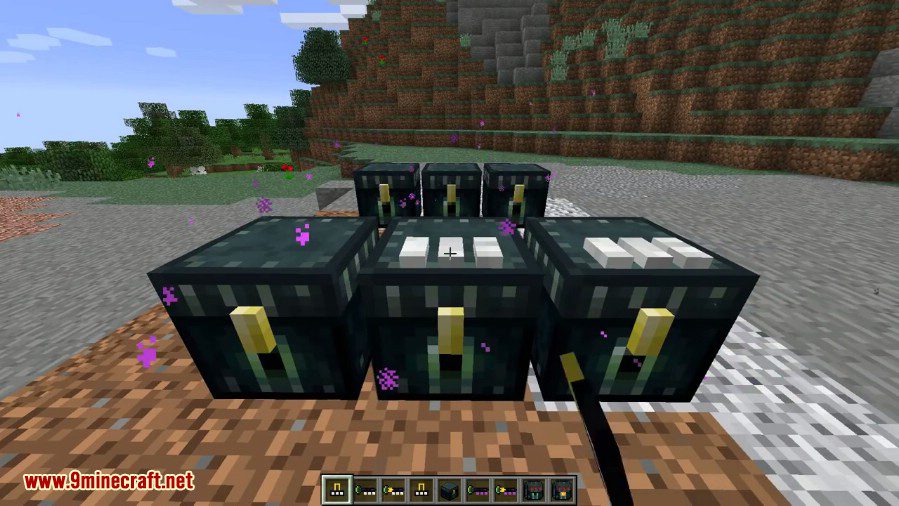
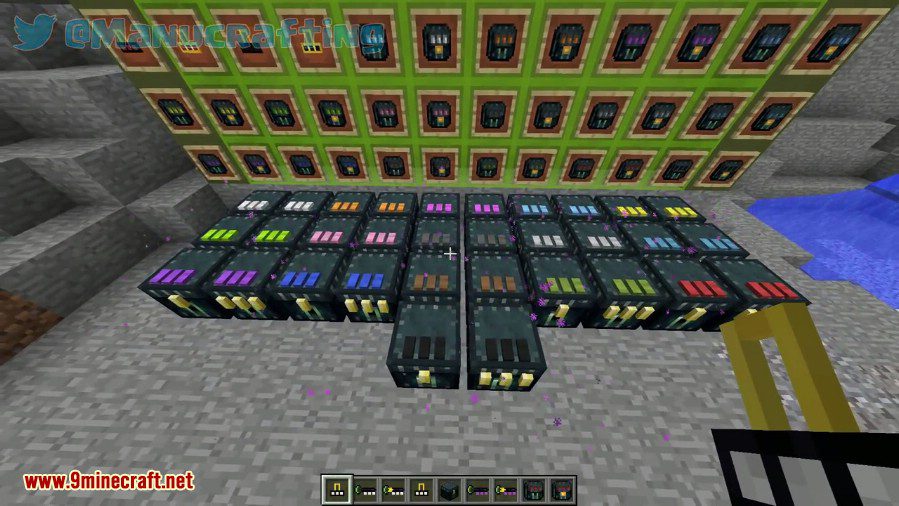
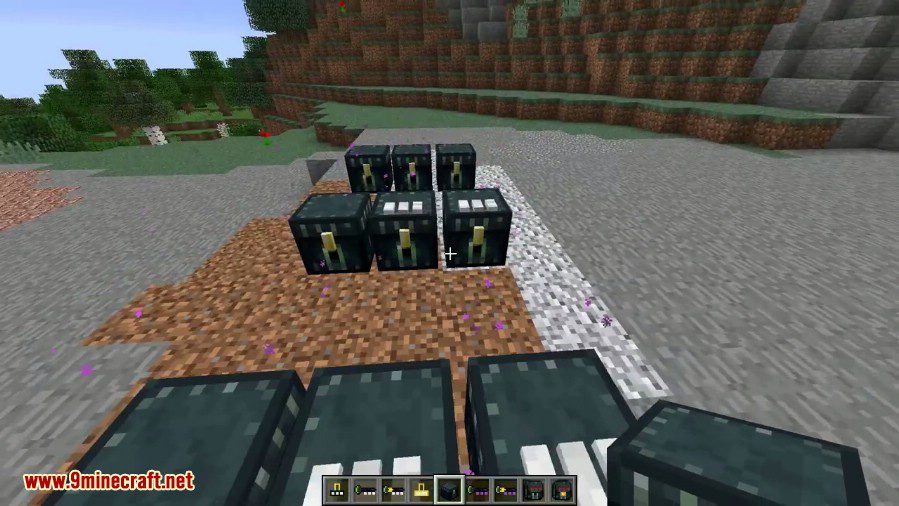
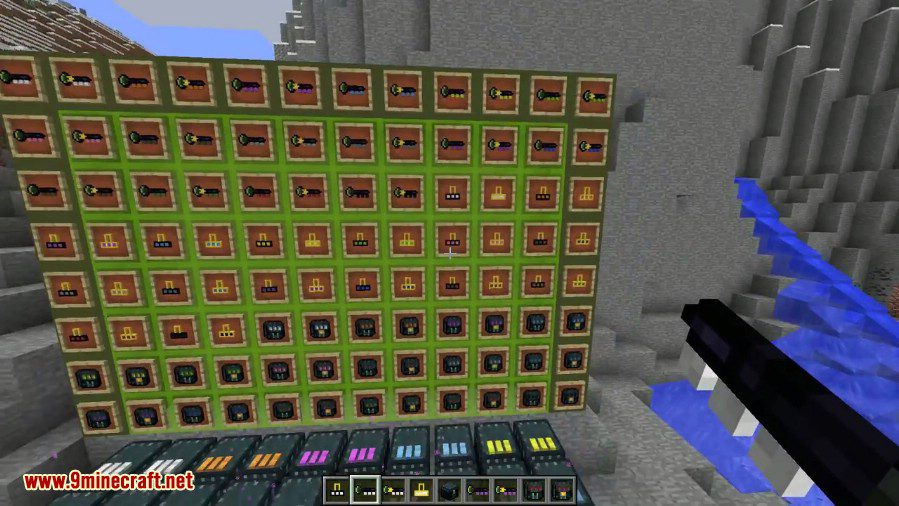
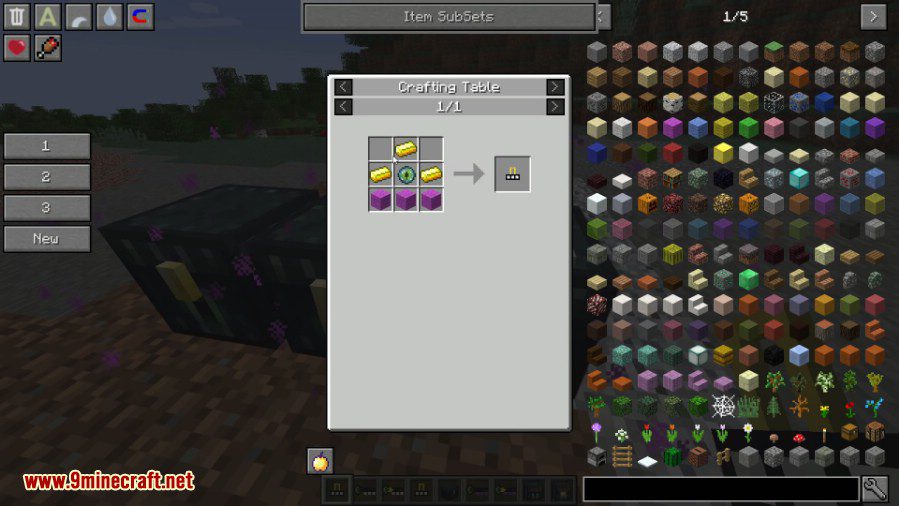
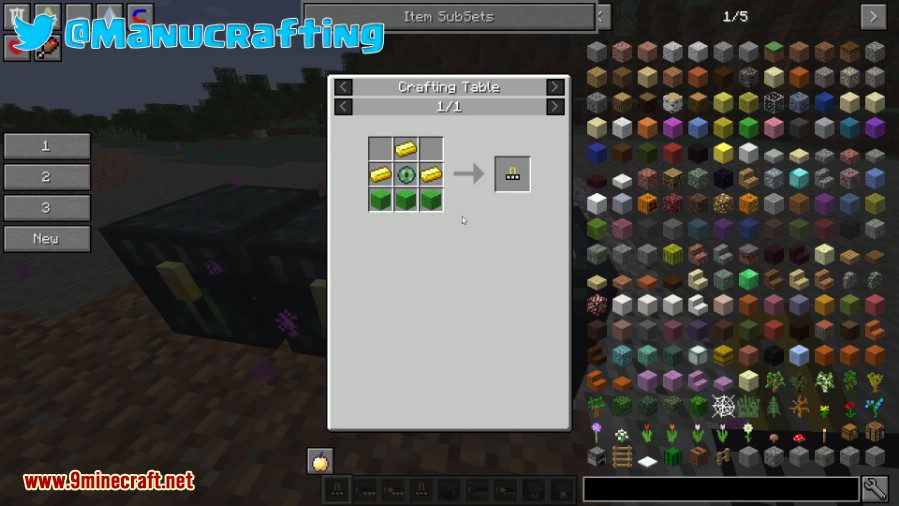
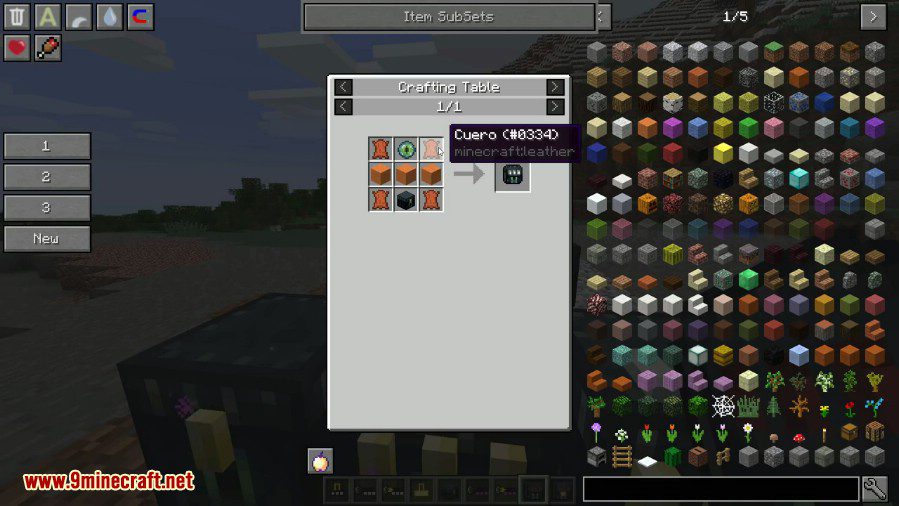
Enderthing Mod adds ender chests with different colored locks to Minecraft. Would you and your friend like to have the same ender chest? Or would you like to have several ender backpacks linked to different ender chests with colored locks? To make one of these chests, you will need a colored lock. There are two types of locks: Global and Private. The Global lock will be accessible to everyone, while the Private lock will be accessible only to specific people (or only to you. This can be further explored in multiplayer). To dye the colored lock, take any dye in your hand and press Shift+Right Click. To craft a key of a specific color, you must have 3 dyes of any kind (more details in the mod’s crafting recipes). This mod also adds two ender backpacks, which allow you to access your ender chests remotely. To link an ender chest with a colored lock to a backpack, place the ender backpack and three dyes in the crafting table (more details in the mod’s crafting recipes). You will also find an Ender Security Card. Most likely, it should grant access to a player who has the card for a particular ender chest (this can be tested in multiplayer).
Features:
- Ender Key: By shift-rightclicking on an Ender Chest, you can open the shared inventory corresponding to the color code of the key. Anywhere, any time.
- Private Keys: These items act like the normal keys, but instead of opening a global inventory, the inventory is player-bound instead, which means other players will get separate inventories from you.
- Ender Lock: By shift-rightclicking on an Ender Chest, you can permanently convert this chest into an Ender Key Chest, which will allow hoppers and other pipes to access the chest.
- If you use the lock on an already-keyed chest, the old lock will pop off, meaning it’s reusable.
- If you want to de-key a chest, put it on your hand, and shift-rightclick on air.
- Private Locks: Similarly to keys, they act like normal locks, but with a caveat: Private chests can not be automated, since the inventory is bound exclusively to the player.
- Ender Key Chest
- Clicking the areas around the pieces at the top with dyes will change the colors. Note that this acts on the top face, not the wool pieces themselves.
- Bags: Same principles as the chests and keys: normal ones access the global network, private ones access the private network.
Screenshots:
Crafting Recipes:
Enderthing Mod Download Links
- Edition: Minecraft Java
- File type: .jar
- Minecraft version listed: 1.20.1
- How to install: Install the matching mod loader (Forge, Fabric or NeoForge) for your Minecraft version. → Download the .jar. → Put it in the .minecraft/mods folder and launch that loader profile.
- Where to get it: In MC Java Mods, or directly above on this page.
Install steps are the general flow for this file type — How to install Minecraft Java mods & modpacks walks through it step by step.
- Downloads as 27968.mcaddon
- Download size: 184 KB
- Download link checked 26 Sept 2026 — working
- Mirrored on our own servers — the download does not depend on the original host
These come from our own check of the pack file, not from the source page.