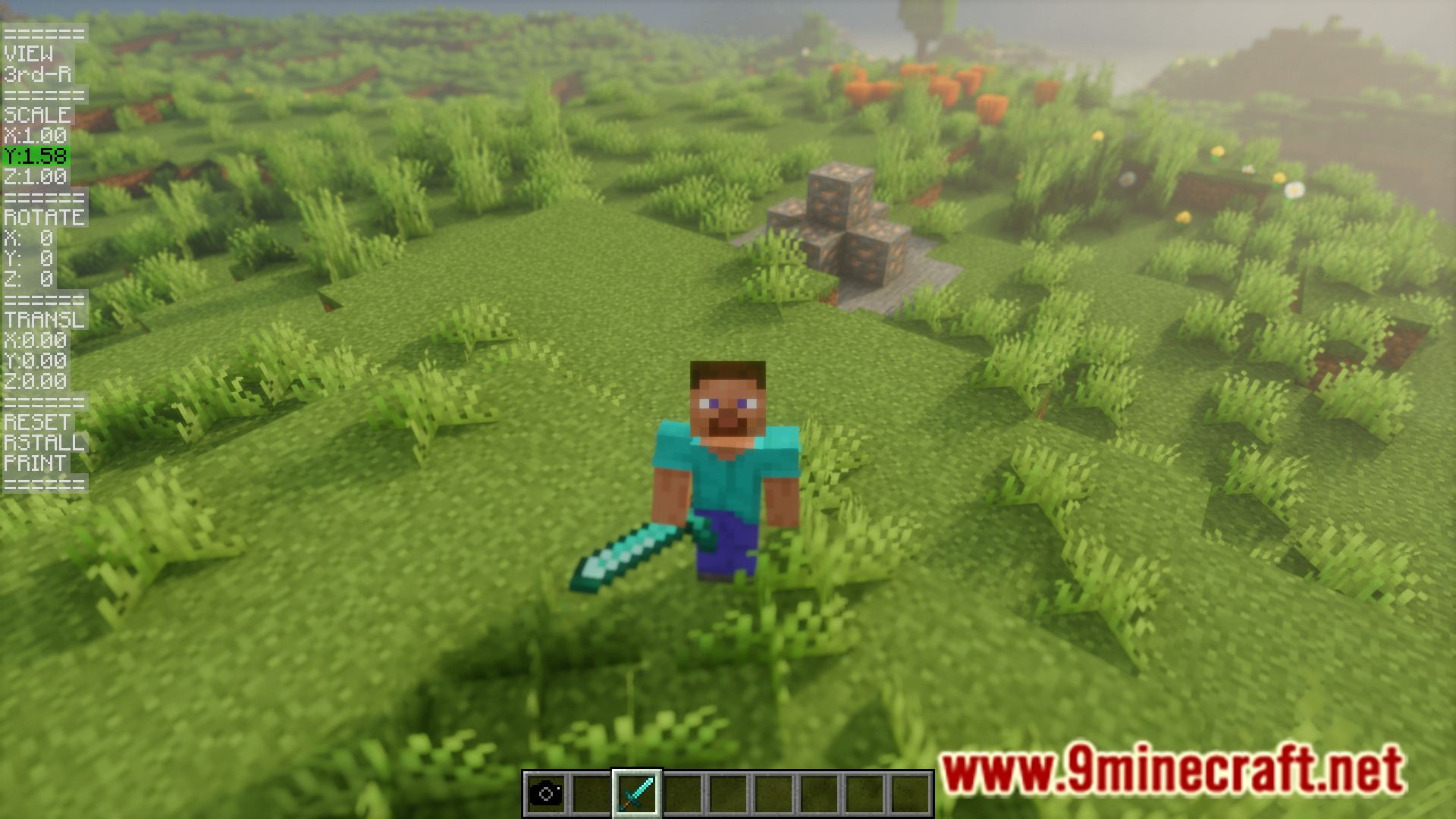
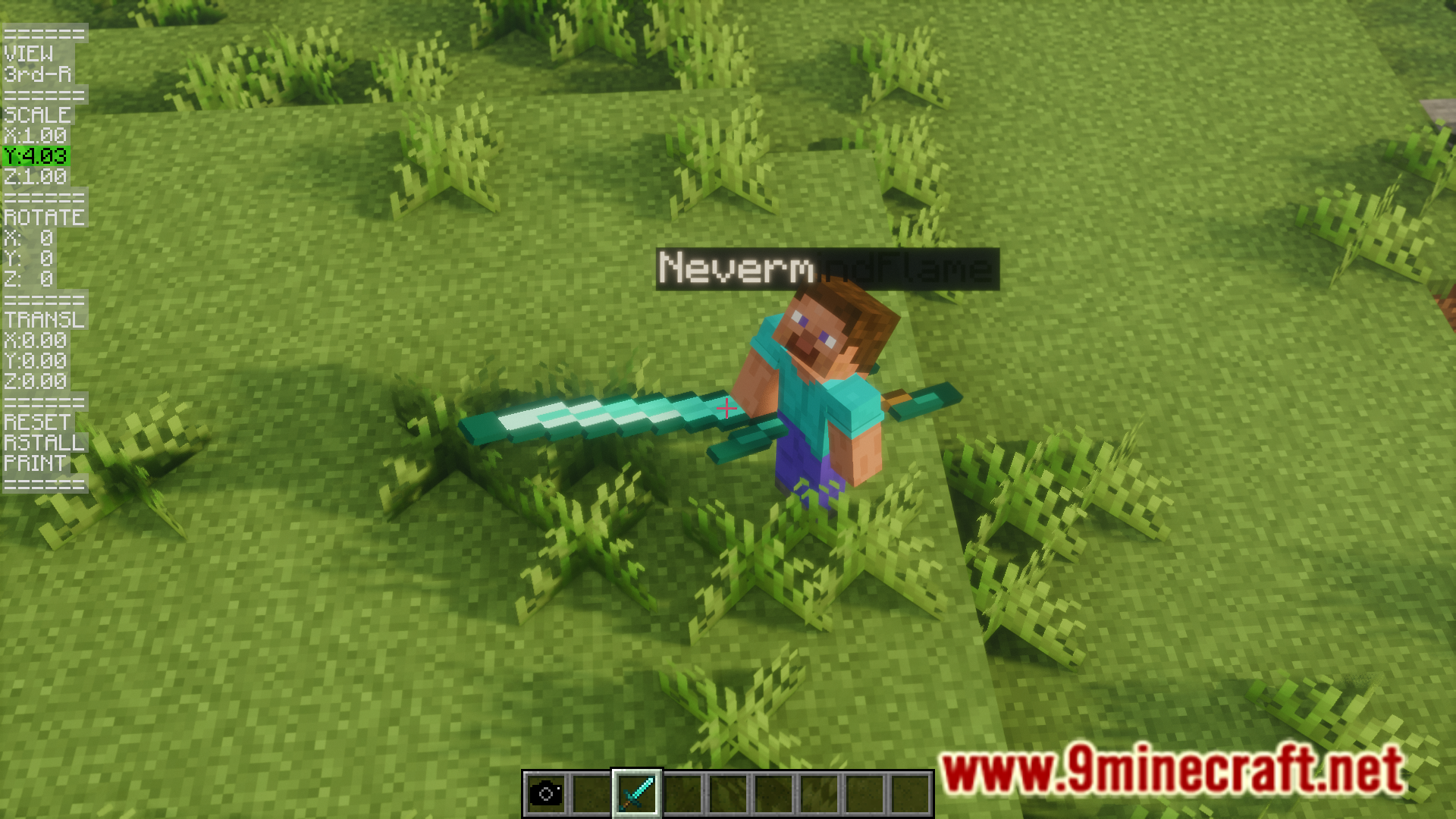
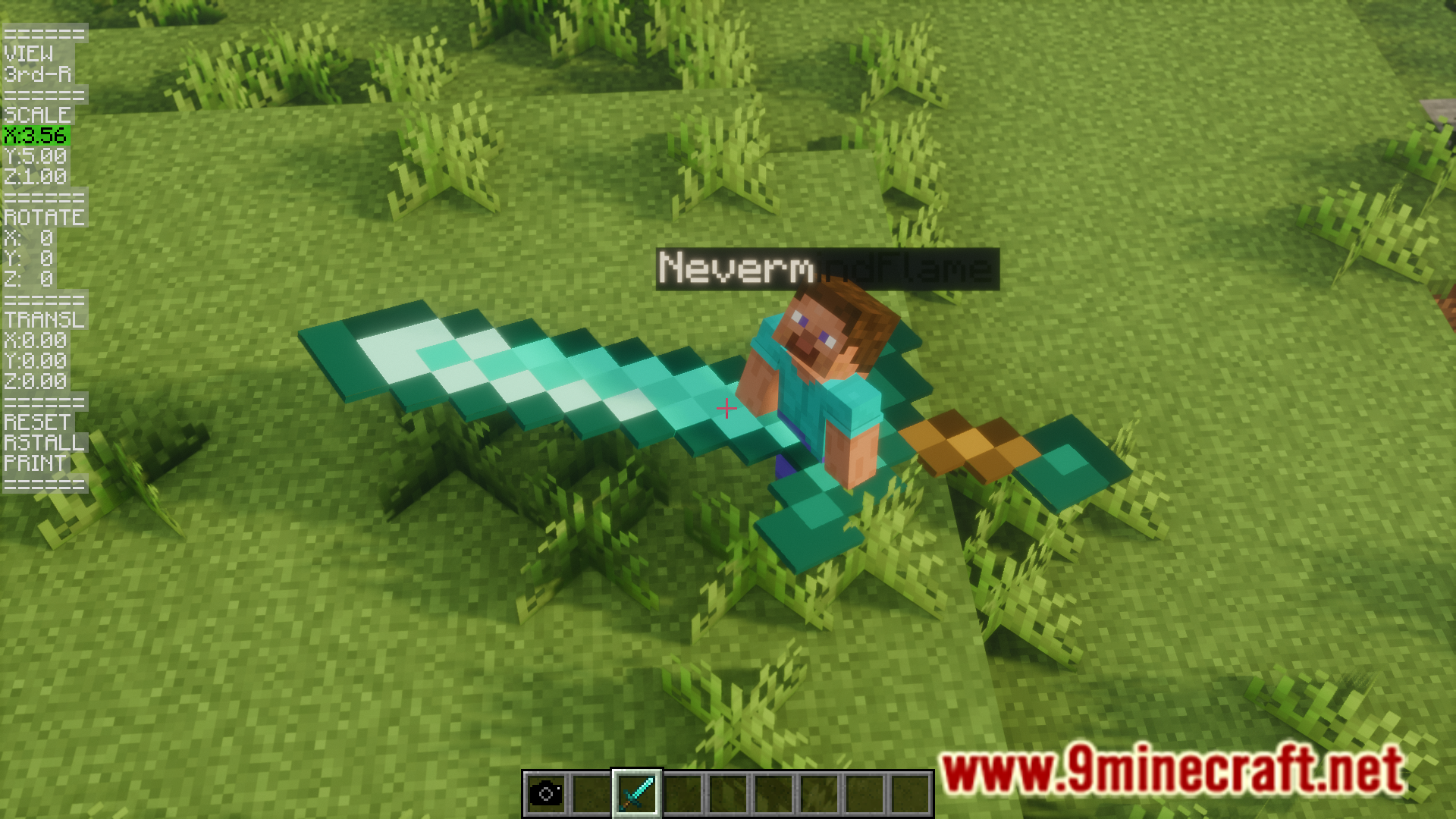
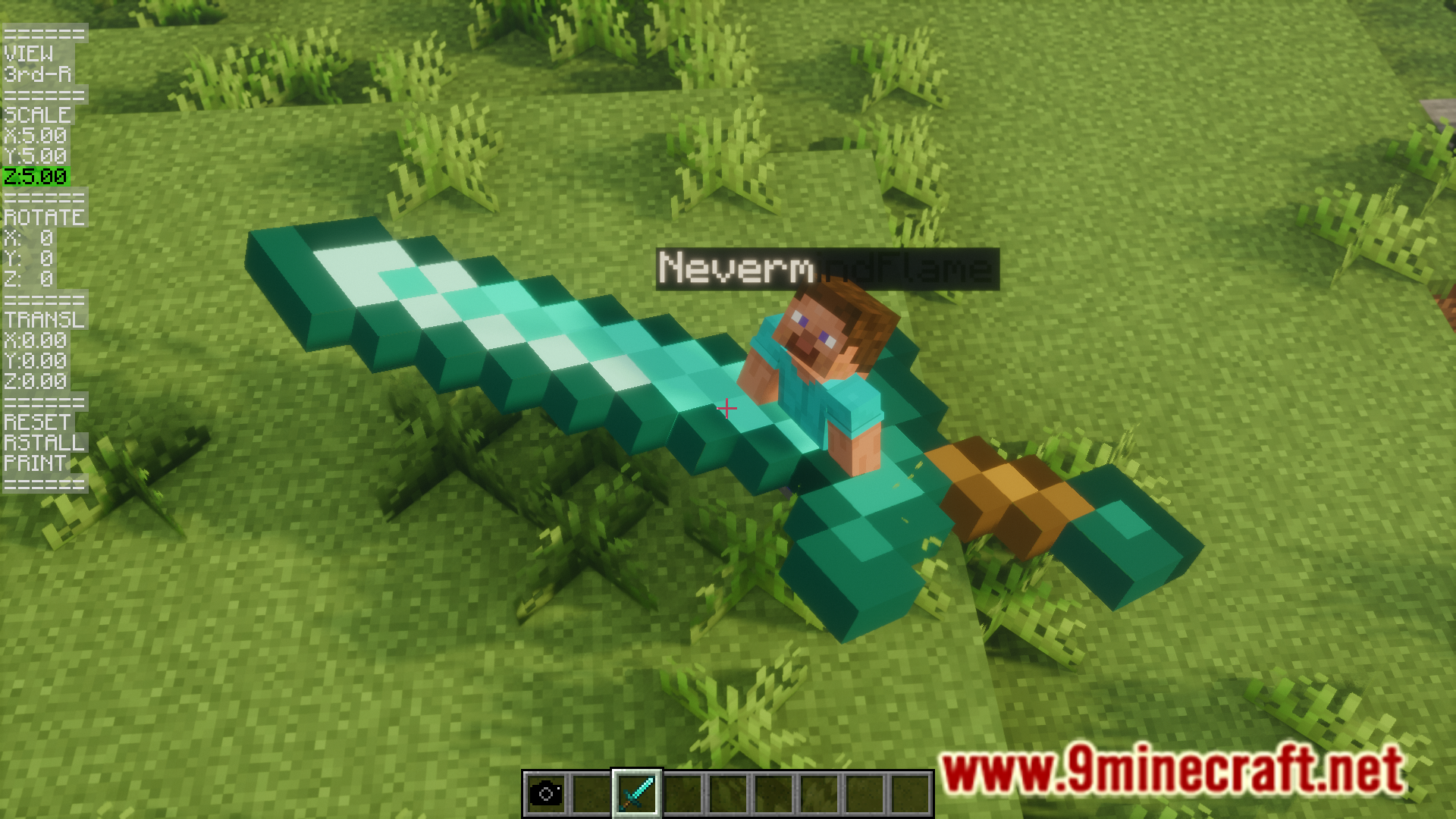
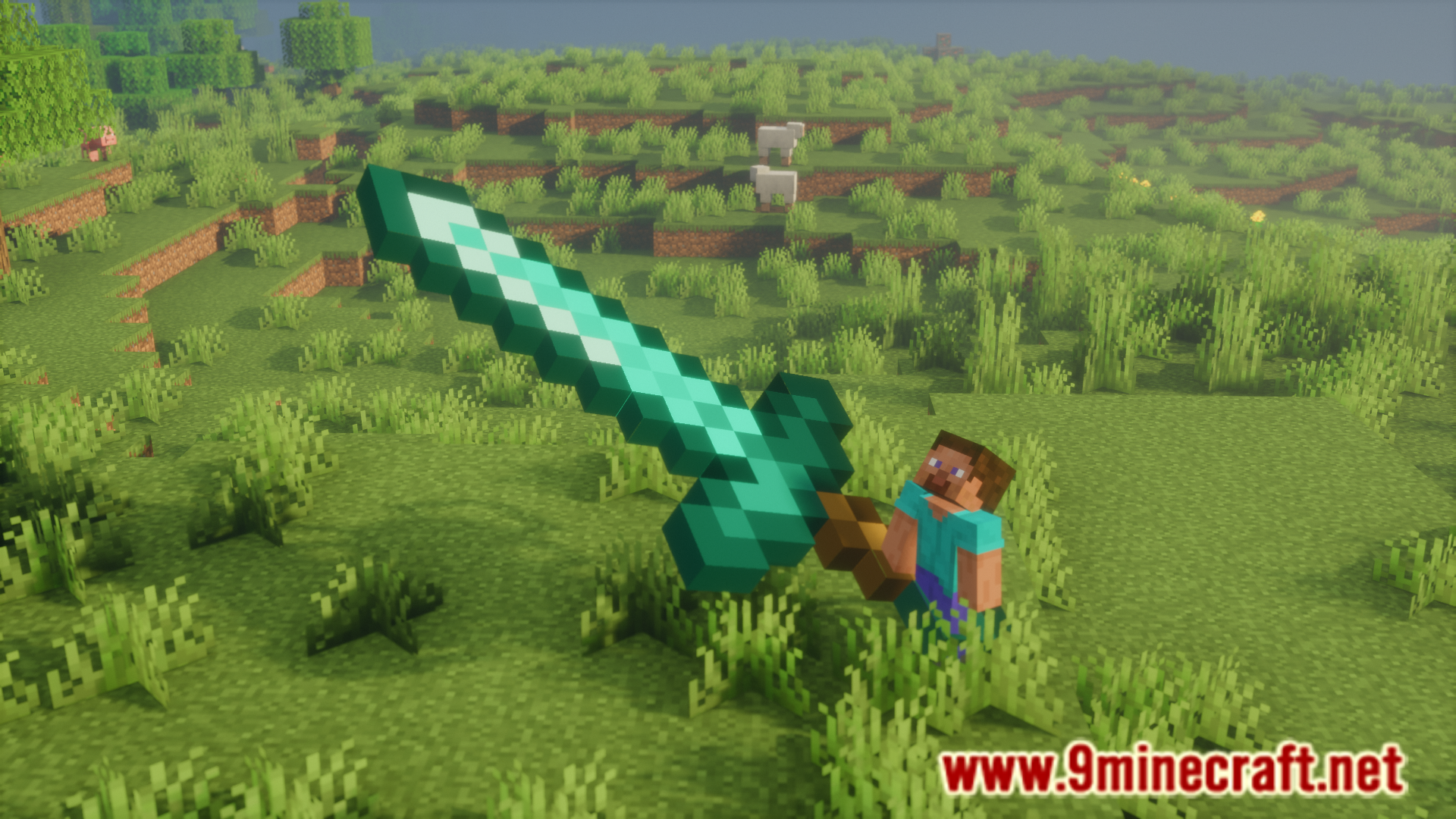
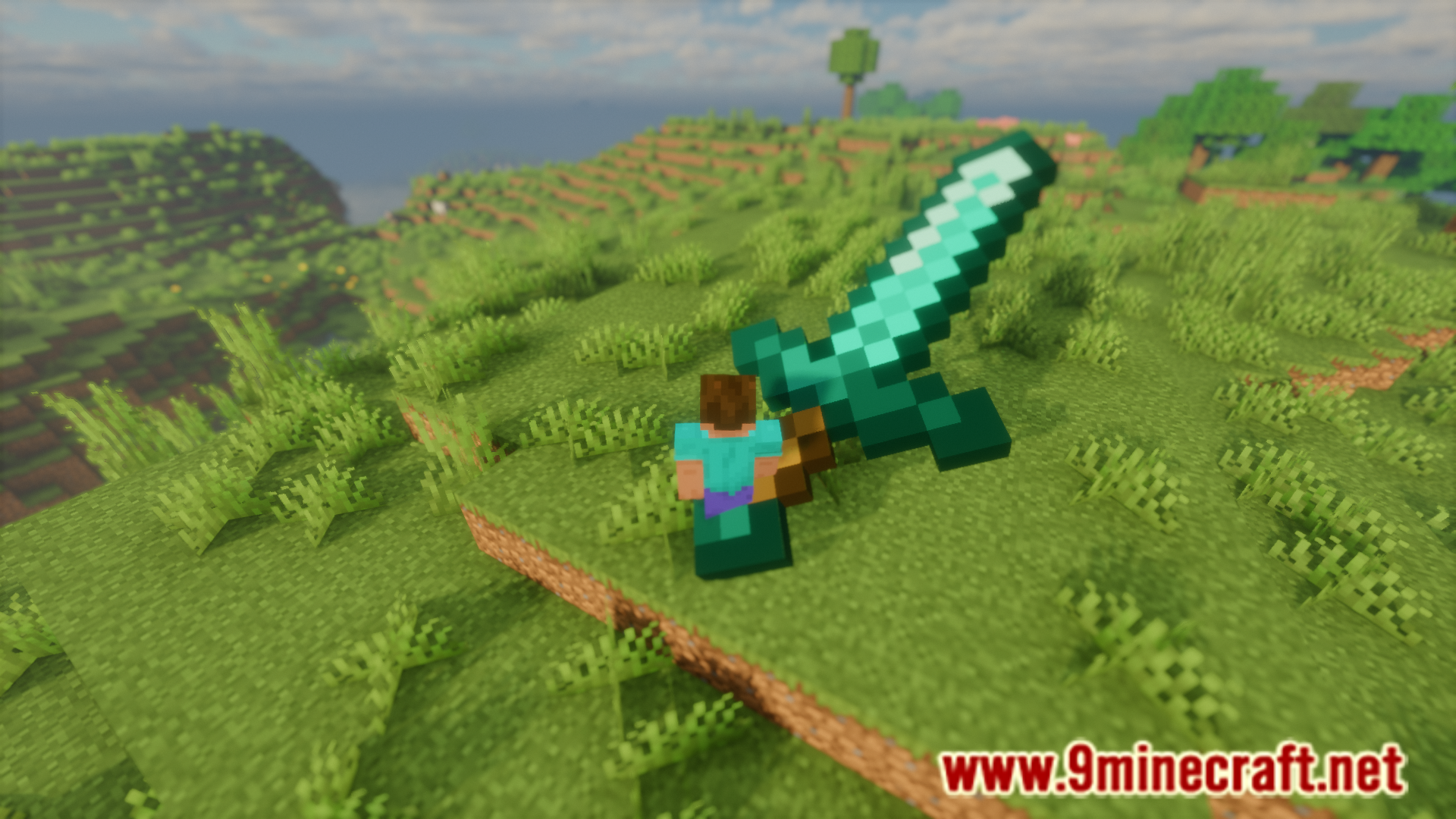
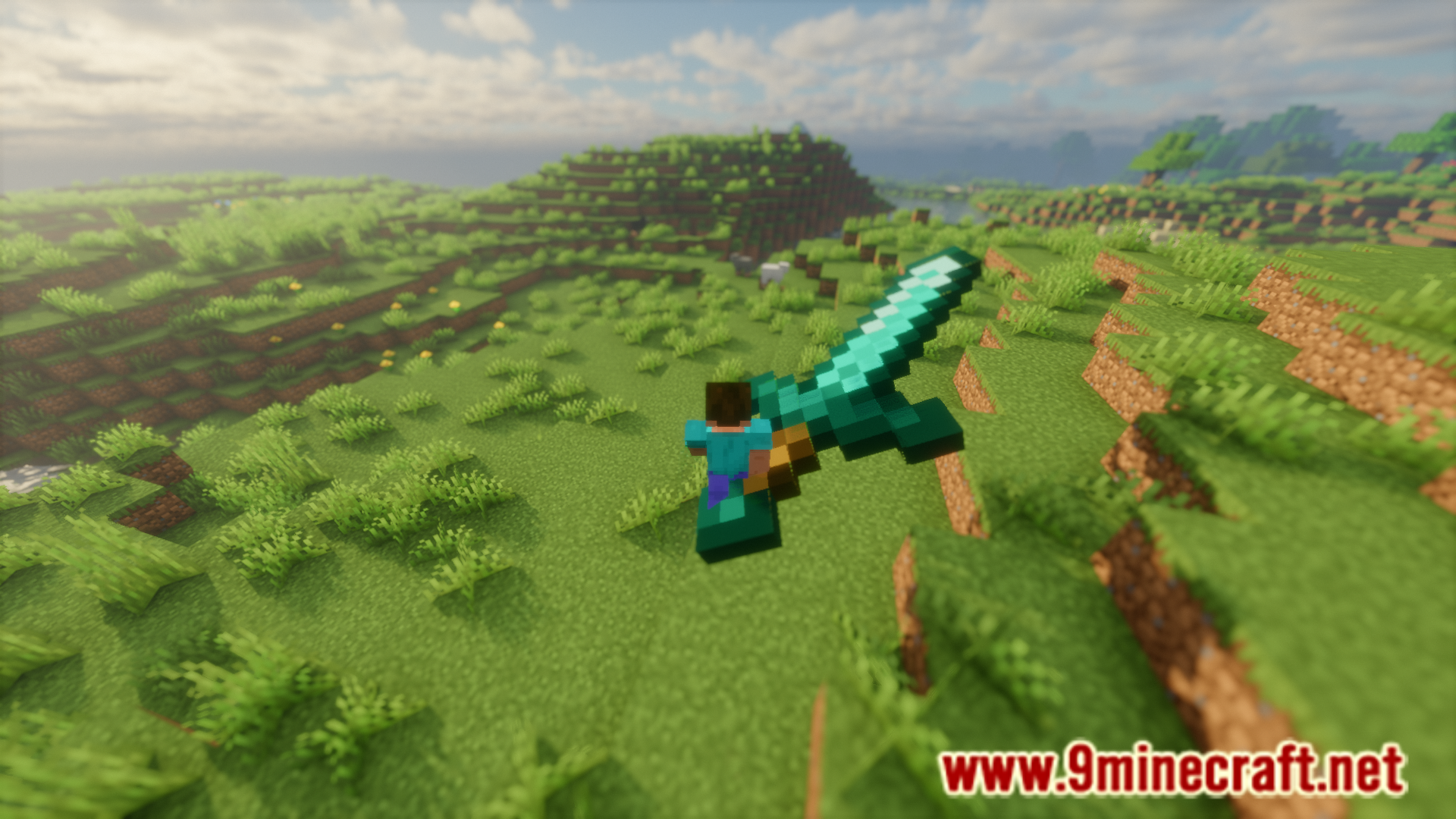
Item Transform Helper Mod allows you to adjust the size and position of items in your game. The first step is to place the new camera item somewhere in your hotbar. Then hold the item you want to change the size of in your main hand. You will notice a new adjustment tab has appeared on your screen. Using the up and down arrow keys to move up and down through the list. Once the required option is selected using these keys, you can then use the left and right arrows to adjust the value for that selected option. You can individually adjust the item size/position for different player perspectives.
Features:
- Allows you to adjust the size and location of items in game.
- Uses a new camera item.
- Instructions are given in the above paragraph.
Screenshots:
Item Transform Helper Mod Download Links
- Edition: Minecraft Java
- File type: .jar
- Minecraft version listed: 1.20.1
- How to install: Install the matching mod loader (Forge, Fabric or NeoForge) for your Minecraft version. → Download the .jar. → Put it in the .minecraft/mods folder and launch that loader profile.
- Where to get it: In MC Java Mods, or directly above on this page.
Install steps are the general flow for this file type — How to install Minecraft Java mods & modpacks walks through it step by step.
- Downloads as 2797.mcaddon
- Download size: 43 KB
- Download link checked 26 Jul 2026 — working
- Mirrored on our own servers — the download does not depend on the original host
These come from our own check of the pack file, not from the source page.