
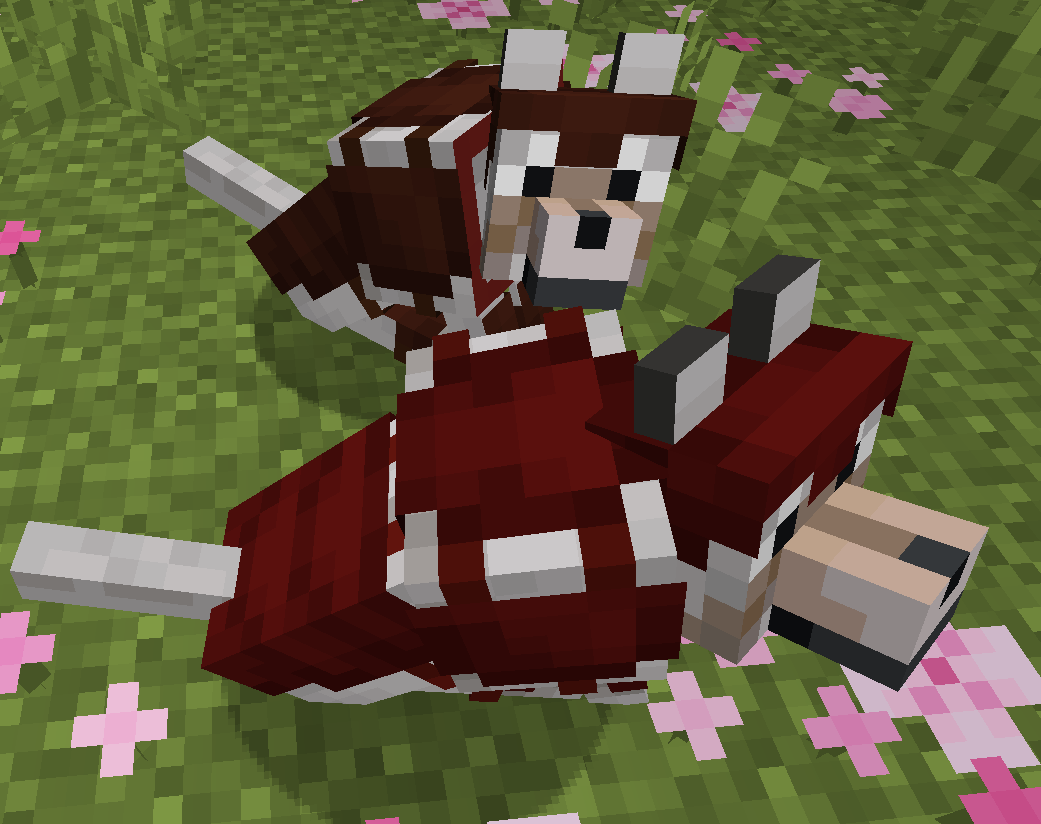
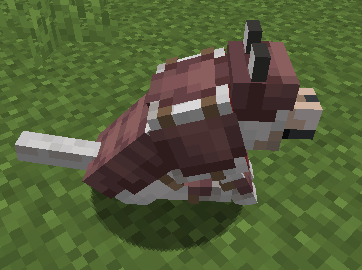
Dye the new 1.20 wolf armor in over 5 million different colors!
(Images on modrinth use old wolf armor texture, the mod works with the most recent one)
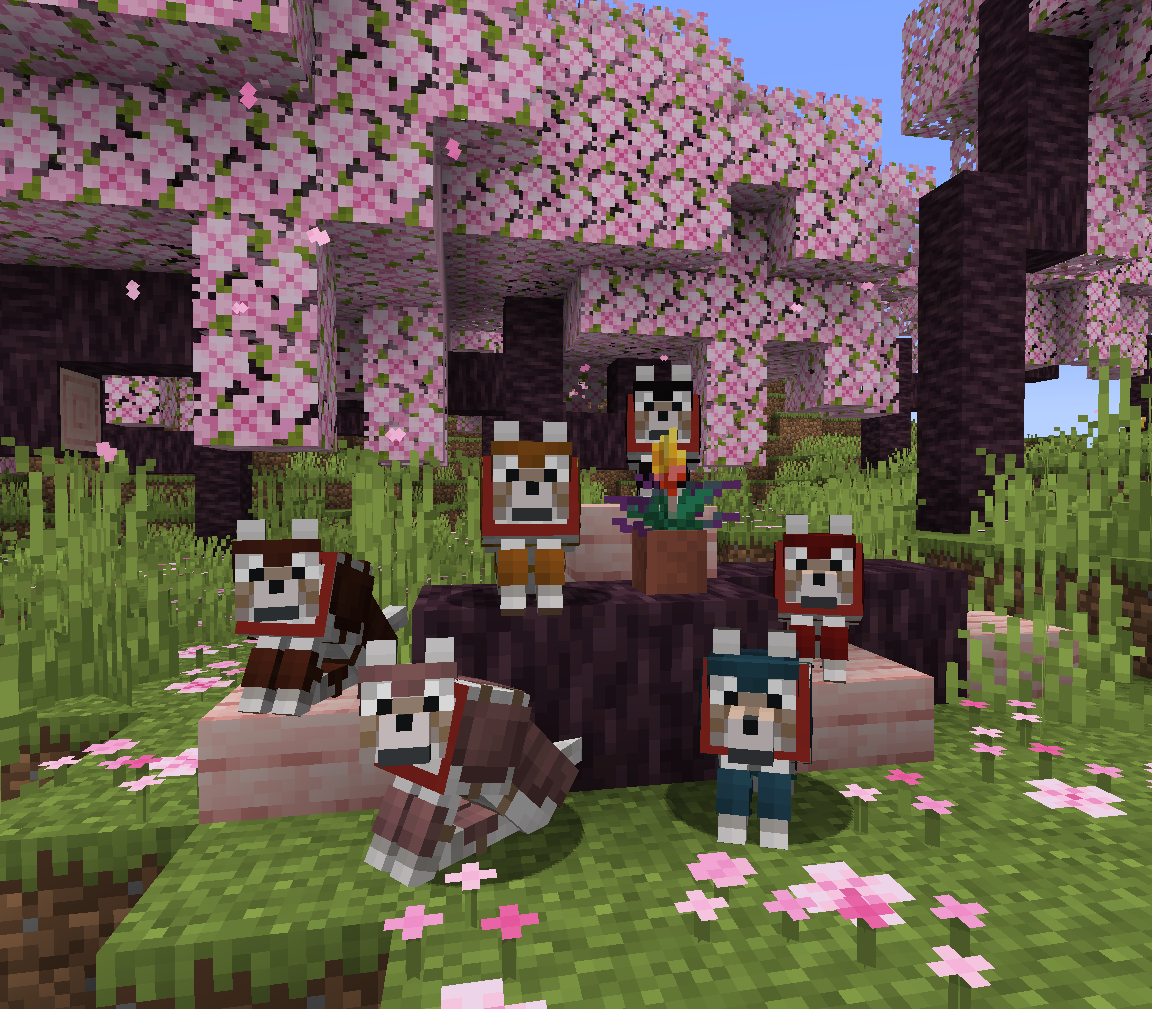
Crafting
When you initially craft wolf armor out of Armadillo Scutes it will be the vanilla wolf armor.
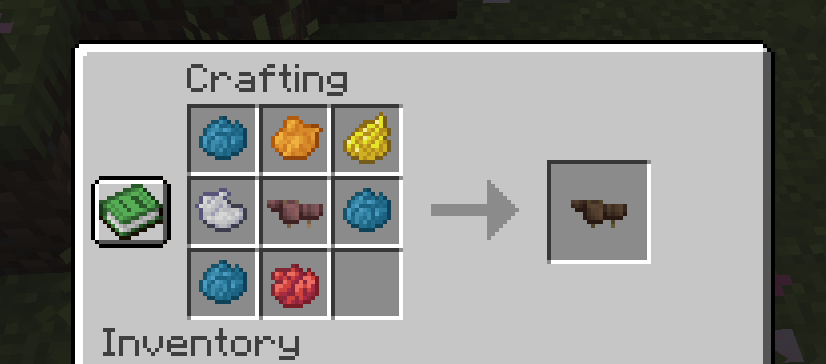
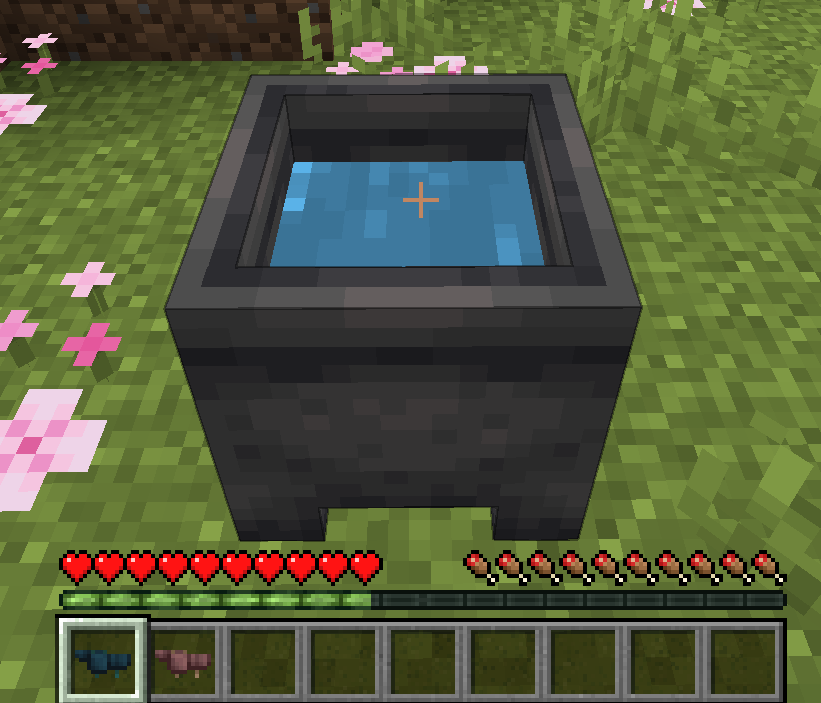
To dye the armor, simply put it in a crafting table with some dyes. There are over 5 million different combinations! To remove the armor's color, wash it in a cauldron.
Customization
The dyed wolf armor deliberately follows a similar design and color pallet as the vanilla armor to keep up the same atmosphere. If you want brighter, splashier colors or a different texture simply modify the wolf armor texture using a texture pack.
You can safely use the mod in an existing world, because the default armor is still the vanilla one.
Works both in single and in multiplayer.
Enjoy! :D
- Edition: Minecraft Java
- File type: .jar
- Minecraft version listed: 1.20.4
- How to install: Install the matching mod loader (Forge, Fabric or NeoForge) for your Minecraft version. → Download the .jar. → Put it in the .minecraft/mods folder and launch that loader profile.
- Where to get it: Opens on Modrinth — not every file is mirrored on our own servers.
Install steps are the general flow for this file type — How to install Minecraft Java mods & modpacks walks through it step by step.
- Ships as dyed-wolf-armour-1.0.0.jar — drop this file into the mods folder
- Download size: 79 KB
- Download link checked 1 Sept 2026 — working
These come from our own check of the pack file, not from the source page.