
Slime No More
Java mod listed for Minecraft 26.x. Downloads from the MC Java Mods app on Android.
I don't know my version or loader

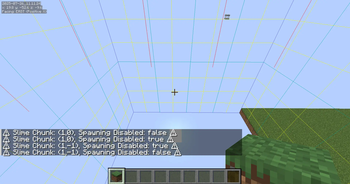
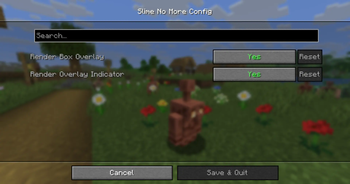
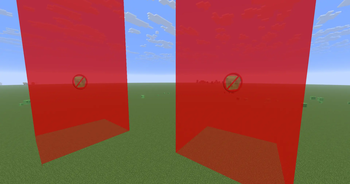
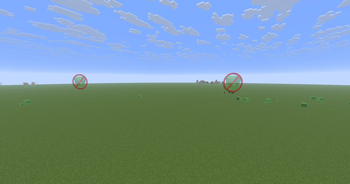
Slime No More!!!
Hate dealing with slimes or having to use carpets or other things to spawn proof an area?
Simply use the configured shortcut key and slime spawning will be toggled on or off for the current chunk you are in.
As of 1.2.0 permissions are now enforced. Singleplayer and Hosted lan games are always allowed to toggle slime spawning, otherwise use a Permission Manager like LuckPerms to set permissions for slime-no-more.toggleSlimeSpawning
Also with 1.2.0 overlay indicators were added to visualize which chunks have been marked as not allowing slime spawning.
Shortcuts
Delete - Toggle allowing spawning in the current chunk the player is in
Insert - Toggle the general rendering of visual indicators
Page Up - Toggles rendering the cube part of visual indicators
Page Down - Toggles rendering the billboard icon part of visual indicators
- Edition: Minecraft Java
- File type: .jar
- Minecraft versions listed: 26.1, 26.1.1
- How to install: Install the matching mod loader (Forge, Fabric or NeoForge) for your Minecraft version. → Download the .jar. → Put it in the .minecraft/mods folder and launch that loader profile.
- Where to get it: Opens on Modrinth — not every file is mirrored on our own servers.
Install steps are the general flow for this file type — How to install Minecraft Java mods & modpacks walks through it step by step.
- Ships as slime-no-more-1.3.0.jar — drop this file into the mods folder
- Download size: 1.3 MB
- Download link checked 2 Nov 2026 — working
These come from our own check of the pack file, not from the source page.