
ModsJava
LotC Message Mirror
A Minecraft mod that mirrors LotC chat formatting — including color and style — exactly as it appears on lordofthecraft.net.
⬇ Download on Modrinth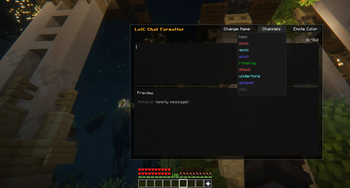
About
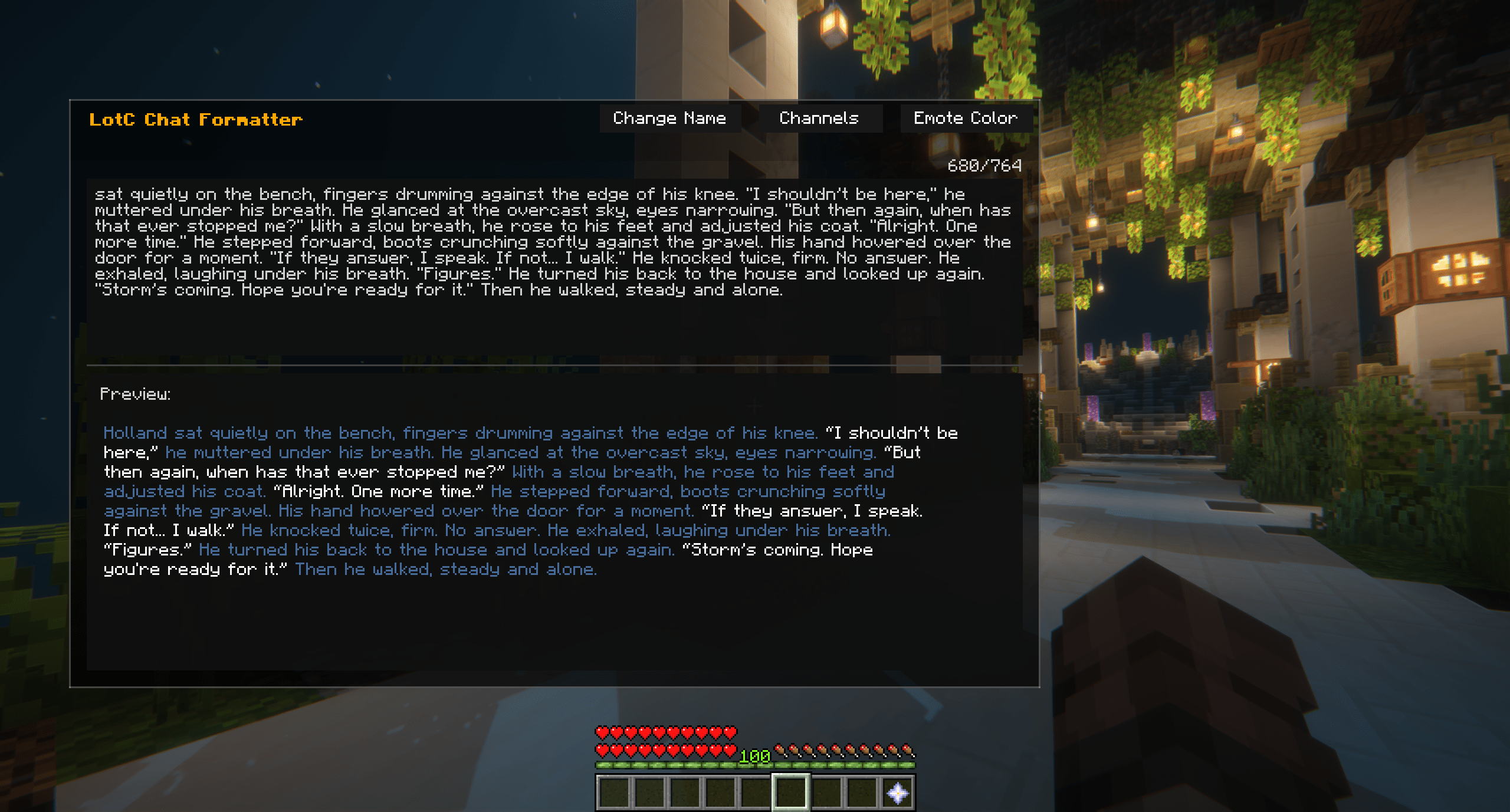
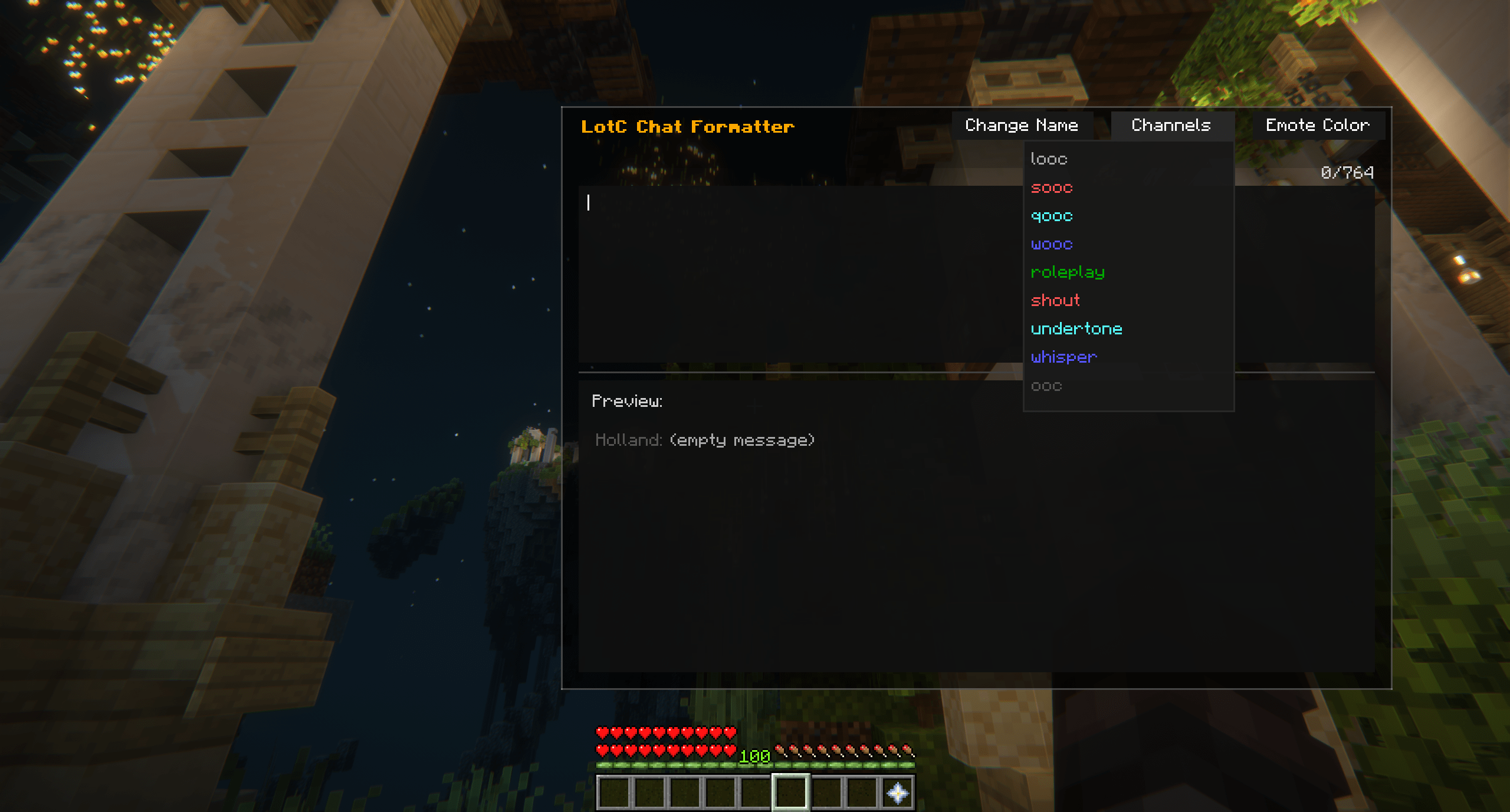
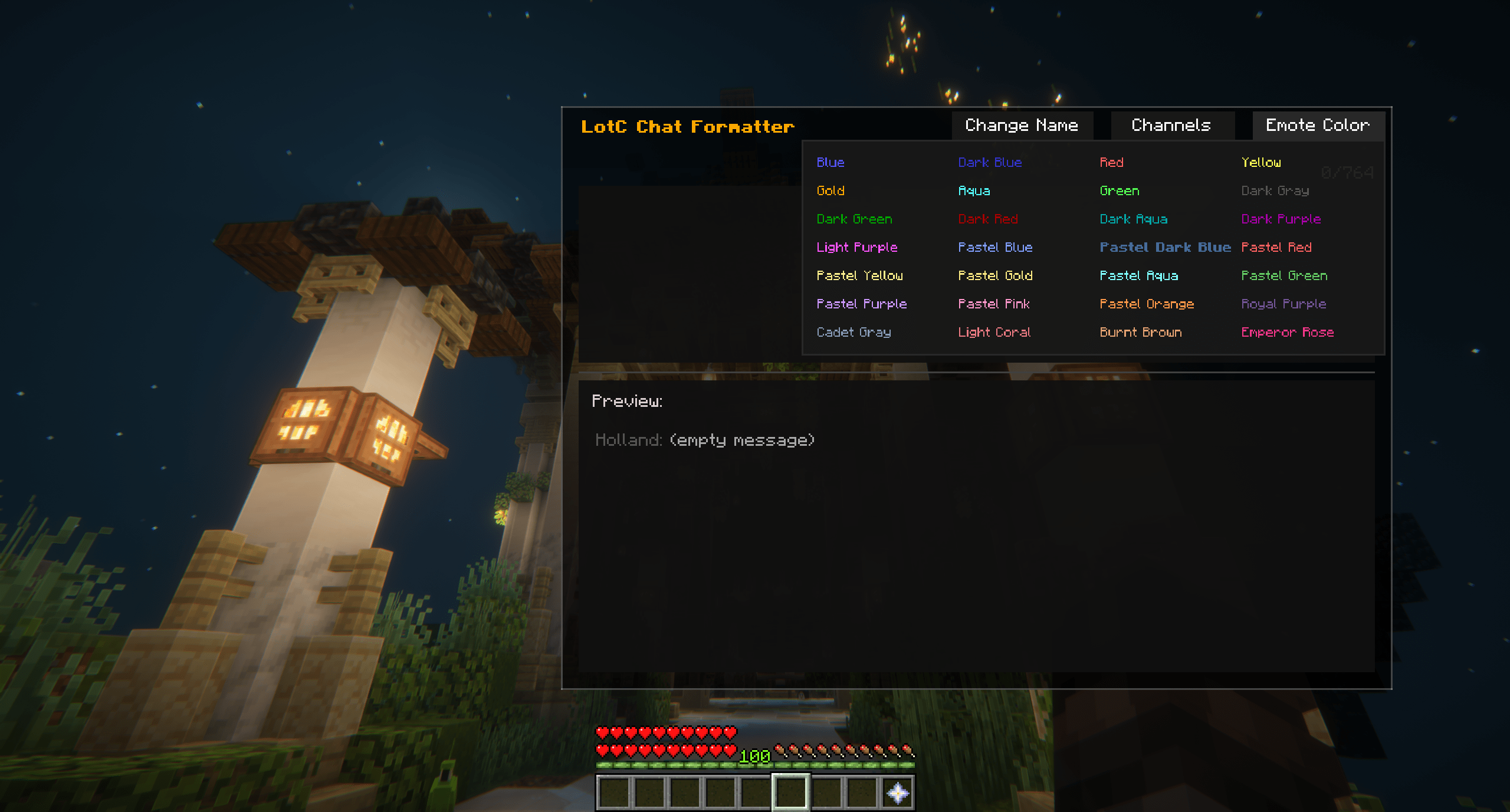
LotC Message Mirror helps you preview your chat messages exactly as they’ll appear on the Lord of the Craft server, applying all color codes, format rules, and styles used in-game.
Features
- Live Chat Preview — see how your message will appear before sending
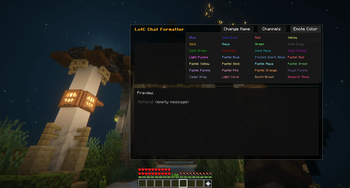
- Full Formatting Support — supports colors, italics, bold, and more
- Automatic Message Appending — handles long messages across multiple lines
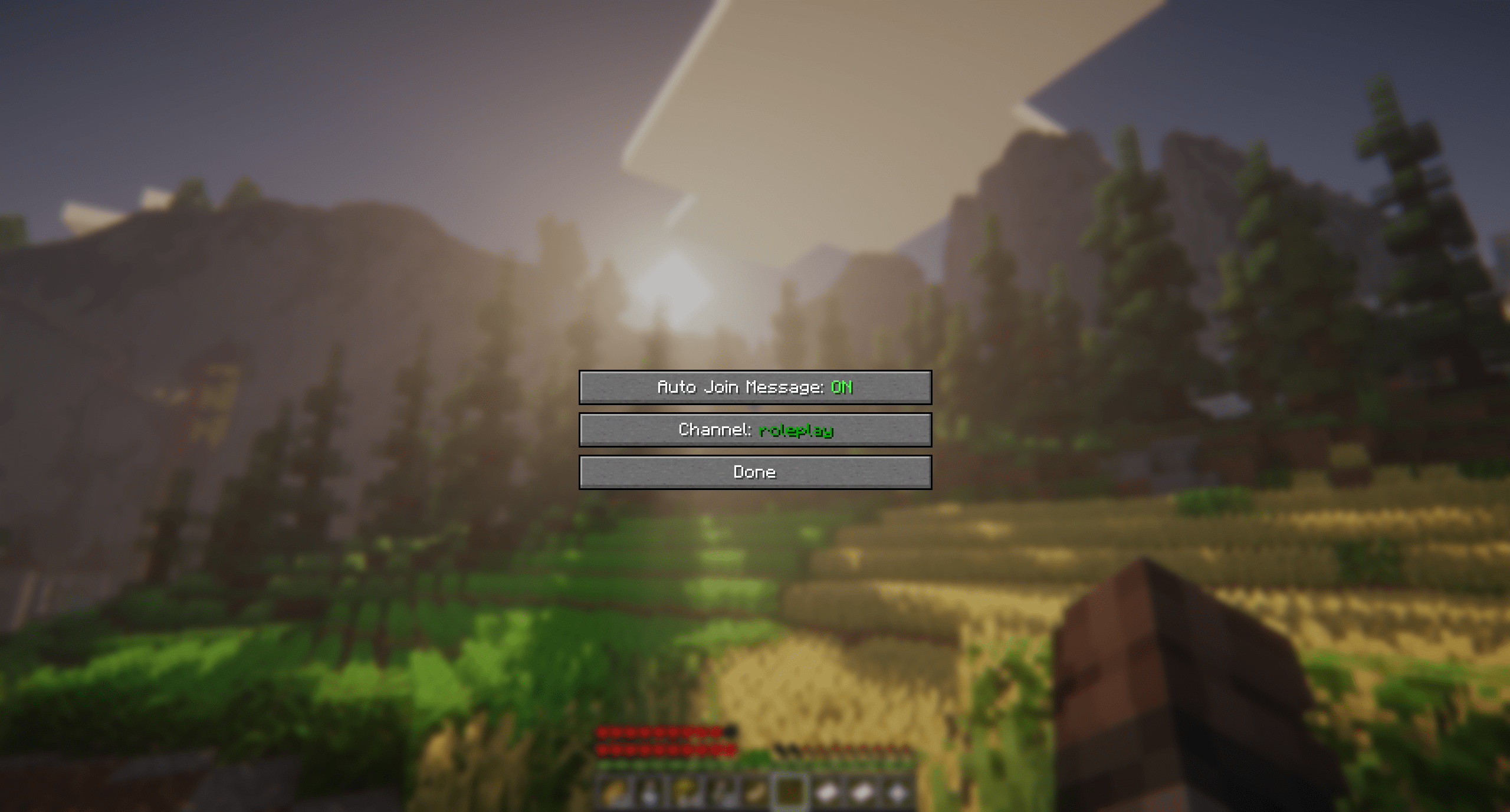
- Instant Channel Join — automatically joins your default chat channel on server login
- 100% Compatible with LotC's chat plugin
Screenshots
Quick facts
- Edition: Minecraft Java
- File type: .jar
- Minecraft version listed: 1.21.11
- How to install: Install the matching mod loader (Forge, Fabric or NeoForge) for your Minecraft version. → Download the .jar. → Put it in the .minecraft/mods folder and launch that loader profile.
- Where to get it: Opens on Modrinth — not every file is mirrored on our own servers.
Install steps are the general flow for this file type — How to install Minecraft Java mods & modpacks walks through it step by step.
Verified by MCModsHub
- Ships as lotc-message-mirror-1.3.0.jar — drop this file into the mods folder
- Download size: 176 KB
- Download link checked 22 Sept 2026 — working
These come from our own check of the pack file, not from the source page.