LegacyTranslations Babric Edition
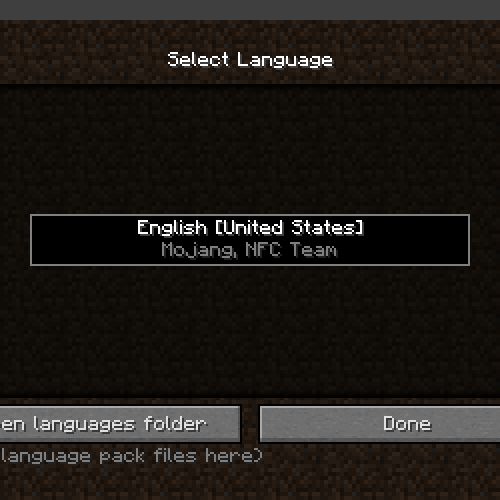
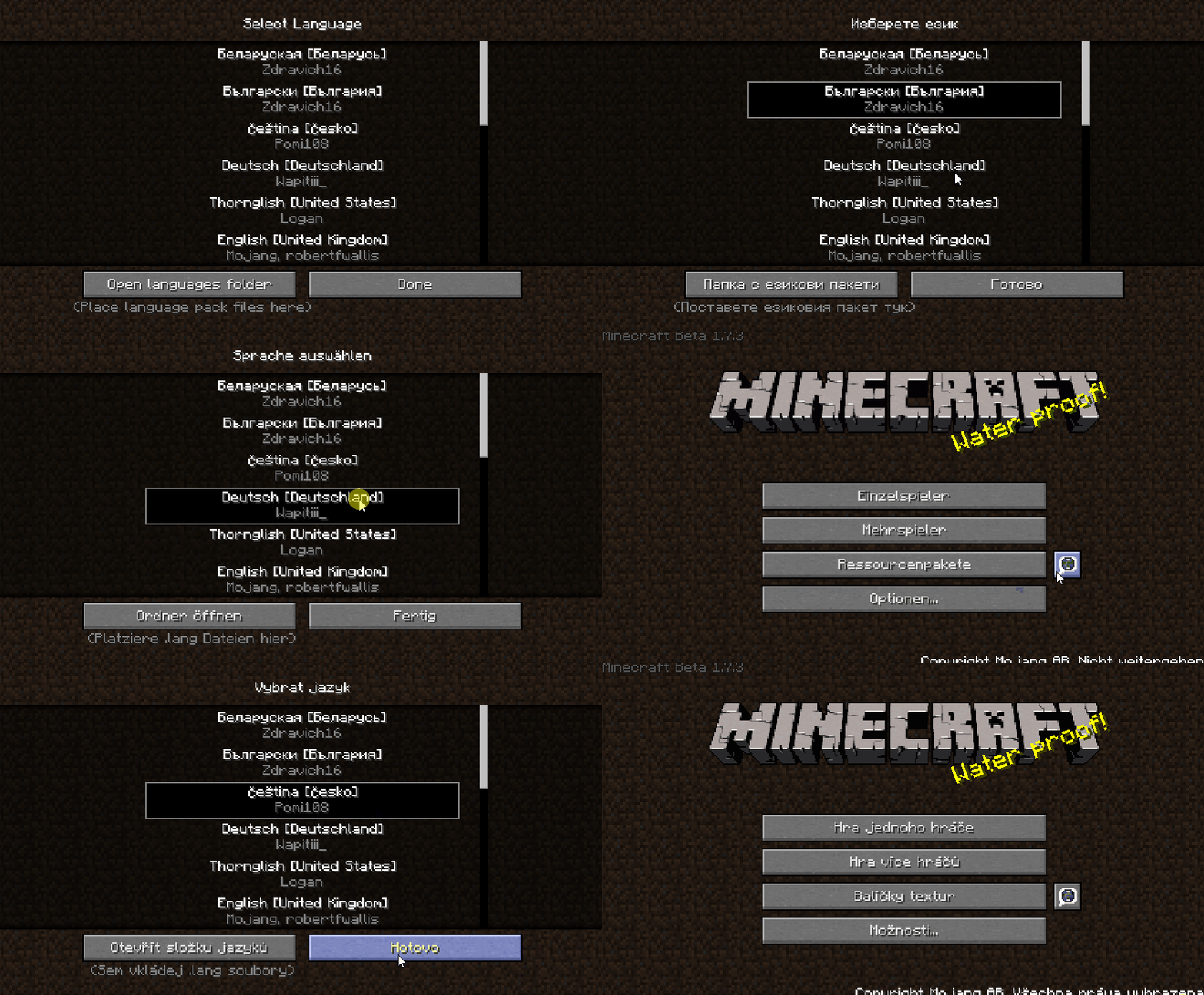
This mod adds custom language loading capabilities to the game. Rather than the hardcoded and static language list that Mojang's modern Minecraft provides…
⬇ Download on Modrinth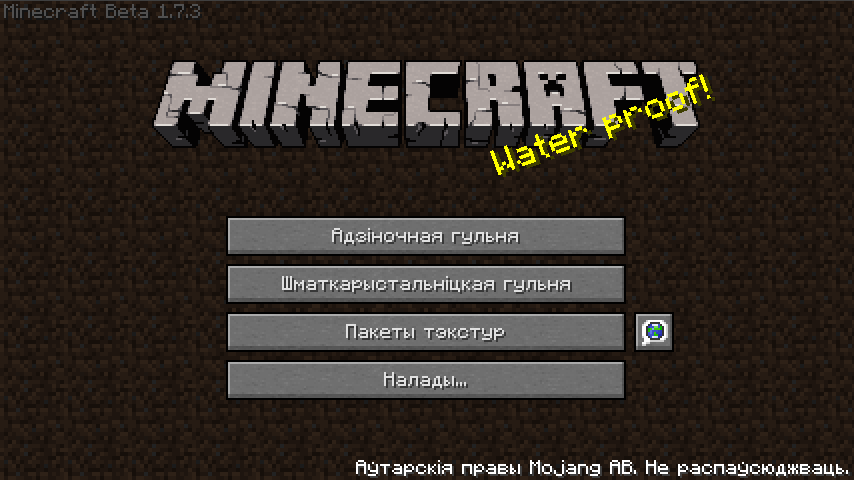
Please Checkout the New Translation Mod Here:
https://modrinth.com/mod/translated-legacy
LegacyTranslations for Minecraft Beta 1.7.3
Addon Credits
- @Roadhog360 - Initially creating the Legacy Translation System for New Frontier Craft
- @Birevan - The foundation and inspiration for the creation of this addon, alongside the source of many of the internal textures and files that let it function
- @[NFC] Vivian - Bugfixes, Documentation, & porting the Legacy Translation System to Vanilla
- @Telvarost - Beta Fabric port (this)
- I needed to archive the project as unfortunately it is too much effort to maintain. Many apologies to you all. Perhaps, some other mod dev will pick it up or create a new version of the mod
Description
This mod adds custom language loading capabilities to the game. Rather than the hardcoded and static language list that Mojang's modern Minecraft provides the player, the Translation System has a custom language system much the same as texturepacks. This means that users can add their own languages and/or modify existing ones to their heart's content. Our hope is that this can eventually become the standard for community translations of these older versions of the game.
Language Packs
You can find some initial babric/StationAPI language packs here:
Future Plans
Fabric and other variants without base class edits will be created in the future.
- This is that fabric port
- Note that compatibility with StationAPI is currently in flux due to the lang file format recently changing (StationAPI lang files will be created)
Notes
We've extended the available selection of valid characters in Beta to allow for more language translations beyond what was possible in Vanilla. Currently translations are limited to left-to-right character based languages, however future versions of the LT System will resolve this by adding Unicode support & right-to-left character support done by @icanttellyou
Translations
Currently, no translations are built into the addon, as they all still need to receive ports to guarantee compatibility with the LT System. Translations will either need to be created yourself or re-used from New Frontier Craft. Be sure to get permission from the original language pack creators that created the NFC Translations before redistributing your updated versions of their work. Future versions of the LT System will bundle in a selection of language packs
Installation using Prism Launcher
- Download an instance of Babric for Prism Launcher: https://github.com/Glass-Series/babric-prism-instance
- Install Java 17 and set the instance to use it: https://adoptium.net/temurin/releases/
- (Optional) Add StationAPI to the mod folder for the instance: https://modrinth.com/mod/stationapi
- (Optional) Add Mod Menu to the mod folder for the instance: https://modrinth.com/mod/modmenu-beta
- (Optional) Add GlassConfigAPI 2.0+ to the mod folder for the instance: https://modrinth.com/mod/glass-config-api
- Add this mod to the mod folder for the instance: https://github.com/telvarost/LegacyTranslations-StationAPI/releases
- Add desired language packs from NFC or GitHub to your languagepacks folder after running the mod once.
- Enjoy! 👍
Feedback
Got any suggestions on what should be added next? Feel free to share it by creating an issue. Know how to code and want to do it yourself? Then look below on how to get started.
Contributing
Thanks for considering contributing! To get started fork this repository, make your changes, and create a PR.
If you are new to StationAPI consider watching the following videos on Babric/StationAPI Minecraft modding: https://www.youtube.com/watch?v=9-sVGjnGJ5s&list=PLa2JWzyvH63wGcj5-i0P12VkJG7PDyo9T
- Edition: Minecraft Java
- File type: .jar
- Minecraft version listed: b1.7.3
- How to install: Install the matching mod loader (Forge, Fabric or NeoForge) for your Minecraft version. → Download the .jar. → Put it in the .minecraft/mods folder and launch that loader profile.
- Where to get it: Opens on Modrinth — not every file is mirrored on our own servers.
Install steps are the general flow for this file type — How to install Minecraft Java mods & modpacks walks through it step by step.
- Ships as LegacyTranslations-1.2.0.jar — drop this file into the mods folder
- Download size: 293 KB
- Download link checked 1 Sept 2026 — working
These come from our own check of the pack file, not from the source page.