ModsJava
Makriva
Java mod listed for Minecraft 1.12. Downloads from the MC Java Mods app on Android.
⬇ Download on Modrinth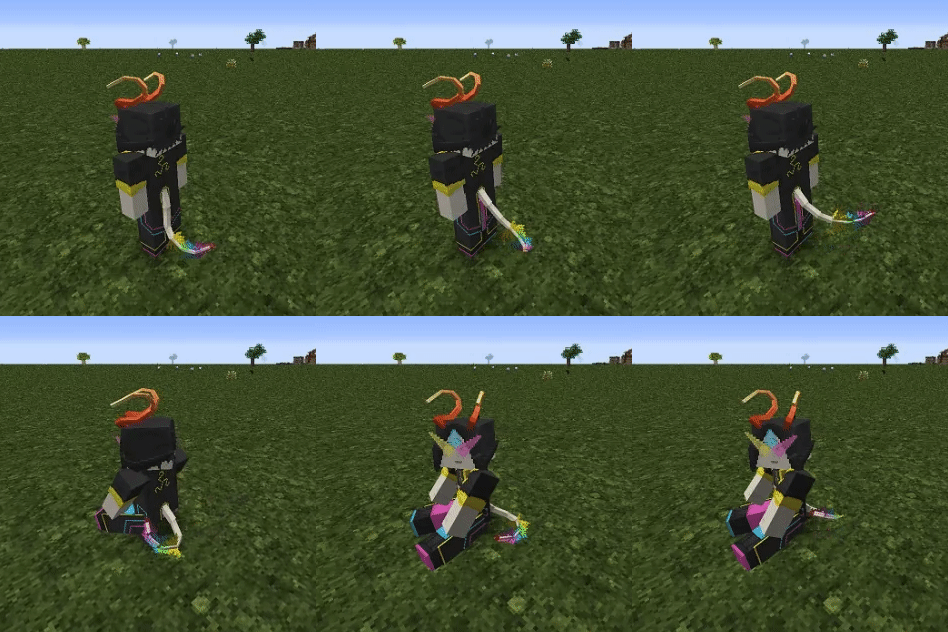
Makriva
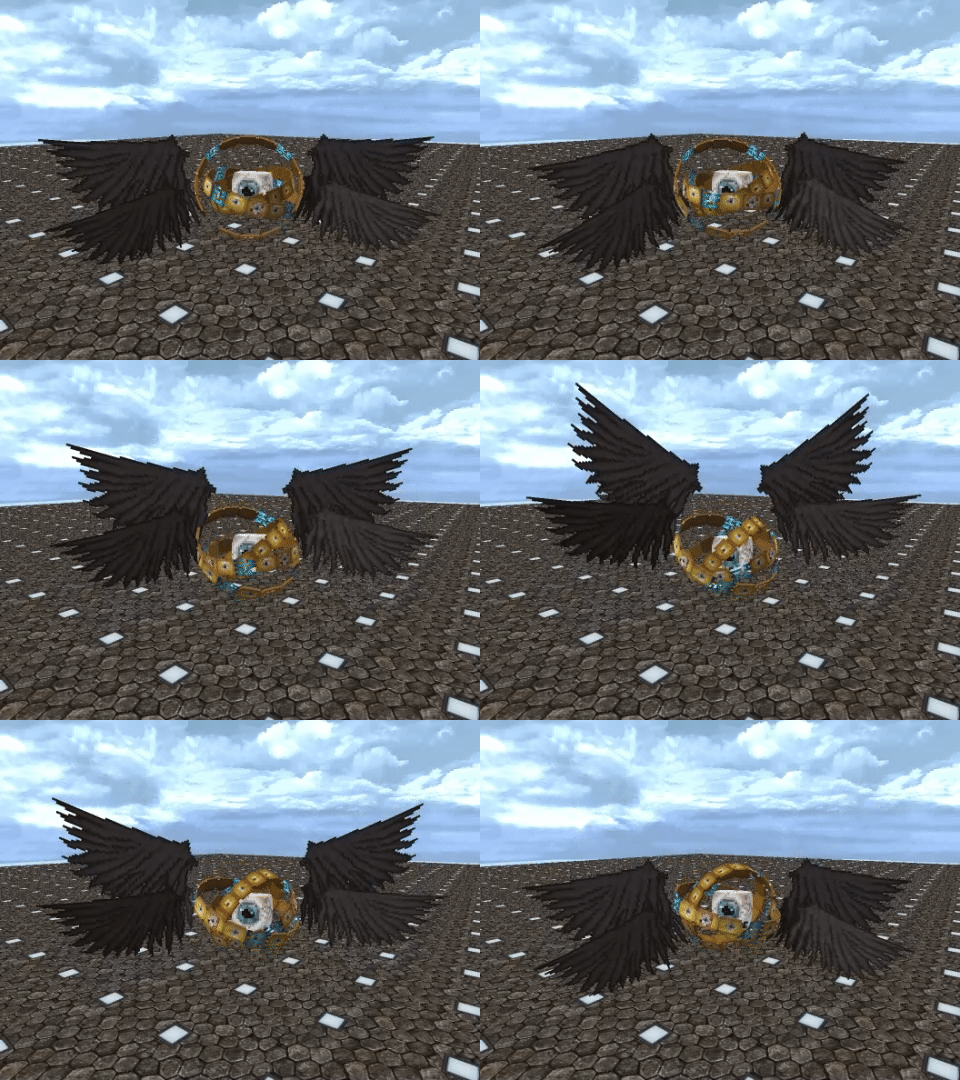
The custom player model mod.
- Supports Blockbench modelling via plugin (load plugin from this URL)
- Animations with math expressions and conditions
- HD skins via URL
- Custom bounding boxes in different poses
- User-hosted models (no need to upload)
- Automatic model refresh on file change
- MorePlayerModels poses (sit, crawl, etc.) and skin integration
Shape model usage
- Copy shape model (.json file) into
.minecraft/makriva(folder can be opened from the next step) - Ingame press "shapes menu" button (default HOME)
- If shape model is correct then it should appear in list
- Click on model name and press Select. Done!
Shape model creation workflow
Preparation
- Get Blockbench
- Install Makriva plugin via File->Plugins->Load Plugin from URL
- Paste this URL
- Download boilerplate steve model from here
Modelling
- Open base-steve.bbmodel
- Add your groups and cubes in existing root groups. This will bind your cubes to the different body parts.
- Organize your cubes on texture and paint them
- Export shape model via File->Export->Export Makriva Shape into makriva folder
- Check out your model ingame and repeat
Documentation
- In english (Translation)
- На русском
Examples
TODO
- OBJ meshes via Blockbench import
- Blockbench keyframe animations
- Support more Minecraft versions?
Quick facts
- Edition: Minecraft Java
- File type: .jar
- Minecraft version listed: 1.12.2
- How to install: Install the matching mod loader (Forge, Fabric or NeoForge) for your Minecraft version. → Download the .jar. → Put it in the .minecraft/mods folder and launch that loader profile.
- Where to get it: Opens on Modrinth — not every file is mirrored on our own servers.
Install steps are the general flow for this file type — How to install Minecraft Java mods & modpacks walks through it step by step.
File checked by MCModsHub
- Ships as makriva-1.2.7-1.12.jar — drop this file into the mods folder
- Download size: 996 KB
- Download link checked 12 Oct 2026 — working
These come from our own check of the pack file, not from the source page.