
Info
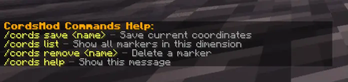
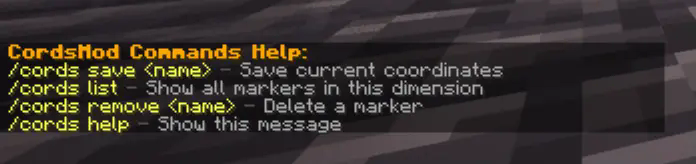
Command list
- /cords save - Save a new mark with the location we are in.
- /cords list - Show list of all marks.
- /cords remove - Delete a mark with a unique name.
- /cords help - Show list of all mod commands.
Features
- Different markers are used for each dimension.
- Different markers are used for each world.
- You can download all the labels of the world at any time (also for each dimension separately).
Location of world marks files: ..\saves<World Name>\cordsmod_marks<overworld; the_nether; the_end>.json
Quick facts
- Edition: Minecraft Java
- File type: .jar
- Minecraft version listed: 1.21.4
- How to install: Install the matching mod loader (Forge, Fabric or NeoForge) for your Minecraft version. → Download the .jar. → Put it in the .minecraft/mods folder and launch that loader profile.
- Where to get it: Opens on Modrinth — not every file is mirrored on our own servers.
Install steps are the general flow for this file type — How to install Minecraft Java mods & modpacks walks through it step by step.
Verified by MCModsHub
- Ships as cordmod-0.0.1.jar — drop this file into the mods folder
- Download size: 22 KB
- Download link checked 3 Sept 2026 — working
These come from our own check of the pack file, not from the source page.