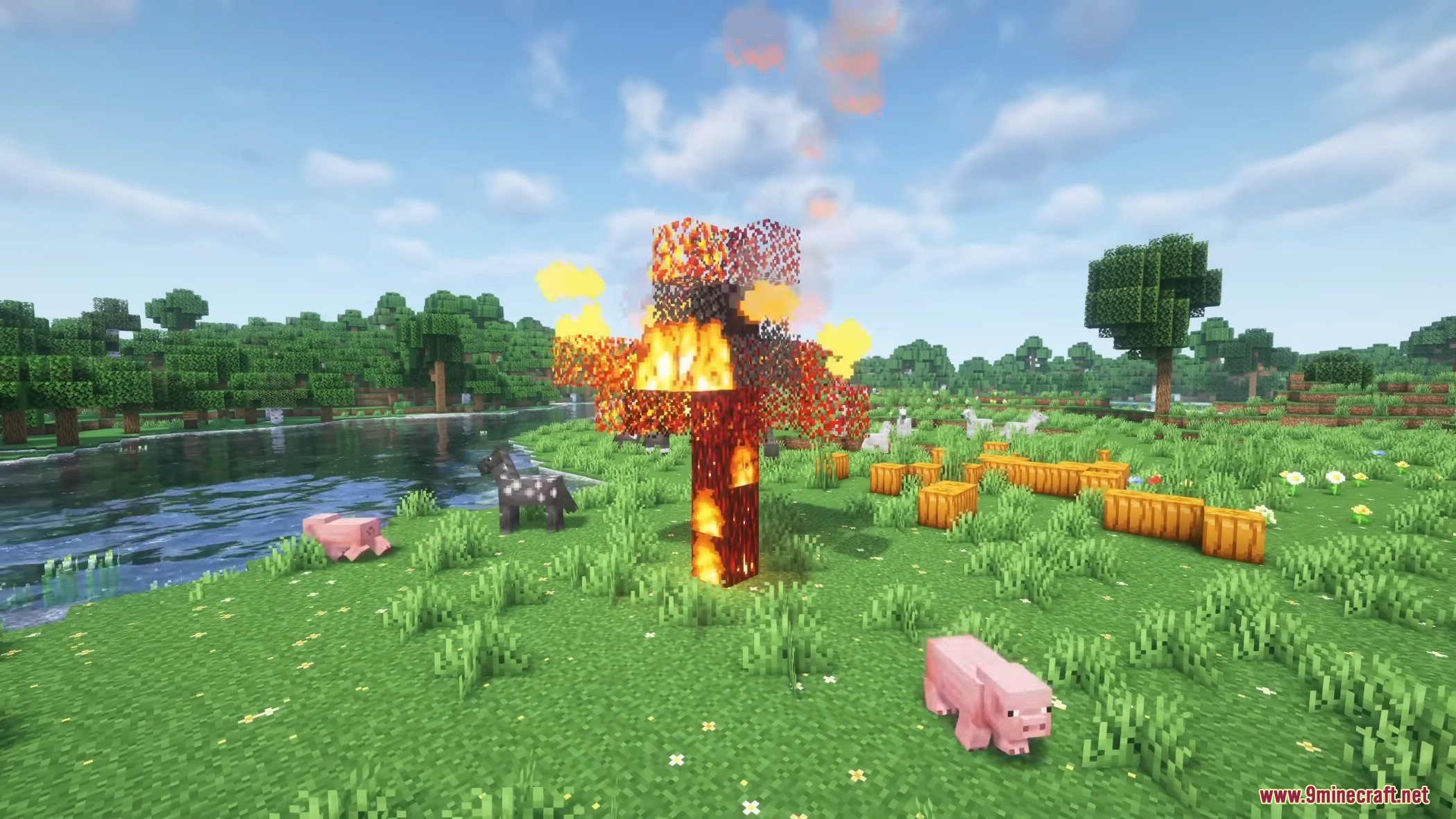
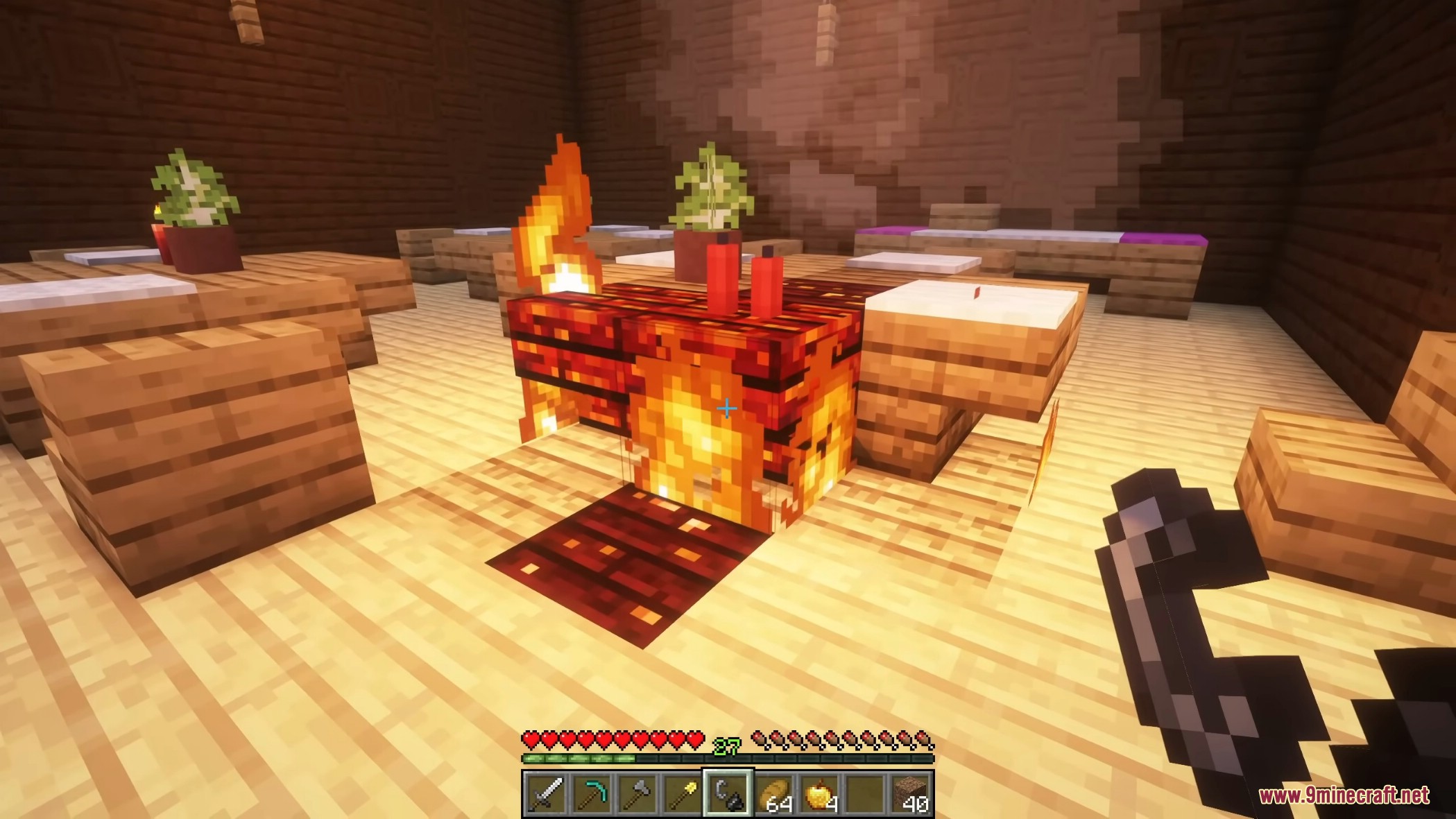
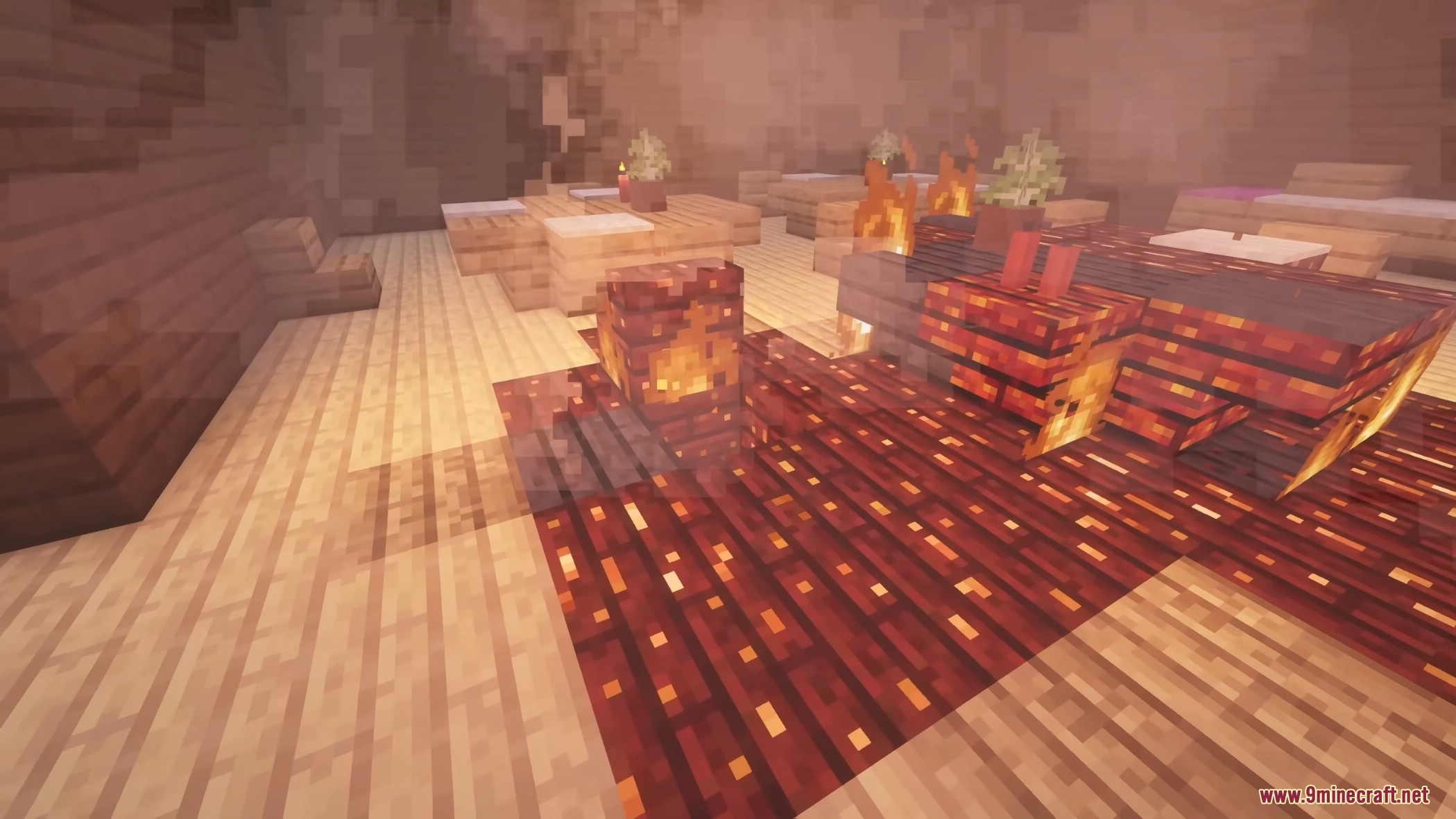
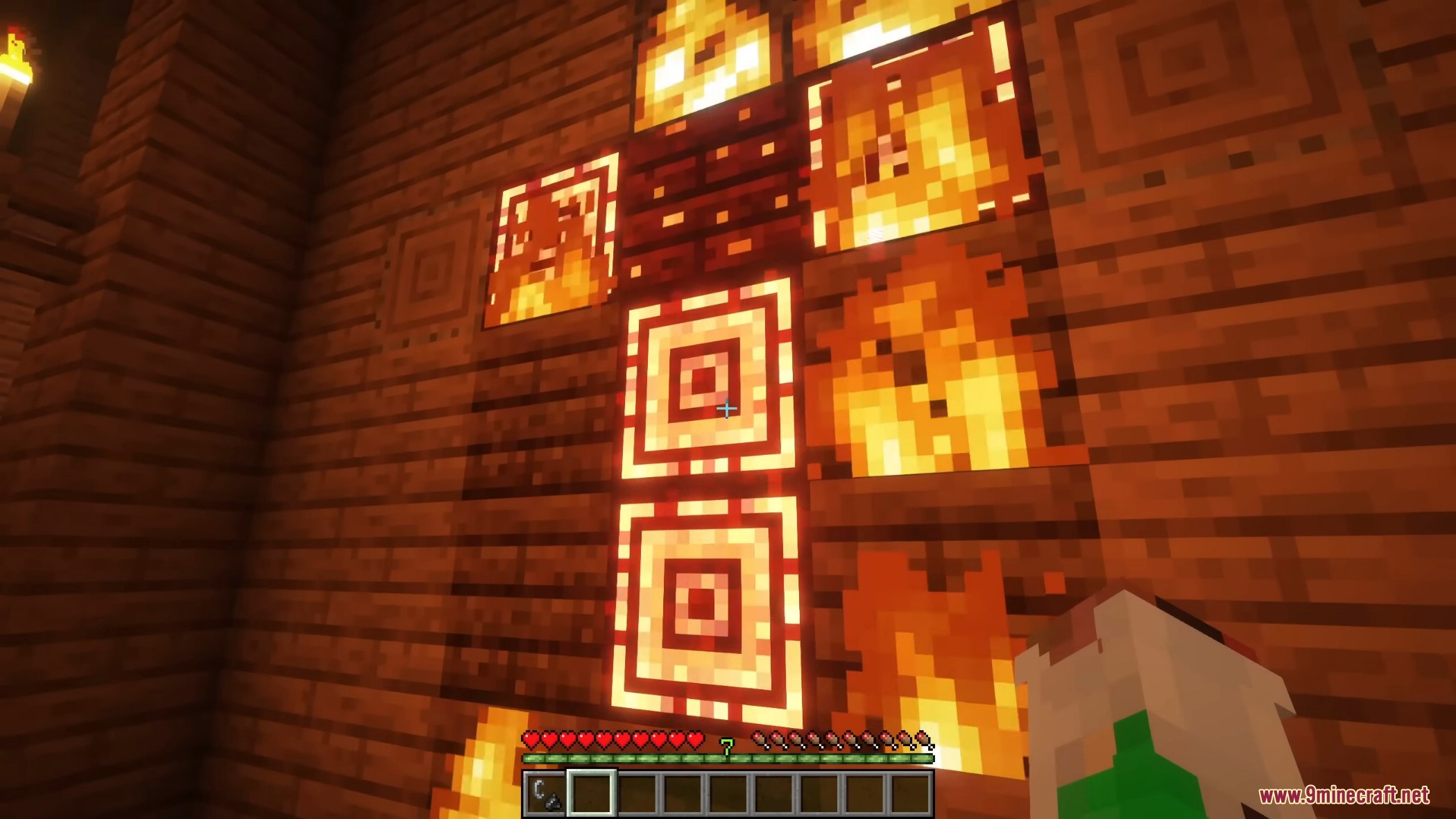
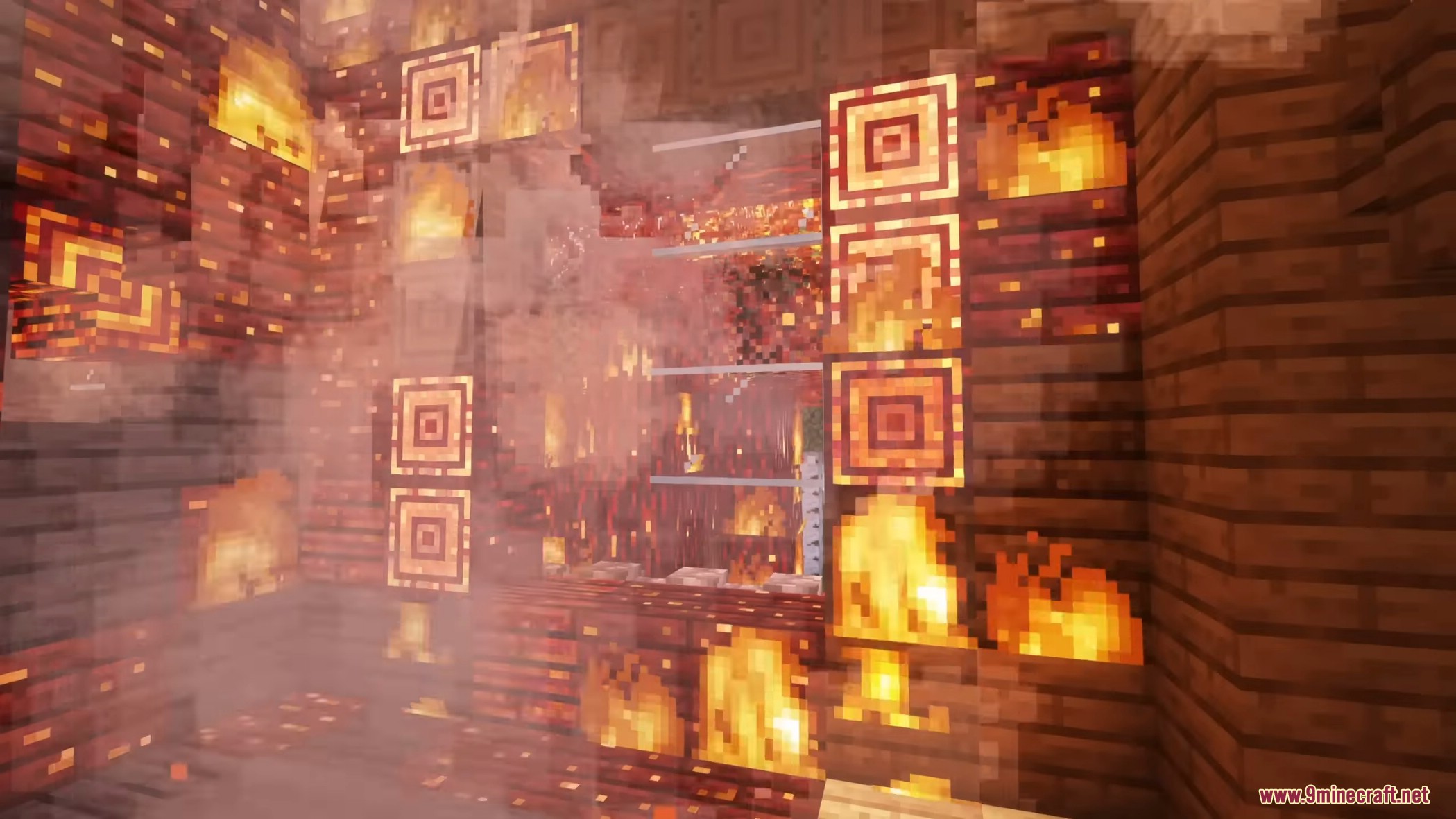
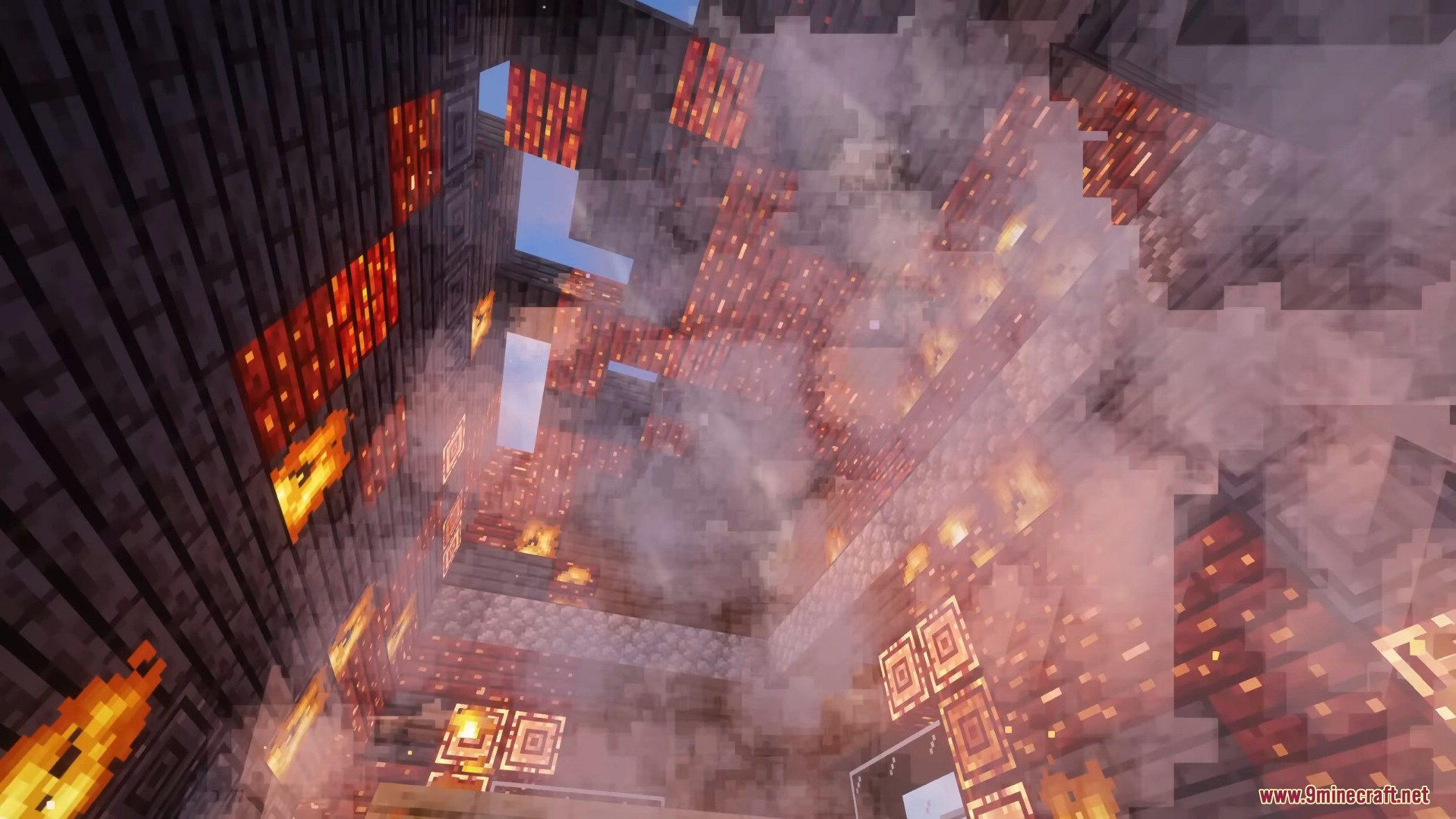
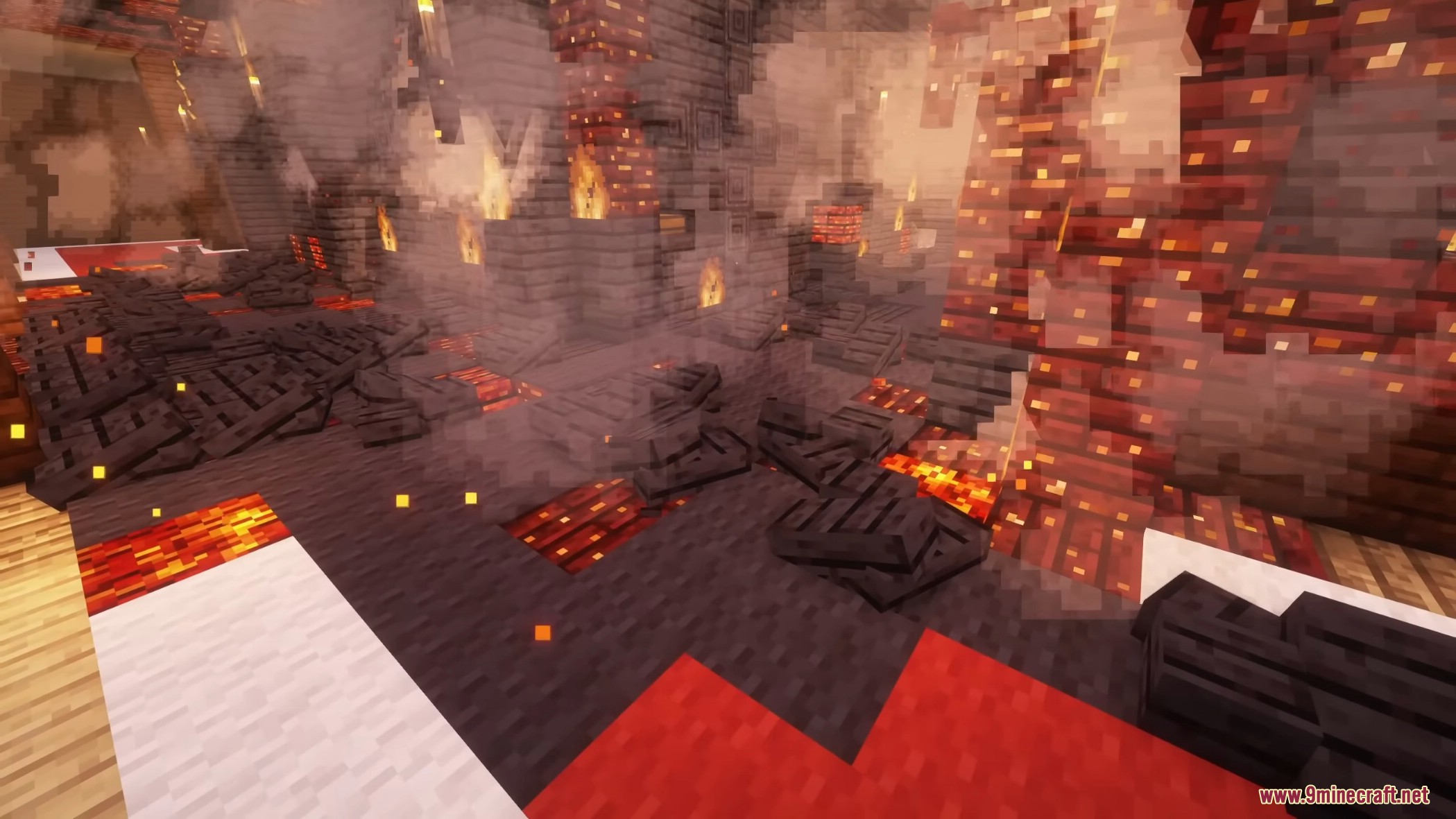
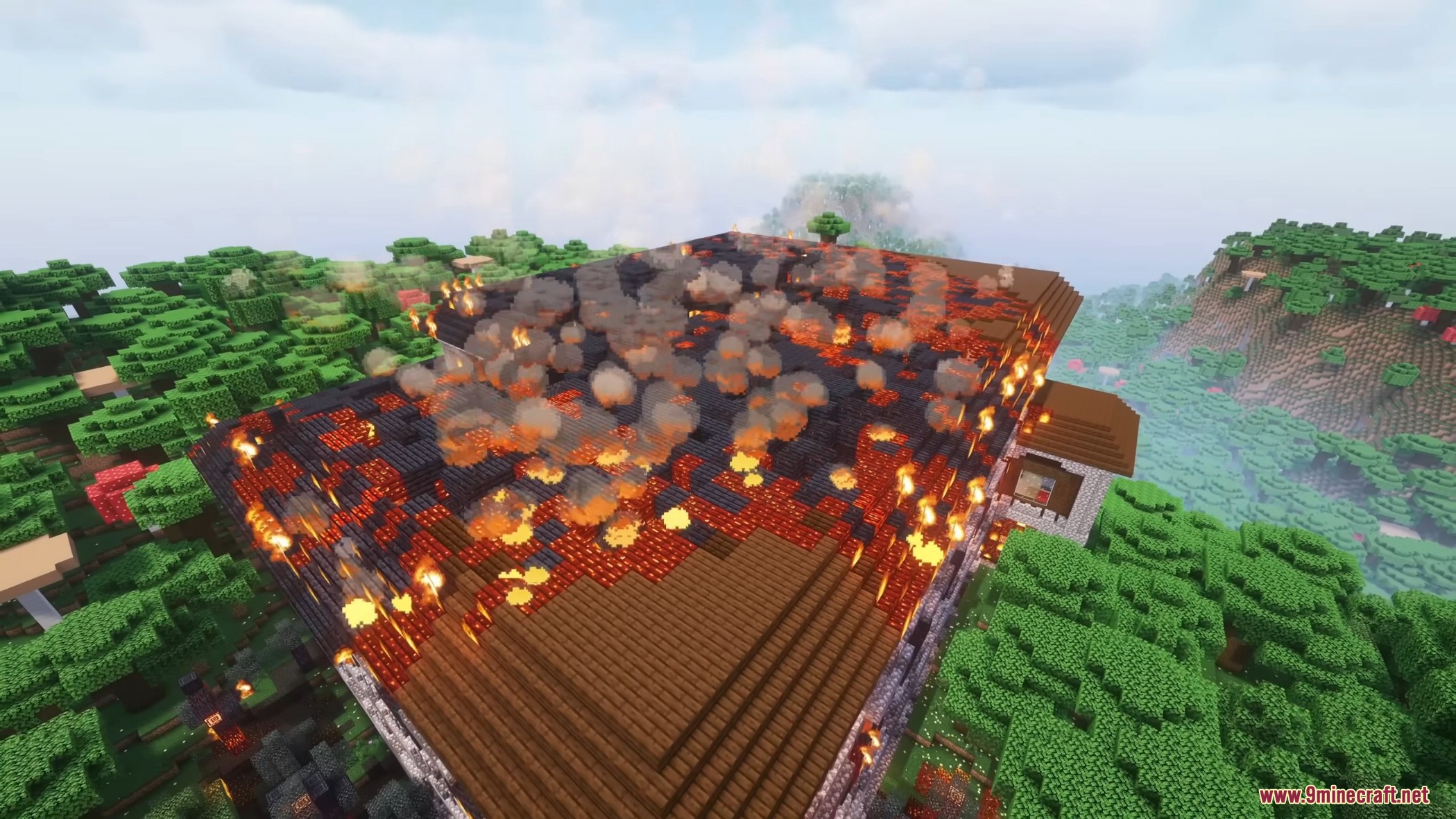
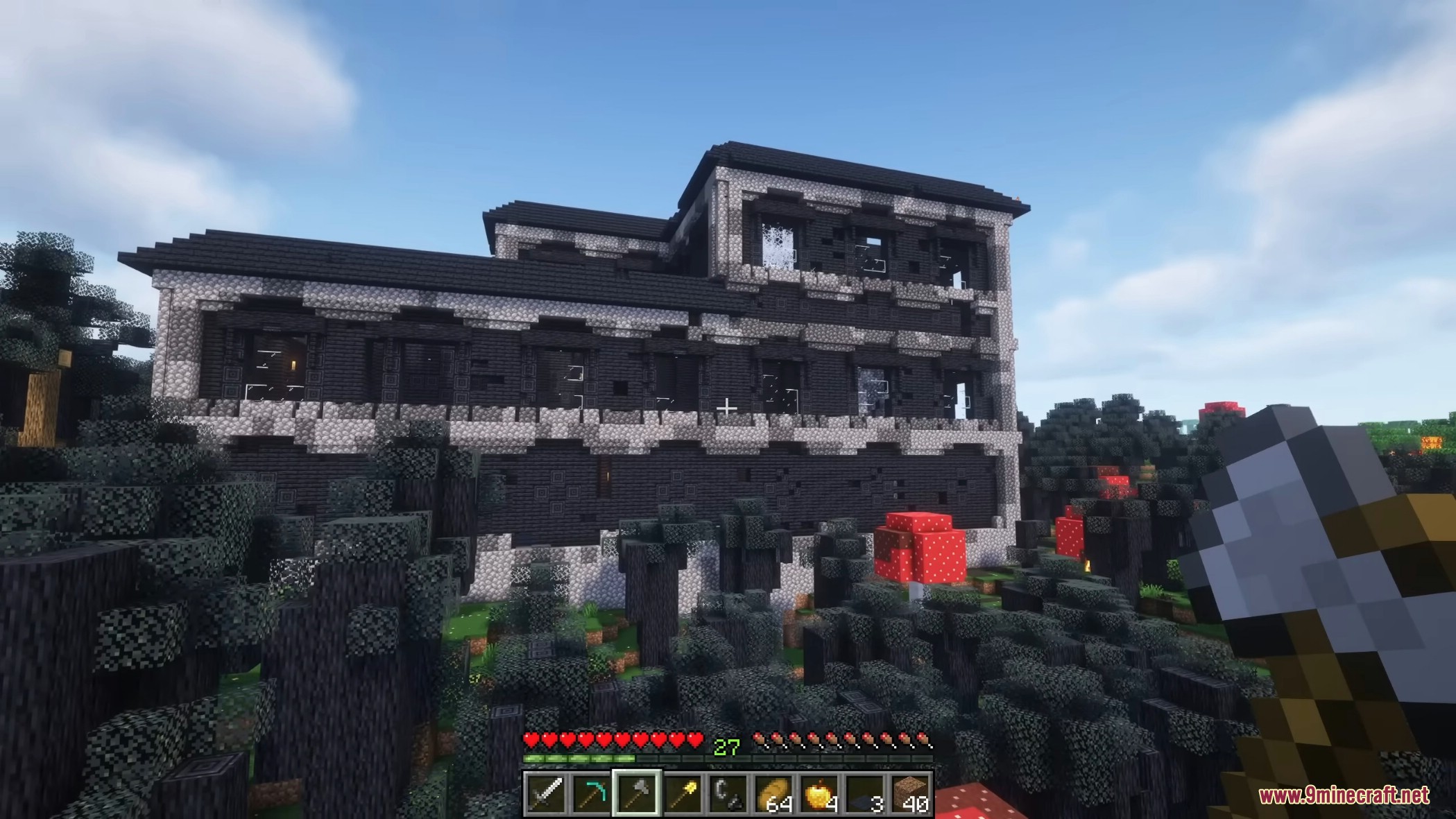
Burnt Basic Mod reworks how fire acts in the game. When a wooden block catches fire, it does not just disappear. The flames spread naturally across floors and roofs, leaving behind glowing embers and dark, burnt wood. Wind blows the flames around, meaning a small spark can quickly burn down an entire mansion. You can even collect the charred remains to use as new building blocks.
Features:
- Realistic Fire Destruction: The Burnt Basic Mod changes how fire works so it leaves behind burnt wood and ruined structures instead of just making blocks vanish.
- Weather and Wind System: The wind controls where the fire spreads and how strong it gets, while rain helps slow it down.
- Biome Effects: Fires grow much larger in hot and dry places compared to cold and wet areas.
- Adds new visual details like smoke plumes in the distance, falling ash, and glowing embers inside burning houses.
- Lets you gather new burnt wood blocks from the remains of trees and buildings.
- You can read the wind direction using flags to guess where the flames will move next.
- Burnt Basic Mod includes a special emergency command (/burnt killFire) to stop everything if a fire gets out of control.
Ways to Start a Fire:
- You can light blocks normally using flint and steel.
- Starts fires when you shoot arrows from a bow with the Flame magic.
- Players can set off explosive fire barrels using redstone or arrows.
- Creates a blaze when lava touches wood or lightning strikes.
- Causes a fiery explosion if a creeper is hit by a flaming arrow.
Fire Behavior and States:
- Blocks go through different stages like smoldering, blazing, breaking, and fully burning.
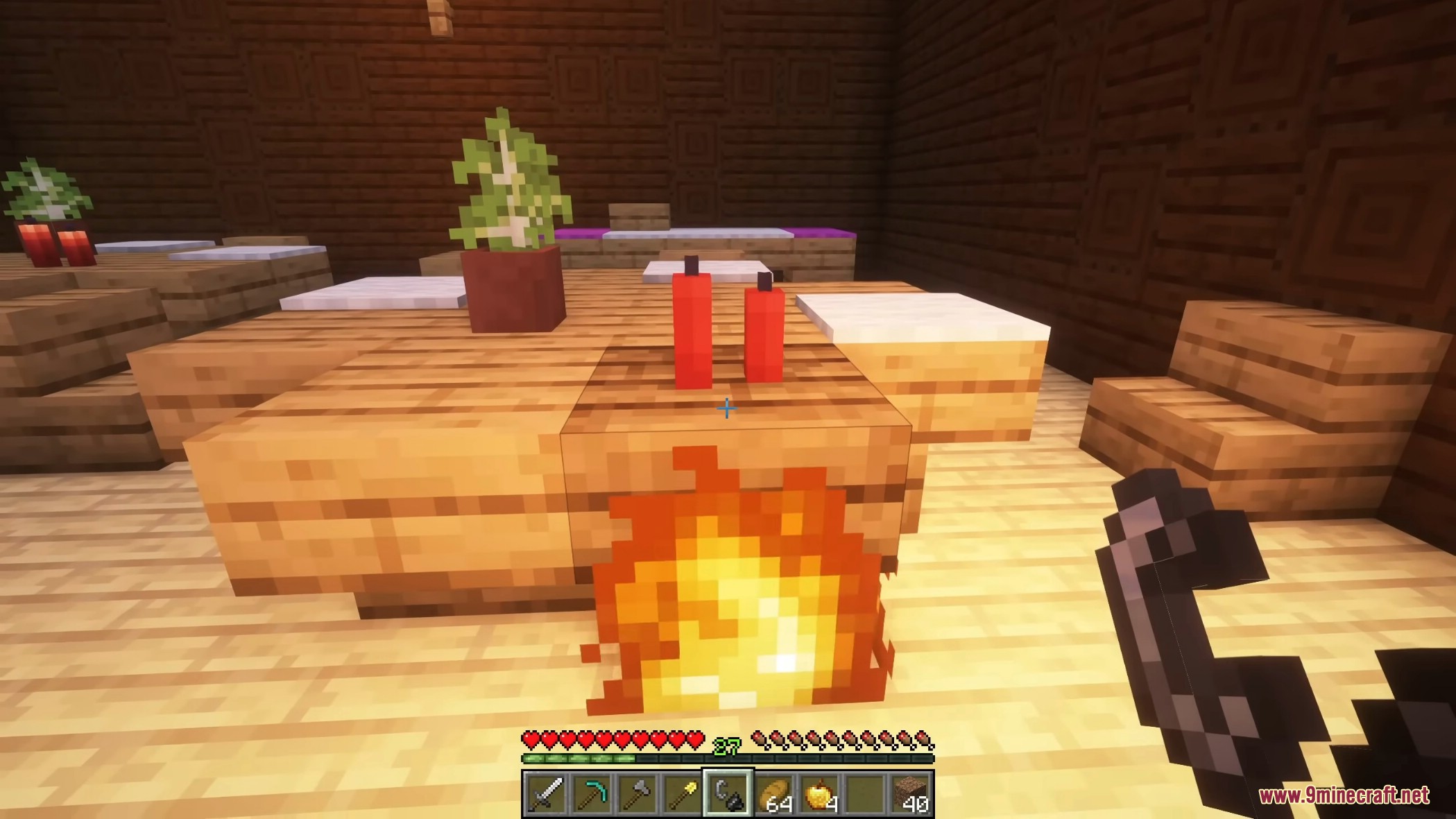
- Flames spread naturally across grass, leaves, and wooden tables or roofs.
- The mod makes fires look more dangerous as they slowly eat away at large mansions.
How to Control the Flames:
- Players can craft and use a fire extinguisher to put out burning blocks.
- Puts out flames when you throw a wind charge at them.
- Iron Golems will actually step in and help fight fires if a village starts burning.
Commands:
/burnt killFire– Use this command in an emergency to stop fires.
How to Use:
- Start a fire: Use a Flint and Steel, a lava bucket, or a bow with the Flame enchantment on wood or leaves. You can also place a Fire Barrel and light it.
- Check the wind: Place flags around your area. The wind changes where the fire moves and how fast it spreads.
- Put out the flames: Craft a Fire Extinguisher or throw a wind charge at the burning blocks to stop the fire. Regular water also works.
- Get burnt blocks safely: Place regular wood inside a Smoker to make burnt wood types without starting a real fire.
- Stop emergencies: Type
/burnt killFirein your chat if the Burnt Basic Mod fire gets out of control.
Screenshots:
Burnt Basic Mod Download Links
Quick facts
- Edition: Minecraft Java
- File type: .jar
- Minecraft versions listed: 1.21.11, 1.20.1
- How to install: Install the matching mod loader (Forge, Fabric or NeoForge) for your Minecraft version. → Download the .jar. → Put it in the .minecraft/mods folder and launch that loader profile.
- Where to get it: In MC Java Mods, or directly above on this page.
Install steps are the general flow for this file type — How to install Minecraft Java mods & modpacks walks through it step by step.
Verified by MCModsHub
- Downloads as 2815.mcaddon
- Download size: 7.0 MB
- Download link checked 25 Sept 2026 — working
- Mirrored on our own servers — the download does not depend on the original host
These come from our own check of the pack file, not from the source page.