![Sphere's Redstone Clock [Forge]](https://cdn.modrinth.com/data/rvsS8dhT/6c328c9995881d29008cee553ec2a067d5036b3e_96.webp)
![Sphere's Redstone Clock [Forge] — screenshot 1](https://cdn.modrinth.com/data/rvsS8dhT/images/6ef7e22058dd70202e57d089a09df814279f9742.png)
![Sphere's Redstone Clock [Forge] — screenshot 2](https://cdn.modrinth.com/data/rvsS8dhT/images/14a1d3b9d2b94ec80cf3546a924083c6ea115bb1.png)


🕚 Sphere's Redstone Clock
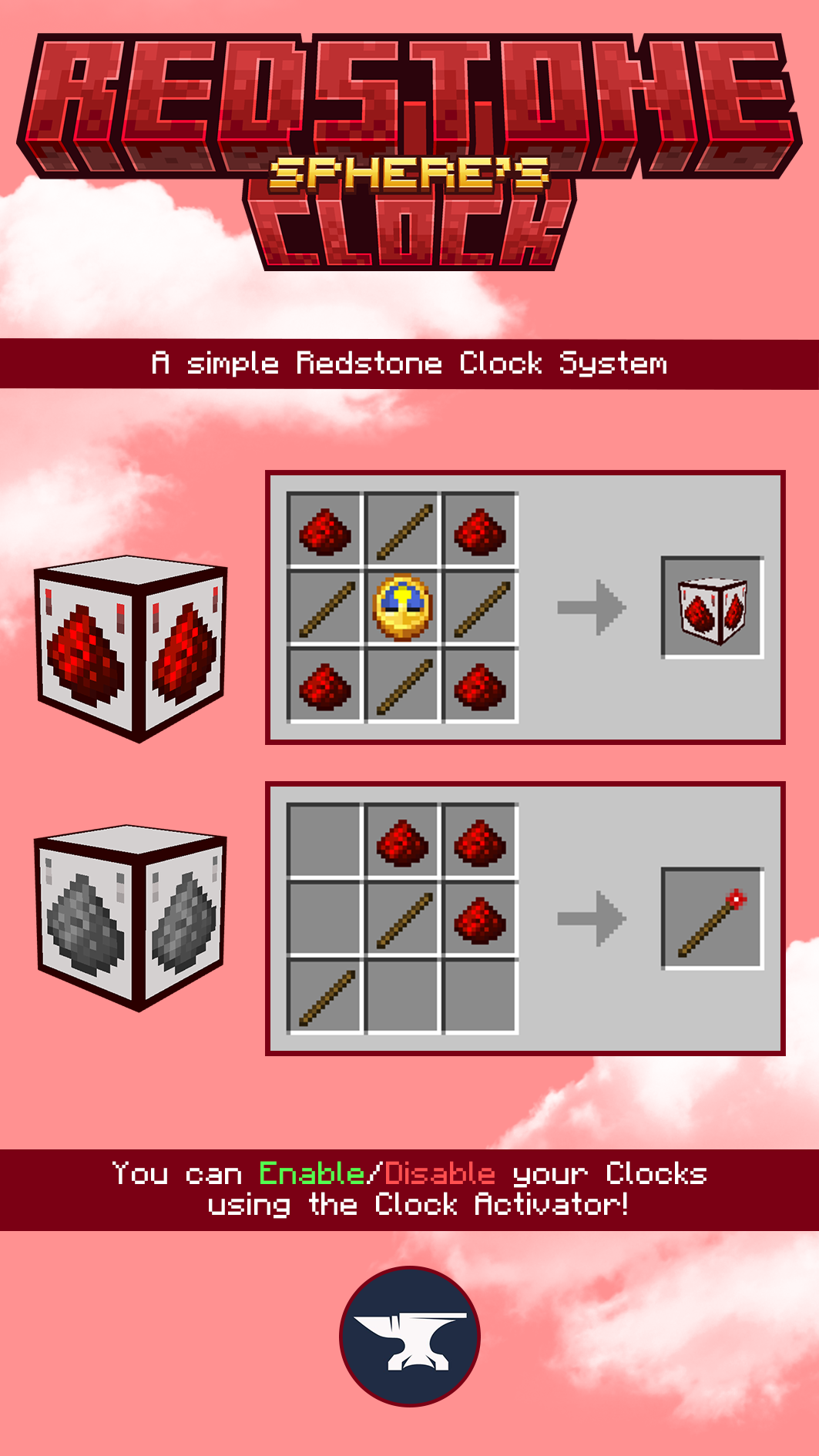
A server-side mod that adds a Redstone Clock system to your server. You can enable/disable clocks using the Clock Activator!
Quick facts
- Edition: Minecraft Java
- File type: .jar
- Minecraft version listed: 1.20.1
- How to install: Install the matching mod loader (Forge, Fabric or NeoForge) for your Minecraft version. → Download the .jar. → Put it in the .minecraft/mods folder and launch that loader profile.
- Where to get it: Opens on Modrinth — not every file is mirrored on our own servers.
Install steps are the general flow for this file type — How to install Minecraft Java mods & modpacks walks through it step by step.
Verified by MCModsHub
- Ships as Sphere's Redstone Clock - Forge 1.20.1.jar — drop this file into the mods folder
- Download size: 40 KB
- Download link checked 5 Sept 2026 — working
These come from our own check of the pack file, not from the source page.