
Bloomy Settings Import
Java mod listed for Minecraft 1.21. Downloads from the MC Java Mods app on Android.
A mod that allows you to import and export your options.txt file! Allowing to keep your settings and keybinds between instances.
⬇ Download on Modrinth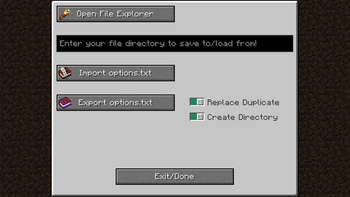
Introduction
Are you sick of needing to reset your settings everytime you make a new instance of minecraft? Bloomy Settings Import offers the solution!
What is Bloomy Settings Import
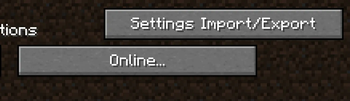
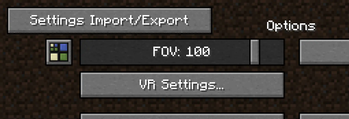
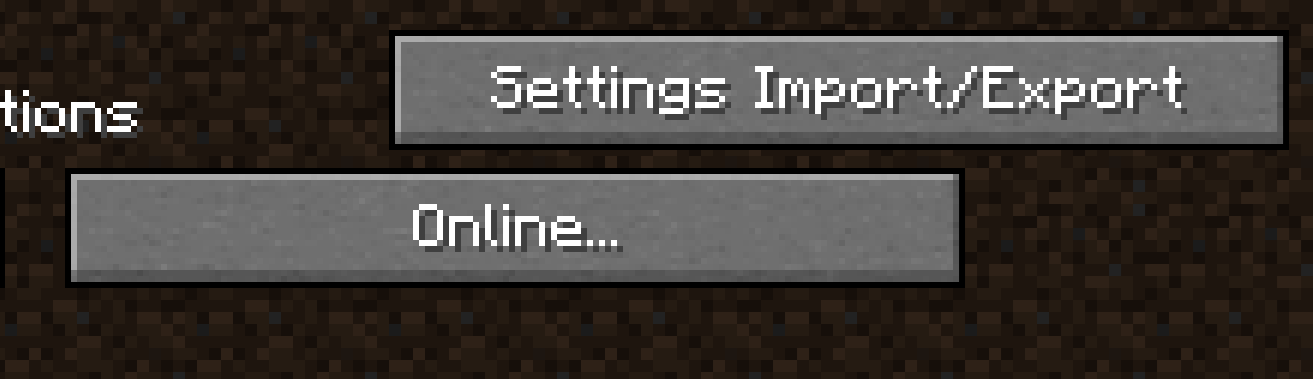
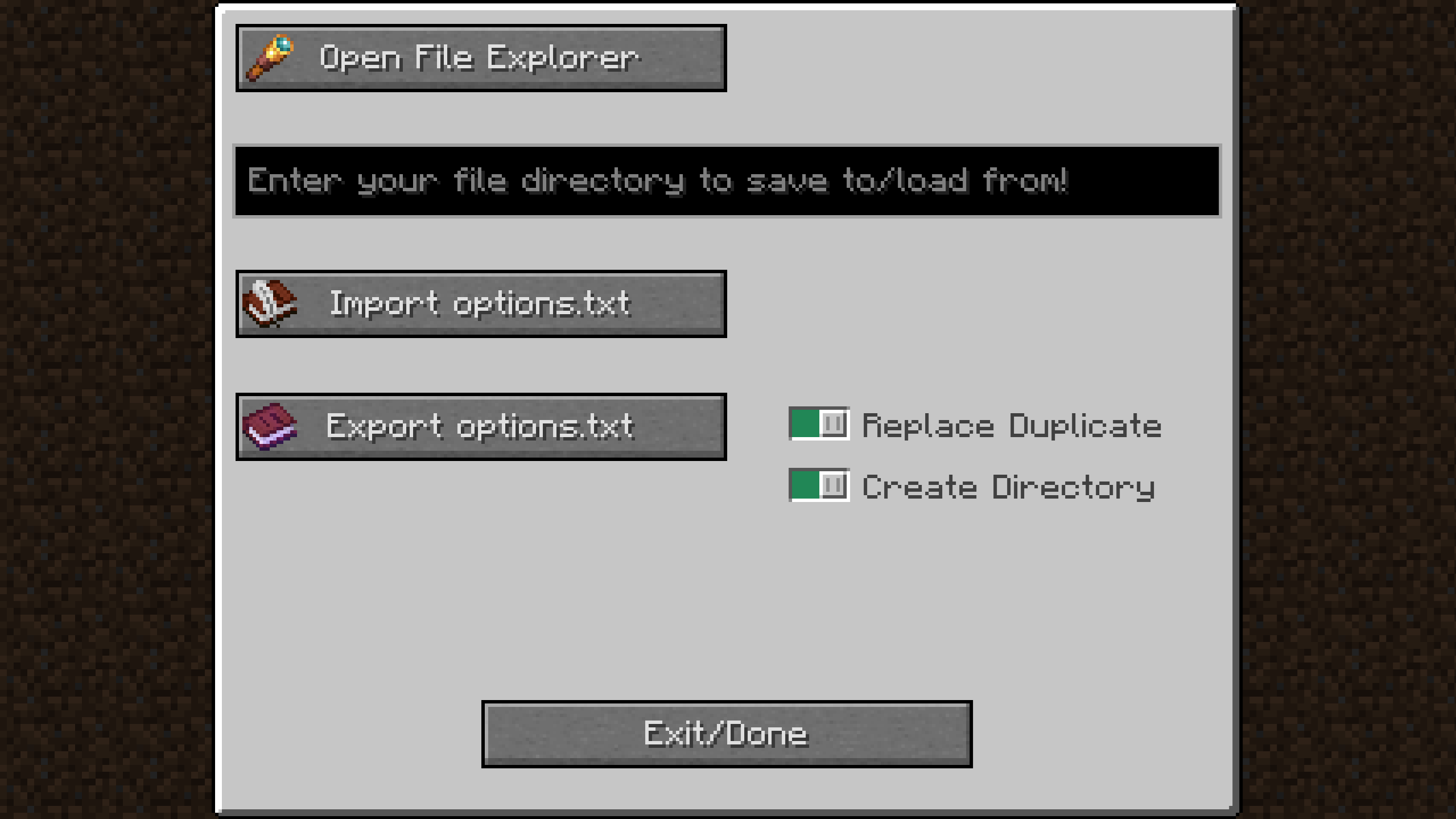
Bloomy Settings Import is a mod originally made for the Bloomy Modpack, but is also perfectly usable as a standalone mod! The mod adds a button in your settings where you can import and export your options.txt file. This little file has the information about what your keybinds are, your graphics settings, your mouse sensitivity, your sound settings, etc.
How does it work
By copying your file paths you can easily make a directory where you want store your options.txt file, without ever leaving the game! In the same way, by copying a file path from anywhere on your computer you can easily import an options.txt file, restoring the settings you had previously configured.
- Edition: Minecraft Java
- File type: .jar
- Minecraft version listed: 1.21.8
- How to install: Install the matching mod loader (Forge, Fabric or NeoForge) for your Minecraft version. → Download the .jar. → Put it in the .minecraft/mods folder and launch that loader profile.
- Where to get it: Opens on Modrinth — not every file is mirrored on our own servers.
Install steps are the general flow for this file type — How to install Minecraft Java mods & modpacks walks through it step by step.
- Ships as bloomysettingsimport-1.0.2+1.21.8.jar — drop this file into the mods folder
- Download size: 397 KB
- Download link checked 15 Oct 2026 — working
These come from our own check of the pack file, not from the source page.