
Login Text
Shows some text as Title on joining any server
Can be configured via file "./minecraft/config/logintext.properties".
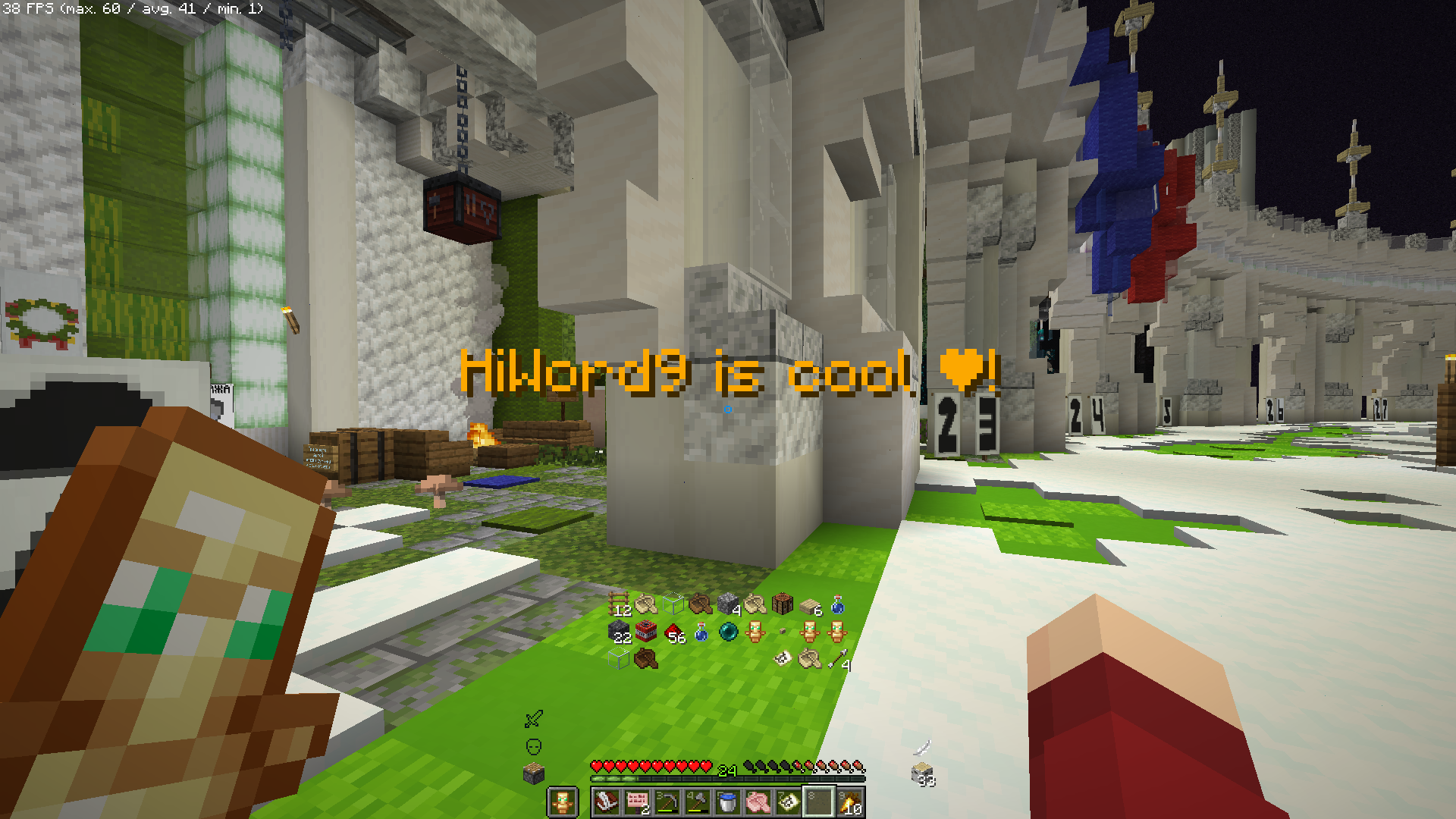
Use "customtext=" to set what u want, "%nickname%" will be replaced with ur nickname, "%heart%" will be replaced to "❤", use "%color%" + number to change color. Example: "customtext=%color%6%nickname% is cool %heart%" will show "HiWord9 is cool ❤" colored as orange. Use "enabled=false" to turn mod off.
Works on >=1.20.1
mod itself has no limits on which version of minecraft to use it, so i think it should work on newer versions but im not sure.
customtext=%color%6%nickname% is cool %heart%!
Quick facts
- Edition: Minecraft Java
- File type: .jar
- Minecraft versions listed: 1.20.1, 1.20.2, 1.20.3
- How to install: Install the matching mod loader (Forge, Fabric or NeoForge) for your Minecraft version. → Download the .jar. → Put it in the .minecraft/mods folder and launch that loader profile.
- Where to get it: Opens on Modrinth — not every file is mirrored on our own servers.
Install steps are the general flow for this file type — How to install Minecraft Java mods & modpacks walks through it step by step.
Verified by MCModsHub
- Ships as logintext-1.0.0.jar — drop this file into the mods folder
- Download size: 7 KB
- Download link checked 5 Sept 2026 — working
These come from our own check of the pack file, not from the source page.