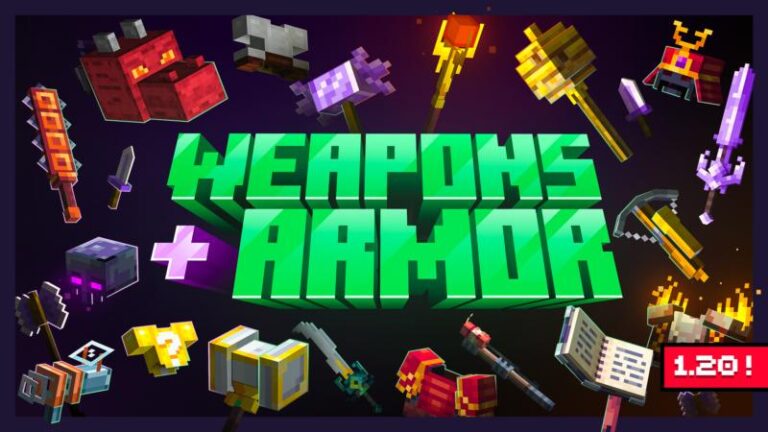
Weapons + Armor Addon | Minecraft Addons PE
Weapons + Armor Addon is a epic addon with hundreds of new weapons and armors! Craft launchers, Swords, and over 250+ unique items and 50+ new pieces of…
⬇ DownloadOpen in MCModsHubGet it on Google Play →Weapons + Armor Addon is a epic addon with hundreds of new weapons and armors! Craft launchers, Swords, and over 250+ unique items and 50+ new pieces of armor. Are you ready for some crazy, incredible battles?
Creator: Weapons + Armor Team
Weapons + Armor Addon
Journey to a new world and let your imagination loose on an unfamiliar environment. With so many things to discover, the possibilities are nearly endless. Join us as we dive into the diversity and excitement of this incredible addon!
+ New Weapons & Armor!
Over 250+ unique items and 50+ strong armor
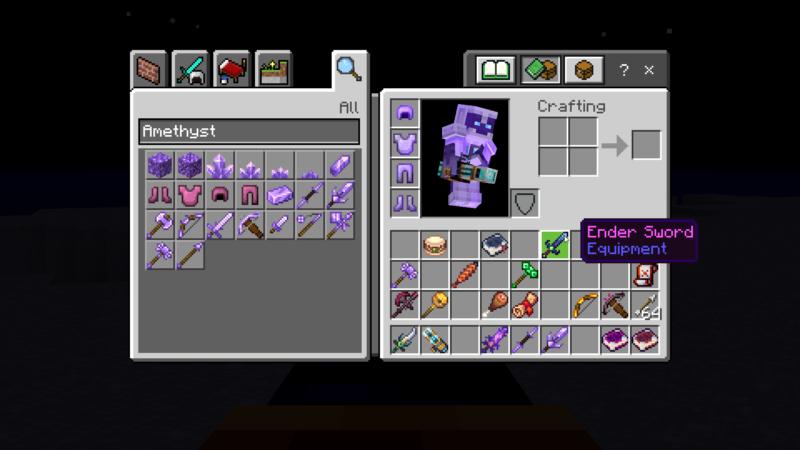
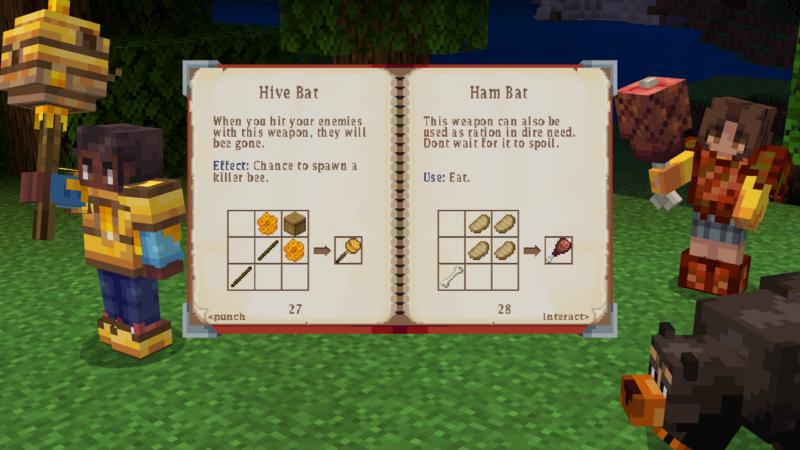
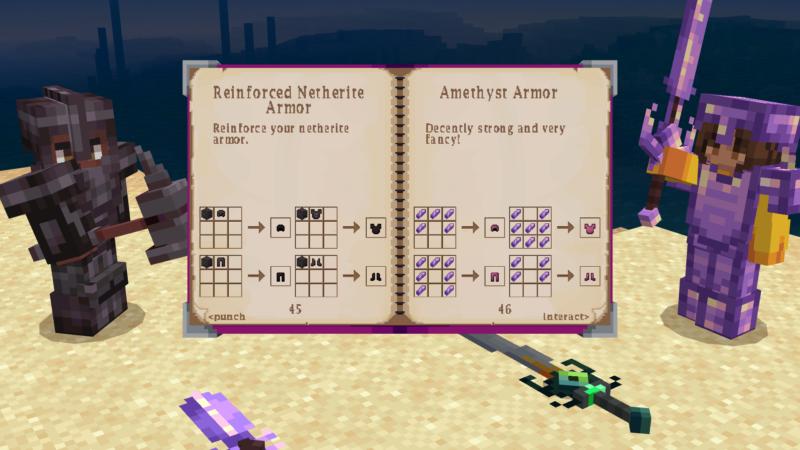
+ Combine!
Combines many pieces of items on crafting table to create new weapons or armor!
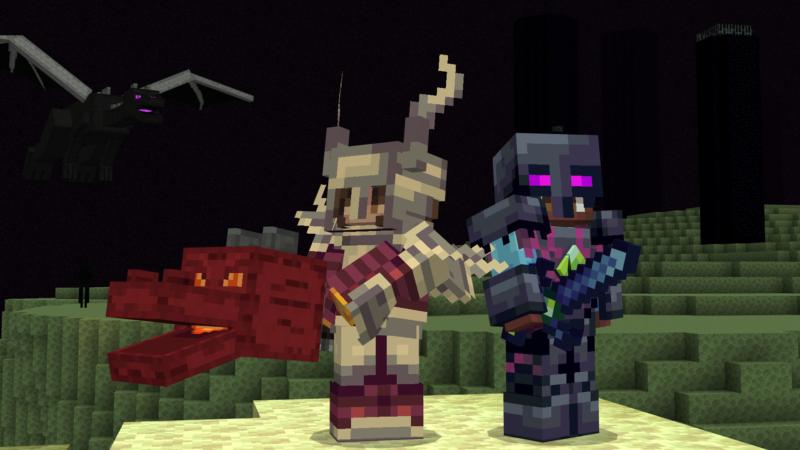
+ New Mobs
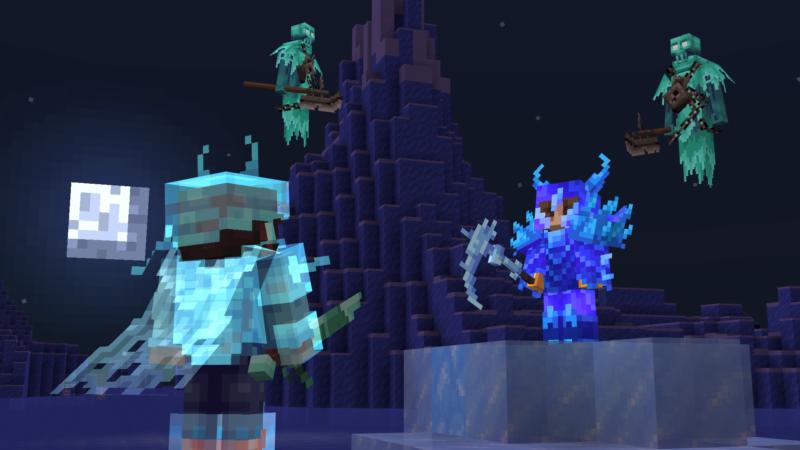
Explore the world and fight with the mob you never see.
+ Epic Magic!
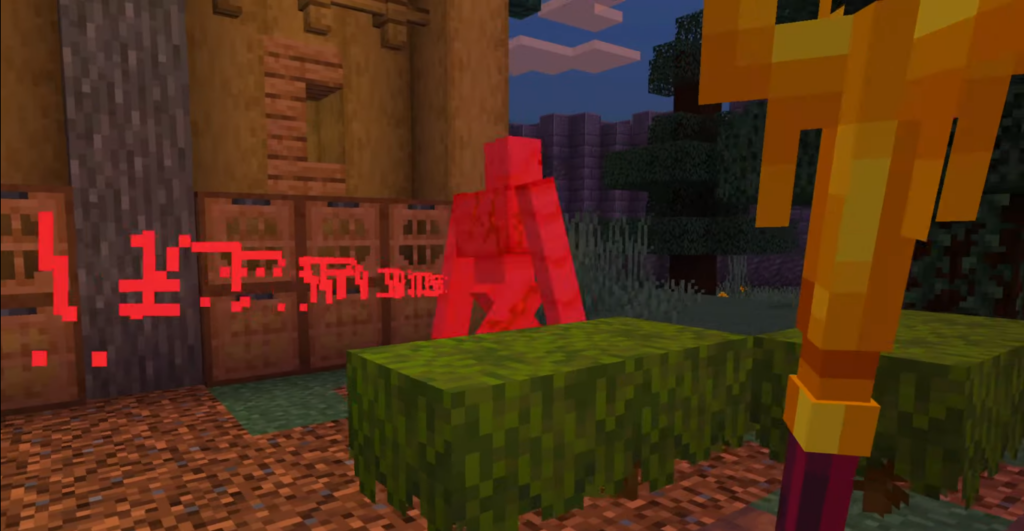
A few items have cool Magic Effect!
Installation
- Find the Installation Location: Open the “Files” app or a file manager on your device.
- Navigate to the folder where your Minecraft PE files are stored.
Typically this can be found under
“Internal Storage” > “games” > “com.mojang” > “resource_packs” for textures and “behavior_packs” for behavior addon. - Move the MCADDON: Copy or move the downloaded MCADDON file to the folder (resource_packs or behavior_packs).
- Start Minecraft PE: Open the Minecraft Pocket Edition app on your device.

↳Download Weapons + Armor Addon pack
- Select the Addon: From the game’s main menu, go to “Settings” > “Global Resources”.
- There, you will find the MCADDON mod listed among the available resources.
- Activate the Mod: Click on the MCADDON mod you want to use to activate it.
- Apply Changes: Click the confirm button or restart the game as prompted.
MCPE Addons
- Pack type: .mcaddon — behaviour and resource pack in one file
- Manifest requires Minecraft 1.20.0 or newer
- Download link checked 17 Jun 2026 — working
- Mirrored on our own servers — the download does not depend on the original host
These come from our own check of the pack file, not from the source page.